Your time tracking tool

The tool that gives you your time back

Working hours, projects and absences - clockin records all of it digitally, manages it in real time and keeps it clearly available whenever you need it.

  • DSGVO
  • ab 3,59 €
  • 100 % Made in Germany
14 Tage kostenlos testen, ohne Angabe von Zahlungsmitteln
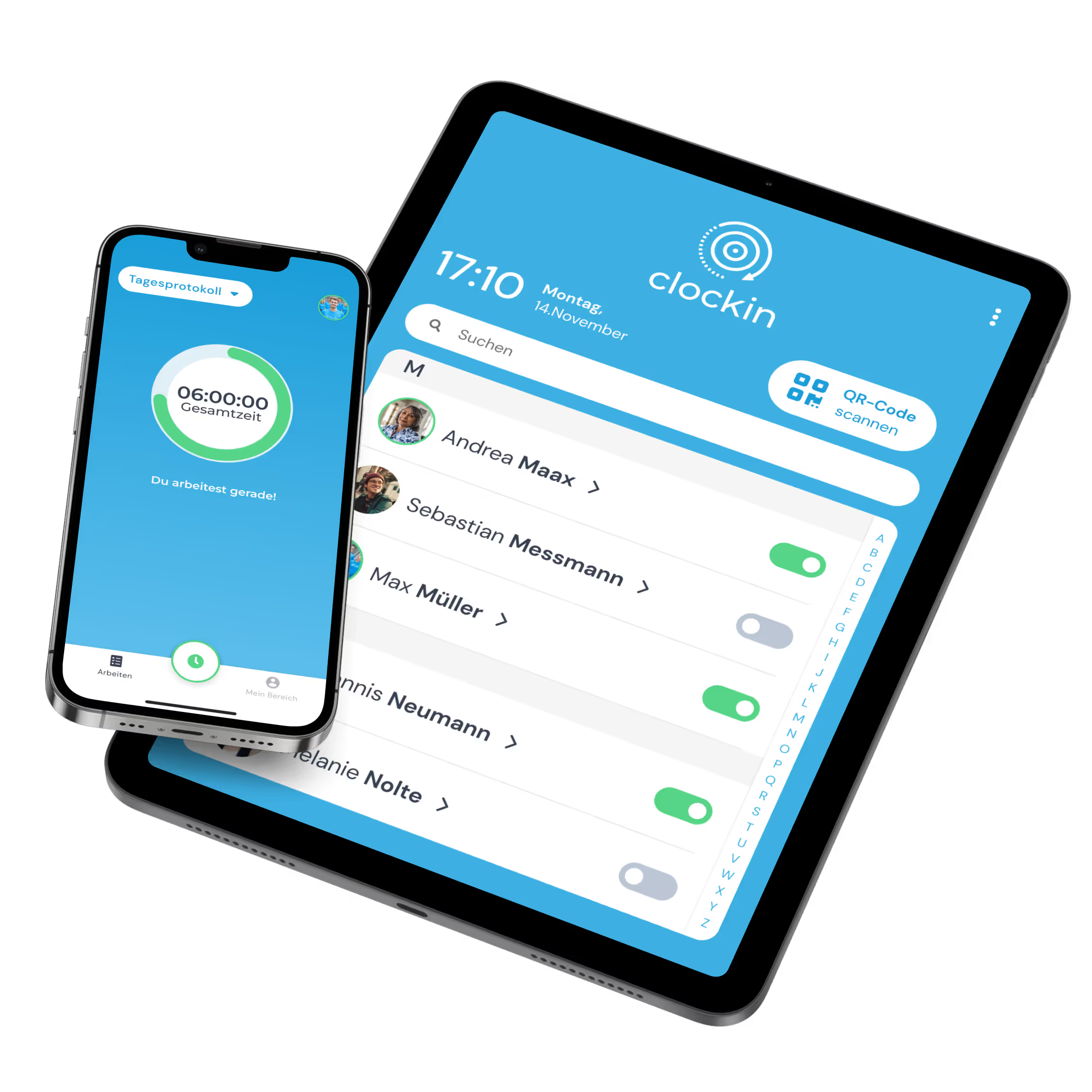
Arbeitszeiten lassen sich dank clockin mit nur einem Klick erfassen.
  • 4.9
    412+ reviews on OMR
  • Made in Germany
    GDPR & CJEU compliant
  • From €3.59 / month / user
    Fair packages, flexibly adjustable
OMR Leader BadgeTrusted - Zeiterfassung Testsieger mit Note 1.1
trusted 06/2026Datev Marktplatz Schnittstellen Partner

Your benefits – simple, fast, efficient.

simple
The clockin app is the time tracking tool that needs no explaining.
fast
Fifteen minutes is all you need to get going with clockin.
efficient
clockin sharpens more than working time tracking: project documentation and absence management too

Die beliebteste Zeiterfassung für den Mittelstand

Einfach, schnell und ohne Schnickschnack – das ist clockin. Entwickelt mit Nutzern aus der Praxis und von Kunden mit Bestnoten bewertet.

OMR Leader Badge
OMR Badge Top Rated in "Time Tracking Software" Q1/25
Aktuelle OMR Bewertung

Time tracking via app – simple, mobile, anywhere.

Our time tracking tool records working hours effortlessly – in the office, on the road or working from home.

  • Effortless to use
  • Timesheets created automatically, ready for payroll accounting.
  • Goodbye paperwork chaos – full efficiency on your smartphone.
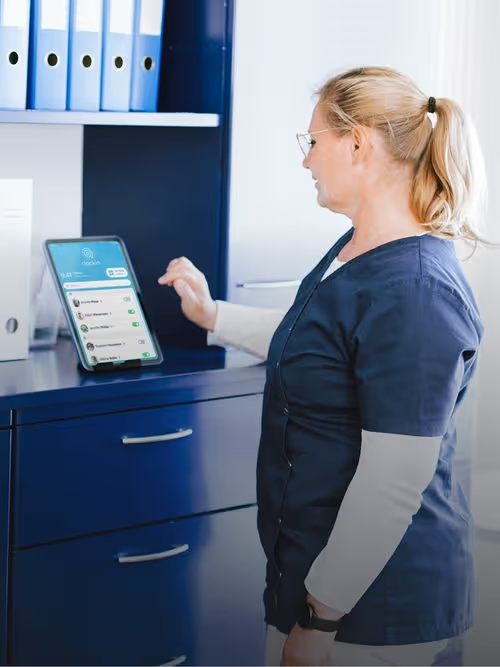
clockin Stechuhr: Browserzeiterfassung, Tablet-Terminal, clockin Appclockin Stechuhr: Browserzeiterfassung, Tablet-Terminal, clockin App

Manage absences straight from the app.

Our time tracking tool makes vacation requests and sick leave notifications digital, quick and straightforward – right in the app.

  • Submit vacation requests and sick leave notifications from a smartphone.
  • Automatic sync, with no paperwork at all.
  • Efficient absence management, anywhere and any time.

Digital project file – everything in your app.

The mobile project file keeps you and your employees on top of everything, whether you are on site or on the road. Travel time, notes and checklists are captured in the app and synced.

  • All the important data available on mobile.
  • Smooth sync with the office.
  • Checklists, photos and notes straight into the project file.
Mockup clockin "Projektakte", "Projektstatus" und Fotonotiz-Funktion in der clockin AppMockup clockin "Projektakte", "Projektstatus" und Fotonotiz-Funktion in der clockin App

Jetzt unverbindlich 14 Tage testen – ohne automatisches Abo

clockin ist in nur 15 Minuten startklar
lexware office
Lexware Office integration
Turn recorded project hours into customer invoices automatically with the Lexware Office integration.
DATEV Datenservice Label
DATEV integration
The DATEV integration automates payroll accounting, so a month's payroll takes a few seconds.
sevdesk
sevdesk integration
The sevdesk integration builds customer invoices straight from the project hours your team records.
clockin Rest Api
Open REST API
Running other software you would like to connect? No problem – the open REST API integrates any system.

Industries

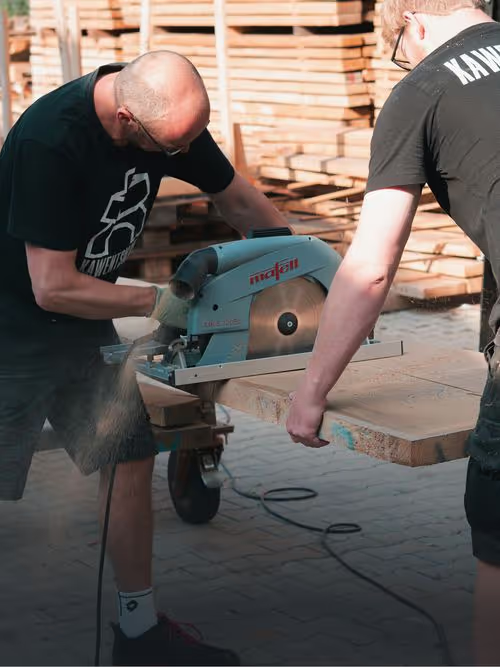
For those who work with their hands.

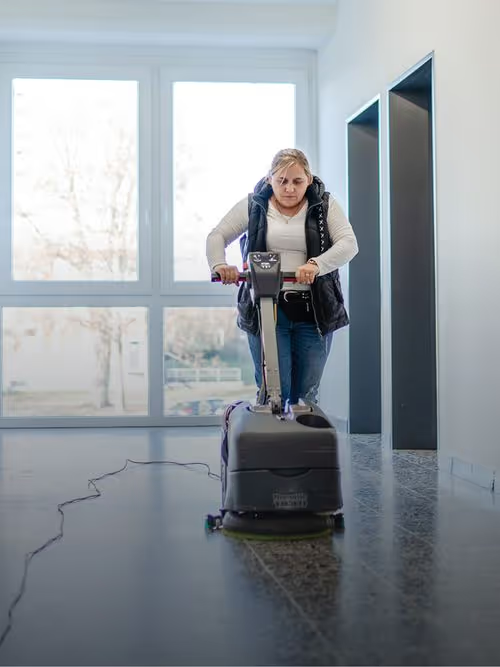
On the construction site, in nursing, or behind the counter. If you don't spend your day at a desk, you need a tool that works wherever you're getting the job done.

FAQ

Who is a time tracking tool like clockin right for?

clockin is ideal for businesses that still work with pen, paper or Excel and now want to go digital without the fuss.
Typical industries: skilled trades, care, commercial cleaning, education, warehousing & manufacturing. For sole traders and small teams the tool is just as useful.

👉 Here we show how the tool saves you time and frustration, step by step:
How to start with clockin when you have worked on paper until now

What can I record with the clockin time tracking tool?

clockin records more than the start and end of a working day. For example:

  • Breaks (automatic or manual)
  • Project hours assigned to customers or jobs
  • Sick days, vacation and other absences
  • Digital notes, photos & signatures at the customer's premises
  • Optional: GPS location on mobile jobs

More information: features overview

Do I need to install anything or involve IT?

No. clockin is cloud-based and runs straight in the browser or in the app. There is nothing to install on a server and no complex IT process. Even older tablets and smartphones work without trouble – ideal when your team is not technically minded.

How does the tool help in the office or with project billing?

clockin saves you the manual rework: every hour is available digitally straight away – to export, to cost a project or to run payroll.
Internal cost allocation gets easier too: you see at a glance how much internal time goes to which projects or departments.

📖 Here is how clockin supports internal cost allocation:
Internal cost allocation explained simply

How can I document processes or assure quality with the tool?

Beyond time tracking, clockin also builds checklists, photo documentation and digital customer sign-off.
So you can document finished work at the customer's premises, back it up with a photo and collect the signature in the app. All of it lands automatically in the digital project file.

👉 Checklists & project documentation with clockin

Which features are included in the tool – and which can I add?

clockin comes in three plans: the digital time clock, project time tracking, and time tracking & documentation. Each builds on the one before.

The digital time clock includes: 

  • Time tracking on a tablet terminal, the smartphone app and a PC
  • Break recording
  • DATEV integration
  • Calendar & absence management
  • custom branding

Project time tracking has every feature of the digital time clock and adds: 

  • Time tracking for projects and subprojects
  • Lexware Office integration for invoicing jobs automatically
  • Digital customer management

Time tracking & documentation has every feature of the digital time clock and project time tracking, and adds: 

  • Checklists & forms
  • Digital project files (incl. comments) 
  • Photos, sketches & notes
  • Digital signatures
How does a digital time tracking tool cut down errors and follow-up questions?

With classic methods such as paper timesheets or Excel, things get murky fast: wrong times, forgotten breaks, missing signatures. That means chasing people, extra rounds of correction and time lost in payroll.

A digital tool like clockin stops exactly that:

  • Automatic plausibility checks: illogical entries (a three-hour lunch break, say) are flagged
  • No duplicates: clock-in and clock-out times are traceable
  • A live overview for managers: anything unusual is visible immediately
  • Audit-proof storage: every entry is documented – no more arguments
  • One process for everyone: no more private paper workarounds in the team

The result is real: fewer questions, more time, safer processes. In the busy stretches – vacation season, month-end closing – the tool really pays off.