Employee self-service
A full overview of working hours, absences and projects at any time. Clock in from the app, request time off and check your daily log – simple, transparent and available anywhere.
- GDPR
- 100% Made in Germany
- Compliant with the EU time tracking ruling






.svg)

Deine Vorteile


Employee self-service highlights

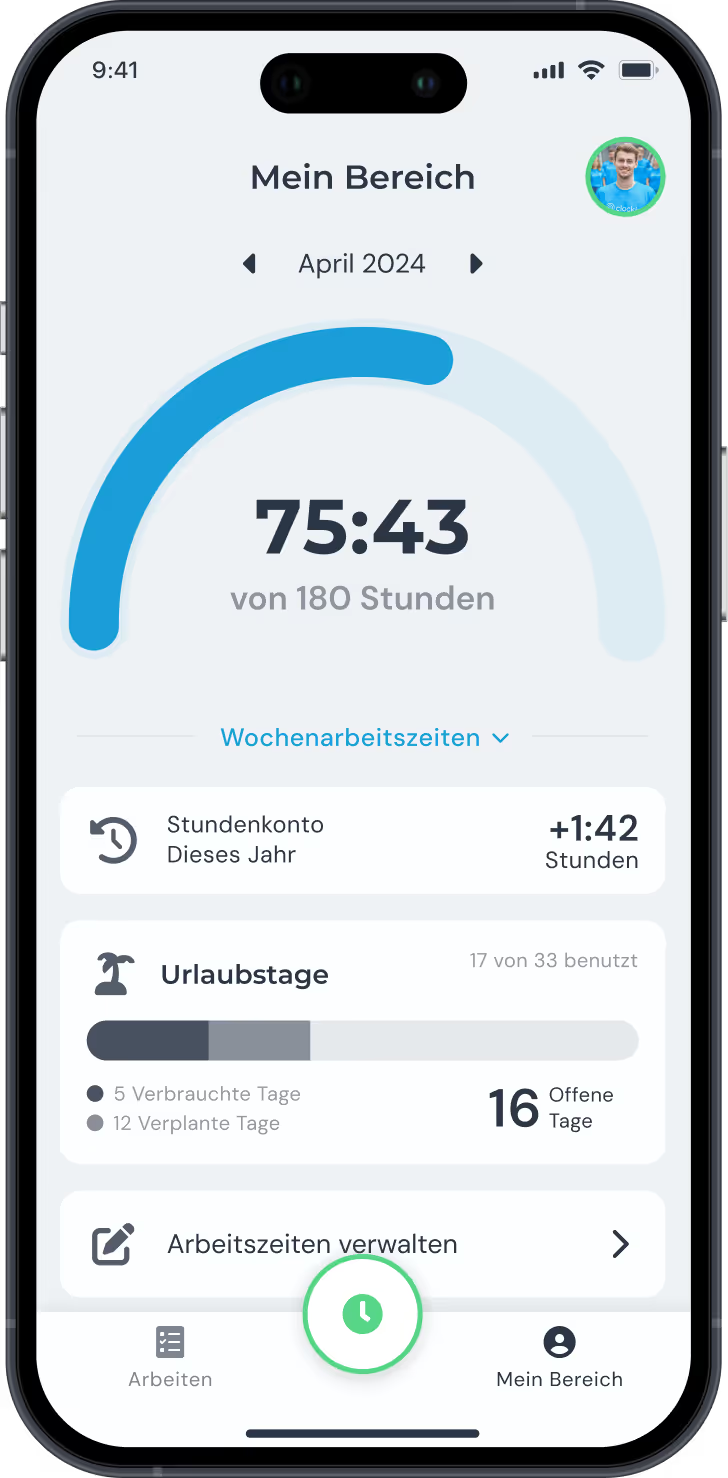
Hours overview
Working hours in view, productivity under control.
The hours overview gives you a transparent picture of the hours worked. That way you spot bottlenecks early and spread the workload across the team properly.
- An overview of the hours worked.
- Simple export and detailed analysis.
- Even workloads for higher productivity

DATEV data services
Payroll, digital and simple.
With the DATEV integration from clockin you can provide your employees' payslips digitally and automatically. All payslips are archived securely and available at any time.
- Payslips provided automatically via DATEV.
- Digital archiving and access at any time.
- No paperwork, everything secure and clearly laid out.

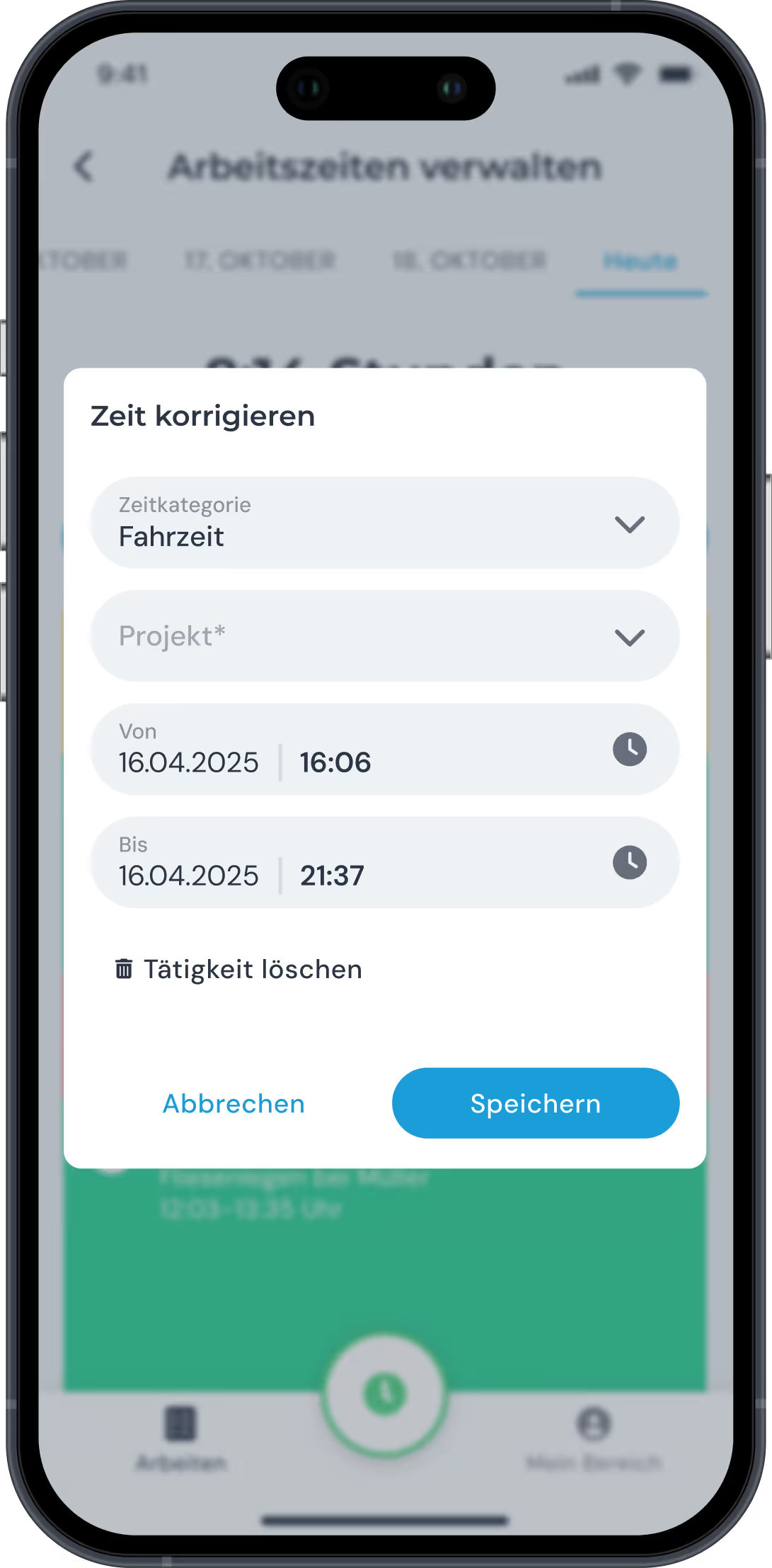
Correcting working hours
Incorrect working hours? No problem!
With clockin you can easily correct incorrect working time entries. Both you and your employees can adjust working hours to keep hours management accurate and reliable.
- Quick correction of incorrect working hours.
- Adjustments possible by you or by your employees.
- Fewer billing errors, accurate records

Log sick days and time off from the app
Report absences straight from the app.
Your employees can enter sick days and leave days directly in the clockin app. That saves time, makes administration easier and keeps communication in the team running smoothly.
- Absences recorded easily through the app.
- Automatic notifications for fast workforce scheduling.
- No forms or emails – save time, plan more efficiently.

In nur 3 Schritten startklar mit clockin!
clockin takes your time tracking digital in no time. Start your free trial, set everything up yourself or use our service – within a few hours the paperwork is behind you and you are recording working hours straight from the app!


FAQ
Can employees request time off or absences through the app?
Yes. Leave and absence requests can be submitted directly in the app and approved by managers – digitally and without the paperwork chaos.
What information do employees see in employee self-service?
Hours worked, breaks, leave entitlement, sick days and overtime, for example.
Is employee self-service worthwhile for smaller teams too?
Definitely. Small businesses in particular benefit from the reduced workload – and employees from a better overview and more ownership.
What happens when an employee leaves the company?
Access to employee self-service can be blocked immediately. All data is kept for the office and remains documented and traceable.
How secure is the data in employee self-service?
Very secure. clockin stores all data in Germany in line with the GDPR. Access rights are clearly defined – you decide who may see what.
Can employees correct their working hours after the fact?
That is possible – if you allow it in the settings. Changes can include a comment and go for approval.
Can employee self-service be used offline?
Yes. A lot of information can be viewed and requests prepared offline as well. As soon as there is a connection, everything is synced automatically.
Can sick leave notifications be submitted digitally as well?
Yes. Employees can upload sick leave notifications including a photo of the doctor's note. Everything goes straight to the right contact person.