AI video documentation
Film it once. Never type again.
Your documentation is finished in 2 minutes. No typing, no sorting photos, no forgotten tasks.
How it works
Everything captured. Completely automatically.
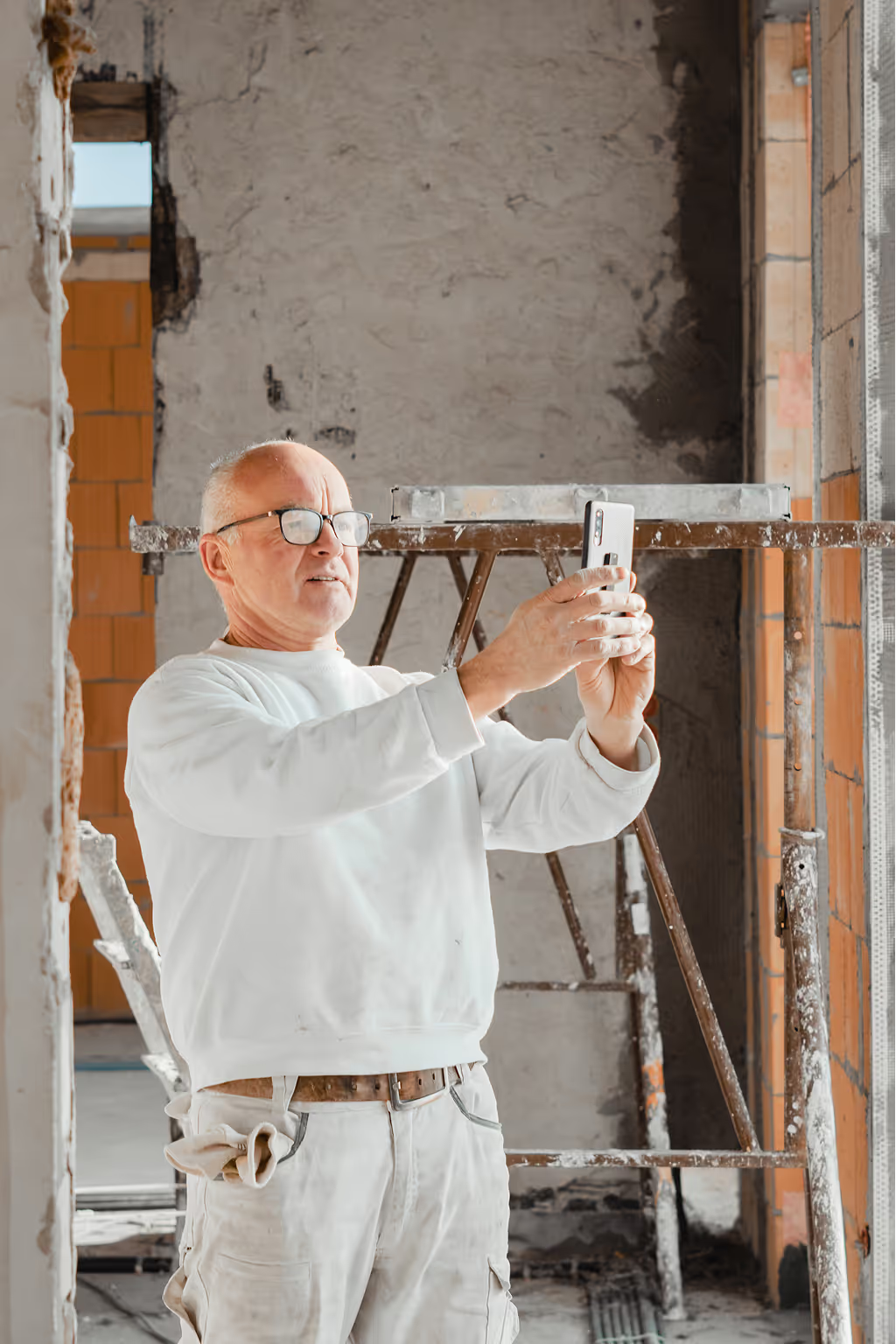
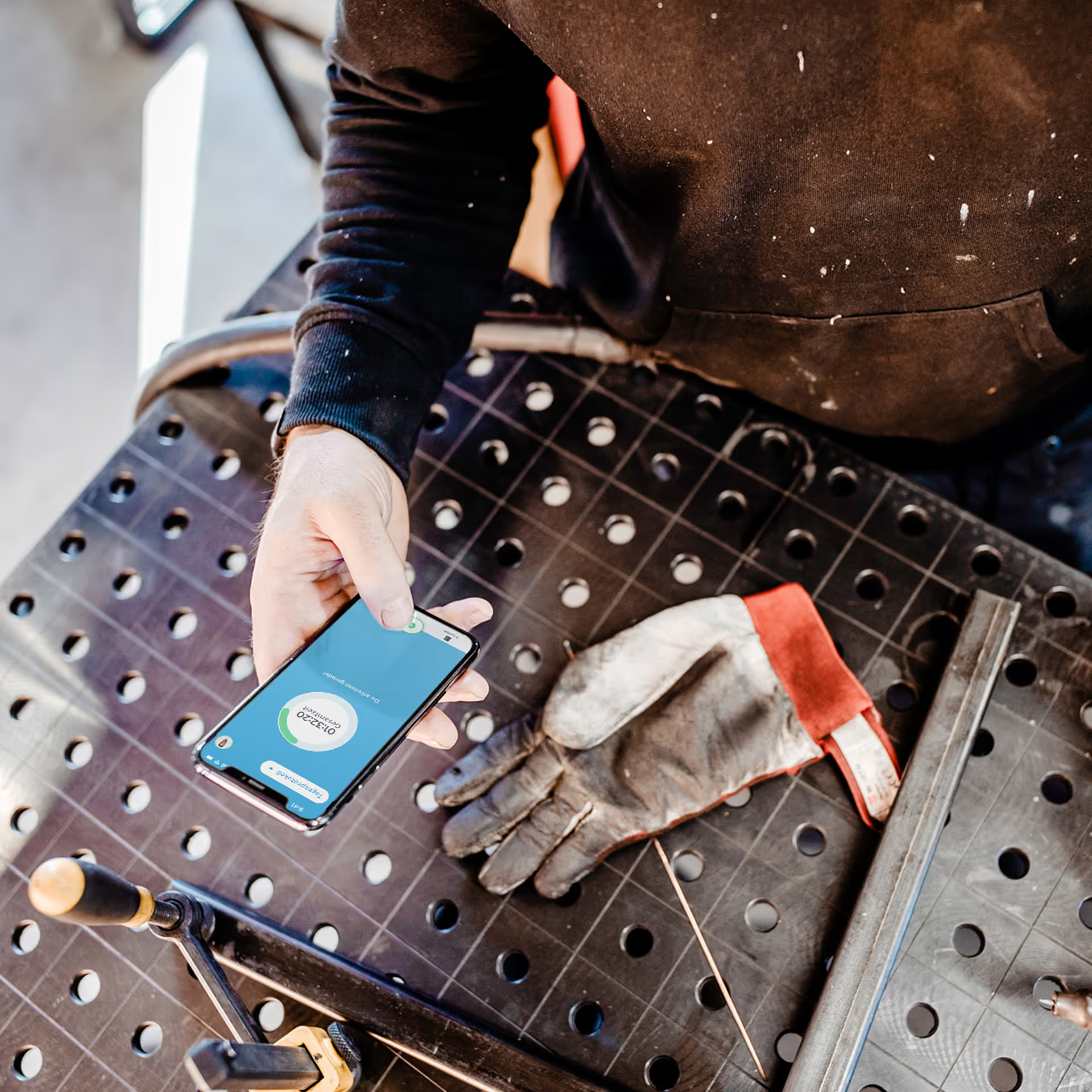
Point your phone at it and talk — just the way you would explain it to a colleague. clockin automatically turns that into a summary, spots open tasks and creates a to-do list for you to check off.
MADE FOR YOUR WORKING DAY
More than just documentation
Automatic translation (coming soon)
Automatic translation (coming soon)
Capture additional jobs
Capture additional jobs
Audit-proof documentation
Audit-proof documentation
All the information in one place
All the information in one place







The video note, I love it – it's brilliant. It's a total relief.

LIVE DEMO
Video documentation in action.

Made for your industry.
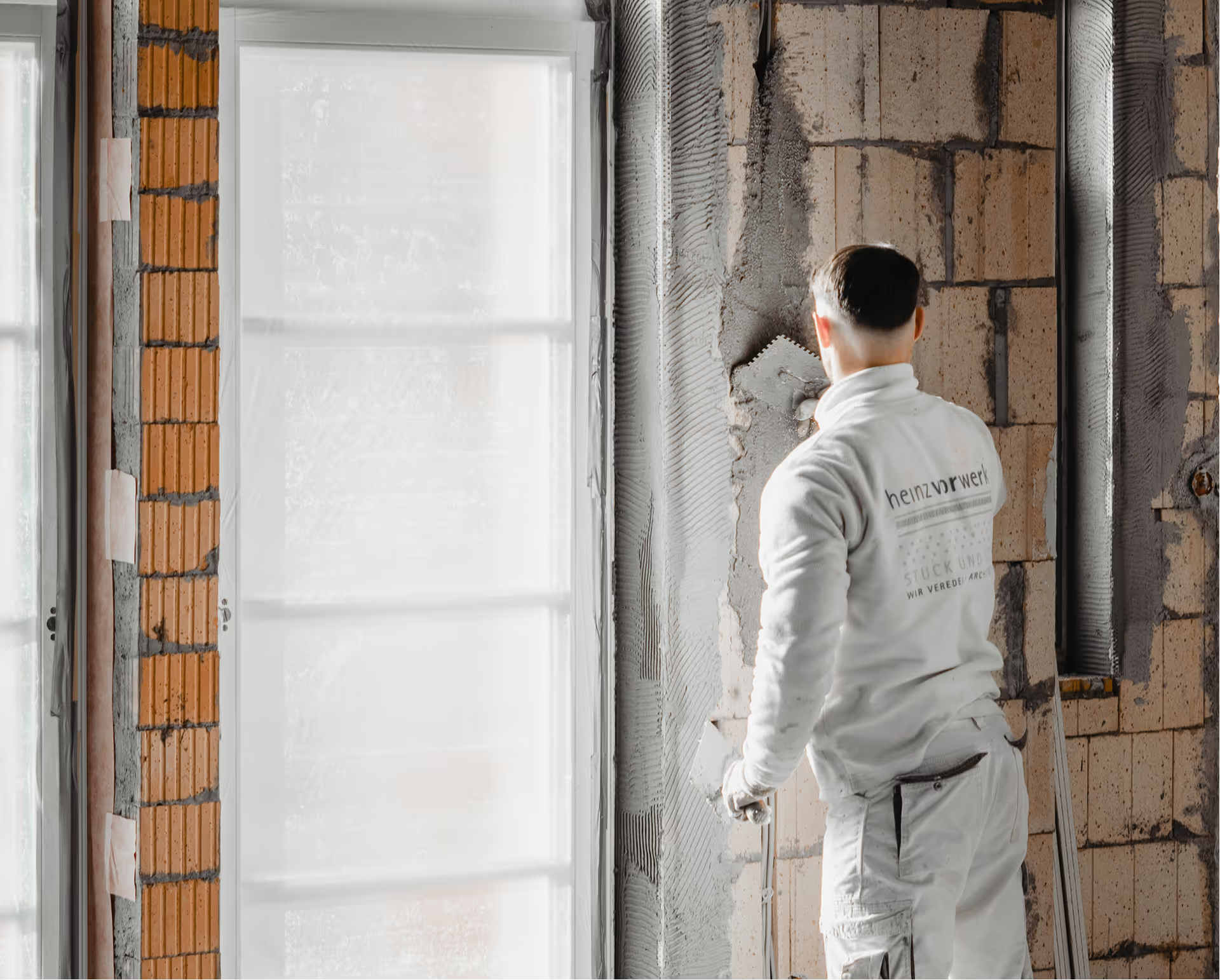
Capture construction progress instead of typing reports.
Walk the job site once, film it and add your comments. clockin writes the daily report, spots open tasks and files everything in the right project.
- Document construction progress
- Record defects
- Secure additional jobs
- Prove work visually
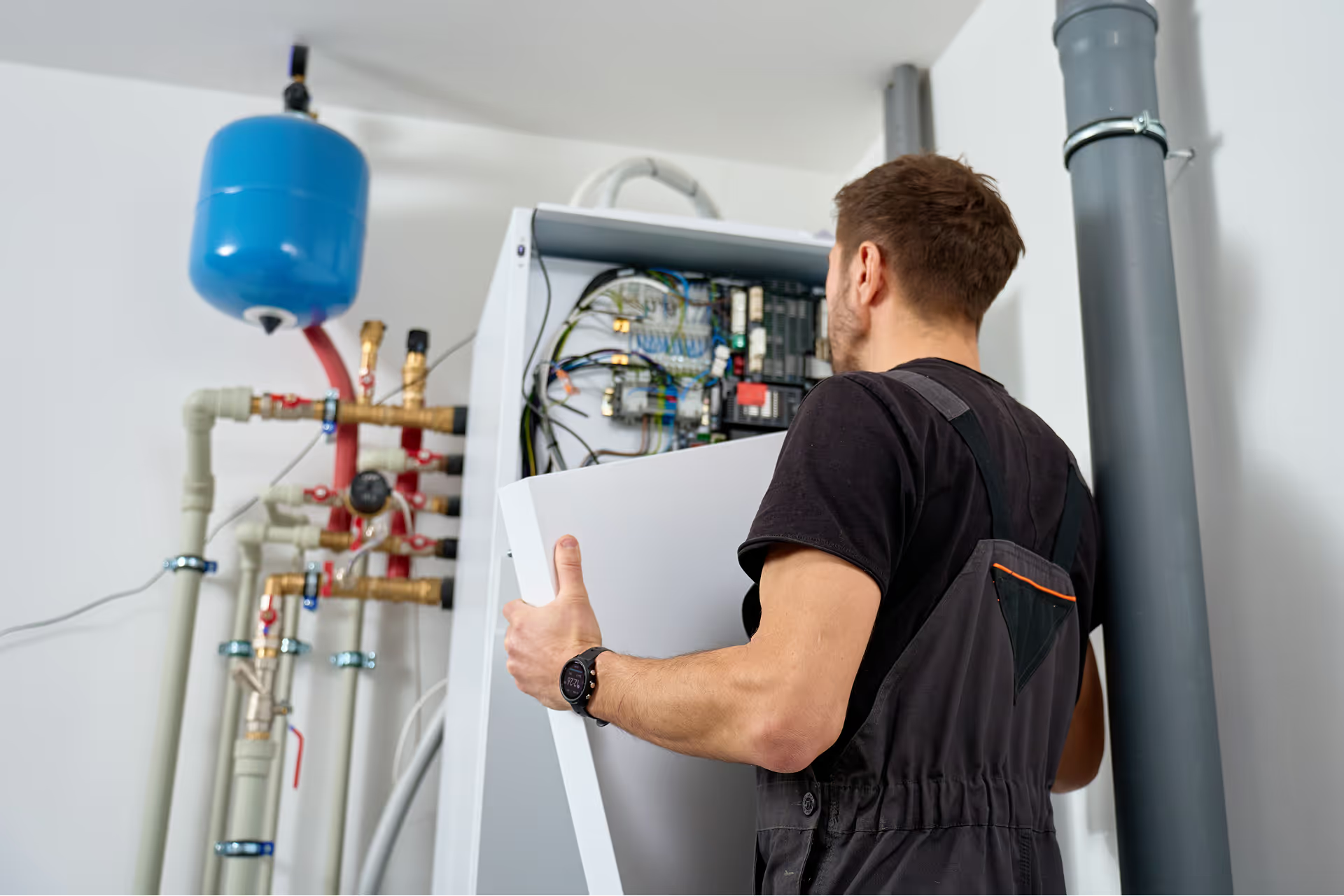
Installation done – proof included.
Record the condition before and after the work on video. Ideal for maintenance work and for proving a proper installation – without typing up reports in the evening.
- Document maintenance work
- Record repairs
- Prove installations
- Protect yourself against damage claims
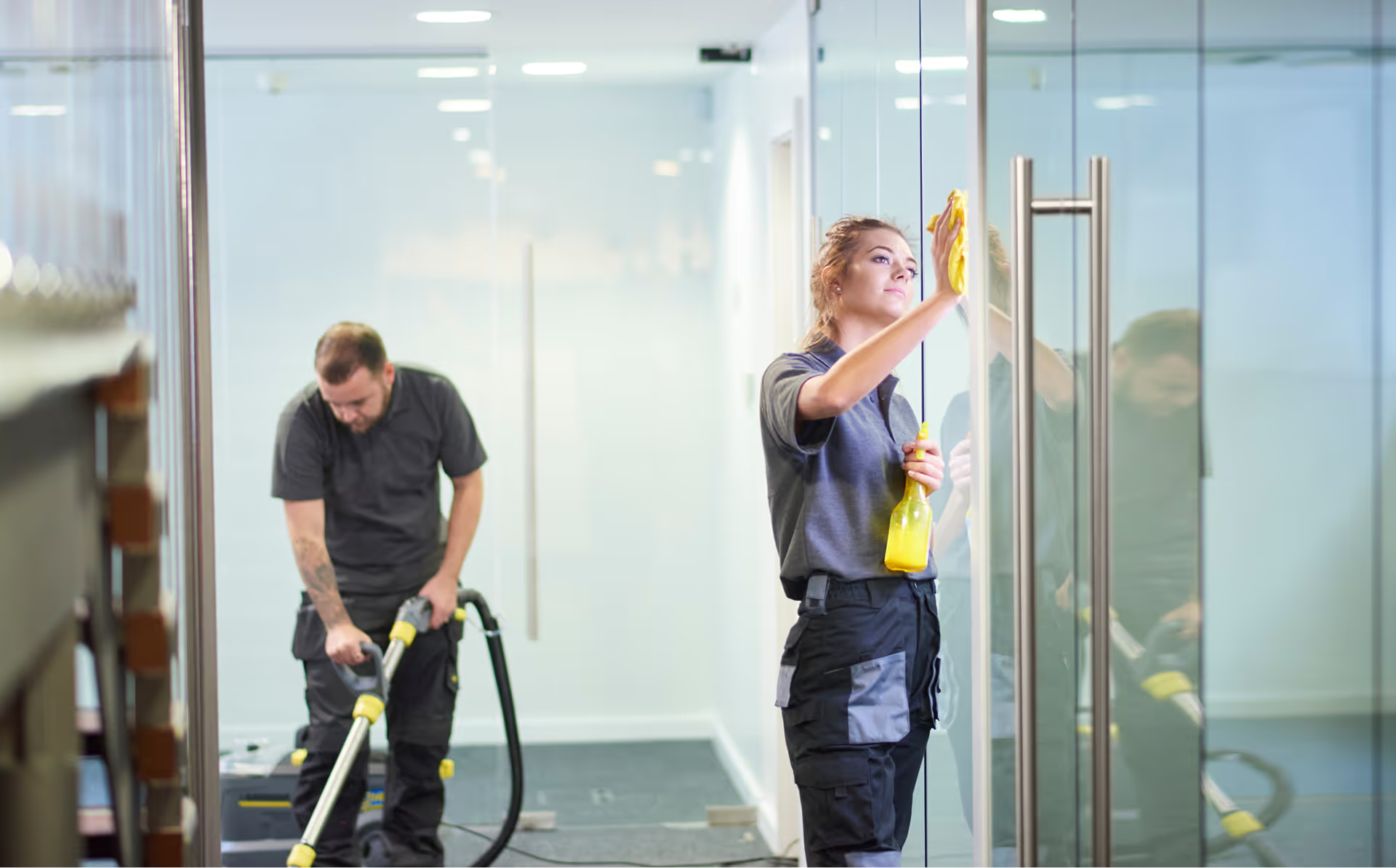
Condition documented before anyone asks.
Film before the clean, film after the clean – done. clockin creates condition reports with timestamps. If there is a complaint, you have the proof.
- Condition report
- Prove quality
- Report & document damage
- Site handover

Show progress instead of explaining at length.
Walk through the project once and film it – the customer gets a professional report. Seasonal maintenance and follow-up work are documented in seconds too.
- Record project progress
- Share the customer report
- Document maintenance work
- Show before and after

Document your rounds, report defects immediately.
Record everything on video during your inspection rounds. clockin creates reports and tasks automatically – ideal for property managers, building maintenance services and site caretakers.
- Document inspection rounds
- Report & assign defects
- Record inspections
- Document handovers
Pricing
Exactly the features that fit your working day
clockin grows with your requirements. Add exactly the features you need – bookable as flexible add-ons, seamlessly integrated and ready to use straight away.
Video documentation
- Intuitive video documentation instead of laborious typing
- Automatic project assignment
- Translation from other languages into German technical wording
- Audit-proof filing straight into the project file
*All prices exclude VAT.
FAQ
Frequently asked questions
How does clockin AI video documentation work?
Video documentation is built straight into your working day: you simply start the recording in the clockin app, film the situation and comment on it live. The AI processes the video immediately and automatically creates a transcript, a summary and concrete to-dos. The big advantage: because the system is fully integrated, the AI recognizes the context and automatically assigns the information to the projects you have already set up in clockin.
How do I set up AI documentation?
Setting it up could hardly be simpler, because it is a direct add-on from clockin. You don't have to install separate software or take any complicated detours. As soon as the add-on is booked, it is available in your familiar clockin environment and works immediately with your existing master data such as customers and projects.
Can I try AI video documentation?
Yes, absolutely! You can try clockin including all features and add-ons for 14 days with no obligation. During that free trial every feature is fully available. For AI video documentation you get an allowance of 30 minutes of video material in total during the trial period. If you like it, simply book it and carry on seamlessly with all the data and documentation you have already saved.
What happens if the AI makes a mistake?
Don't worry, you always stay in full control. After the AI has processed it there is what we call a “review flow”. That is a short confirmation check (“Is this right?”) where you can quickly check the result. You can also edit and correct all texts, tasks or project assignments manually at any time.
Does the AI also understand employees who don't speak perfect German?
Yes, that is one of its core strengths. Employees can record information in their native language or in dialect. The AI automatically translates that content into precise German trade vocabulary, so everything arrives in the office clear and understandable.
Are the videos suitable as legal proof?
Yes. Alongside the written summary, the original video file is stored in the project file as audit-proof evidence. That protects you from liability risks and from “I never said that” arguments, because construction progress or defects are backed up visually and audibly.
Try it out for yourself!


14 days
now