Invoicing
Record jobs, write invoices
Save time billing your jobs and avoid entering data twice.
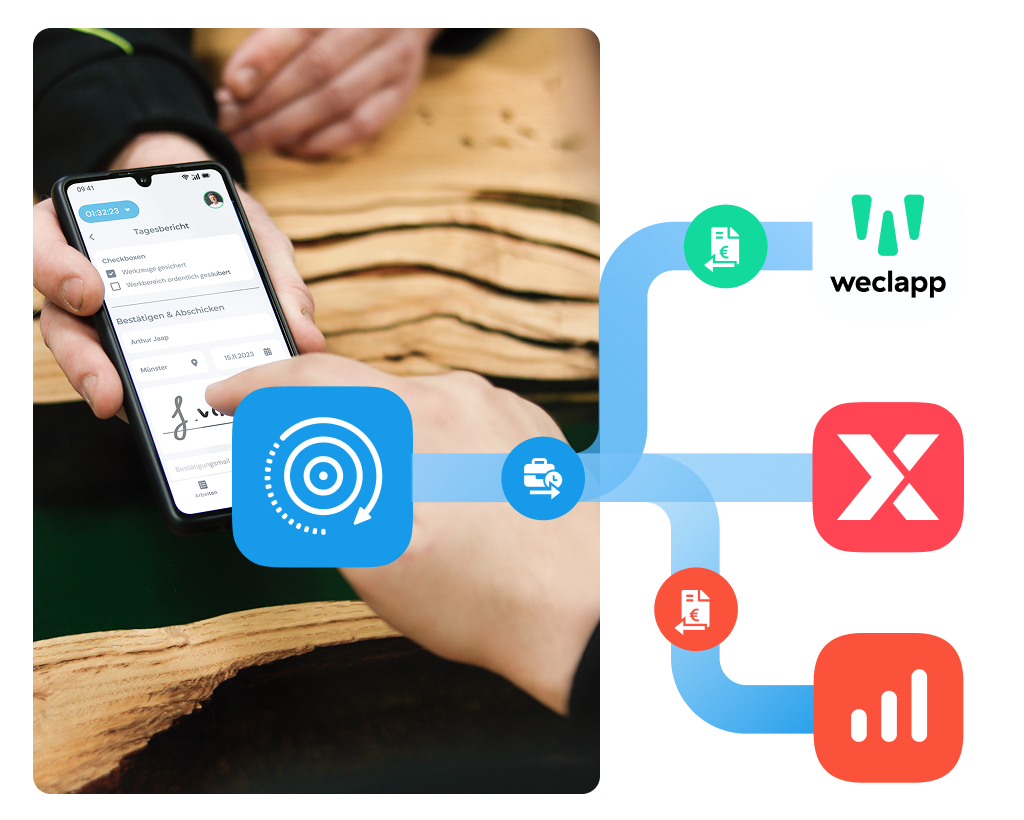
- Document job hours in the app
- Integration with Lexware Office
- Create invoices with one click
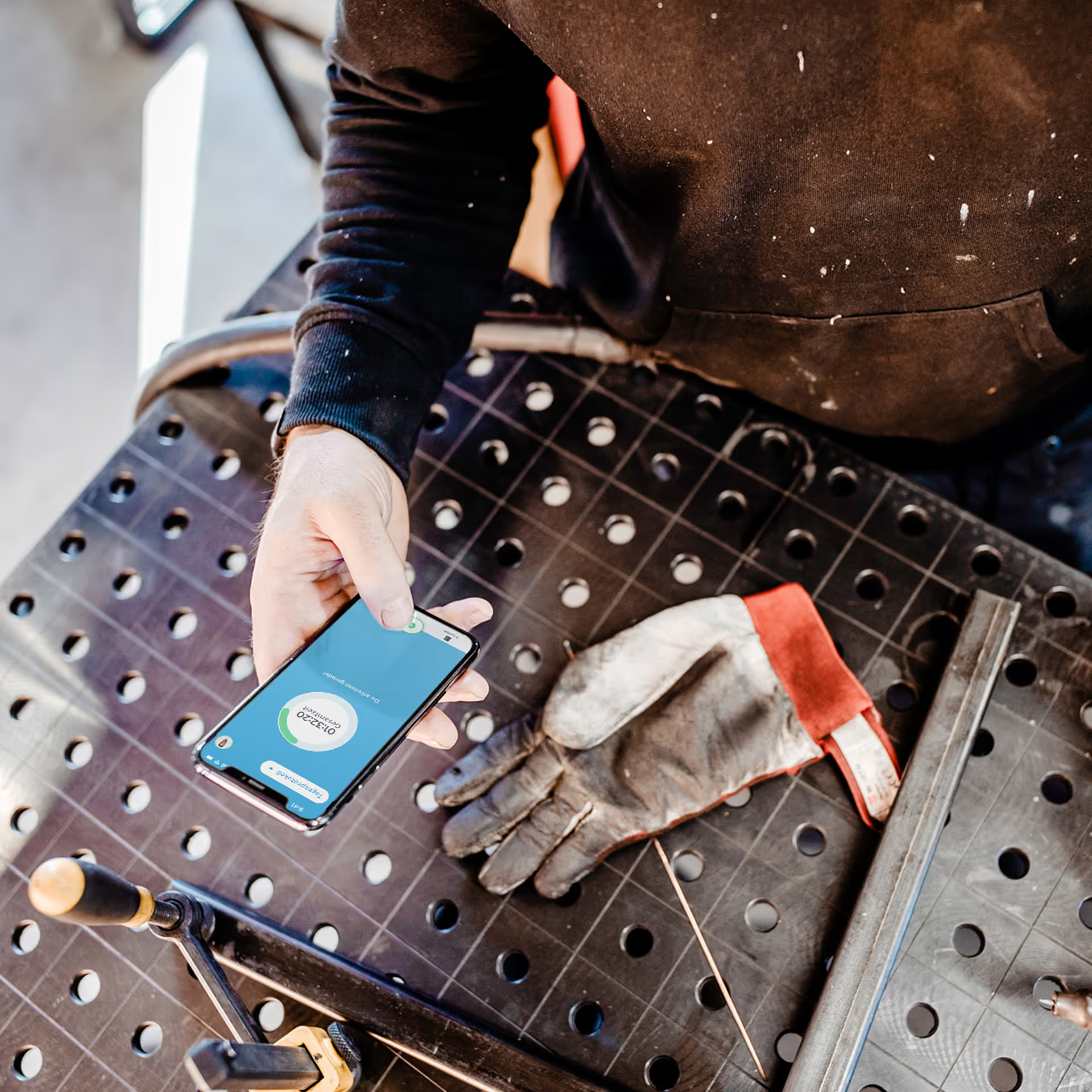
Your service technicians work on several projects at once – clockin records hours on the move and documents everything in full.





Save time billing your jobs and avoid entering data twice.
So your team always knows what needs to be done – with no calls back to the office.
Keep an overview of your jobs and react quickly to unplanned changes.
Keep customers and your team fully in the loop.
clockin sends time data straight to your existing systems – no manual exports, no duplicate work.


It's completely transparent and simple. Now it's actually fun.
.png)






Leave the paperwork chaos behind. Your first step to going digital.
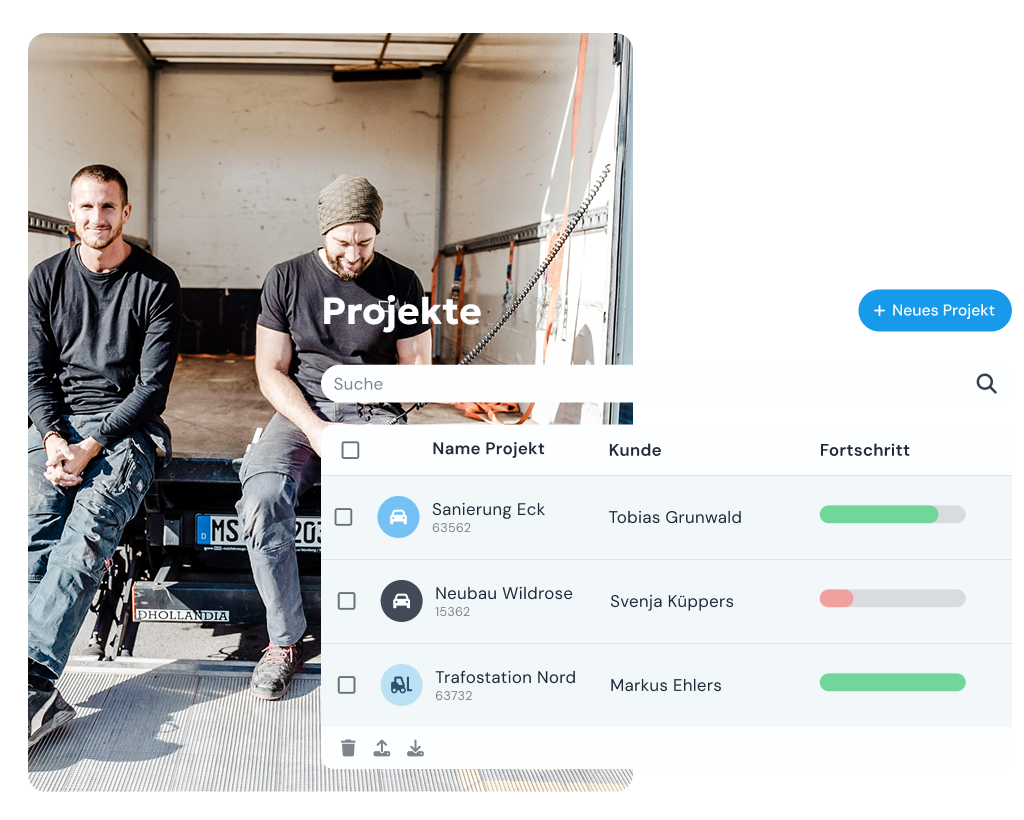
Hours and projects under control. Transparent for your whole team.
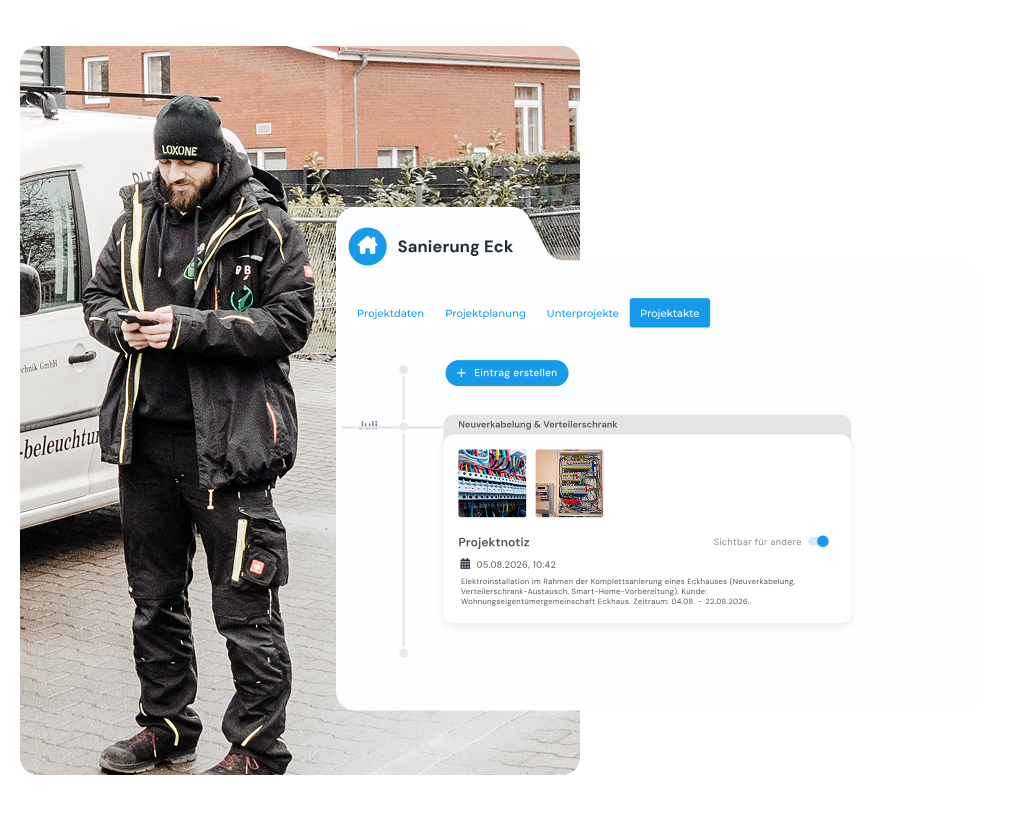
Every project properly documented. Audit-ready down to the last detail.
*All prices exclude VAT. A platform fee (€10/month) applies for fewer than 5 users.
Nobody wants to be monitored. Neither do we. Time tracking and documentation with clockin is not about surveillance but about transparent documentation of work. That's why you decide whether to use GPS tracking. A live log and live documentation are possible without GPS tracking too.
From experience we recommend handling the GPS feature openly and involving employees and the works council in the decision. The German Occupational Safety Act sets narrow limits on determining employees' locations. In particular, employees should not feel under pressure or subject to permanent monitoring. clockin therefore does not track employees permanently. You are free to decide whether or not to use the GPS feature, in agreement with your employees and works council. Technically, a GPS point can be recorded whenever an employee or a crew switches activity. Trips in a company vehicle are different: because this is expensive company property, in certain cases it may be possible to record the location at shorter intervals.
Important legal note: clockin does not provide legal advice here. The information provided is not binding and can vary from company to company and from country to country. We therefore expressly recommend having the use of clockin, and the extent of that use, reviewed by a qualified lawyer.
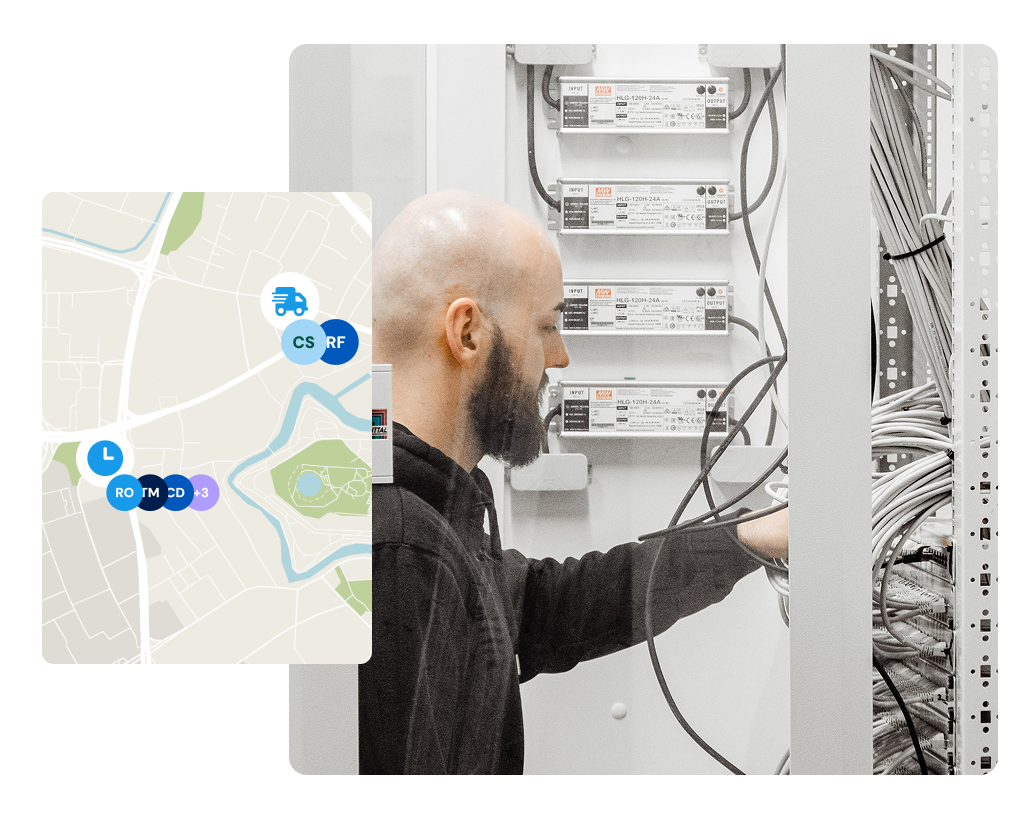
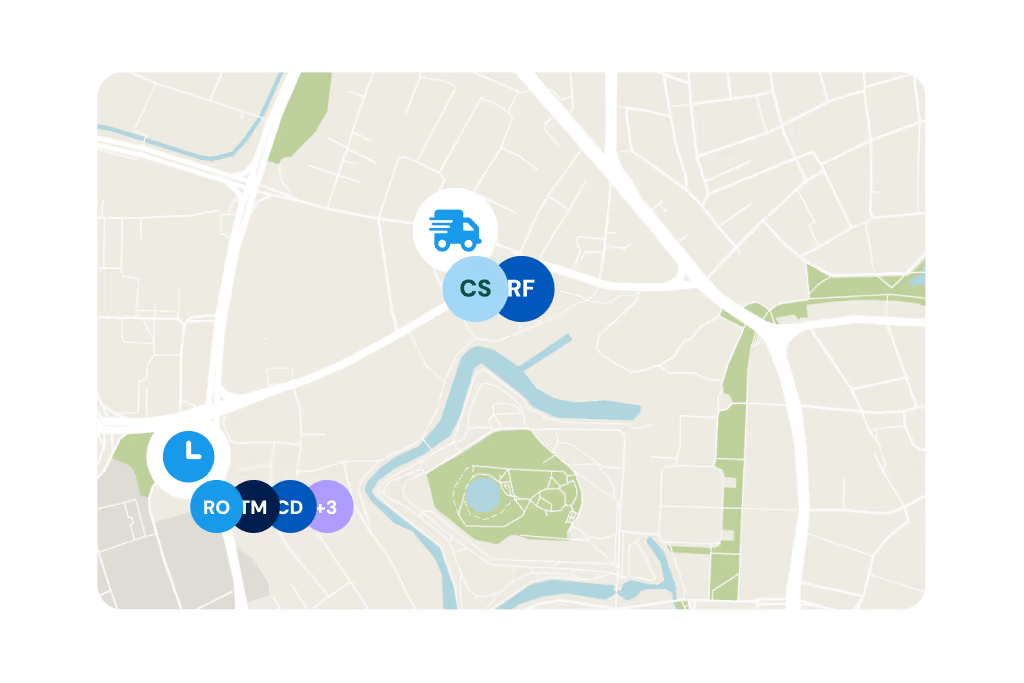
You see live who is working where, which hours have been recorded and how the project is progressing – simply through the web access or the app.
clockin was deliberately developed and tested together with tradespeople and other hands-on workers who don't use a smartphone at work. Our experience shows that because our app needs no training and is intuitive to operate, using it causes no problems even for employees who are not tech-savvy.
Yes. clockin also works on a central device in the vehicle or on tablets on the job site, for example – with a QR code or a user login.
Yes. With clockin, working hours are recorded in line with the ECJ ruling and the German Federal Labor Court decision of September 2022. At the same time, employee self-service in clockin gives employees transparent access to their working hours.
You see exactly how much working time went into which project. You can use this data for future quotes, job costing or billing.
Yes. Employees select the matching project when recording their hours – or scan a QR code at the location. That produces structured project hours automatically.