Time tracking for physical therapy

More time for your patients

In your practice, appointments, patients and shifts change constantly. With clockin your team still records working time in seconds – in the app, GDPR-compliant and with no messy paperwork. That leaves you more time for treatment.

  • GDPR
  • 100 % Made in Germany
  • CJEU-compliant

Trusted by more than 9.000 companies

Sound familiar?

  • Paper and Excel – hours are missing at month-end
  • Time-off chaos – two people away at once
  • No overview of where the time goes
  • Who is working where right now?
  • Part-time, mini-job, full-time – all done by hand

What you want:

  • Clock in via the app – in seconds
  • Time off & sick leave digitally in the calendar
  • Time per appointment & patient in view
  • See live who is working where
  • Every working time model in a few clicks

Digital features for day-to-day work in Physical therapy

Time tracking

Record working hours in seconds

Your employees record their time as they go – with no paper and no back-and-forth with the office. At the end of the month you have clean figures without having to calculate anything yourself.

  • Clock in and out in the app or on a tablet
  • Automatic timesheets at month-end
  • Breaks and overtime always in view

Appointment and patient hours

Record hours per appointment

You see how your team's working time is distributed across treatments, home visits, classes and administration. That shows you where the time really goes and helps you plan your practice's capacity better.

  • Record hours per appointment, patient or activity
  • Evaluate how much time goes into treatment, home visits and administration
  • A clear basis for capacity and staff planning

Treatment documentation

Everything about the appointment in one place

You collect photos, notes and records for every treatment digitally in one place. That way you find every piece of information again without digging through folders.

  • Upload photos, sketches and notes right at the appointment
  • All documents in chronological order per patient
  • Share by read-only link or PDF with patients

Absence planning

Plan absences cleverly

Leave requests and sick leave notifications run smoothly, with no paper and no arguments in the team. You keep track of who is there and when.

  • Request time off and report sick in the app
  • Approved requests appear in the calendar automatically
  • A clear overview of the whole team

Integrations

Seamlessly connected to your tools

clockin sends time data straight to your existing systems – no manual exports, no duplicate work.

More features

Everything your business needs, all in one place.

Add-On

Shift planning

  • Build schedules intuitively with drag-and-drop and employee self-service
  • Live updates for your team through the clockin app
  • Automatic planned vs. actual comparison as you build the schedule

Digital employee file

  • Store contract data in a legally compliant way
  • Document staff development & agreements
  • Secure document upload to GDPR standards

Employee self-service

  • Meet your transparency obligations as an employer
  • Self-service area for employees
  • View working hours, manage corrections & requests

Analytics, corrections and reporting

  • Detailed reports per employee and, if needed, per project
  • Easy corrections
  • Automatically generated hours reports

Digital checklists

  • Structure your workflows & avoid mistakes
  • Capture photos, entries & signatures on the spot
  • All checklists digital and available at any time

Work schedules

  • Plan fixed or flexible working hours easily
  • Calculate overtime & absences automatically
  • Adjust working hours individually – with no extra effort

The time we save with clockin isn't measured in days – more like weeks.

What 9,000+ customers say about clockin
OMR Rating
4.9
408 reviews
Google Review
4.5
37 reviews
trusted
4.7
2,252 reviews
App Store Rating
4.7
1,550 reviews
As of June 2026

Pay only for what you need –
with a contract term that suits you.

Pay only for what you need –
with a contract term that suits you.

Spare bis zu 10 % bei einer Laufzeit von 24 Monaten
Team

Starter

Leave the paperwork chaos behind. Your first step to going digital.

3.59 €
per month / user, billed every 2 years*
Paket testen
  • Mobile and on-site time tracking
  • DATEV export for hours reports
  • Manage calendar & absences
  • Custom branding
Team

Pro

Hours and projects under control. Transparent for your whole team.

6.29 €
per month / user, billed every 2 years*
Paket testen
  • Everything in Starter
  • Time tracking for projects
  • Lexware Office integration for automatic invoicing
  • Digital customer management
  • GPS time tracking
  • Digital personnel file
  • Custom roles & permissions
  • Advanced absence management
Team

Expert

Every project properly documented. Audit-ready down to the last detail.

8.99 €
per month / user, billed every 2 years*
Paket testen
  • Everything in Pro
  • Digital project files (incl. comments)
  • Checklists & forms
  • Photos, sketches & notes
  • Digital signatures
  • Project export for customers
  • Audit log
  • clockin API
  • Single Sign-On
clockin für

Large businesses

Tailored precisely to what larger teams need

Custom pricing €
per month / user, billed every 2 years*
Paket testen

*All prices exclude VAT. A platform fee (€10/month) applies for fewer than 5 users.

FAQ

Frequently asked questions

I already use practice software for appointments and billing – do I really still need clockin?

Yes – because practice software and time tracking cover two different things. Your practice software manages patient appointments and billing items. clockin records when your employees work – clocking in, clocking out, breaks, time off, sick leave notifications. Since the ECJ ruling, this is an obligation for every employer, whatever practice software you use. The two tools complement each other – they are not in competition.

How do I see how much time my therapists spend on treatment – and where time is lost?

The time reporting in clockin shows you at a glance how working time is distributed – across treatments, breaks, travel or documentation. That way you can see capacity and free slots in your practice without analyzing anything by hand.

How does time tracking work with changing patients and appointments?

Your team clocks in and out with one tap in the clockin app – per appointment, patient or location if you want. Time tracking stays flexible and remains traceable for you at any time.

Can therapists on home visits record their hours on the move?

Yes. Therapists on home visits or at satellite locations record their hours directly on their smartphone with clockin – even offline, if there is no signal.

Can I set up different working time models (part-time, full-time, mini-job)?

Yes. clockin can be set up for different working time models – including target hours and break rules. That way part-time, full-time and mini-job contracts are handled properly.

Can I create shift schedules for my practice with clockin as well?

Yes. With shift planning in clockin you create schedules for reception and treatment by drag and drop. Your team sees its shifts in the app and picks up changes in real time.

Can working hours be corrected afterwards – for example when someone forgot to clock in?

Yes. You can correct recorded hours at any time in your clockin account – whether a therapist forgot to clock in or a shift was entered incorrectly.

Does clockin meet the requirements of the statutory obligation to record working hours?

Yes. With clockin you record working hours in line with the ECJ ruling and the German Federal Labor Court decision of September 2022. That applies to small physical therapy practices too. Through employee self-service your employees also have transparent access to their working hours.

Try it out for yourself!

Enjoy 14 days of full access, no strings attached and risk-free.
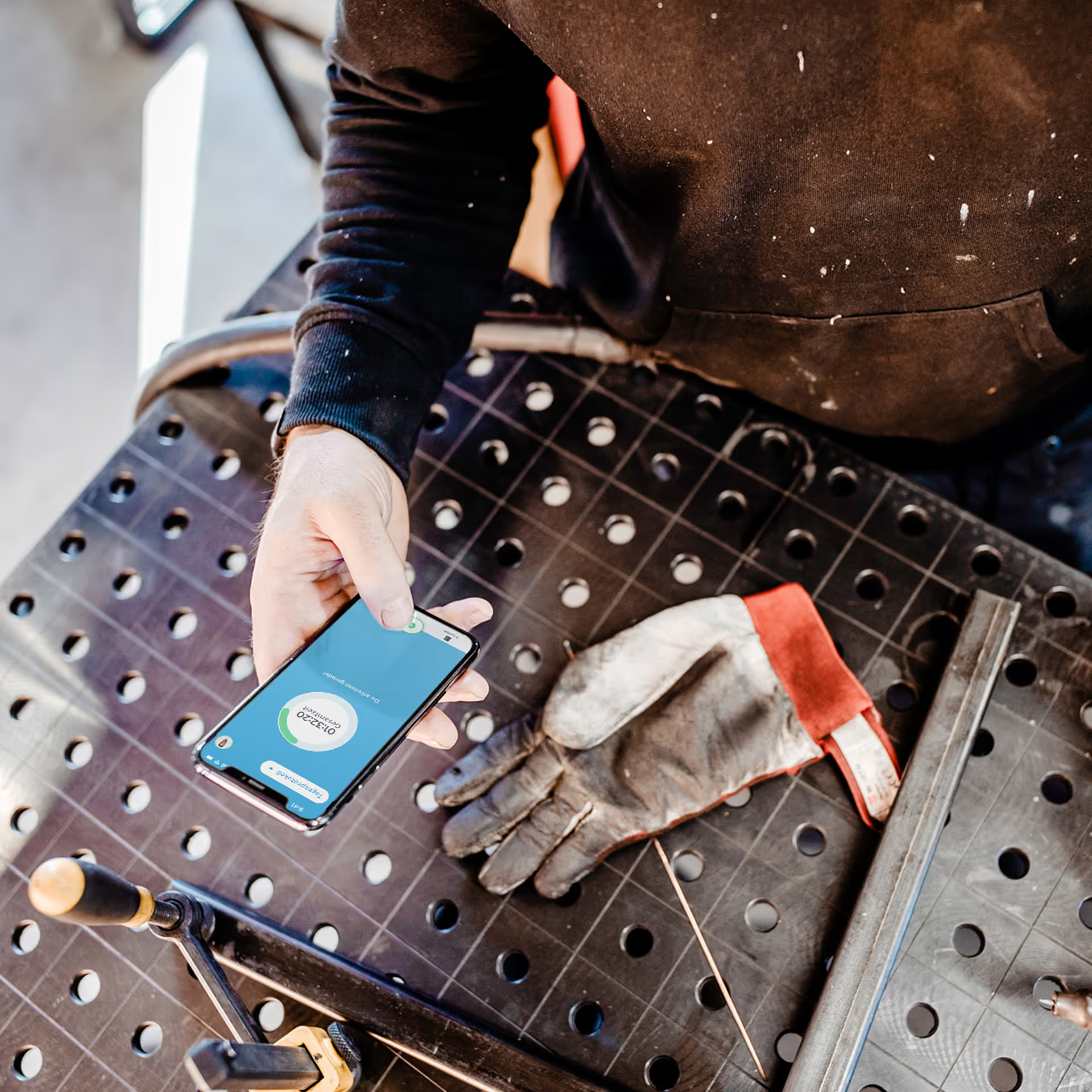
Person holding a smartphone with the display visible on a workbench next to a dirty work glove.
Try it free for
14 days
now