Time tracking for architects and engineers

Every service phase under control

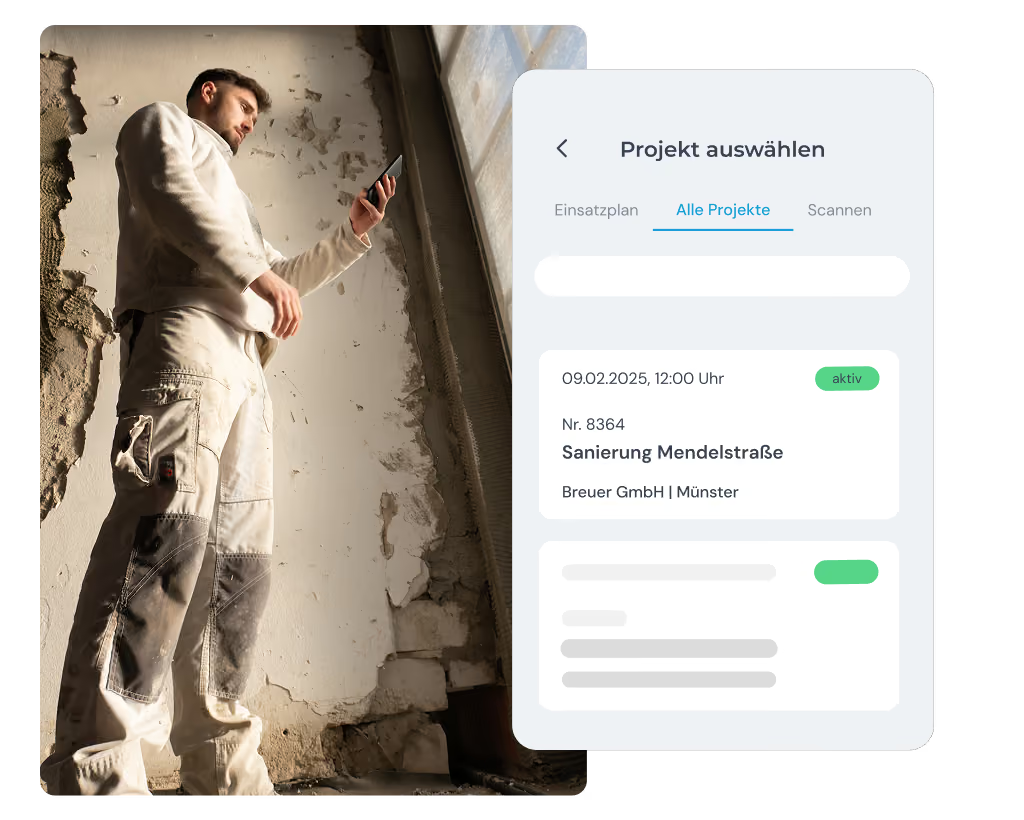
You switch constantly between the office, the job site and customer appointments – with clockin you still sort your hours clearly by project and service phase and document every activity in full. That gives you proof ready for every client, with no calls back to the office.

  • DSGVO
  • 100 % Made in Germany
  • EuGh-konform

clockin begeistert bereits über 9.000 Unternehmen

Kommt dir das bekannt vor?

  • Project hours not recorded in full
  • Activities hard to trace afterwards
  • Timesheets cost you your evenings
  • Proof for clients is missing

Du wünschst dir:

  • Book hours straight to the service phase
  • Every activity clearly documented
  • Reporting at the click of a button instead of Excel
  • Complete records for billing

The right features for Architects and engineers

Project time tracking

Record working hours per project – straight to the right construction project

You and your team know with every time entry exactly how much time is going into which construction project – whether in the office or on site.

  • Assign hours to a project as soon as work starts
  • Switch between projects with one tap
  • Use reporting for planning, billing and post-costing

Activity documentation

Activity documentation – traceable and transparent

You record every activity carried out right in the time entry – whether it is a site visit, planning or a discussion with the client.

  • State activities directly when recording hours
  • Entries stamped automatically with date and time
  • Use complete records for clients and for internal documentation

Call notes

Pull notes automatically out of every customer conversation

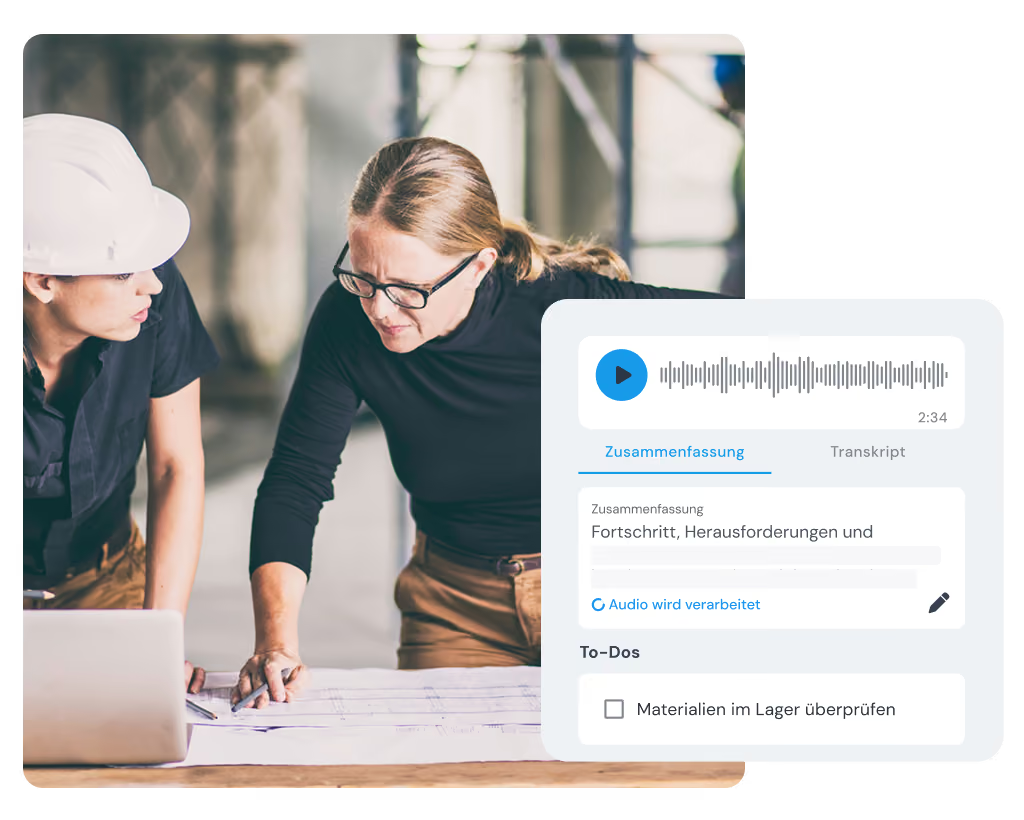
You no longer write up site meetings and customer appointments by hand – clockin creates the minutes and the tasks automatically from the audio recording.

  • Record up to 50 minutes of conversation automatically
  • Save the summary and the transcript straight into the project
  • Derive a concrete to-do list from the conversation

Office Center

Project cockpit – all projects and hours centrally in view

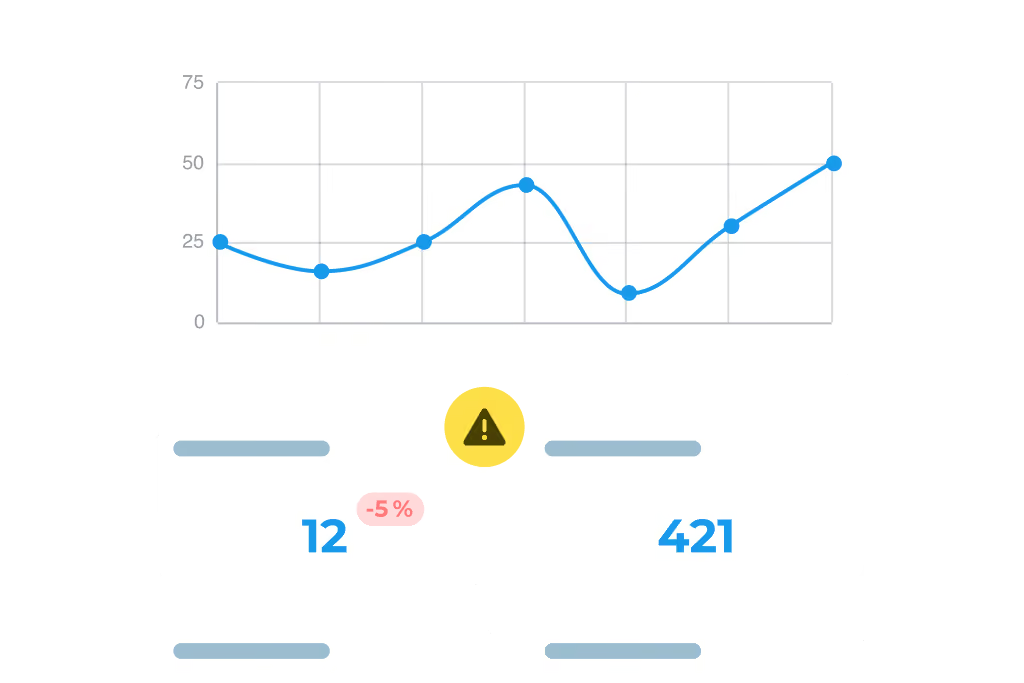
In the clockin Office Center you keep all your office's projects and hours centrally in view – live and in line with data protection rules.

  • Keep an overview of every active project and time entry
  • See the live status of your employees and the work in progress
  • Run planning and monitoring from one central data set

Schnittstellen

Nahtlos verbunden mit deinen Tools

clockn übergibt zeiten direkt an deine bestehenden Systeme – kein manueller Export, keine Doppelareit.

Weitere Funktionen

Alles, was dein Betrieb braucht, an einem Ort.

Invoicing

  • Turn project hours into invoices automatically
  • Pull in customer data directly – no double entry
  • Bill in a few clicks with Lexware, sevdesk, weclapp & co.

Customer management

  • Manage all customer data centrally and clearly
  • Linked directly to projects & appointments
  • No duplicate work thanks to smart data transfer

Digital checklists

  • Structure your workflows & avoid mistakes
  • Capture photos, entries & signatures on the spot
  • All checklists digital and available at any time

Digital customer sign-off

  • Collect signatures right in the app – on site with the customer
  • Sign-off saved to the project automatically
  • Send it straight to the customer by email if you want

Work schedules

  • Plan fixed or flexible working hours easily
  • Calculate overtime & absences automatically
  • Adjust working hours individually – with no extra effort

Analytics, corrections and reporting

  • Comprehensive employee analyses and, where needed, project analyses
  • Straightforward correction options
  • Automatically generated hours reports

“I want to be clean from start to finish and I'm happy to be checked. clockin gets you there and at the same time creates trust and planning certainty for me.”

Das sagen 9.000+ Kunden über clockin
OMR Rating
4.9
408 reviews
Google Review
4.5
37 reviews
trusted
4.7
2,252 reviews
App Store Rating
4.7
1,550 reviews
Stand: Juni 2026

Pay only for what you need –
with a contract term that suits you.

Spare bis zu 10 % bei einer Laufzeit von 24 Monaten
Team

Starter

Out of the paperwork chaos. Your first step into digitalization.

3.59 €
per month / user, billed every 2 years*
  • Mobile and on-site time tracking
  • DATEV export for hours reports
  • Manage calendar & absences
  • Custom branding

*Alle Preise zzgl. gesetzl. MwSt. + Plattform-Pauschale (10€/Monat) bei unter 5 Nutzern

FAQ

Frequently asked questions

How does clockin help with project time tracking in planning practices?

With clockin you can assign working hours directly to individual projects – on the move as well. That keeps you on top of time spent, project progress and how resources are used. The data helps with internal management and gives you a solid basis for billing or for proof to clients.

Is clockin suitable for smaller architecture practices too?

Yes! clockin is ideal for small and mid-sized practices looking for a simple, digital solution for time tracking and documentation without a lot of IT effort. The intuitive operation makes for a quick start – even for teams with no technical background.

Can employees record hours while they are out?

Absolutely. Hours can be recorded on the move in the app – for example at site meetings, on job sites or in a customer meeting. The entries are visible in the system immediately and can be broken down by project and activity.

I jump between projects a lot – can I split my hours flexibly?

Yes. You can create as many time entries per day as you like and switch flexibly – for example from site management on the job site back to the office for planning or customer meetings.

How safe is our data?

clockin works in line with the GDPR and stores all data on secure servers in Germany. Only authorised people in your company have access to the data – you keep full control.

What advantages does clockin offer over manual methods such as Excel or paper timesheets?

With clockin you save time, avoid errors and create transparency: hours are recorded reliably, activities are documented and reports are generated automatically. That cuts down on queries, simplifies billing and gives you more time for your projects.

Can I keep a digital construction diary with clockin as well?

You do not need a separate construction diary with clockin: you record activities, photos and notes directly on the relevant project – in chronological order and traceable at any time. For recurring routines such as site inspections or acceptance you can also use your own checklists.

Try it out for yourself!

Enjoy 14 days of full access, no strings attached and risk-free.
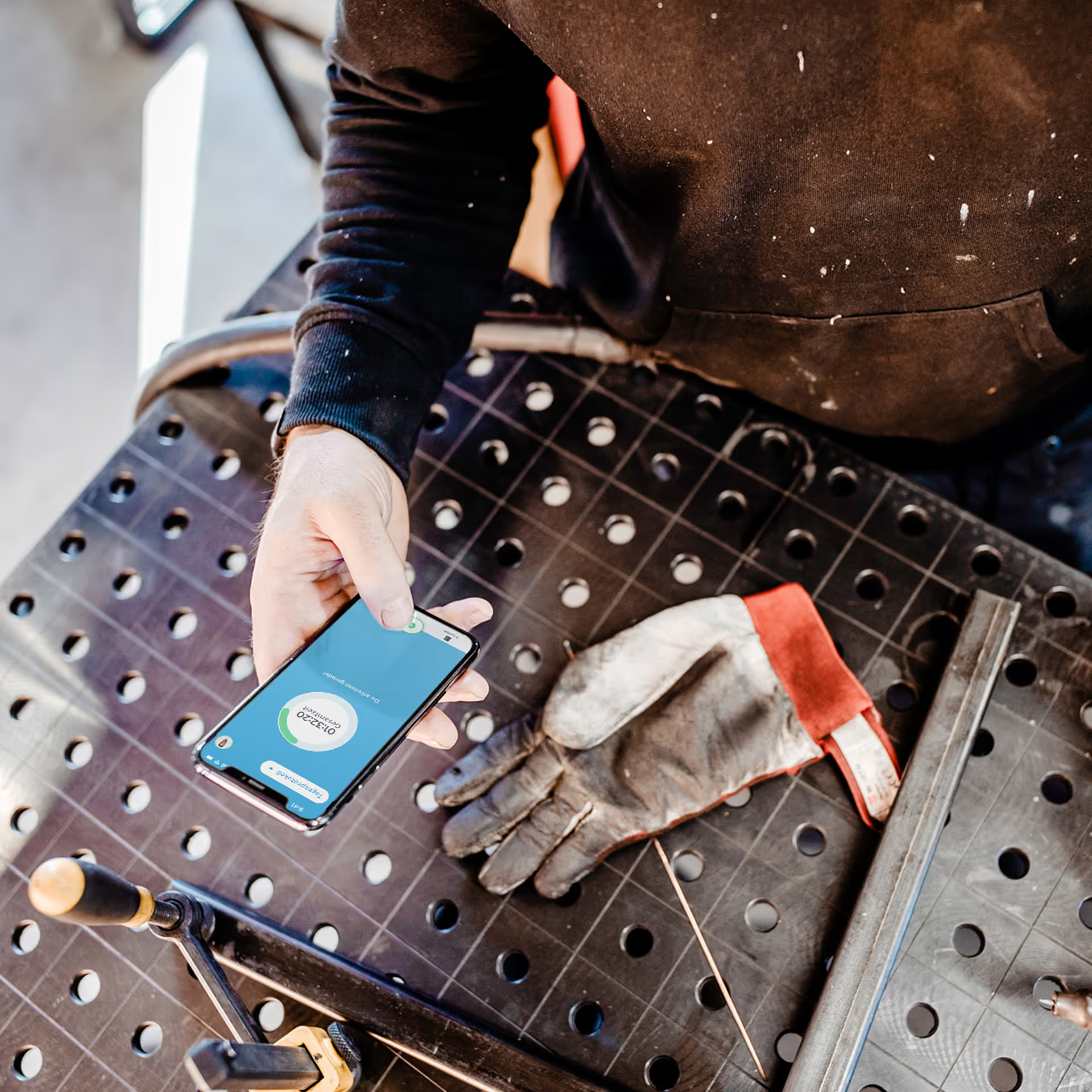
Person holding a smartphone with the display visible on a workbench next to a dirty work glove.
Test for
14 days
now