




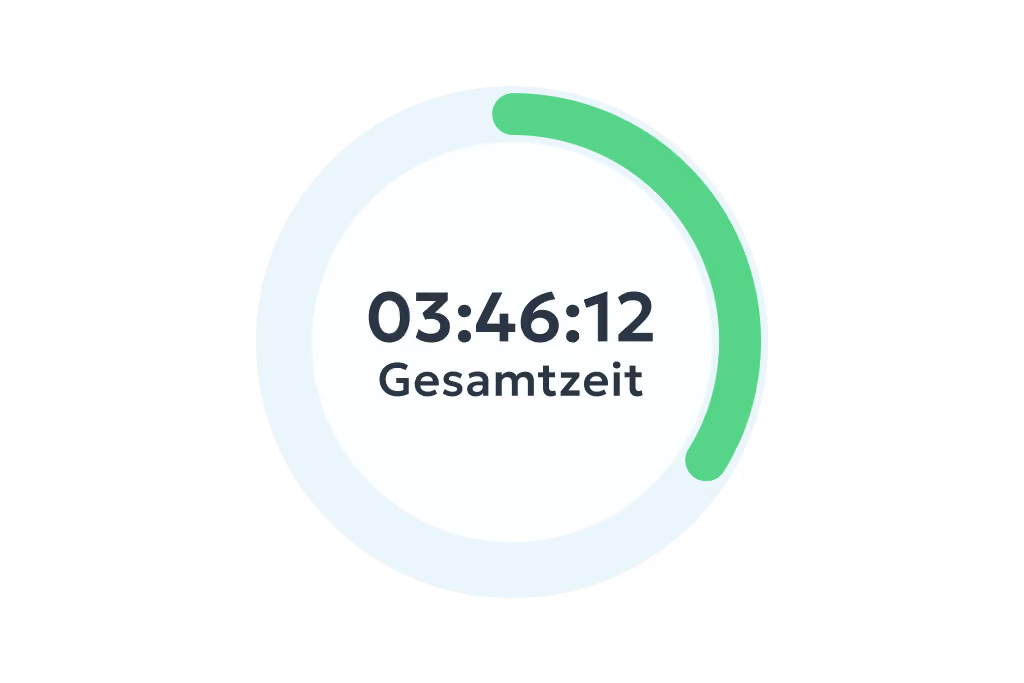
Digital time tracking via app and web
- Clock in, clock out & breaks
- Travel time, business errands & more
- On the smartphone and tablet app or in your PC browser
Manage absences simply and transparently – request and approve vacation, sick leave and more with a single click.

.svg)


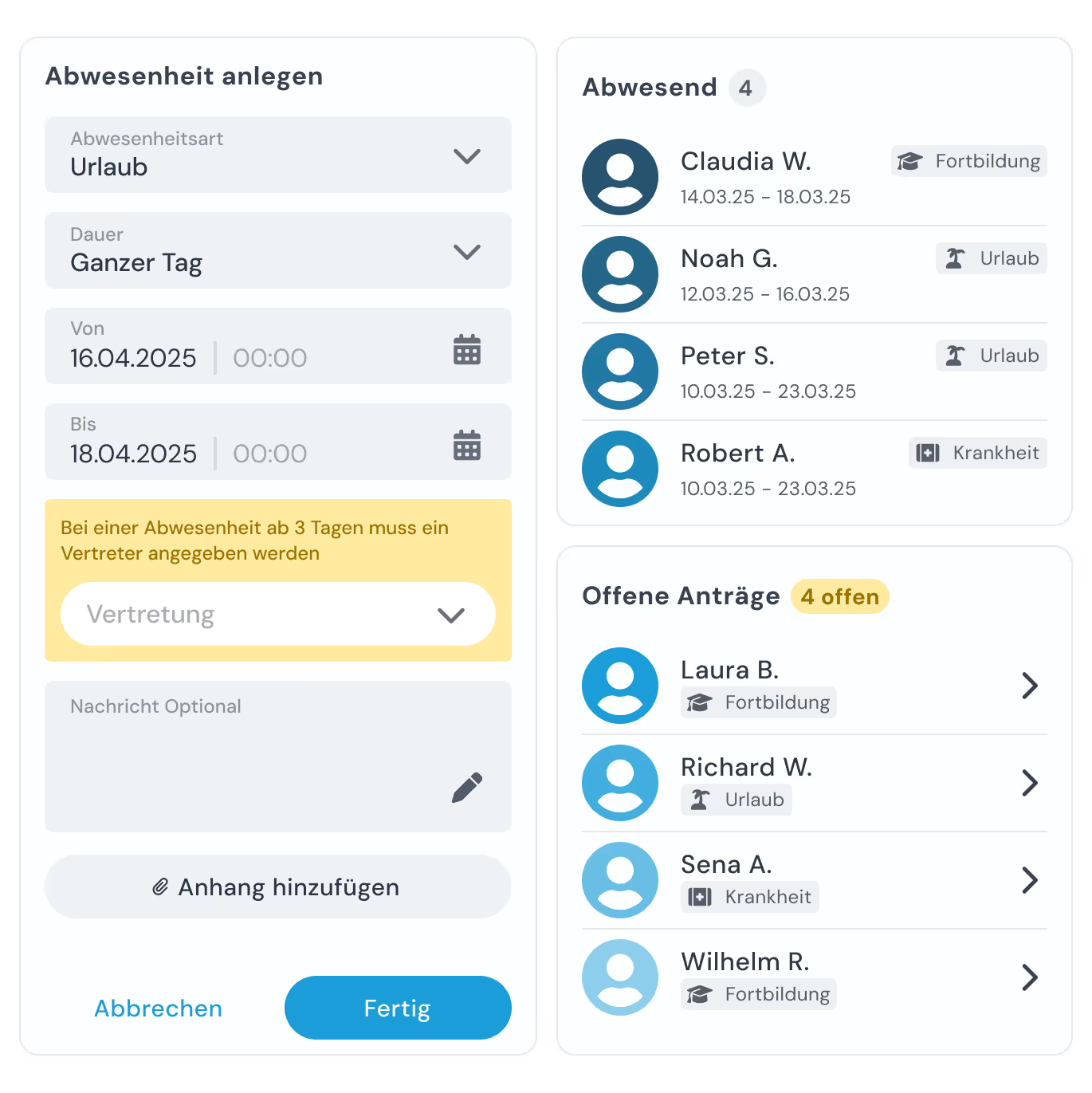
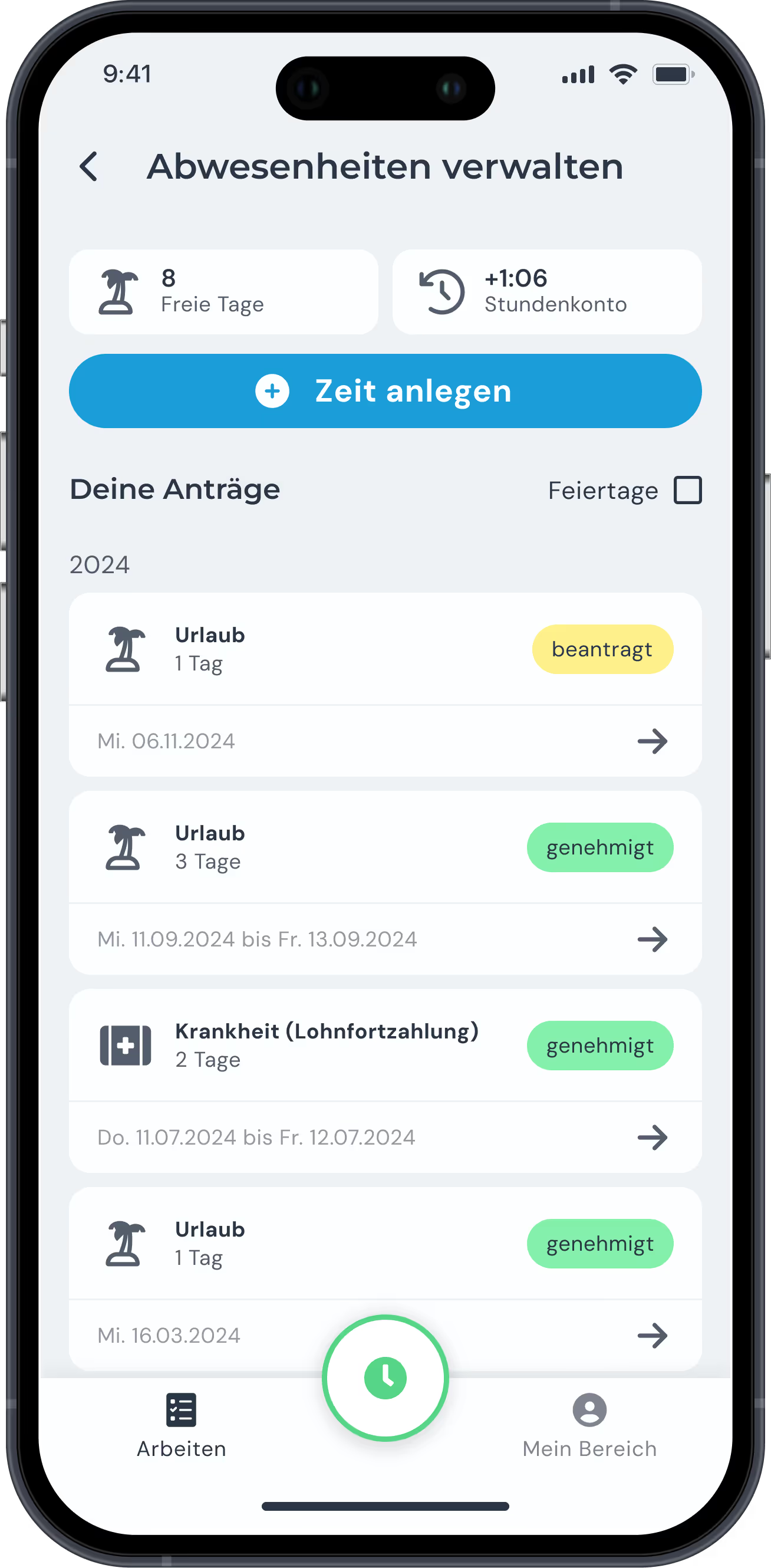
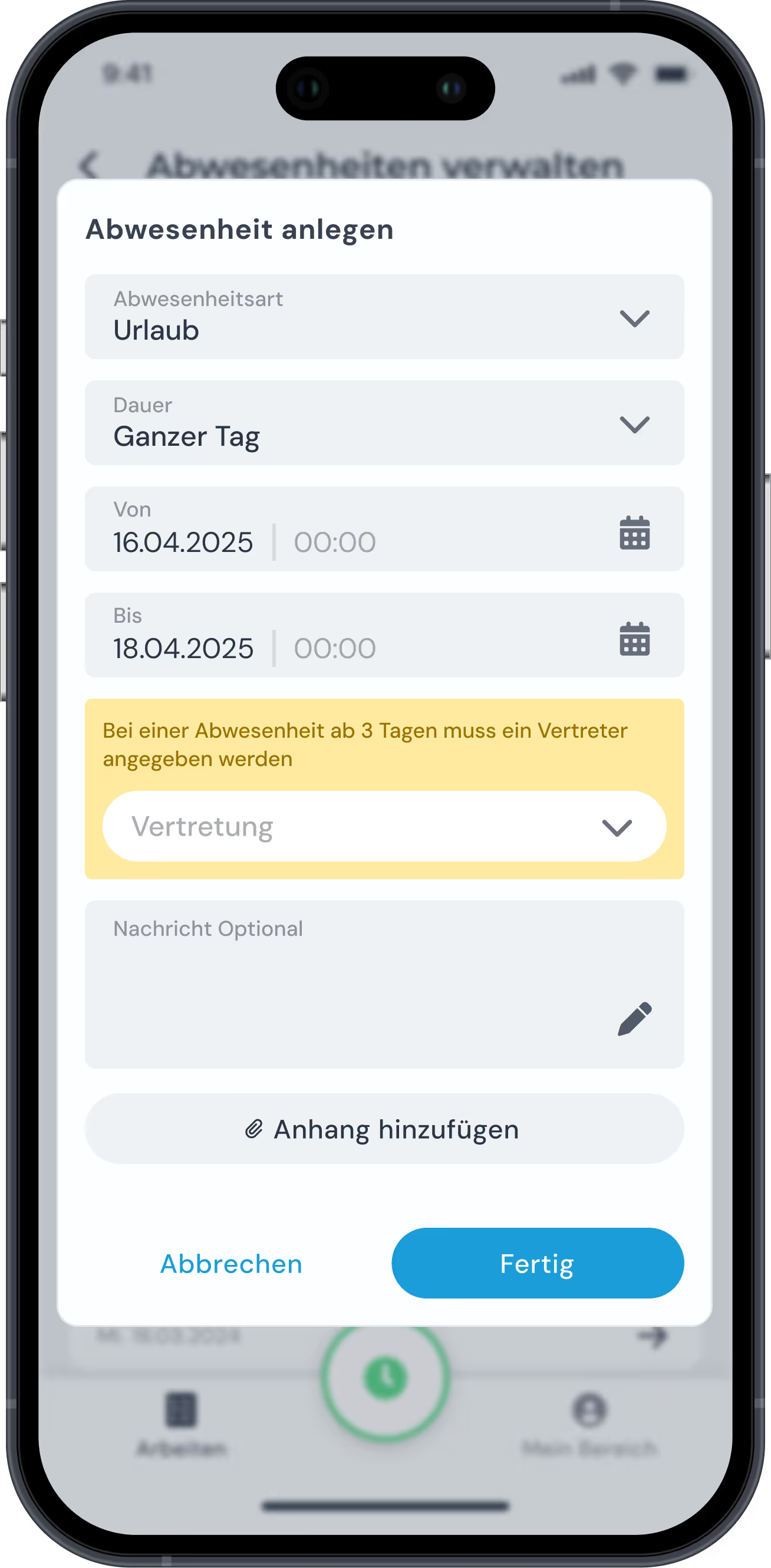
Employees can enter absences such as vacation and sick leave notifications directly in the clockin app and keep track of their status.
Alongside the mobile app, the desktop version of clockin offers convenient absence management with a broader overview and more detailed information.


With the clockin employee calendar you see all planned absences at a glance – so you can plan assignments efficiently and reassign tasks where they are needed.
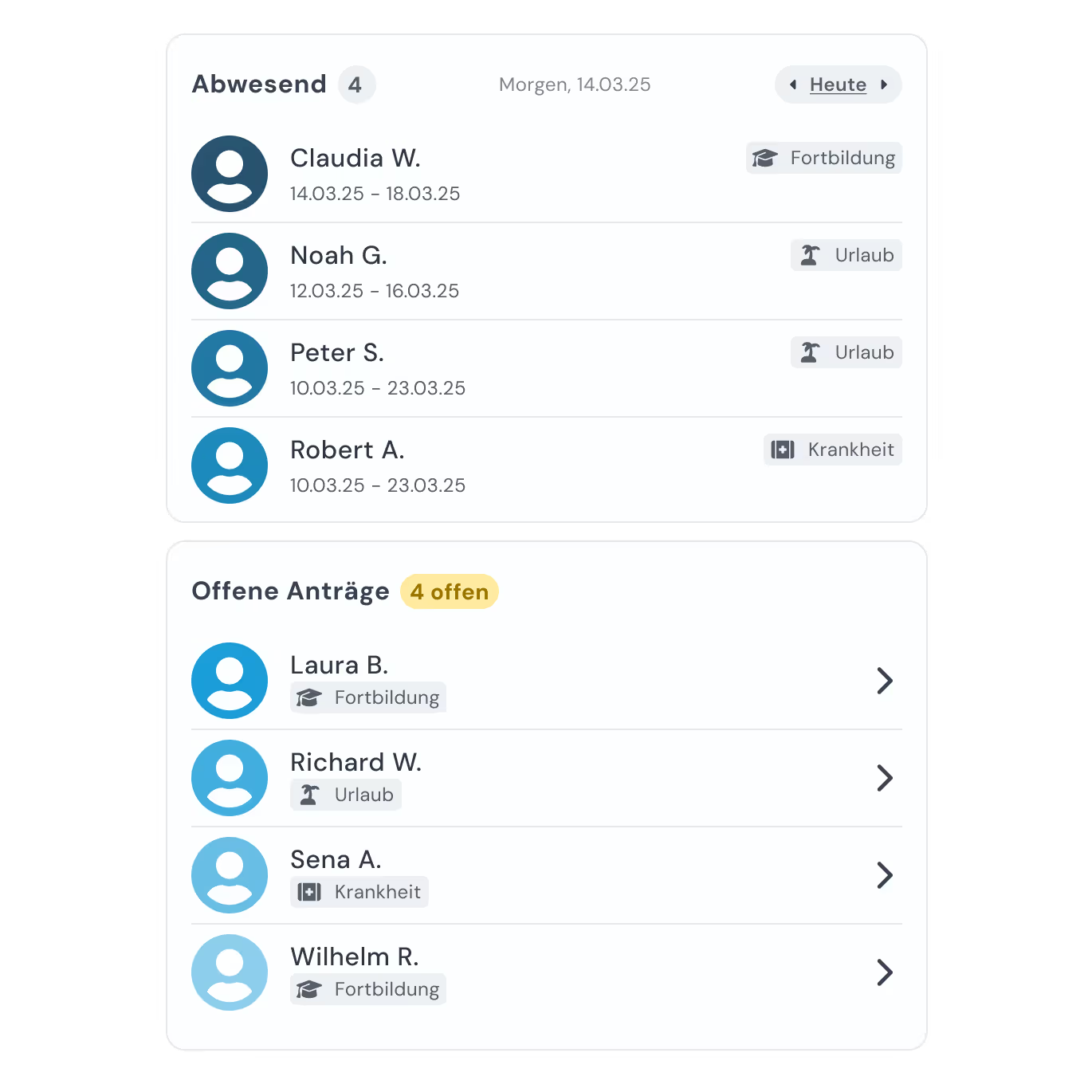

Administrators can manage absence requests, keep an overview and create reports – for transparent, efficient admin.
With clockin you take your time tracking digital in no time. Start your free trial, set everything up yourself or use our service – within a few hours the paperwork is behind you and you track working hours simply via the app!


Im Paket Team Starter warten zusätzliche Funktionen, die euren Alltag einfacher machen – und das schon ab 3,59 € pro Nutzer pro Monat.



Yes. clockin automatically recognizes regional public holidays and takes them into account when absences are planned – you do not have to enter anything manually.
The calendar view shows you at a glance who is away and when. That makes scheduling easier – especially in smaller teams or during the vacation season.
Absolutely. Small companies in particular benefit from the simple structure and the quick overview – without paperwork or Excel lists.
No, custom absence reasons cannot be created at the moment. But you can choose from a wide range of predefined categories – from “vacation” and “sick leave” through to “training”. We follow DATEV's standards, so your reports and payslips run smoothly.
Yes. In the employee self-service area, employees can check their leave entitlement and the days they have already taken at any time – transparently and without having to ask.
You can record, manage and analyze vacation, sick leave, working from home, public holidays, business trips and more.
Yes. Employees can request time off directly in the app. Managers automatically receive a notification for approval – simple and digital.
Requests go to the people responsible for review. With one click you can approve or reject leave or other absences – comment included.
Yes, you can see other team members' absences in clockin. There is a dedicated view where you can look at your colleagues' absence periods.
To change or cancel your absence in clockin, open the app and go to your absence calendar. There you can edit or delete absences you have already planned.