Time tracking with Lexware Office
The perfect connection for your finances.
Record jobs digitally with clockin and the Lexware Office invoicing software, then bill them with a single click.


Record jobs digitally with clockin and the Lexware Office invoicing software, then bill them with a single click.

Whether you run a company, work freelance, run a small business or are just starting out – make the most of Lexware Office's smart digital features:Big time savings on admin (monthly and customer invoices)Easy to use, no bookkeeping knowledge neededAll your finances in one program (tax, invoices, online banking, bookkeeping)Work on the go via app, smartphone, tablet or laptop (incl. Mac)
Björn Schwede no longer types hours in twice and saves at least 200 sheets of paper. Read how he uses clockin and Lexware Office together in the Lexware case study.

We save at least 200 sheets of paper




clockin and Lexware Office together take the way you handle jobs to the next level.
Mit der DATEV-Schnittstelle von clockin ganz automatisch und sicher Daten übertragen.
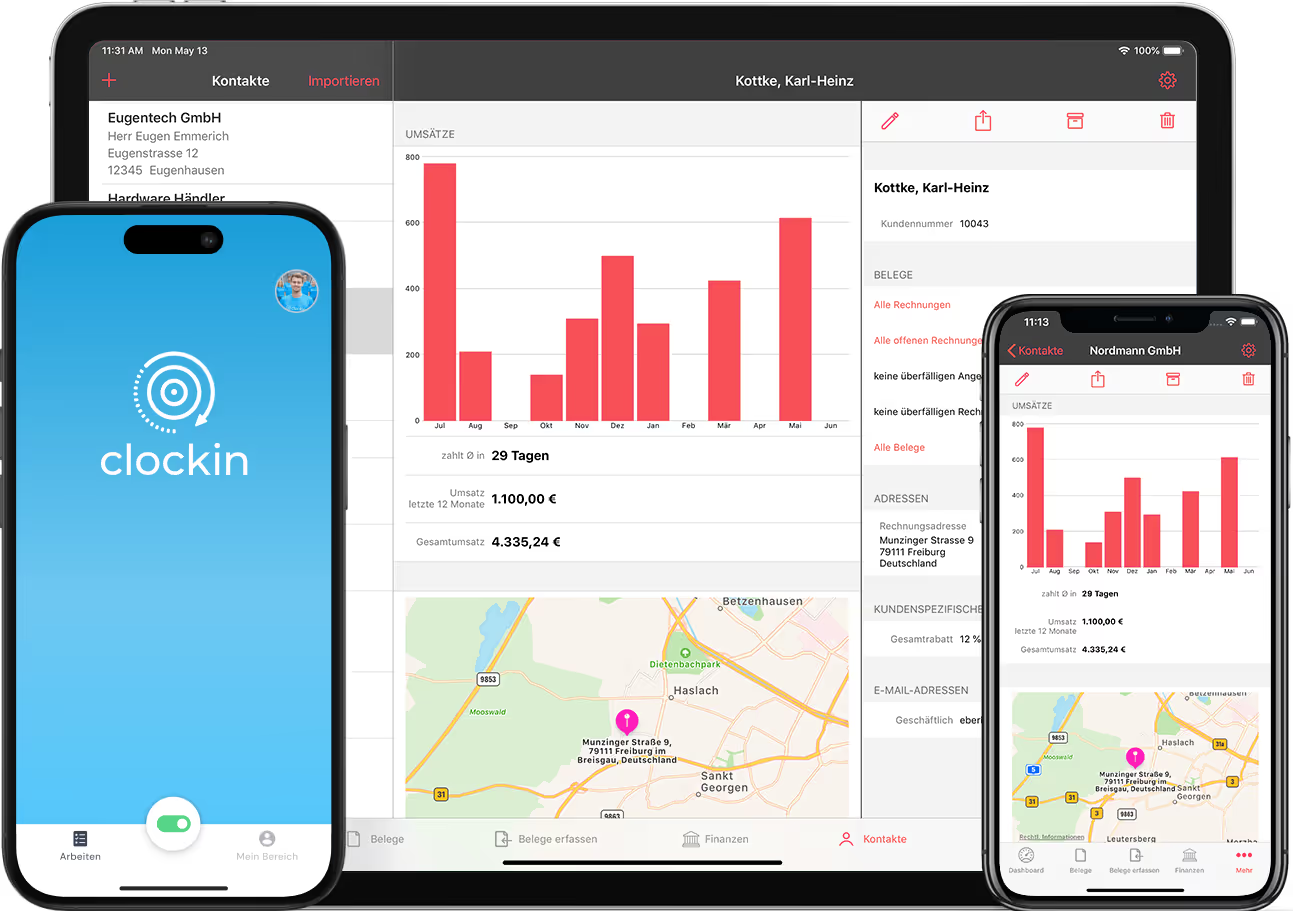
To create an invoice from cleanly recorded project hours, you can connect clockin and the Lexware Office invoicing software in just a few clicks. That lets you import recorded hours straight into your Lexware Office invoice and set an hourly rate as well. You can also edit the recorded working hours at any time. Together with Lexware Office we make it possible to handle your jobs entirely digitally.
With clockin and Lexware Office, handling jobs becomes child's play! In this video Nicole shows you how to import your project hours in a few clicks and put together a cleanly recorded invoice in no time.
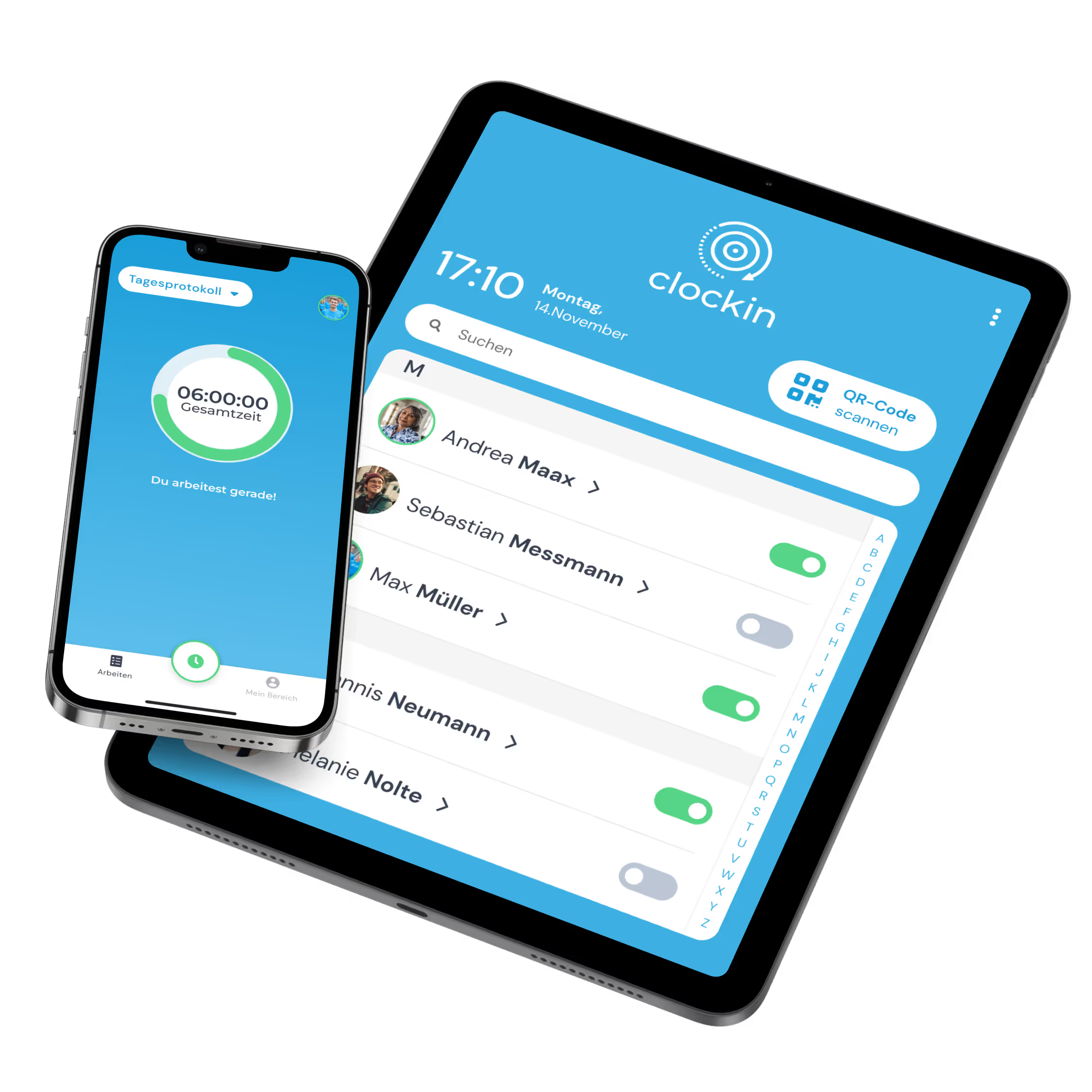
With clockin you never lose track of your ongoing projects again. The system warns you automatically when the planned hours for a job are exceeded. Your employees can clock in on jobs directly via app & PC. You can edit the recorded hours at any time and hand them over to Lexware Office.
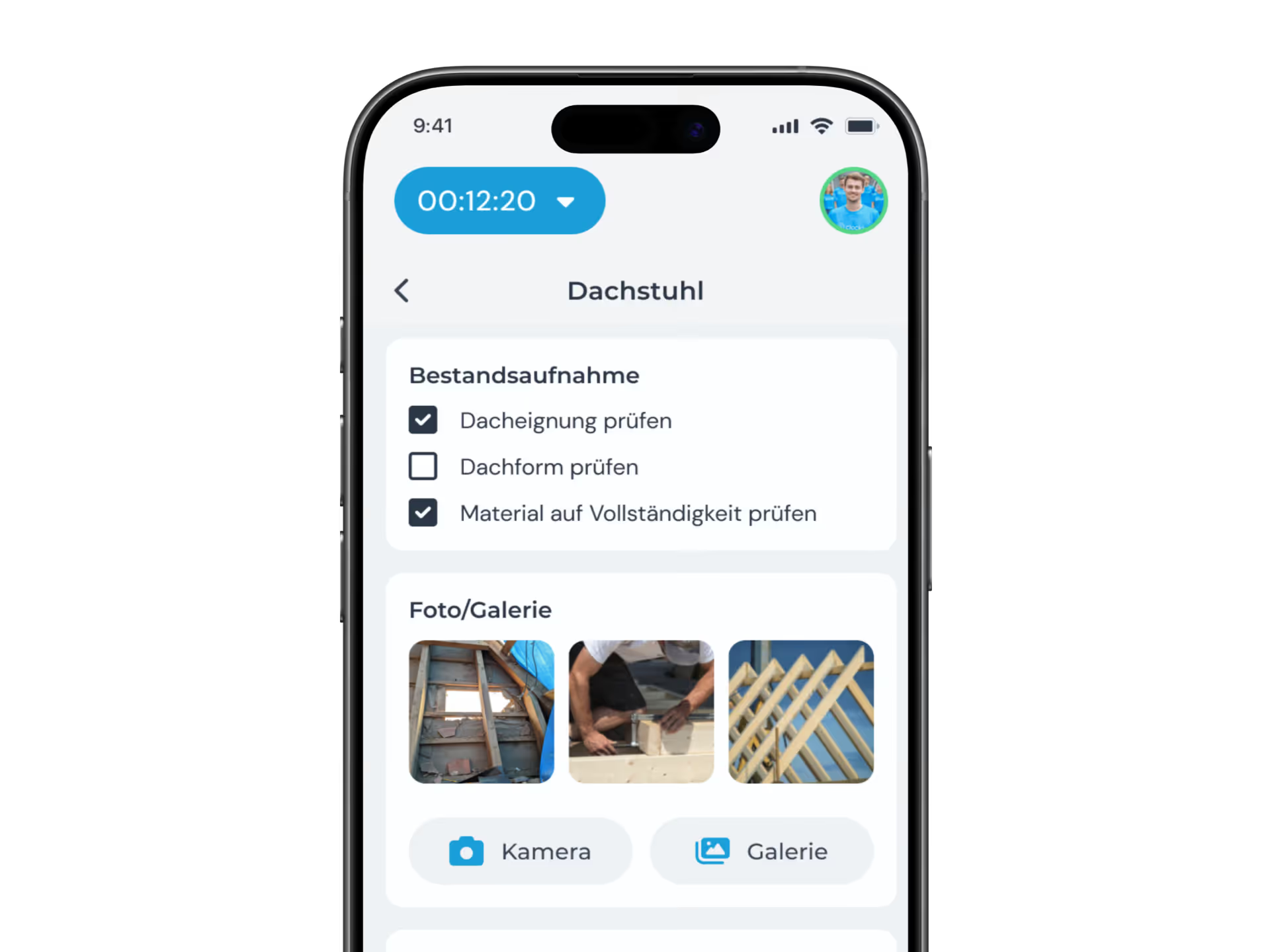
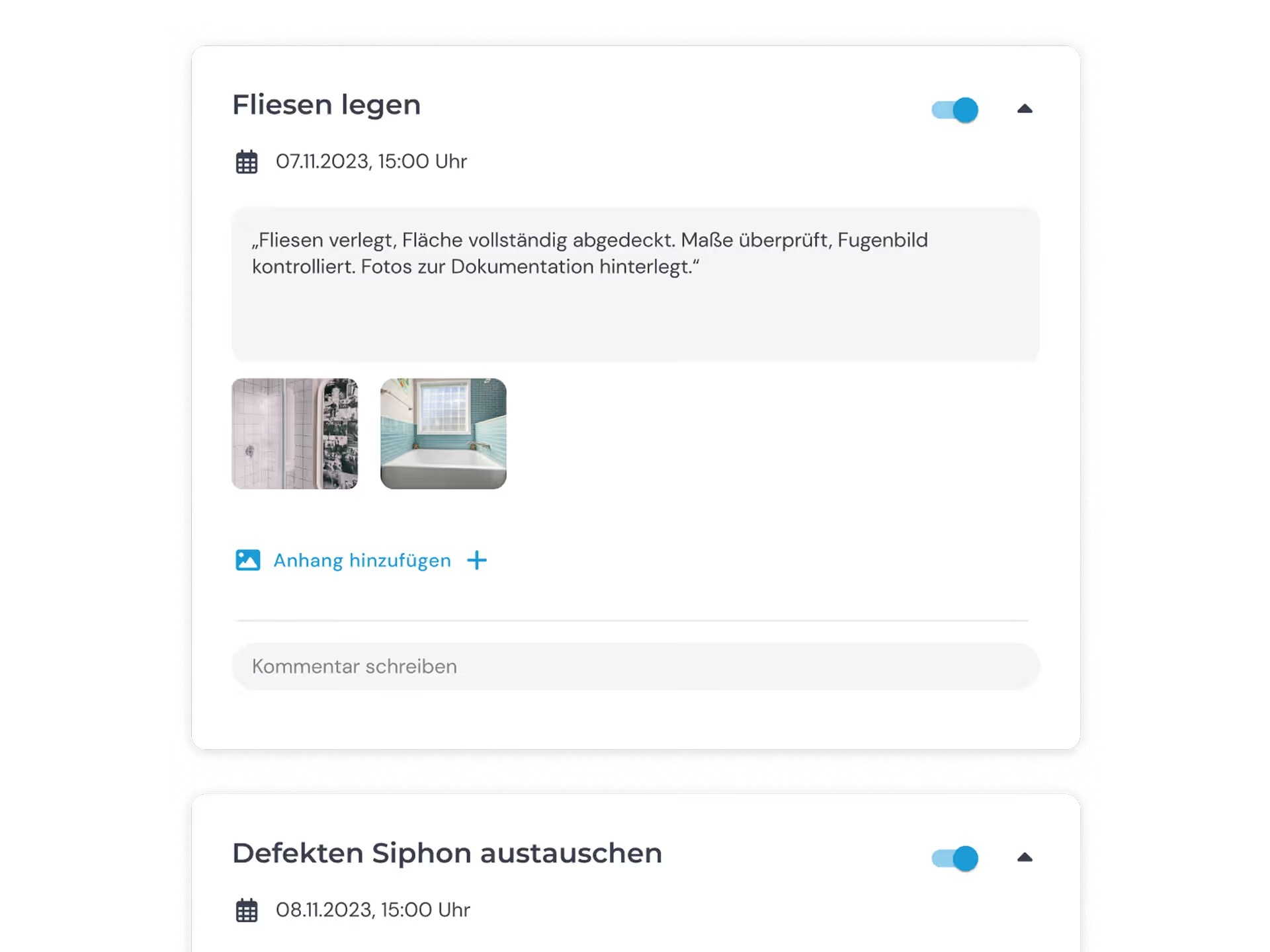
Your employees can also document jobs using the photo, sketch and note functions. That means you can document every job in full. The system saves the information automatically in the relevant project file. Everything is available to you in real time.
clockin takes the way your business communicates with customers to a whole new level. You can export job histories with all the relevant documentation from your employees at any time and hand them to the customer as a PDF file.
You record working and project hours on the move via the app and bill them straight through the Lexware Office integration. Before sending, you can check the recorded hours in clockin once more and edit them if needed.
The integration is included in the "project time tracking" and "time tracking and documentation" plans. From the project time tracking plan upwards you bill your projects directly through Lexware Office.
In clockin, go to the settings cog and open "Integrations", select Lexware Office and click "Connect". After logging in to Lexware Office you confirm the access request – and optionally store a default hourly rate right away. Read more here.
Yes, you import your customers from Lexware Office straight into clockin's Office Center in a few clicks. That way you do not have to create them twice. Read more here.