Time tracking in the construction industry

Your job sites under control

Your crews are on a different job site every day – with clockin you still record working hours and document construction progress in full, with no calls back to the office.

  • GDPR
  • 100 % Made in Germany
  • CJEU-compliant

Trusted by more than 9.000 companies

Sound familiar?

  • Hours on the job site on paper
  • No overview of who is where and when
  • Site reports arrive late or not at all
  • Proof for clients full of gaps

What you want:

  • Clock in by QR code on the job site
  • Who is where and when – always up to date
  • Documentation straight from the site, with a photo
  • Complete records at the push of a button

Save valuable time by going digital in the Construction industry

Project time tracking

Every hour on the right construction project

You log your working time straight to the right job site – with no paperwork chaos and no Excel sheets in the office.

  • Log working time straight to projects
  • Floor plans and work steps at hand in the app
  • An overview of the hours worked per job site at any time

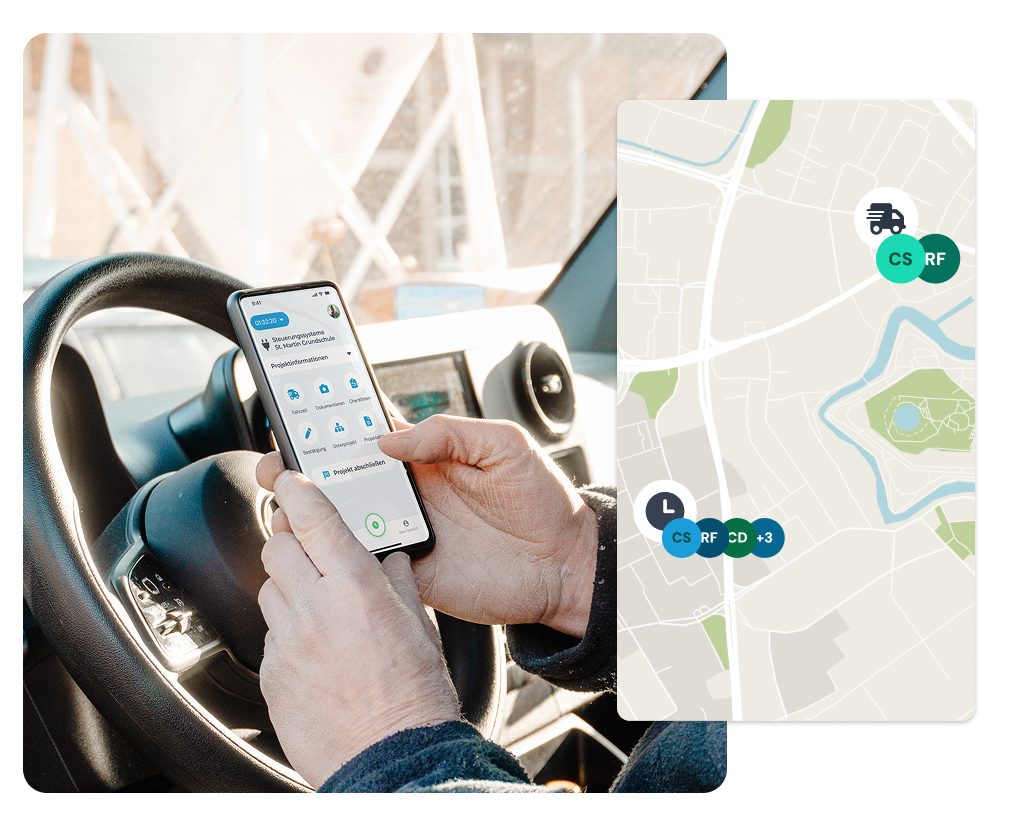
GPS tracking

Rock-solid proof with the GPS feature

You know at any time who is working where and when – fully within the legal limits and agreed openly with your team.

  • Record locations precisely by GPS
  • React flexibly to changes
  • Clear proof for projects and jobs

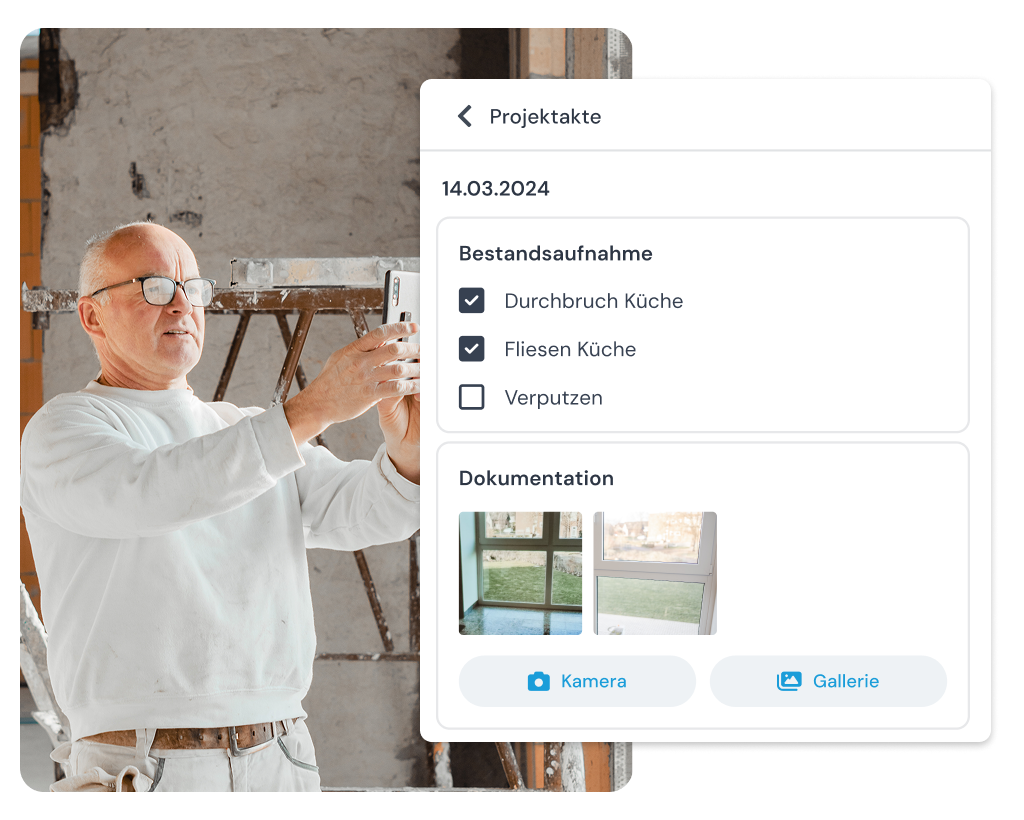
Time tracking and documentation

Hours, photos and notes saved automatically

With clockin you have everything about a job site in one place – and can make it available to your client directly when you need to.

  • Save working hours, photos and notes automatically
  • Export project records for clients

Hours overview in the office

All hours in view – for your whole team

In the Office Center you see at a glance how many hours your team has worked on which job site – clearly laid out and sorted chronologically.

  • Hours and projects in one central overview
  • Quick reporting for payroll and billing
  • DATEV integration including master data exchange

Integrations

Seamlessly connected to your tools

clockin sends time data straight to your existing systems – no manual exports, no duplicate work.

More features

Everything your business needs, all in one place.

Digital customer sign-off

  • Collect signatures right in the app – on site with the customer
  • Sign-off saved to the project automatically
  • Send it straight to the customer by email if you want

Digital checklists

  • Structure your workflows & avoid mistakes
  • Capture photos, entries & signatures on the spot
  • All checklists digital and available at any time

Invoicing

  • Turn project hours into invoices automatically
  • Pull in customer data directly – no double entry
  • Bill in a few clicks with Lexware, sevdesk, weclapp & co.
Add-On

Shift planning

  • Build schedules intuitively with drag-and-drop and employee self-service
  • Live updates for your team through the clockin app
  • Automatic planned vs. actual comparison as you build the schedule

Manage absences

  • Online absence management
  • Request vacation, sick leave and more via the app
  • Simple approval workflow in the dashboard
Add-On

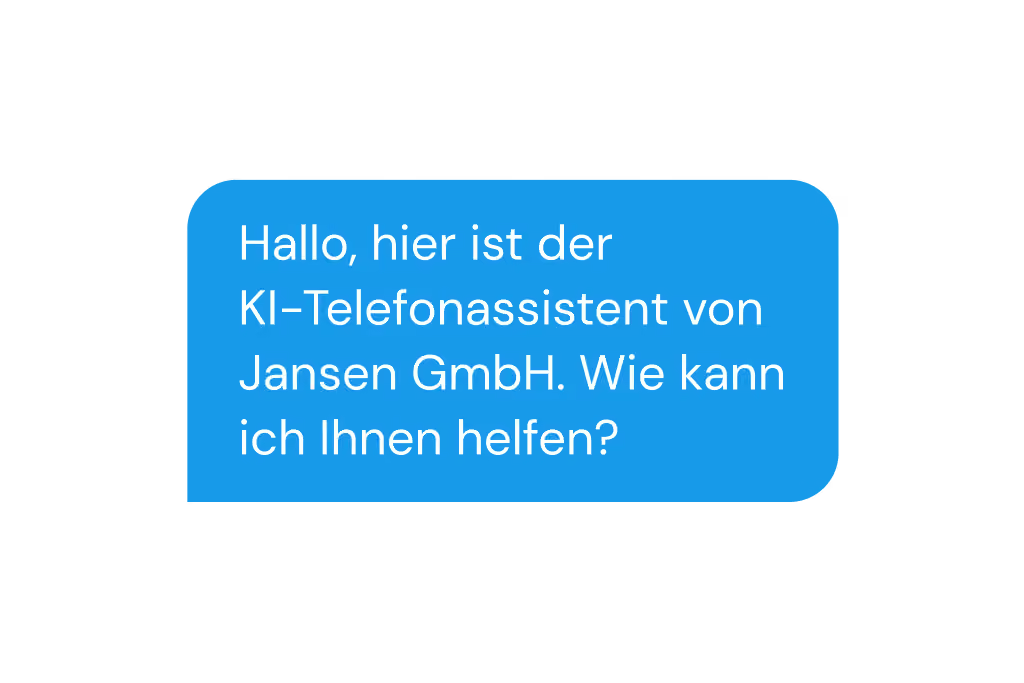
AI phone assistant

  • Be reachable 24/7 and stop missing jobs
  • All the information at a glance, straight away
  • Calls sorted automatically by urgency

“I want to be above board from start to finish, and I'm happy to be checked. clockin makes that possible and gives me trust and reliable planning.”

What 9,000+ customers say about clockin
OMR Rating
4.9
408 reviews
Google Review
4.5
37 reviews
trusted
4.7
2,252 reviews
App Store Rating
4.7
1,550 reviews
As of June 2026

Pay only for what you need –
with a contract term that suits you.

Pay only for what you need –
with a contract term that suits you.

Spare bis zu 10 % bei einer Laufzeit von 24 Monaten
Team

Starter

Leave the paperwork chaos behind. Your first step to going digital.

3.59 €
per month / user, billed every 2 years*
Paket testen
  • Mobile and on-site time tracking
  • DATEV export for hours reports
  • Manage calendar & absences
  • Custom branding
Team

Pro

Hours and projects under control. Transparent for your whole team.

6.29 €
per month / user, billed every 2 years*
Paket testen
  • Everything in Starter
  • Time tracking for projects
  • Lexware Office integration for automatic invoicing
  • Digital customer management
  • GPS time tracking
  • Digital personnel file
  • Custom roles & permissions
  • Advanced absence management
Team

Expert

Every project properly documented. Audit-ready down to the last detail.

8.99 €
per month / user, billed every 2 years*
Paket testen
  • Everything in Pro
  • Digital project files (incl. comments)
  • Checklists & forms
  • Photos, sketches & notes
  • Digital signatures
  • Project export for customers
  • Audit log
  • clockin API
  • Single Sign-On
clockin für

Large businesses

Tailored precisely to what larger teams need

Custom pricing €
per month / user, billed every 2 years*
Paket testen

*All prices exclude VAT. A platform fee (€10/month) applies for fewer than 5 users.

FAQ

Frequently asked questions

How does GPS time tracking work?

The German Occupational Safety Act sets narrow limits on determining employees' locations. In particular, employees should not feel under pressure or subject to permanent monitoring. clockin therefore does not track employees permanently. You are free to decide whether or not to use the GPS feature, in agreement with your employees and works council.

Technically, a GPS point can be recorded whenever an employee or a crew switches activity. Trips in a company vehicle are different: because this is expensive company property, in certain cases it may be possible to record the location at shorter intervals.

Important legal note: clockin does not provide legal advice here. The information provided is not binding and can vary from company to company and from country to country. We therefore expressly recommend having the use of clockin, and the extent of that use, reviewed by a qualified lawyer.
Our crews change job site constantly – how do I keep track?

With clockin you see live who is working where and when – whether it is your own team or subcontractors. Every entry is assigned to the matching project, completely automatically.

How do my people document additional services or unexpected waiting time?

Simply in the app: take a photo, write a short note – done. clockin saves everything in the project. That way you can prove afterwards why a job took longer.

We have no time for training – how quickly can my team get going?

The app is built so that anyone understands it without explanation. A few minutes are usually all it takes – ideal for construction.

How do I convince employees who are not tech-savvy to use clockin?

clockin was deliberately developed and tested together with tradespeople and other hands-on workers who don't use a smartphone at work. Our experience shows that because our app needs no training and is intuitive to operate, using it causes no problems even for employees who are not tech-savvy.

Does clockin meet the requirements of the new obligation to record working hours?

Yes. With clockin, working hours are recorded in line with the ECJ ruling and the German Federal Labor Court decision of September 2022. At the same time, employee self-service in clockin gives employees transparent access to their working hours.

Can I manage my employees' time off and absences with clockin as well?

Yes, with clockin you manage time off, sickness and other absences directly in the app. Your employees submit requests themselves and you approve them in the dashboard – with no messy paperwork in the office.

Can I record travel time between job sites with clockin too?

Yes, with clockin you record travel time between your job sites as its own time type. That way you see exactly how much time your team spends in the vehicle and how much on the job site – important for correct billing.

Try it out for yourself!

Enjoy 14 days of full access, no strings attached and risk-free.
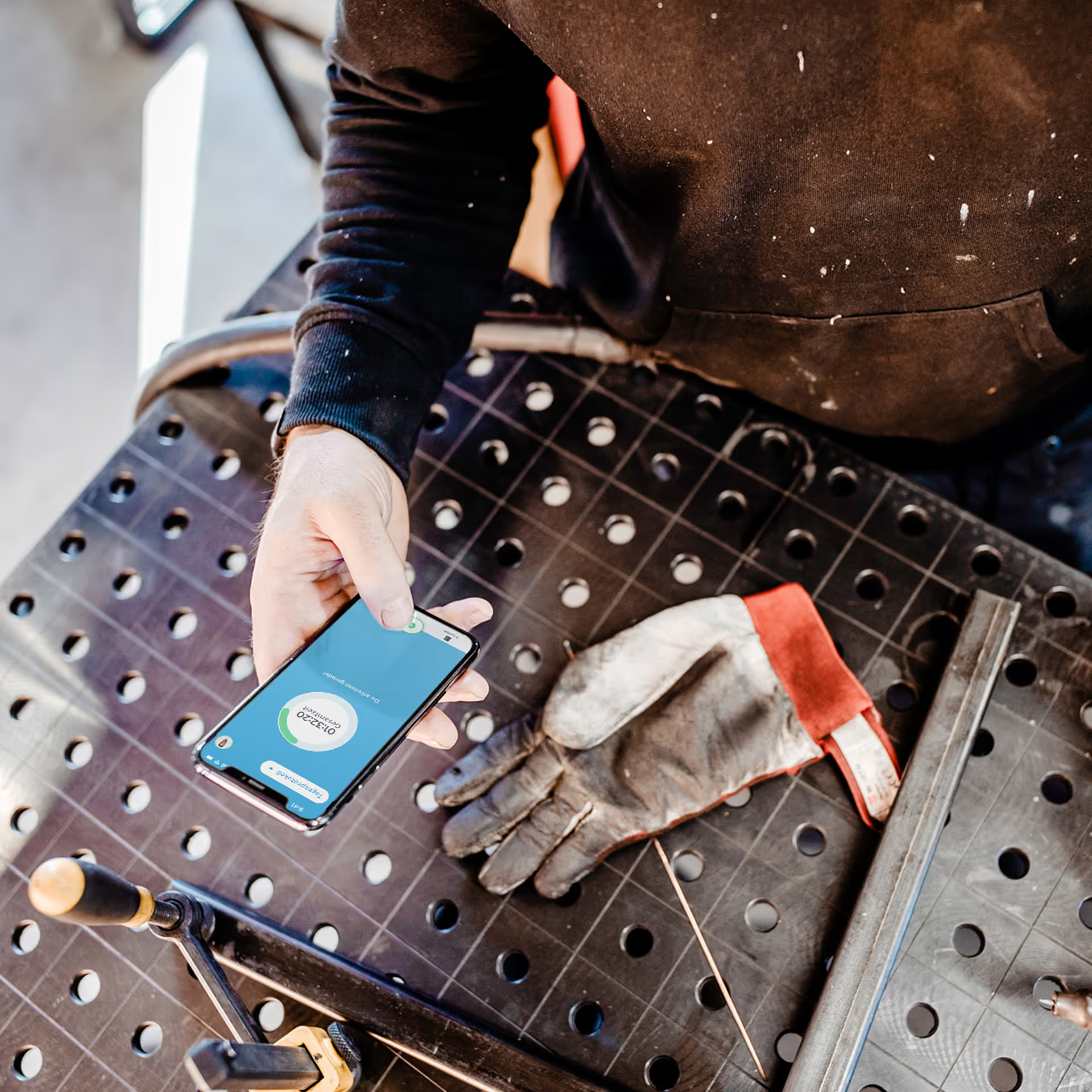
Person holding a smartphone with the display visible on a workbench next to a dirty work glove.
Try it free for
14 days
now