

.avif)
Digital time tracking via app and web
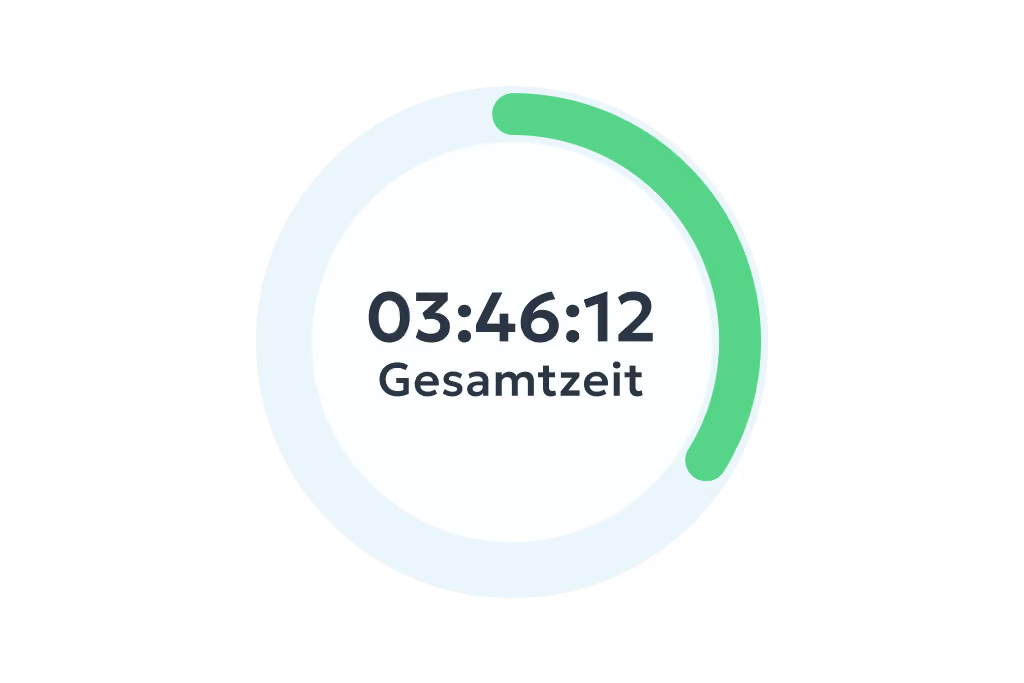
- Clock in, clock out & breaks
- Travel time, business errands & more
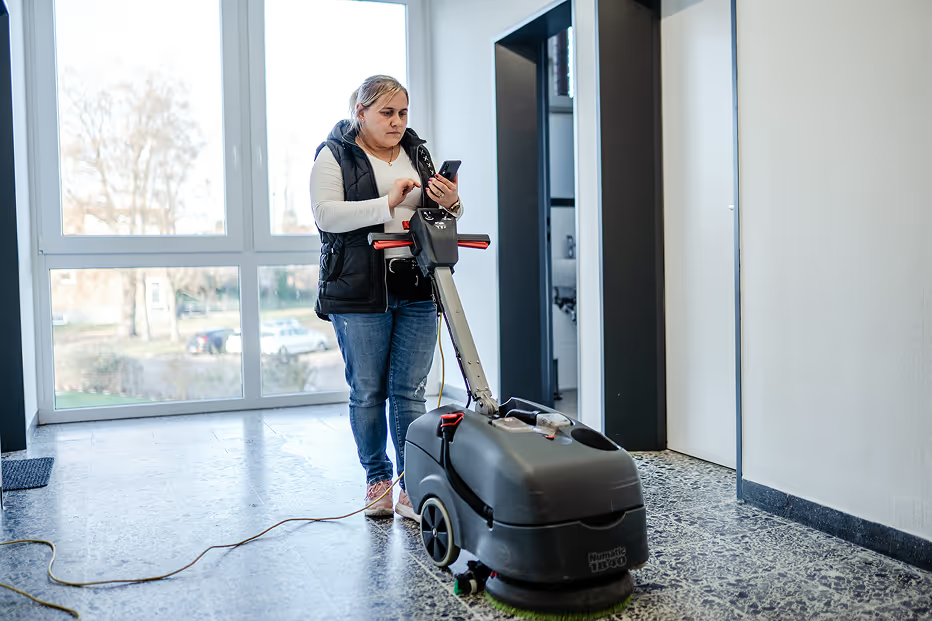
- On the smartphone and tablet app or in your PC browser
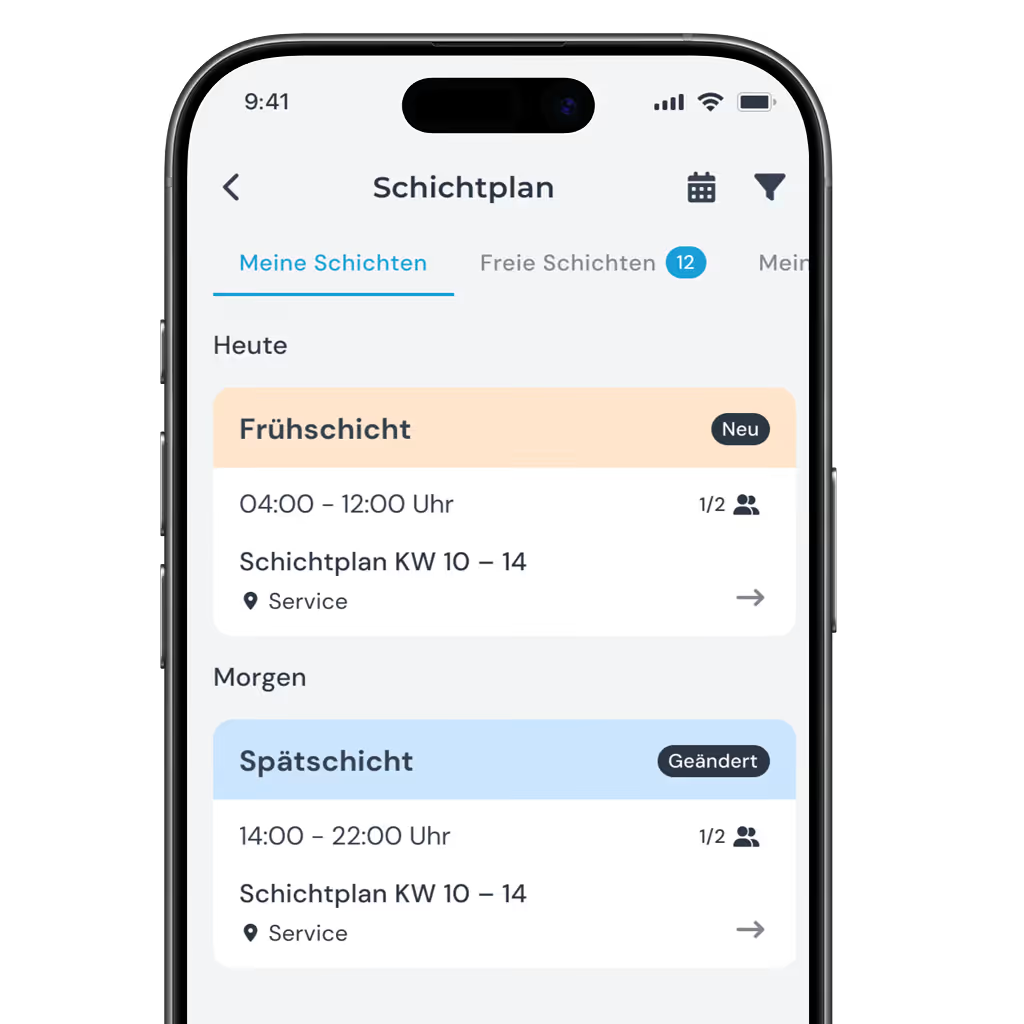
No more juggling it in your head, in Excel and on WhatsApp. Build your shift schedule in a few clicks – and share it with your team in real time via the app.
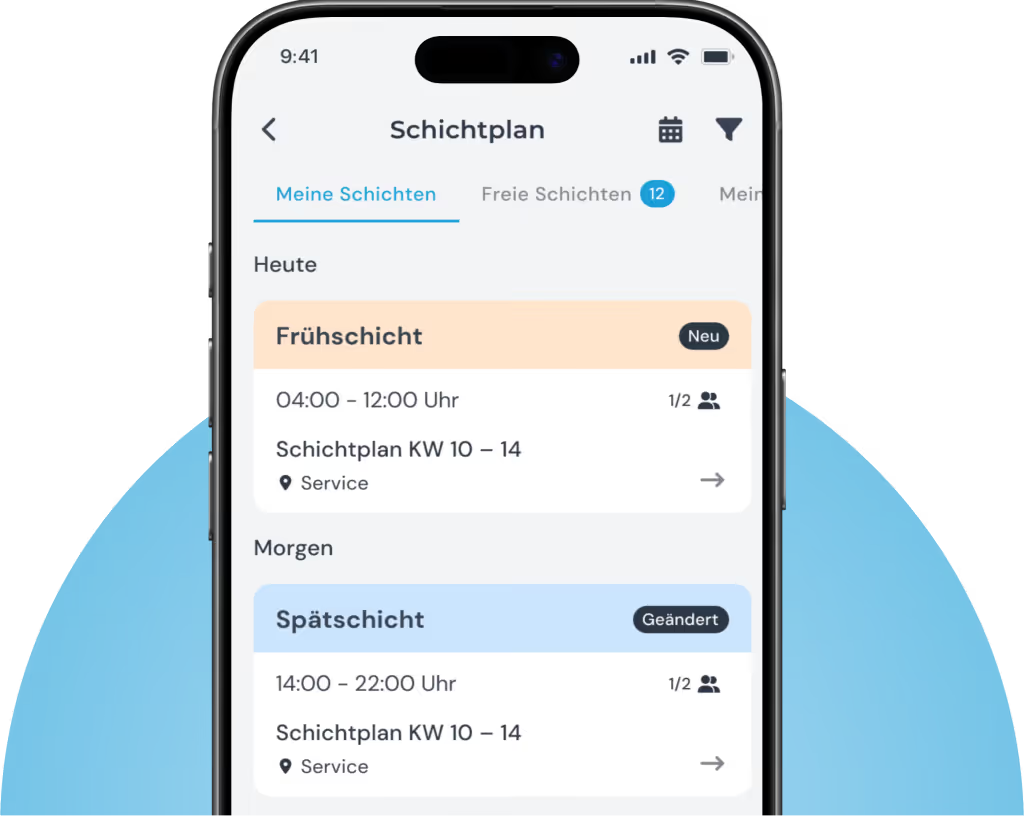
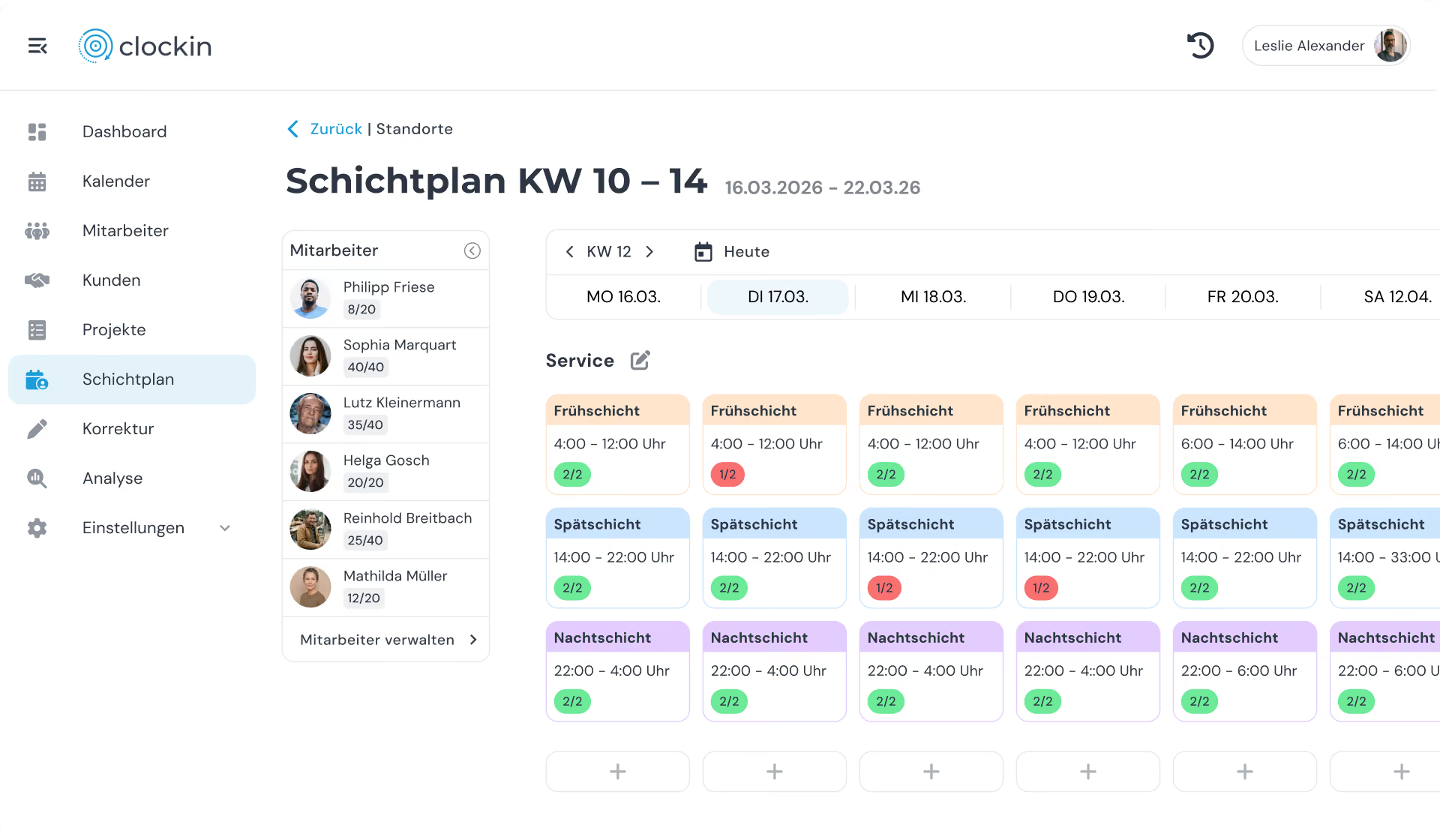
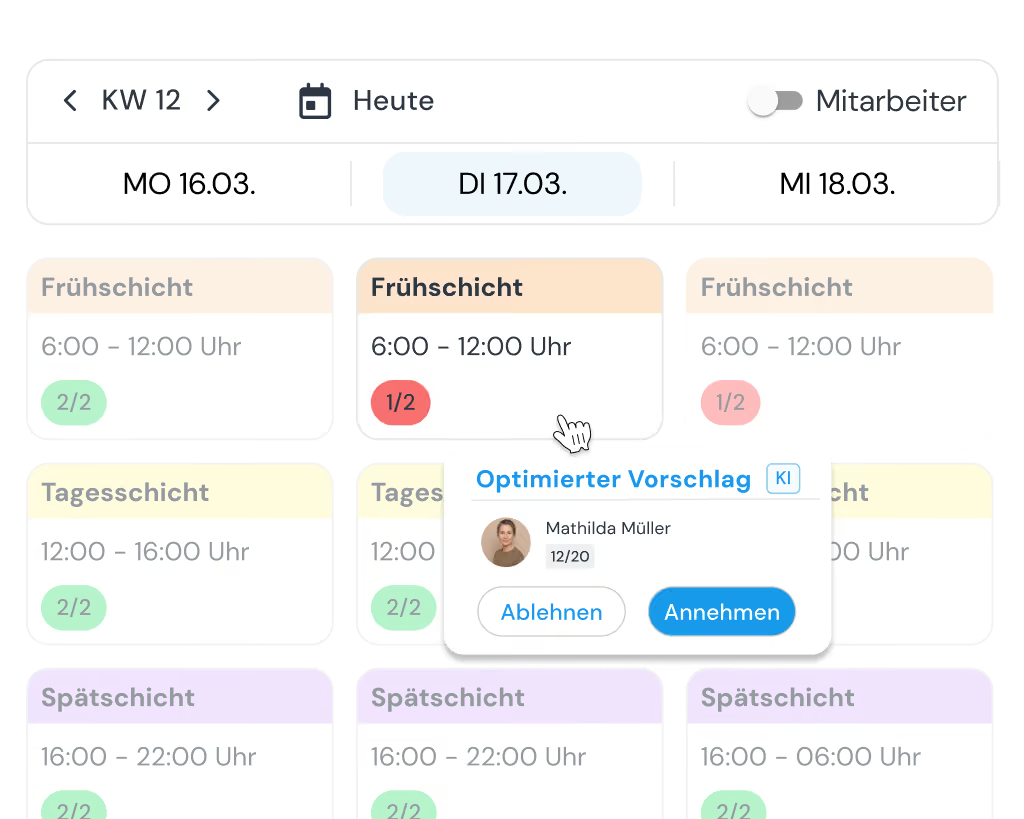
Define shifts and fill them by drag & drop – clockin's automatic conflict detection warns you about absences and exceeded hours. Then share the schedule with a single click and it is right there in your employees' app.
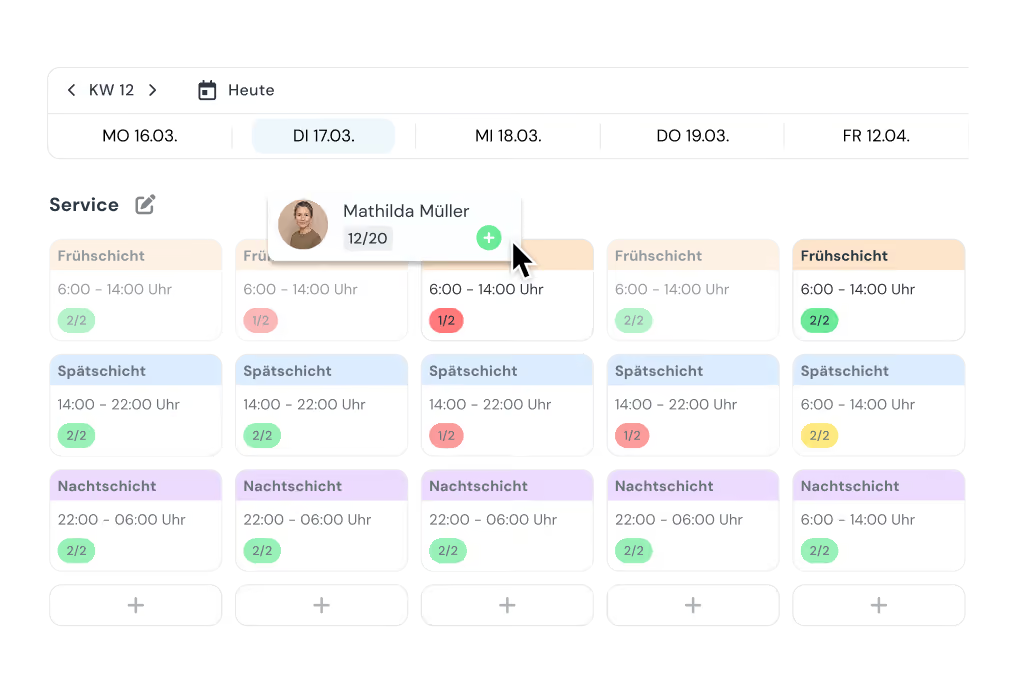
clockin takes on the tedious groundwork and suggests the right people for every shift straight away.

I used to check by hand every month whether the hours matched the shift schedule. Today clockin does that for me.



clockin grows with what you need. Add exactly the features you want – bookable as flexible add-ons, seamlessly integrated and ready to use straight away.
*All prices exclude VAT.
Plan shifts, record hours, stay on top of things – all in clockin.
Made for your day-to-day work.



Yes, your employees see their shifts directly in the clockin app – any time and from anywhere. You can adjust the schedule even after publishing it. Changes take effect immediately and your team is notified automatically in the app.
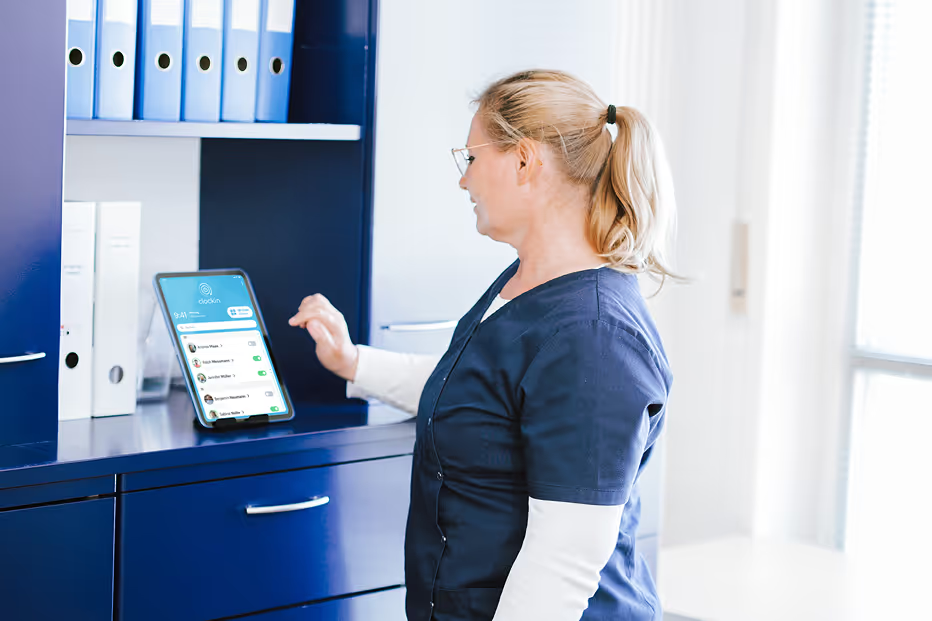
Yes, the shift planning software builds on clockin's digital time tracking. Your team clocks in and out in the same app that holds the shift schedule. That gives you planning and hours actually worked in one piece of software – no double work and no switching between systems.
Definitely. clockin is built for businesses where everyone pitches in – whether you have five employees, fifty or more.
Yes, absolutely. clockin was developed together with businesses from a wide range of industries – from the small café to the home care service. Shift planning is intuitive, easy to grasp and can be used straight away without training. That is what lets it adapt flexibly to any industry.
Yes, you can plan locations, branches or areas separately and assign your employees to their respective locations. That way everyone only sees the schedule that is relevant to them – and you still keep the overall picture.
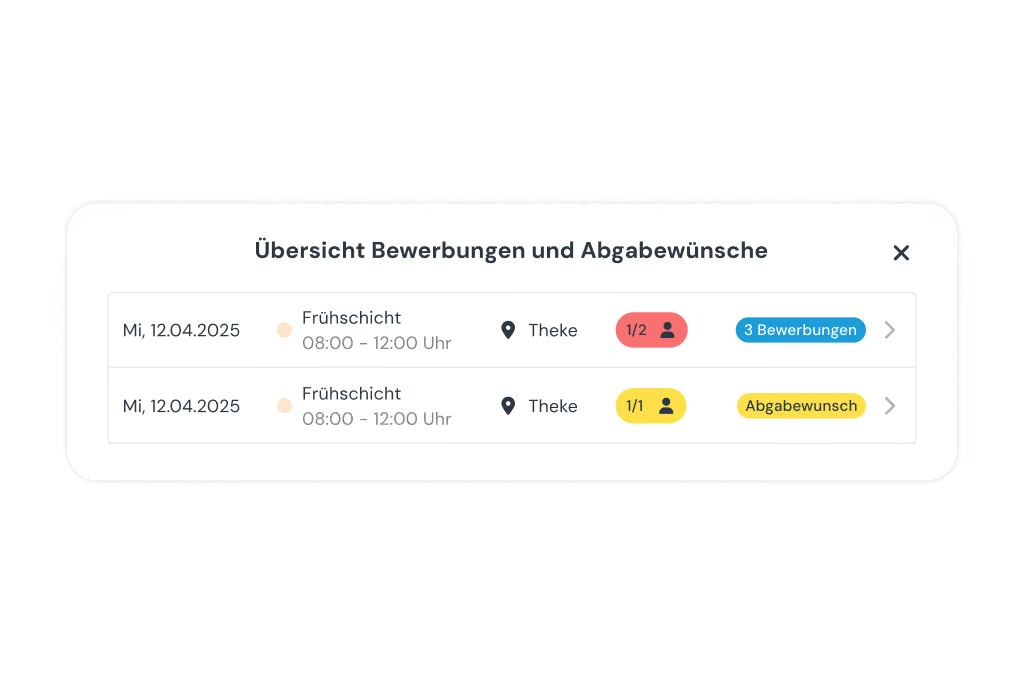
Yes! You decide how much flexibility to give your team. As an admin you can specify in the settings that employees can apply for open shifts or request to hand over a shift of their own. You always keep full control: the schedule is only updated, and the team only informed, once you confirm the request. That makes your planning more flexible without you losing track.
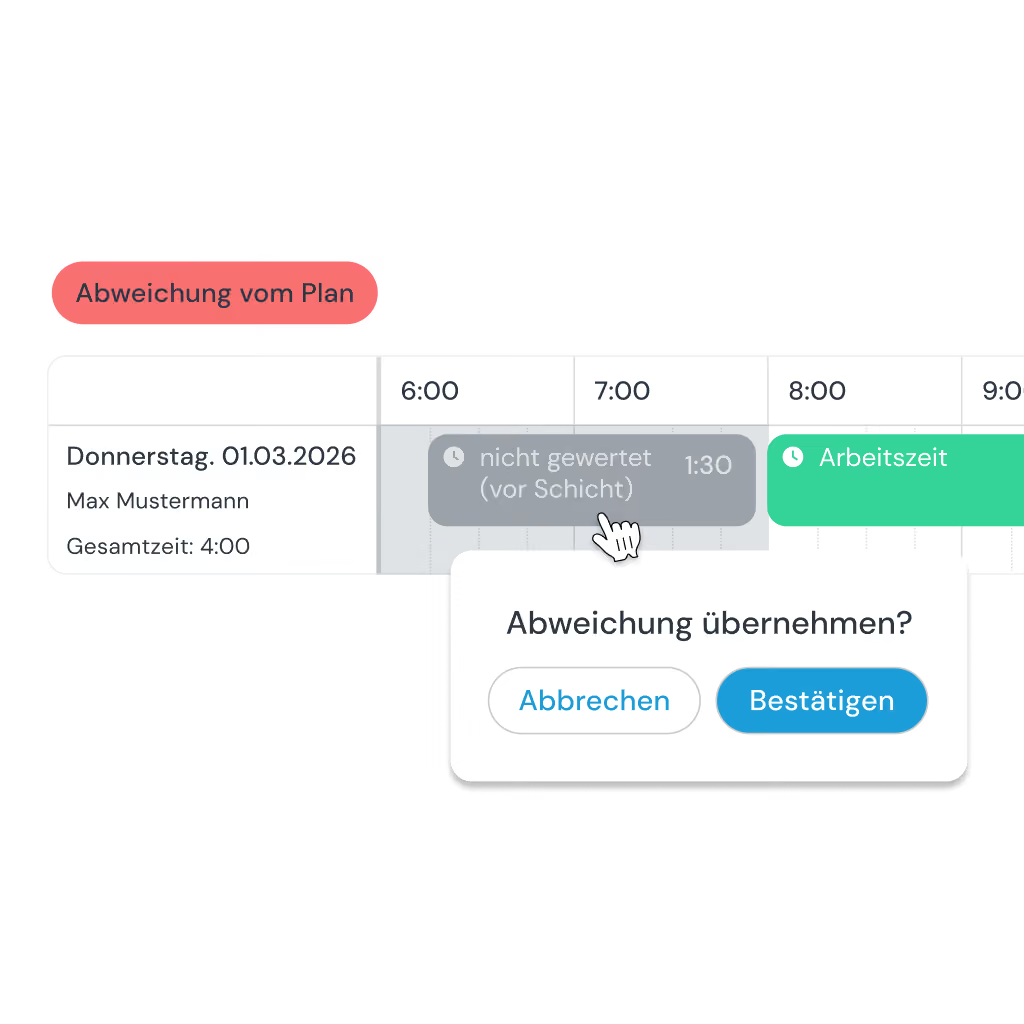
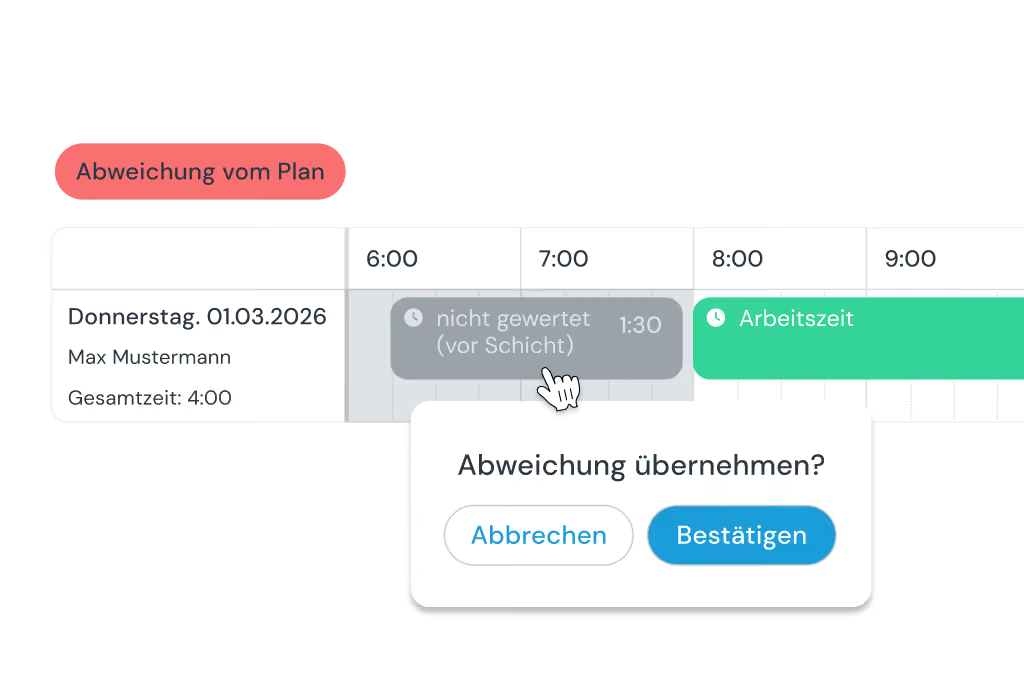
Yes! You can set the shift as the fixed window for counting hours. Only hours within the shift are then counted automatically. Deviations are flagged for you to check, so you keep full control over overtime and your payroll.
Yes, that is the idea. The current schedule sits digitally in the app and everyone can see it. If you want, you can also export or print a schedule – but for day-to-day work you no longer need a wall planner or an Excel printout.
Yes, you can try clockin with shift planning free and without obligation – with no automatic subscription. During the free trial you can take your time testing the shift planning software together with time tracking. If you then decide on clockin, you carry straight on with the data you have already set up.
Duty rostering software and shift planning software usually do not differ in what they can do. Both kinds of software, clockin included, let you create schedules that assign employees to a particular activity or location for a particular period. clockin makes no distinction between a shift and a duty.