Time tracking with a DATEV integration

Connect clockin to DATEV in a few clicks

Efficient, accurate time management for your business.

  • Automate payroll accounting in a few clicks
  • Less work for you and for your tax advisor
  • Fast, simple transfer of time and attendance data to DATEV
DATEV Marktplatz Partner-Siegel
clockin lässt sich einfach an DATEV anbinden

Your benefits

  • Cut the admin work to a minimum
    The automated connection between clockin and DATEV saves you a great deal of time. It sharply reduces the work on your tax advisor's side too.
  • Digital payslips
    Letters in the post are a thing of the past. With the DATEV data services integration you can send your employees their payslips digitally, straight to their phone.
  • Automate payroll accounting with one click
    Recording time and attendance data digitally removes one of the biggest bureaucratic time-wasters from your week.

CLOCKIN AND DATEV

The red-tape killer that tax advisors love

DATEV payroll import and DATEV payroll reporting transform the way payroll accounting works in your business.

The 3 DATEV data services at a glance

Lohnauswertungsdatenservice

Payslips directly in clockin

Make payroll documents such as payslips and social security statements available to your employees as PDFs, ready to download directly in clockin.
Lohnimportdatenservice

Send timesheets straight to DATEV

Transfer the working hours and absences recorded in clockin automatically and securely straight into the DATEV data centre.
Lohnaustauschdatenservice

Master data always in sync

Sync your employee data automatically in both directions between clockin and DATEV.

How the DATEV integration works

What is the DATEV integration and how does it work?

Payroll accounting does not have to be complicated. clockin's DATEV integration transfers your data automatically and securely.

How do I connect clockin to DATEV?

Connect your clockin to DATEV in a few steps. Our guide shows you how to go digital with your payslips and automate them.

How do I transfer hours and absences booked in clockin to DATEV?

We take your digitalization a level further: you can now upload booked hours and absences straight into DATEV – for more certainty and less work.

Where can I download my DATEV payslip online?

Find out how clockin lets you view and conveniently download your payslips online through the DATEV data service. Digital and straightforward!

Which DATEV software solutions are supported?

Which DATEV solutions can clockin connect to? clockin works with DATEV Lohn & Gehalt as well as LODAS – the two DATEV payroll programs German tax firms run – so data transfers smoothly either way.

How can I recommend clockin to my clients?

As a tax advisor, recommend clockin to your own clients and make the workflows in your firm more efficient.

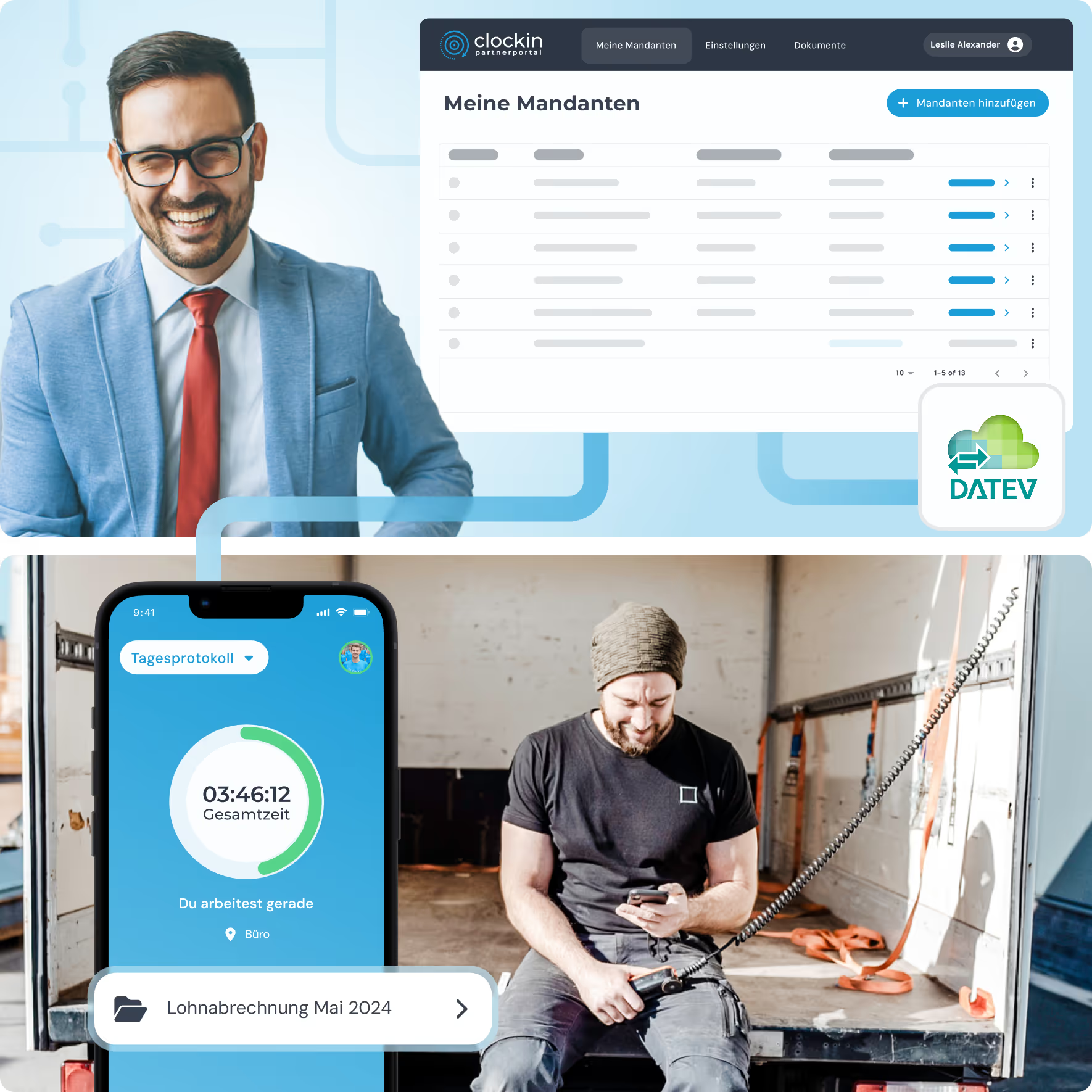
Collage aus clockin-Partnerportal-Dashboard mit Mandantenliste, DATEV-Anbindung und App auf dem Smartphone

For tax advisors:

The clockin partner portal for connecting clients without friction

FAQ

Frequently asked questions

What is the DATEV integration?

The DATEV integration connects clockin directly to DATEV, the software most German tax firms run their payroll and bookkeeping on. It sends the working hours and absences recorded in clockin automatically to your tax advisor, or into the DATEV data centre, and in return delivers finished payslips and social security statements back into clockin, where employees can access them digitally.

What do I need in order to connect clockin to DATEV?

To connect clockin to DATEV you need an active clockin account plus the matching DATEV data service, which you order in advance from the DATEV shop and put into operation. You then set up the connection itself directly in clockin.

Is the data transferred automatically, or do I have to start it manually?

Both are possible. You can export the data manually as an hours report in the right DATEV format or send it straight away, or have it transferred to DATEV automatically on a set date each period, or emailed to your tax advisor.

Exactly which data is transferred to DATEV?

Two things go across to DATEV. First, the working hours and absences recorded in clockin that payroll accounting needs. Second, employee master data is synchronised automatically between clockin and DATEV, so both systems always hold the same information.

Does the DATEV integration cost extra?

No, the DATEV integration is included free in every clockin plan and costs nothing on top. DATEV itself may charge for the DATEV data services, depending on the scope you book.

Which DATEV integrations does clockin offer?

clockin offers three DATEV data services that can be used separately or together: the Lohnimportdatenservice for transferring working hours and absences, the Lohnauswertungsdatenservice for making payslips and social security statements available in clockin, and the Lohnaustauschdatenservice for two-way syncing of employee master data. DATEV Lohn & Gehalt and LODAS are both supported.

Try it out for yourself!

Enjoy 14 days of full access, no strings attached and risk-free.
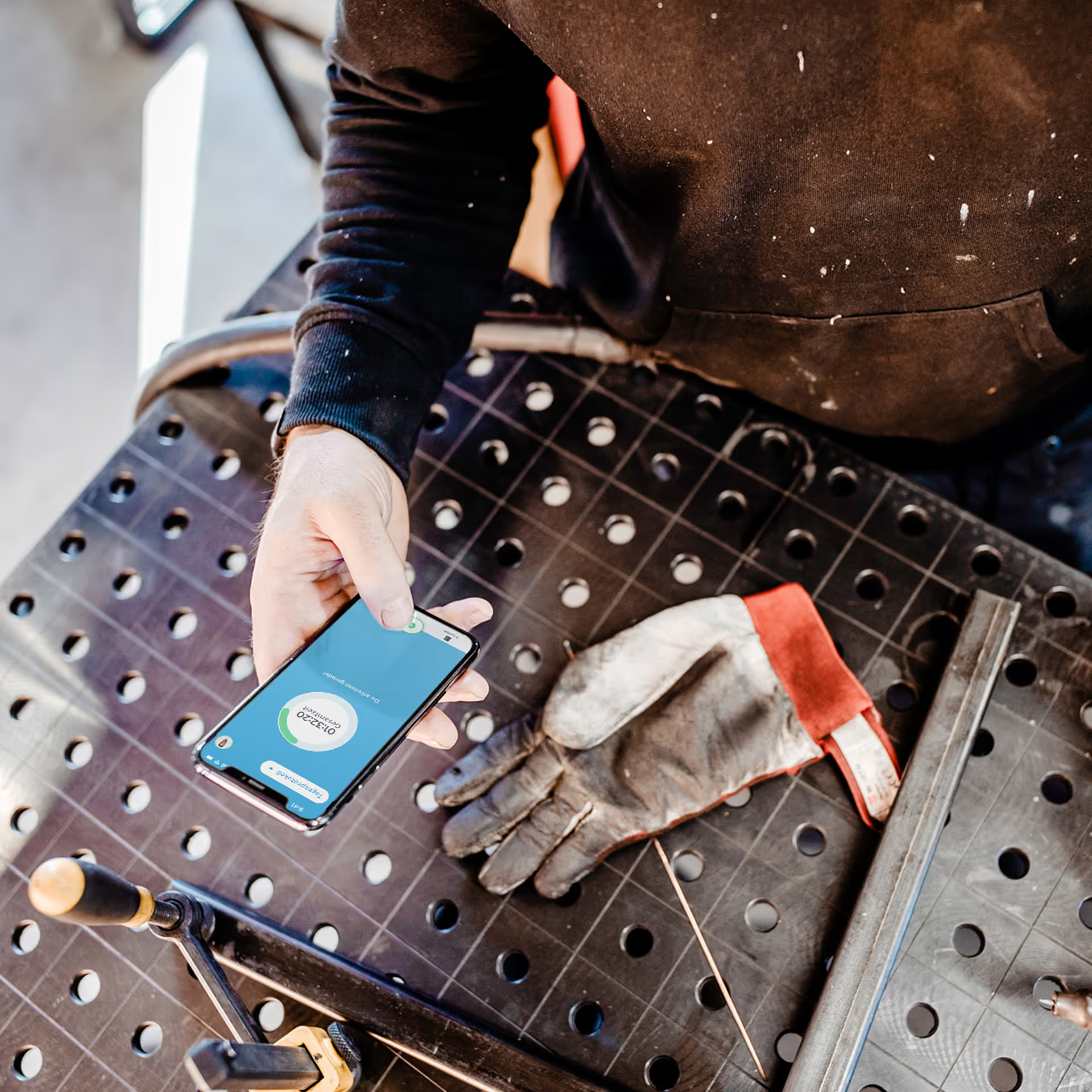
Person holding a smartphone with the display visible on a workbench next to a dirty work glove.
Test for
14 days
now