Digital project documentation

Projects documented digitally, simply

Alle Projektdetails an einem Ort – Fortschritte festhalten, teilen und jederzeit abrufen.

  • GDPR
  • from €8.99
  • 100 % Made in Germany
14 Tage kostenlos testen, ohne Angabe von Zahlungsmitteln

Deine Vorteile

Solid proof
Clean documentation gives you solid proof of your work.
More revenue
Recording hours properly lets you bill your customers 20 per cent more on average.
Projects under control
Keep an overview of your projects. Nothing gets out of hand any more.
Aufnehmen
Dokumentieren
Projektakte

So funktioniert's: Aufnahme 
direkt vor Ort

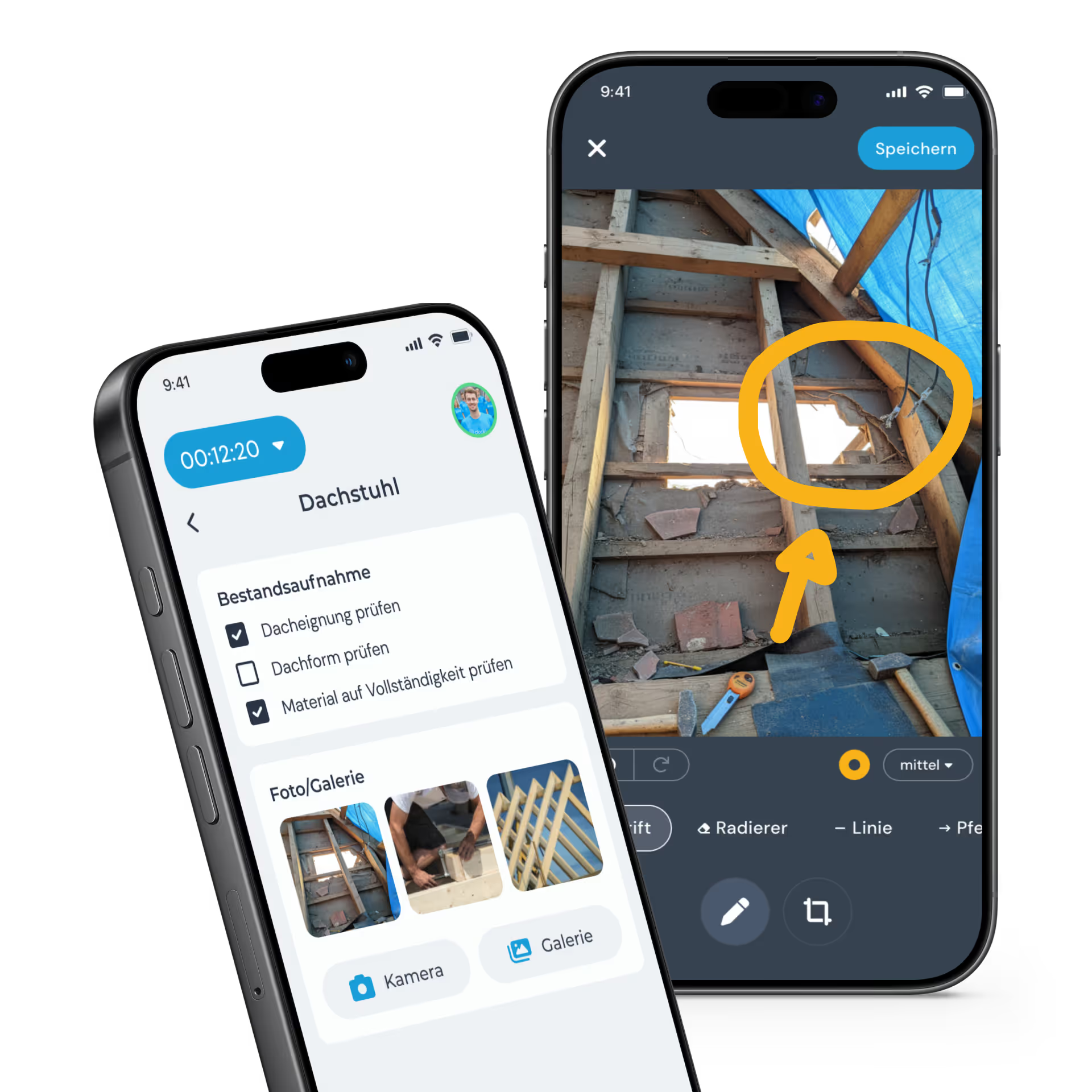
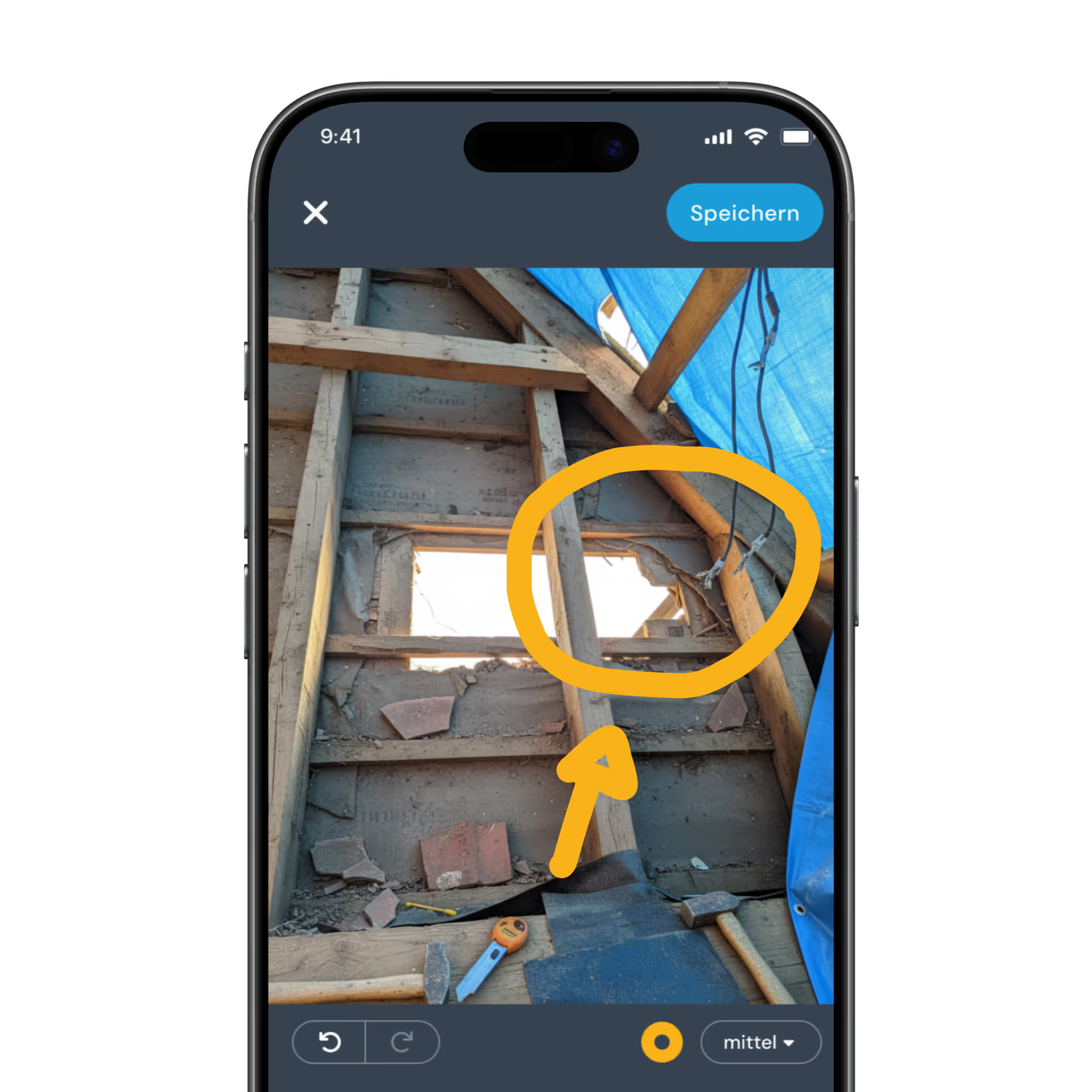
Mit der App hältst du wichtige Arbeitsschritte sofort bildlich fest ohne wertvolle Zeit zu verlieren. Jedes Detail dokumentiert, genau dort wo es entsteht.

Dokumentation leicht gemacht

Ergänze deine Aufnahmen ganz einfach um  individuelle Checklisten, Skizzen oder Berichte. 
So stellst du sicher, dass keine wichtige Information und kein Handgriff verloren geht.

Alles im Blick in der digitalen Projektakte

All important documents and information are stored centrally in the digital project file – available directly in the app, on the job site just as much as in the office.

In the Project Documentation plan

Checklists

Custom forms for every project

  • Flexible form builder for individual requirements
  • Your own templates and fields for every project
  • Structured data capture right on site at the customer
Qualitätssicherung
Werkzeug auf Vollständigkeit prüfen
Untergrundreinigung
Verlegeabstand (VA)
Fortschritt
Der heutige Fokus lag auf der Vorbereitung des Untergrunds sowie der Verlegung der Heizkreise im Erdgeschoss (Wohn- und Essbereich).
Foto/Galerie
Kamera
Galerie

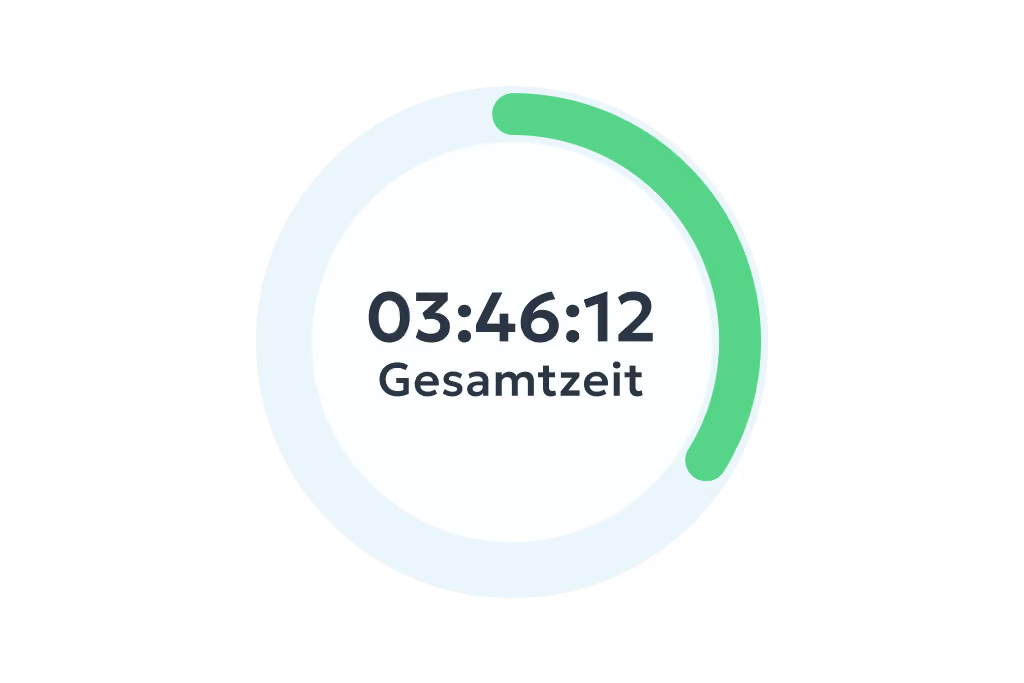
Project hours

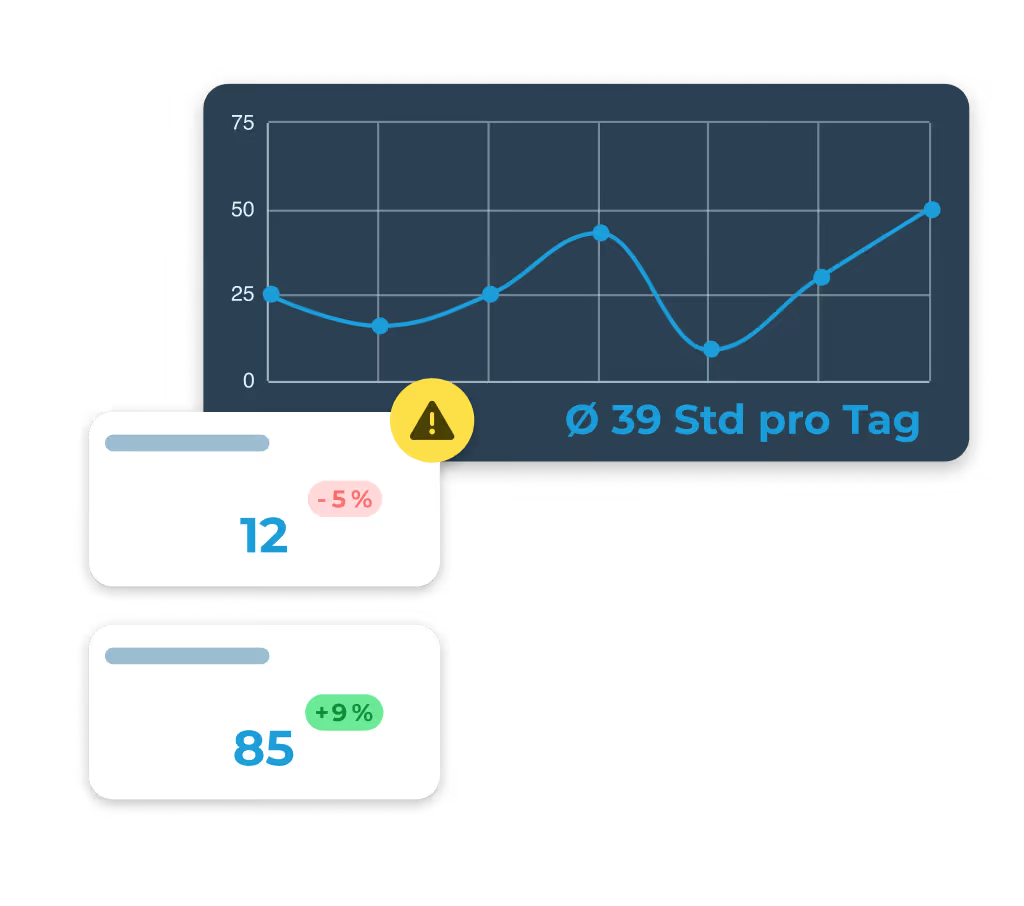
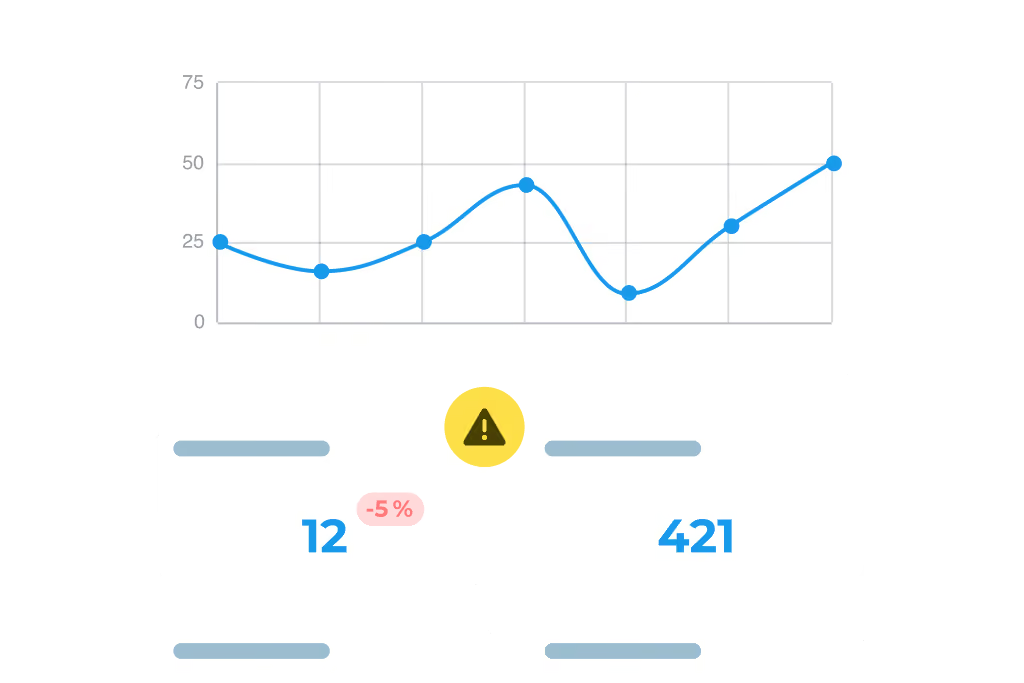
Data that moves you forward

  • Real-time overview of project progress
  • Fast analysis of the key figures that matter.
  • Clear reporting thanks to graphics and charts.

Integrations

Finally, clean invoices

  • Automatic data export to your invoicing software
  • Up to 20 % more revenue thanks to correct invoices
  • Big time savings on administrative tasks

Weitere Funktionen

Alles, was dein Betrieb braucht, an einem Ort.

Im Paket Team Expert warten zusätzliche Funktionen, die euren Alltag einfacher machen – und das schon ab 8,99 € pro Nutzer pro Monat.

Digital time tracking via app and web

  • Clock in, clock out & breaks
  • Travel time, business errands & more
  • On the smartphone and tablet app or in your PC browser

Project time tracking

  • Record project start, breaks & end of shift
  • Real-time overview of all project hours
  • Via app or in the browser – available anywhere

Simple digital employee file

  • Store contract data in a legally compliant way
  • Document staff development & agreements
  • Secure document upload to GDPR standards

Manage absences

  • Online absence management
  • Request vacation, sick leave and more via the app
  • Simple approval workflow in the dashboard

Personal employee self-service

  • Meet your transparency obligations as an employer
  • Self-service area for employees
  • View working hours, manage corrections & requests

Analytics, corrections and reporting

  • Comprehensive employee analyses and, where needed, project analyses
  • Straightforward correction options
  • Automatically generated hours reports

Digital checklists

  • Structure your workflows & avoid mistakes
  • Capture photos, entries & signatures on the spot
  • All checklists digital and available at any time

Digital customer sign-off

  • Collect signatures right in the app – on site with the customer
  • Sign-off saved to the project automatically
  • Send it straight to the customer by email if you want

Work schedules

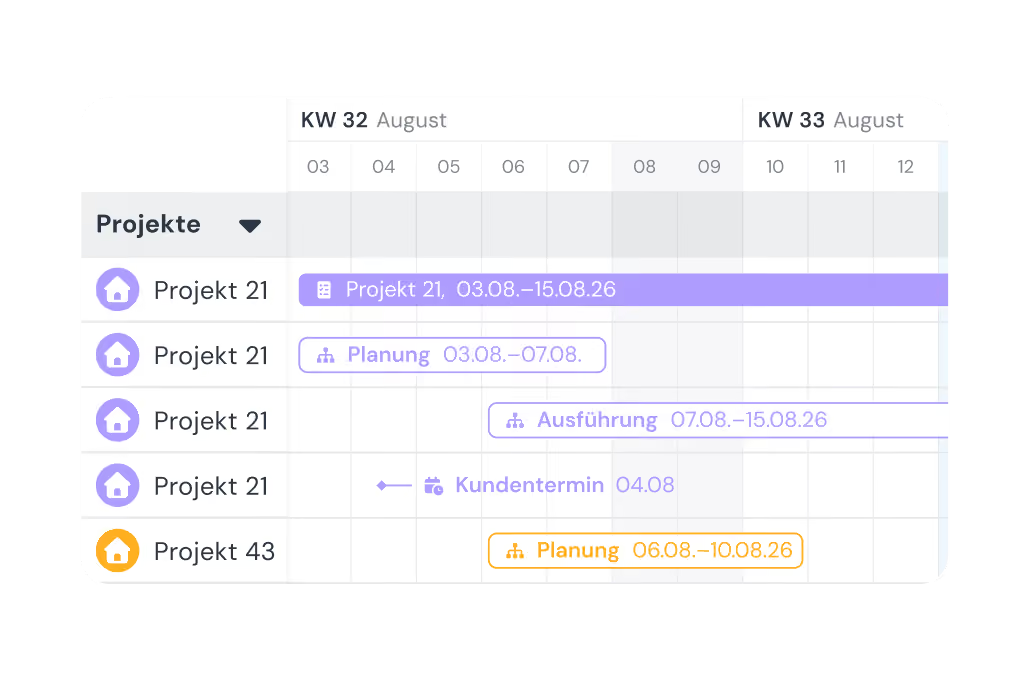
  • Plan fixed or flexible working hours easily
  • Calculate overtime & absences automatically
  • Adjust working hours individually – with no extra effort

Customer management

  • Manage all customer data centrally and clearly
  • Linked directly to projects & appointments
  • No duplicate work thanks to smart data transfer

Invoicing

  • Turn project hours into invoices automatically
  • Pull in customer data directly – no double entry
  • Bill in a few clicks with Lexware, sevdesk, weclapp & co.

Digital project file

  • All project data secure & in chronological order in one place
  • Documents, hours & communication always at hand
  • Share with customers easily by link or PDF

GPS time tracking

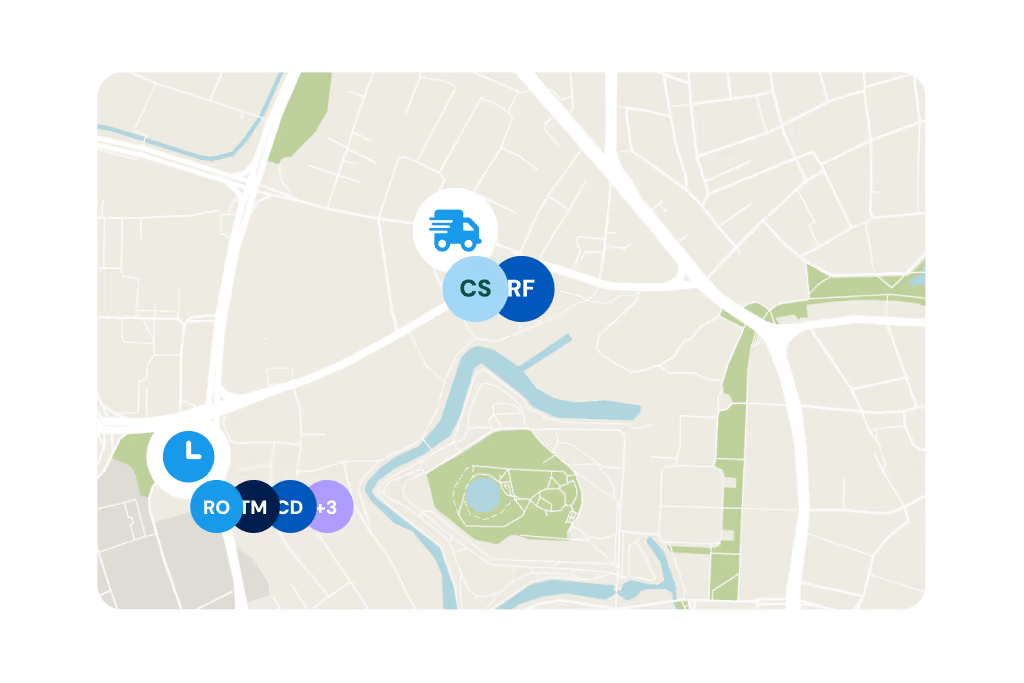
  • Capture every location live and automatically
  • Prove work location and hours at any time
  • Plan and coordinate assignments flexibly

Lexware Office

  • Bill project hours with one click
  • Import customers and projects straight from Lexware Office
  • No duplicate record-keeping

3 steps to going paperless

01

Start trial

No payment details required, no automatic subscription.
02

Set up in minutes

Set it up yourself and enjoy full access to all features for 14 days.
03

Get started right away

Track your project hours with a simple click.

FAQ

We have collected and answered the most frequently asked questions about the digital project file.
How can I use digital project documentation?

To use project documentation, open the relevant feature in the clockin app or in your browser and record the information that matters for your project.

Can I share project documentation with other team members?

Yes, project documentation can be shared with other team members so that everyone works from the same basis.

Does project documentation include reporting and analysis of project data?

Yes, clockin project documentation supports reporting and analysis of the project data you record, so that you gain insights.

What belongs in project documentation?

Project documentation covers: working hours, completed tasks, checklists, photo sketches, notes, digital forms, customer sign-offs and the project status – all stored centrally.

What should you keep in mind with digital documentation?

What matters with digital documentation: easy operation, mobile availability, secure data storage, a clear structure, traceability and compliance with legal requirements.

How does clockin help with quality assurance on job sites and customer projects?

With photos, notes and checklists you can document work progress in real time – and prove at any time what was done. That creates transparency and protects you when questions come up.

What happens if employees forget to document something?

With a reminder function and clear workflows you make sure nothing is forgotten. You can also add missing details afterwards.

Can I use project documentation offline as well?

Yes. The clockin app also works without an internet connection. All data is saved and synchronised automatically as soon as you are back online.

Who can see the project documentation?

Only authorised people in the business. You decide exactly who may see or edit which information – project managers or accounting, for example.

Can I export the documentation or send it to customers?

Yes. In a few clicks you can export reports, photos and notes and pass them on to customers or clients as a PDF, for example – professional and legally compliant.

Can digital project documentation be used as legal evidence?

Yes, the documentation can serve as proof in a dispute – with complaints or at handover, for example. clockin helps you document cleanly and traceably.

How long is the project data stored?

Data is stored in line with your settings and legal requirements – securely in the German cloud. You have access to past projects at any time.

Can I create my own checklists and documentation templates?

Yes. You can create custom templates for different projects, locations or teams – and make sure nothing is forgotten.

Does this also work for small teams or one-person businesses?

Absolutely. clockin is built so simply that small businesses can get started right away with no training effort – and it saves sole traders in particular a lot of time.
Documentation for all doers

OMR Badge Leader in "Time Tracking Software" Q1/25