
Time tracking and documentation for landscaping and gardening

Hours, projects, team – all under control

Your crews are on a different job site every day – with clockin you still record hours and project progress in real time, with no calls back to the office.

  • DSGVO
  • 100 % Made in Germany
  • EuGh-konform
Mann in Arbeitskleidung, Ohrenschutz und in Sicherheitsgurt steht in einer Tanne und hält eine Kettensäge in der Hand

clockin begeistert bereits über 9.000 Unternehmen

Kommt dir das bekannt vor?

  • Crews write their hours on paper
  • Which property is finished – never clear
  • Seasonal staff hard to coordinate
  • Proof of work done for customers is missing

Du wünschst dir:

  • Clock in via the app, at the customer's site too
  • Every property with its status in view
  • Seasonal staff set up quickly
  • Proof of the work done with one click

The right features for Landscaping and gardening

Project time tracking

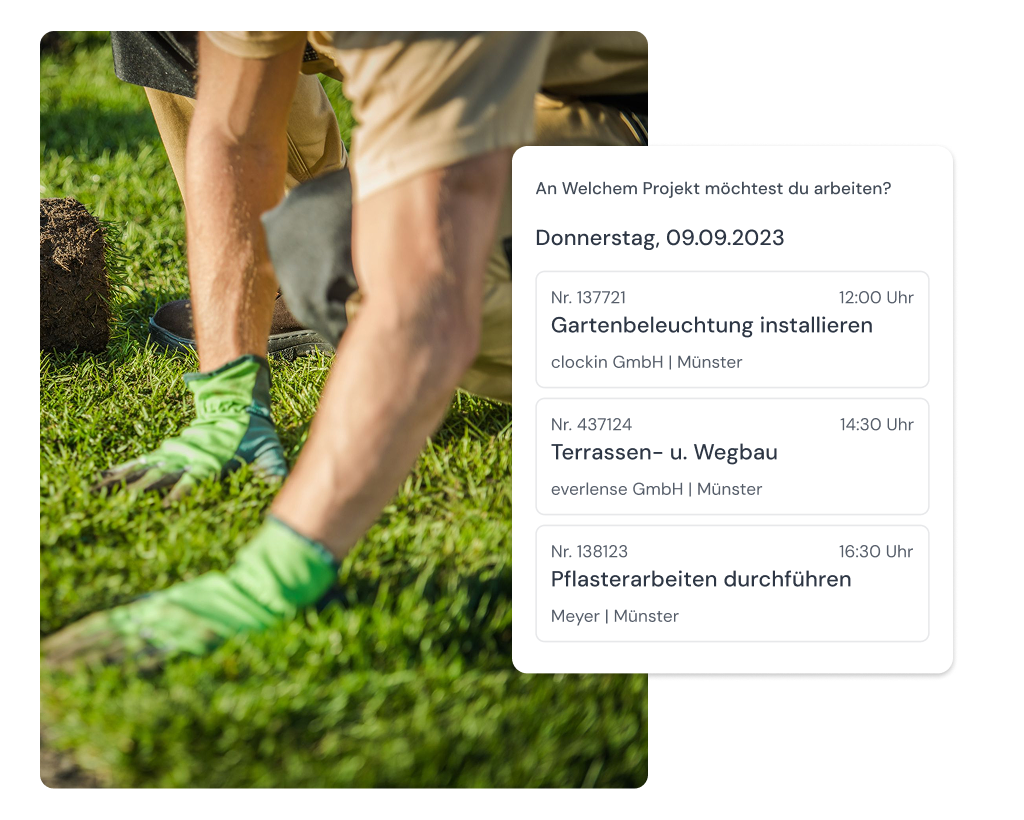
Record project hours on the phone

With clockin even employees who are not tech-savvy stay on top of their hours – with no training effort and in a few taps right on site.

  • Document working hours and jobs easily
  • Track projects while the work is going on
  • Easy, transparent billing

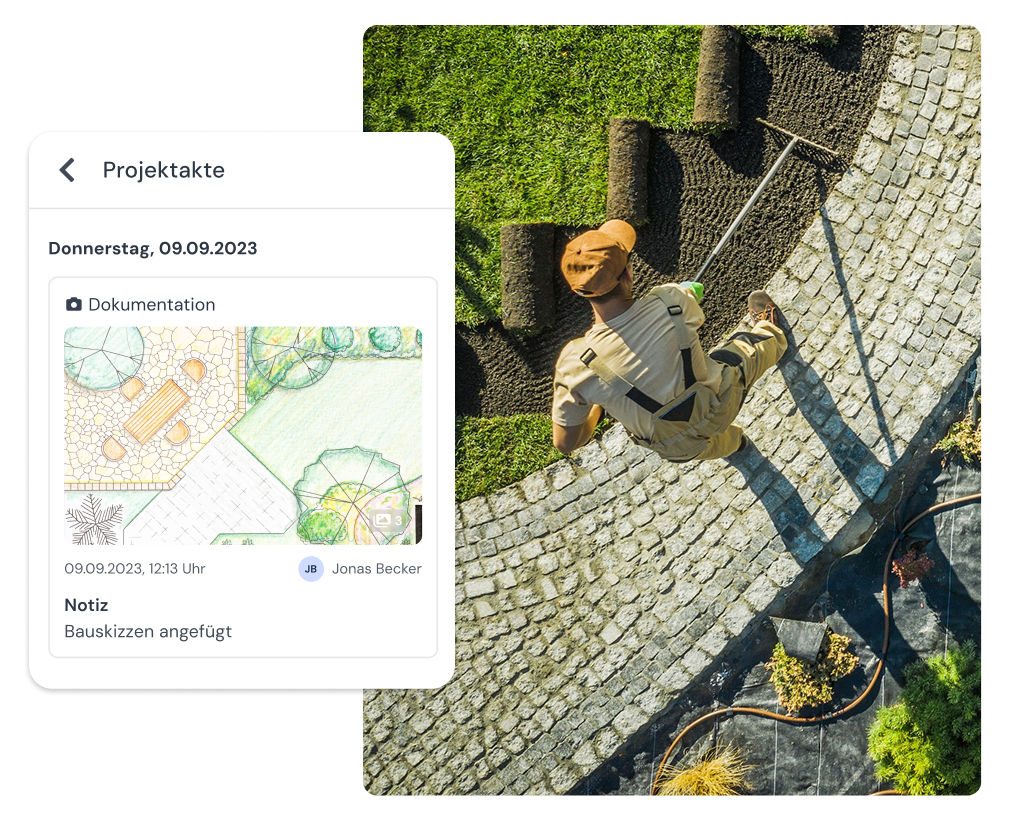
Digital project file

Project information always in your pocket

Your teams have access to important documents anytime and anywhere – with no paperwork chaos and no calls back to the office.

  • View important documents directly in the app
  • Share sketches, plans and instructions easily
  • Control everything centrally from the office

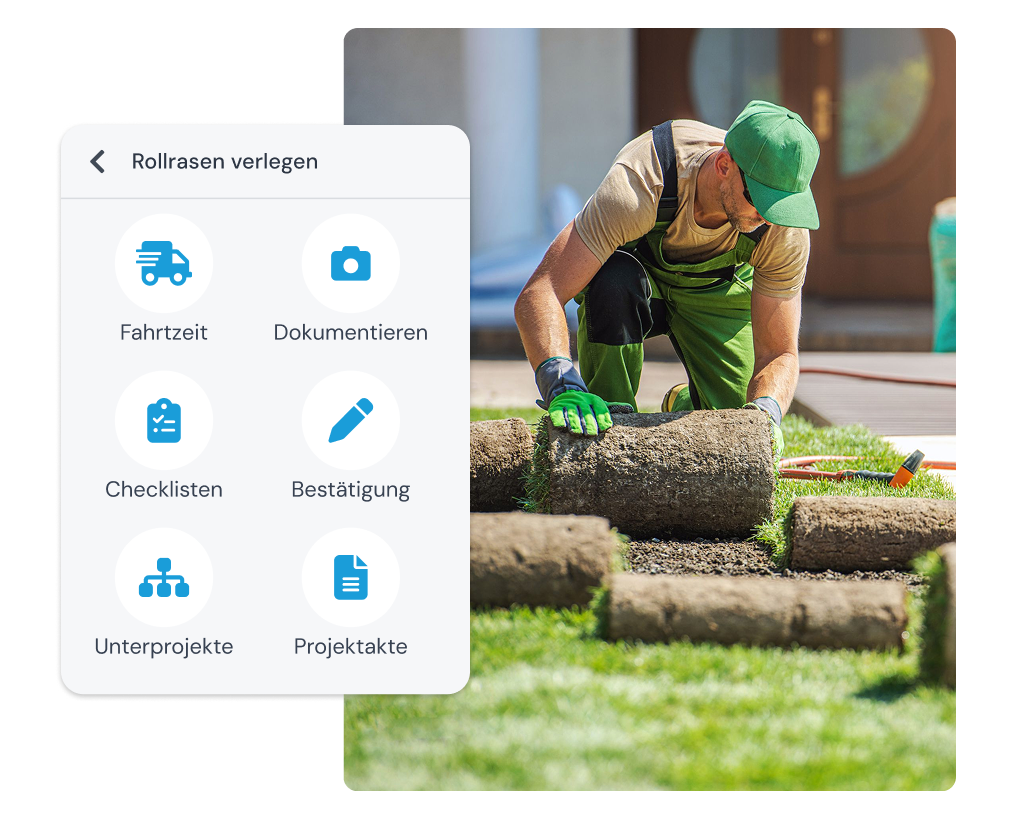
Job documentation

Job documentation made easy

Your team records jobs right on site and you keep an overview of how the project is going at all times.

  • Record jobs with photos, notes and signatures
  • View and evaluate project histories at any time
  • Make communication easier in the team chat

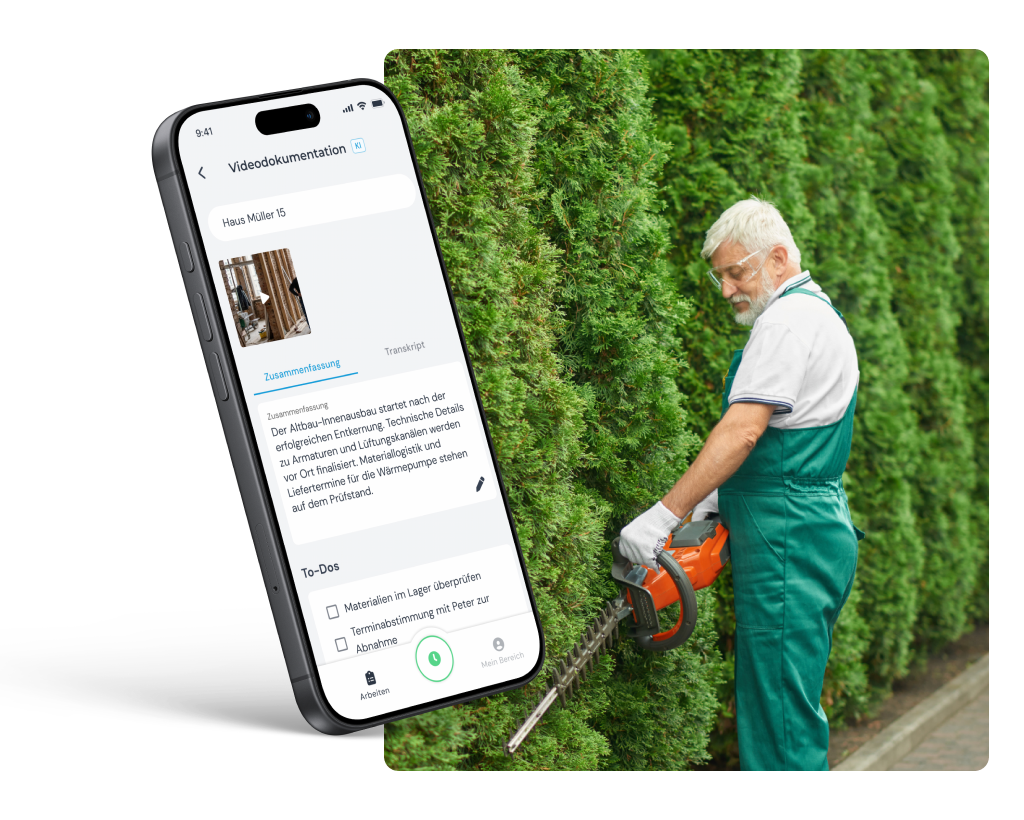
Video documentation

Document projects by video

After a job at the customer's there is rarely time for long reports – with clockin you simply talk briefly about the project instead and the app does the rest for you.

  • Create logs and reports automatically from videos
  • Automatic to-do lists for the next steps
  • Automatic translation when team members speak different languages

Schnittstellen

Nahtlos verbunden mit deinen Tools

clockn übergibt zeiten direkt an deine bestehenden Systeme – kein manueller Export, keine Doppelareit.

Weitere Funktionen

Alles, was dein Betrieb braucht, an einem Ort.

Invoicing

  • Turn project hours into invoices automatically
  • Pull in customer data directly – no double entry
  • Bill in a few clicks with Lexware, sevdesk, weclapp & co.

Digital customer sign-off

  • Collect signatures right in the app – on site with the customer
  • Sign-off saved to the project automatically
  • Send it straight to the customer by email if you want

Digital checklists

  • Structure your workflows & avoid mistakes
  • Capture photos, entries & signatures on the spot
  • All checklists digital and available at any time

Work schedules

  • Plan fixed or flexible working hours easily
  • Calculate overtime & absences automatically
  • Adjust working hours individually – with no extra effort
Add-On

Shift planning

  • Build schedules intuitively with drag-and-drop and employee self-service
  • Live updates for your team through the clockin app
  • Automatic planned vs. actual comparison as you build the schedule

Manage absences

  • Online absence management
  • Request vacation, sick leave and more via the app
  • Simple approval workflow in the dashboard

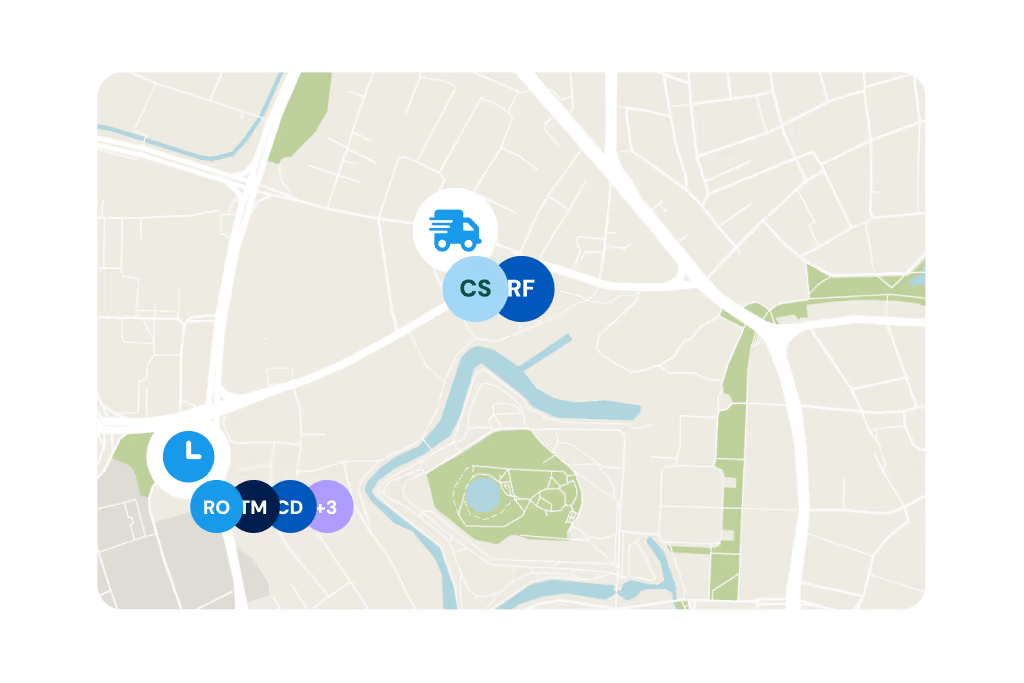
GPS time tracking

  • Capture every location live and automatically
  • Prove work location and hours at any time
  • Plan and coordinate assignments flexibly
Das sagen 9.000+ Kunden über clockin
OMR Rating
4.9
408 reviews
Google Review
4.5
37 reviews
trusted
4.7
2,252 reviews
App Store Rating
4.7
1,550 reviews
Stand: Juni 2026

Pay only for what you need –
with a contract term that suits you.

Spare bis zu 10 % bei einer Laufzeit von 24 Monaten
Team

Starter

Out of the paperwork chaos. Your first step into digitalization.

3.59 €
per month / user, billed every 2 years*
  • Mobile and on-site time tracking
  • DATEV export for hours reports
  • Manage calendar & absences
  • Custom branding

*Alle Preise zzgl. gesetzl. MwSt. + Plattform-Pauschale (10€/Monat) bei unter 5 Nutzern

FAQ

Frequently asked questions

How does mobile time tracking work in landscaping and gardening?

Your employees record their hours directly in the app on a smartphone or tablet – whatever property or job site they are working on. Start, break and end of shift are assigned automatically to the right project, with no paper and no calls back to the office.

Is the clockin app suitable for employees who are not tech-savvy?

Yes. clockin is deliberately built so that employees with no technical experience can use the app without training. With the crew function one device per team is even enough – the person in charge then clocks in for the whole group.

How can I make sure my employees are not cheating me?

To make sure the recorded working hours are accurate, we have built in various safeguards. Besides GPS time tracking, which you should definitely discuss with your employees beforehand, we notify you of anything unusual that points to an attempt at deception.

What is a digital project file and how does it help my business?

In the digital project file you bring all the important information about a project together in one place – photos, notes, recorded hours and documents. That keeps you on top of things even when several crews are working on different customer properties at the same time, and you can share the file directly with customers if you need to.

Does clockin meet the requirements of the new obligation to record working hours?

Yes. With clockin, working hours are recorded in line with the ECJ ruling and the German Federal Labour Court decision of September 2022. At the same time, employee self-service in clockin gives employees transparent access to their working hours.

Does clockin help with scheduling my crews and seasonal staff as well?

Yes. With shift planning you see at a glance which crew is working where, and you can also assign seasonal staff hired at short notice in spring and summer to a project quickly. New employees are ready to go without training, because the app is intuitive to operate.

Can clockin be used without internet – for example on remote job sites?

Yes. The app also works offline. All data is stored locally and syncs automatically as soon as there is reception again.

Can travel time and set-up time be recorded as well?

Yes. Employees can record working time, travel time and breaks separately – so you get a complete picture for billing and post-costing.

Try it out for yourself!

Enjoy 14 days of full access, no strings attached and risk-free.
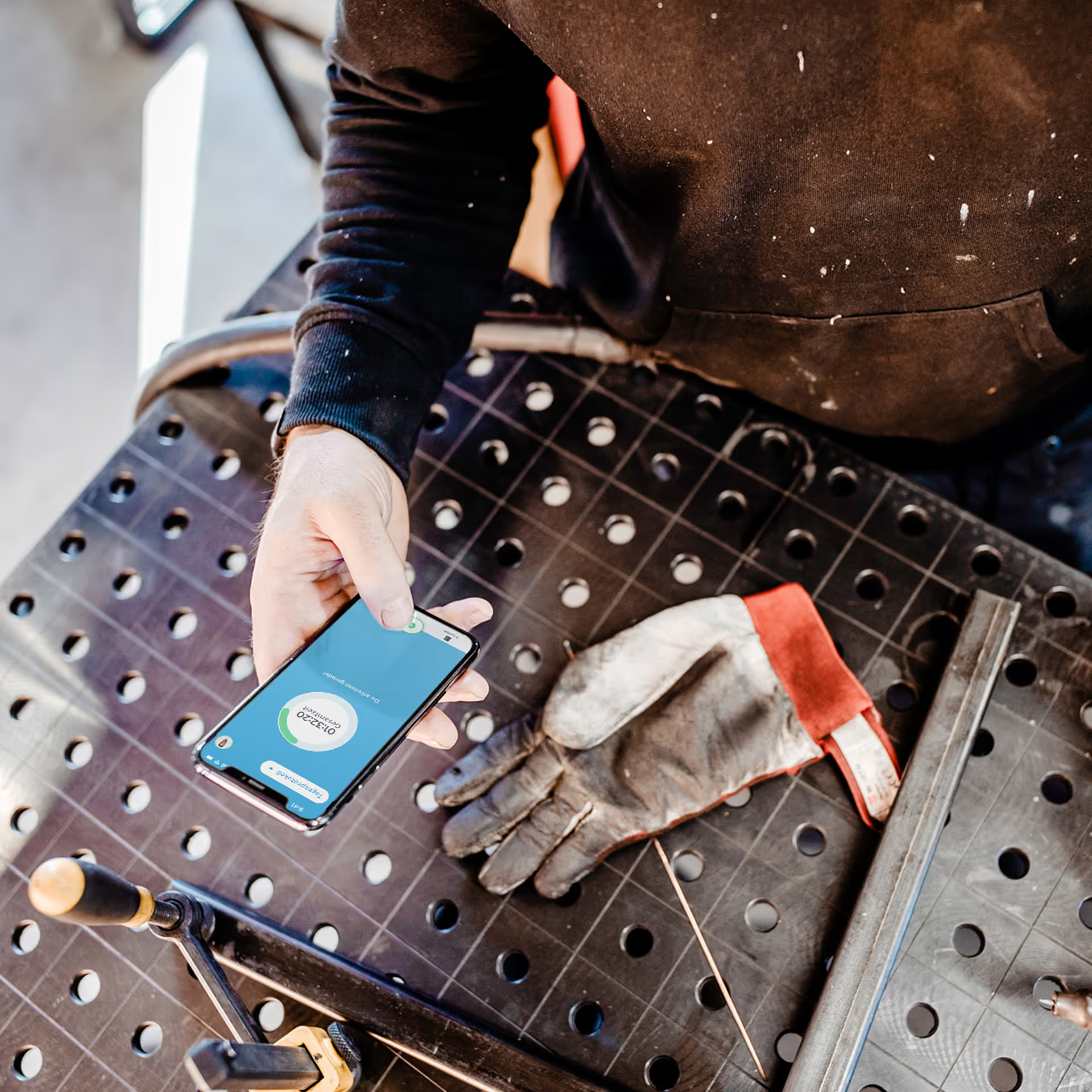
Person holding a smartphone with the display visible on a workbench next to a dirty work glove.
Test for
14 days
now