Time tracking with sevdesk
Connect clockin to sevdesk with ease
Record project hours easily, hand them over to sevdesk automatically and create invoices with one click.
You can try clockin and sevdesk free of charge.

Record project hours easily, hand them over to sevdesk automatically and create invoices with one click.
You can try clockin and sevdesk free of charge.


sevdesk is the smart accounting software for founders and the self-employed. The clockin integration transforms your accounting processes. Thanks to seamless customer import and direct invoicing, your workflows run almost by themselves – precise, error-free, paperless.

clockin and sevdesk make the handover in your job processing flow smoothly.

With clockin your employees record project hours with one click in the app. On a smartphone, PC or tablet. The clockin app works anywhere, at any time, and is fully offline-capable. We built the app to be so simple that everyone understands it right away.
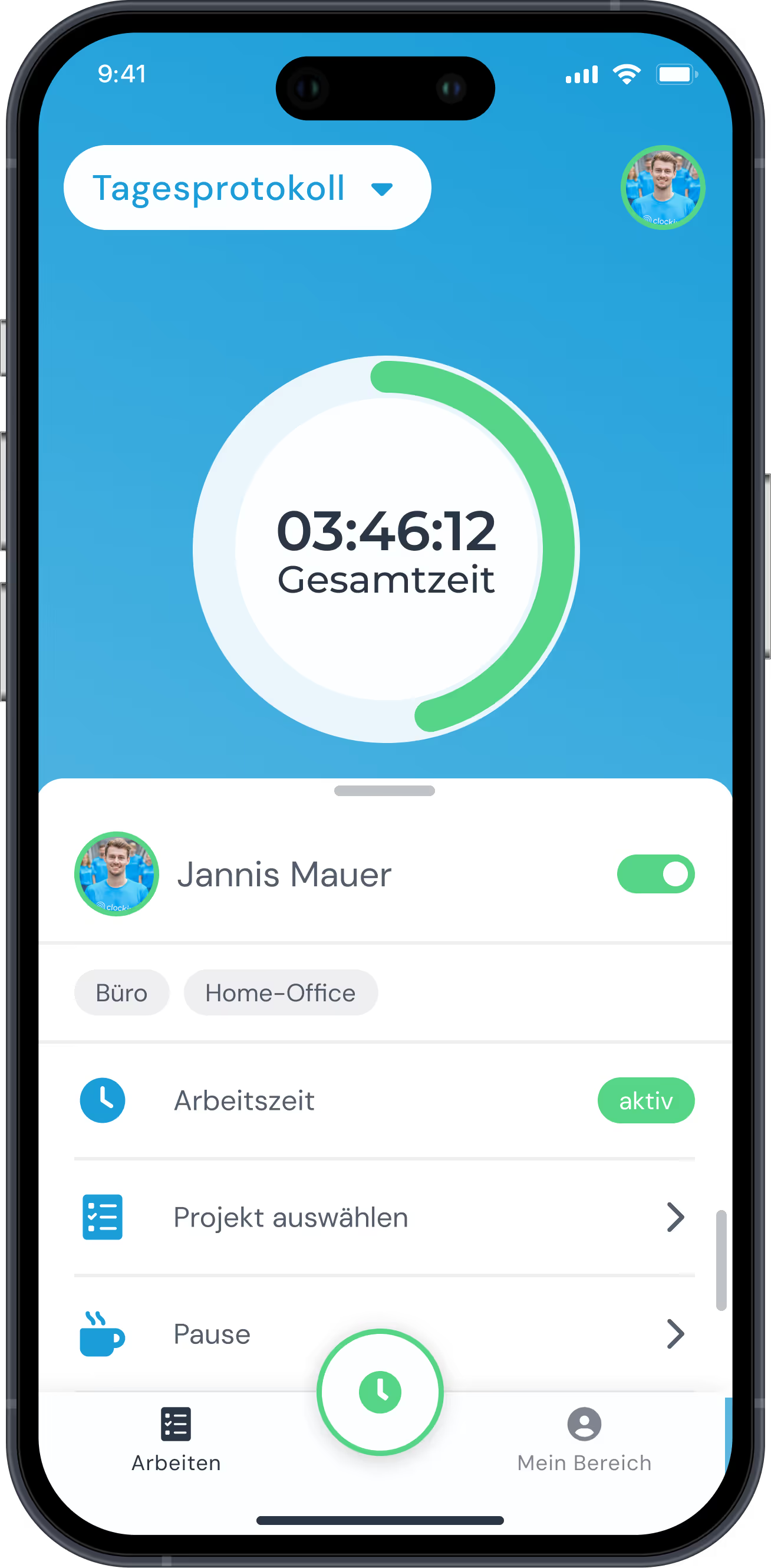

With clockin you record not only working hours but the specific activities within a project. Thanks to the seamless sevdesk integration, the recorded hours can be turned into customer invoices directly and efficiently.
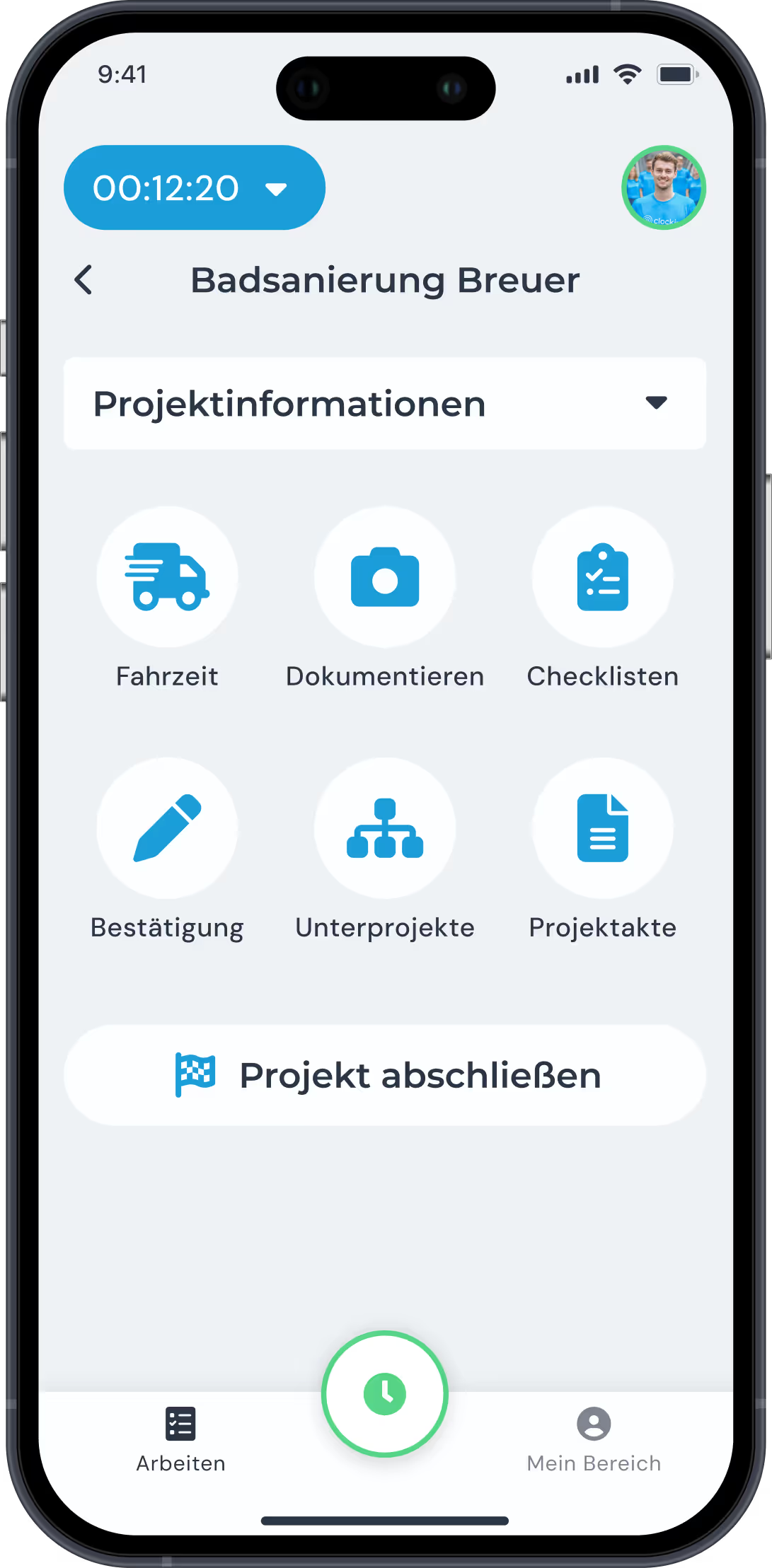


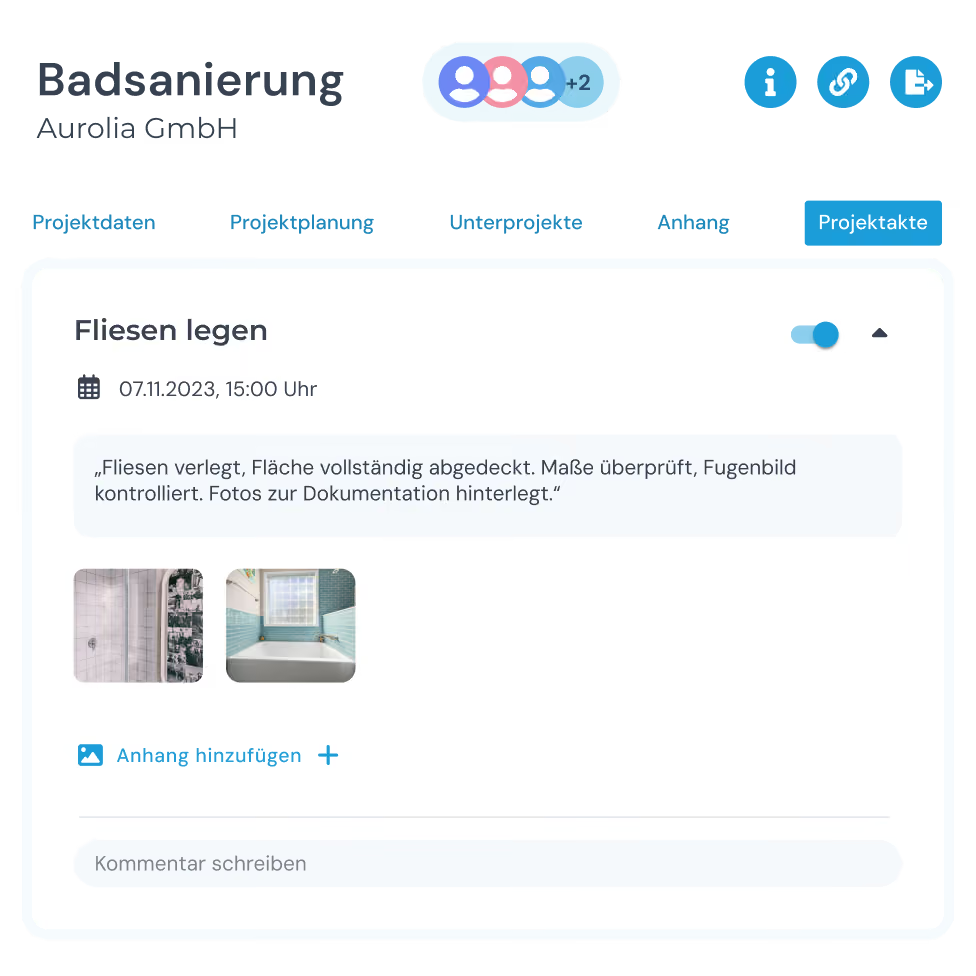
With clockin you can follow project status live from your desk. You see at a glance which employee is working on which project, and you are notified automatically when the estimated target hours are exceeded.

Photos, sketches and notes are saved directly in the relevant project file and are available to you in real time. With the export function you can export project histories as a PDF document and provide them to your customers.
clockin is built together with tradespeople and people who do the work. You can tell on every screen.
No, sevdesk does not include time tracking of its own. With clockin you record working and project hours directly in the app and hand them over to sevdesk automatically for billing.
You record your project hours in the app and turn them into a sevdesk invoice with one click. The service period, hourly rate and contact person are set directly in clockin.
You need at least the "Project time tracking" plan from €6.99 per user per month. With it you connect clockin to sevdesk via the integration and bill your projects directly.
You activate the connection in clockin under "Settings" > "Integrations" with one click on sevdesk. You then confirm it in your sevdesk account under "Extensions". Learn more here.
Yes, you import your sevdesk customers into clockin's Office Center in a few clicks. Changes or deletions in clockin have no effect on your customer data in sevdesk.