Payroll export

From clocking in to finished payroll

Send hours to payroll accounting automatically, or download them as an Excel or CSV export.

  • GDPR
  • from €3.19
  • 100% Made in Germany
No payment details required. No automatic subscription.

Your benefits

  • No more rework
    Hours flow straight through with no retyping – an end to Excel tinkering and paperwork chaos
  • Fits any payroll accounting setup
    Excel, CSV or straight into your payroll accounting software – you decide how you export
  • Error-free and legally compliant
    Minute-accurate, audit-proof transfer of all working hours and absences

Payroll export highlights

Export

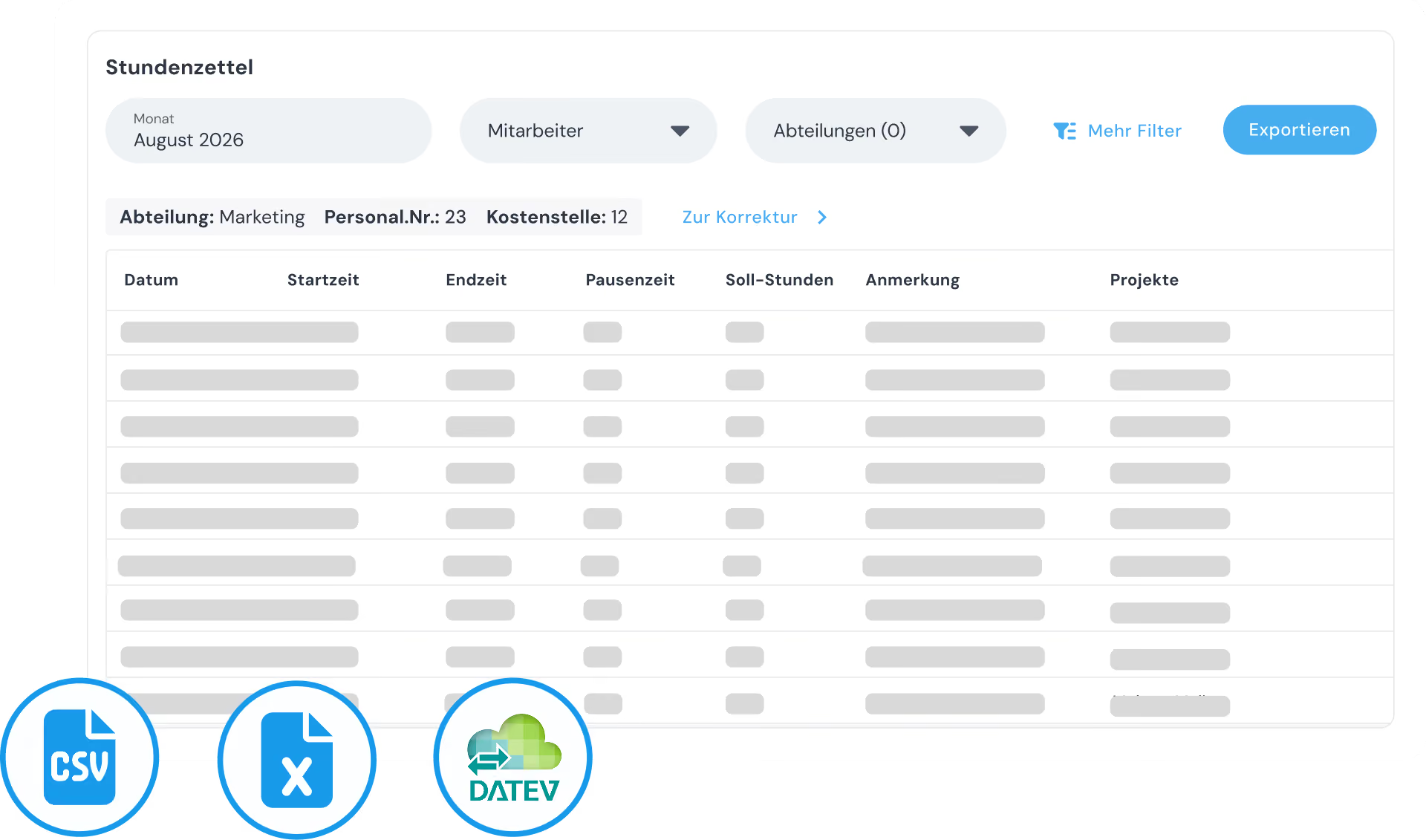
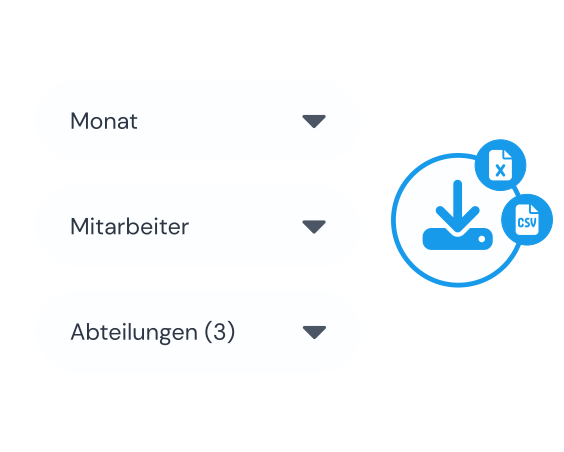
Download time data in exactly the format you need

  • Direct download as Excel and CSV files
  • Filter by month, employees or entire departments
  • Match columns and time formats to your payroll accounting

DATEV integration

Transfer data straight to DATEV

  • Secure, fully automated data transfer straight to the DATEV data centre
  • Pre-configure wage types (Lohnarten) and activities
  • Seamless import into DATEV LODAS and Lohn & Gehalt
go to DATEV integration

Timesheet preview

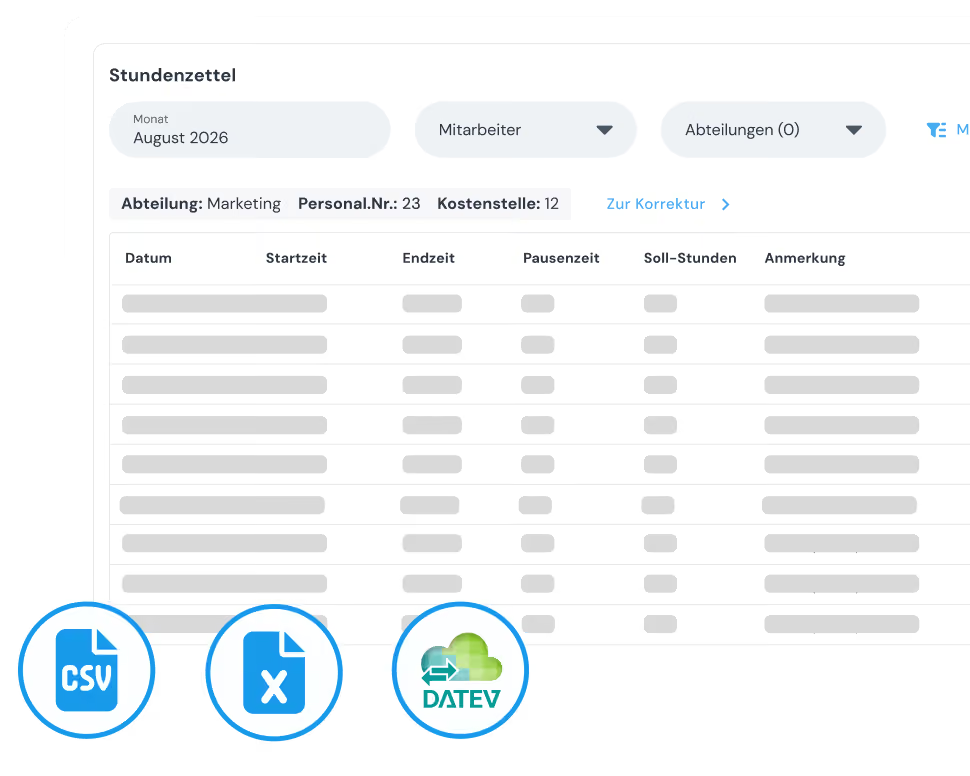
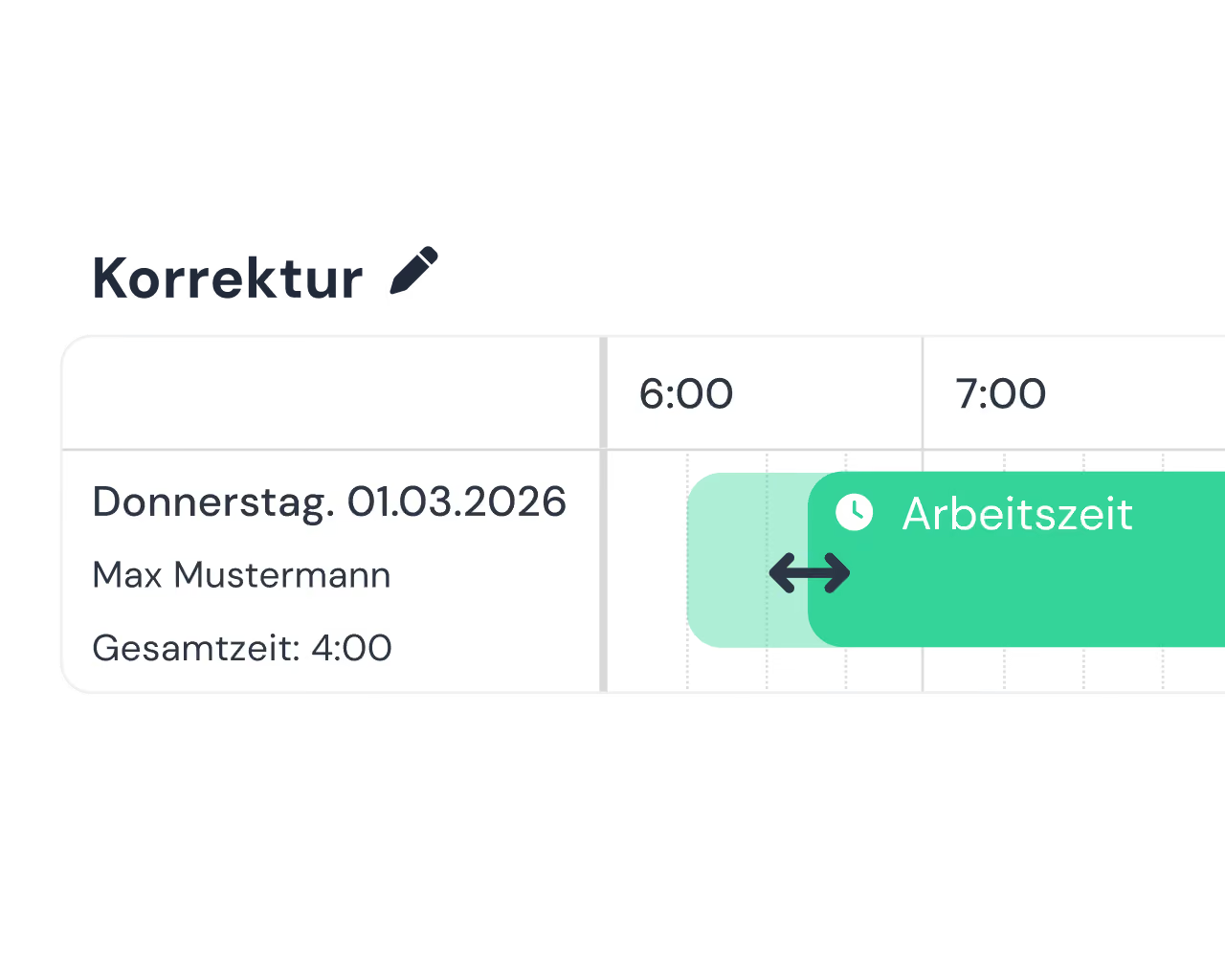
Check and correct working hours

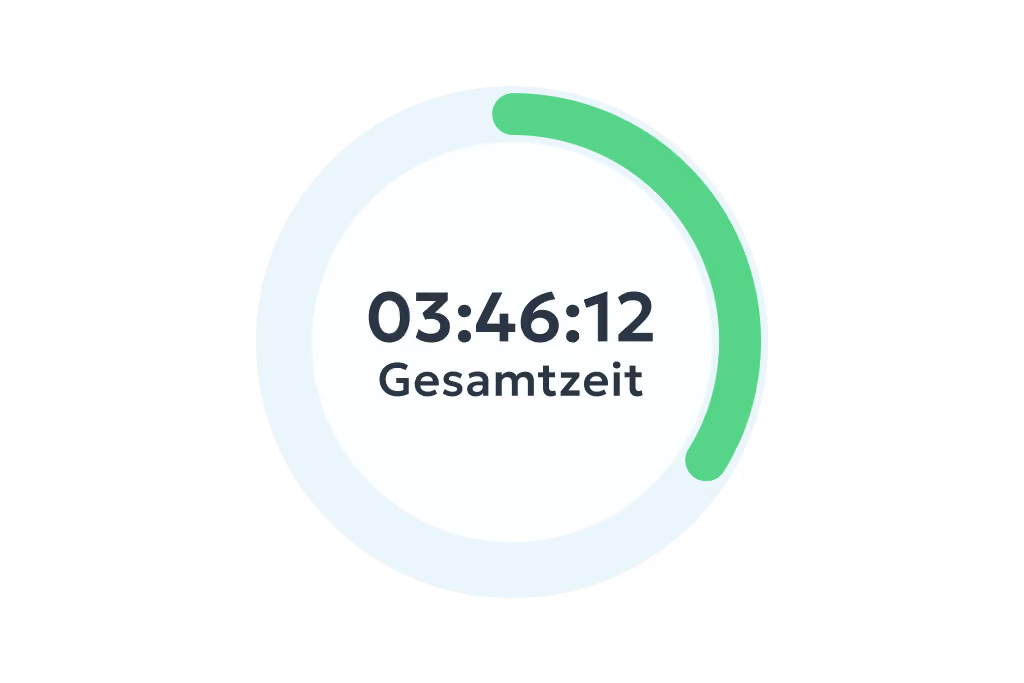
  • Automatically compiled monthly overview of all recorded hours
  • Built-in correction area for quick adjustments
  • Reliable data check for error-free month-end payroll

Automated sending

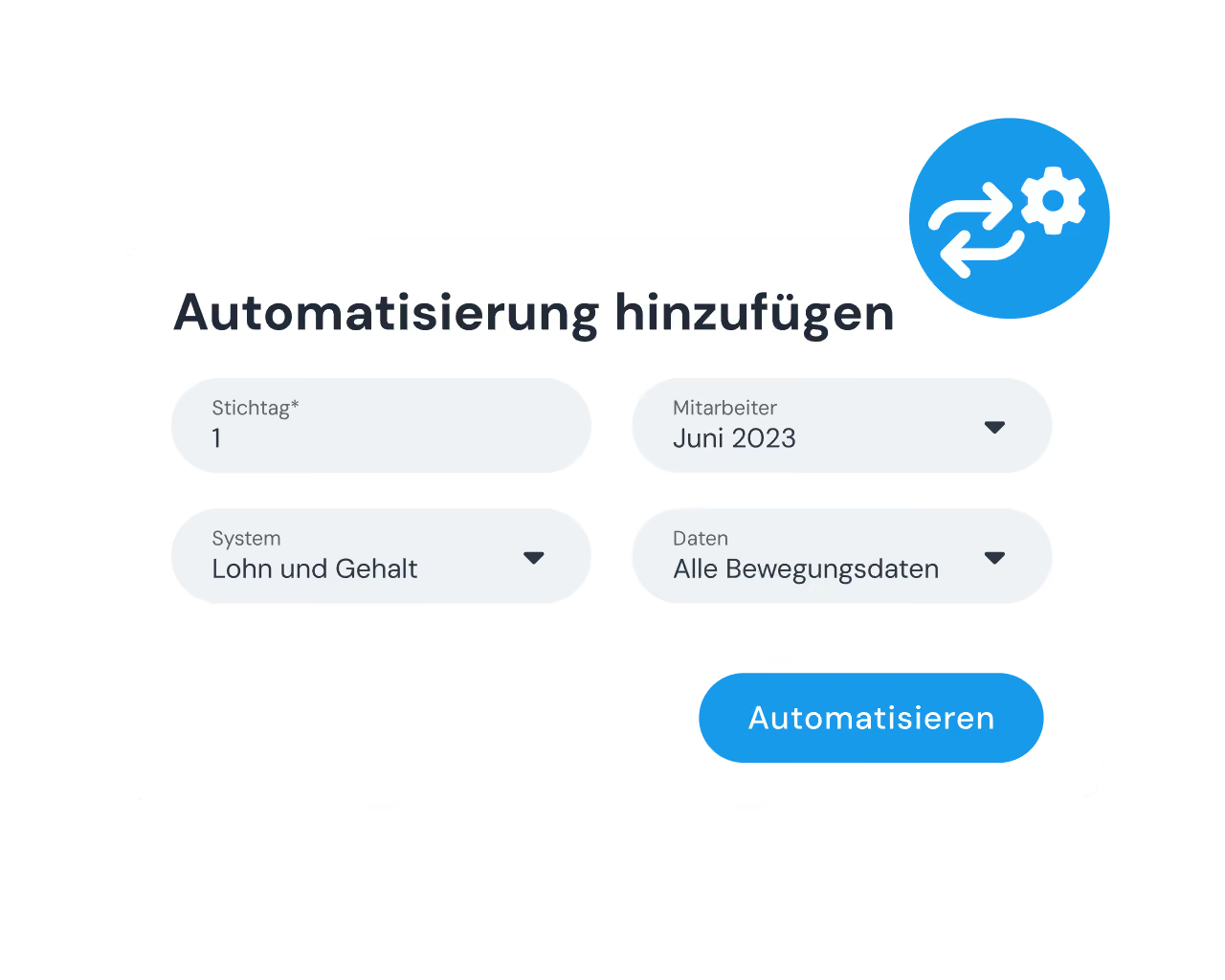
Send payroll data on time, every cut-off date

  • Automatic sending on a fixed cut-off date of your choice
  • A one-off setup saves the monthly effort in the office
  • Forwarded by email straight to your payroll accounting

Legal compliance

Audit-proof data for inspections

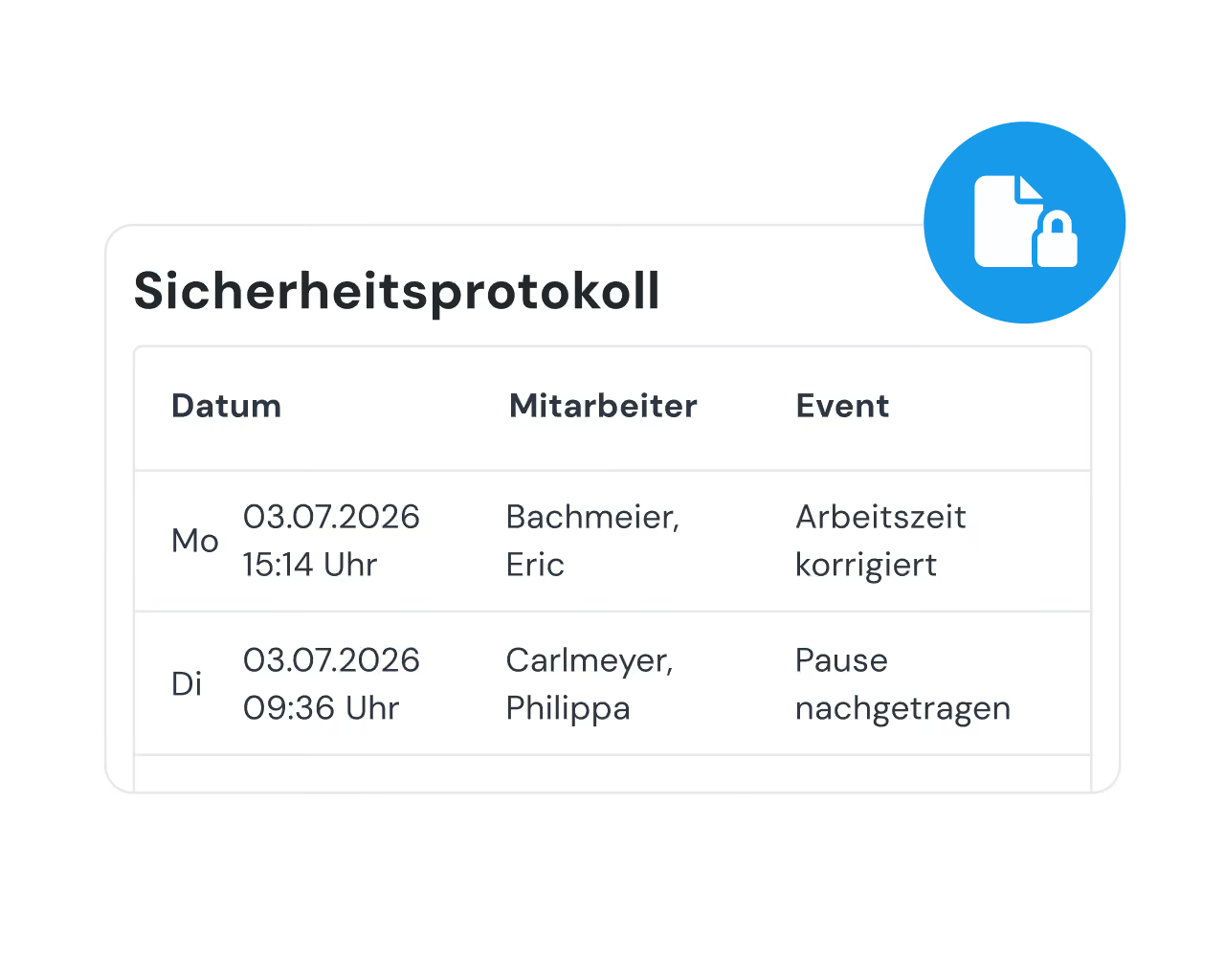
  • Complete documentation through a built-in audit log
  • Reliable proof of original and later corrected data
  • Locking closed months protects against later corrections

Weitere Funktionen

Alles, was dein Betrieb braucht, an einem Ort.

Digital time tracking via app and web

  • Clock in, clock out & breaks
  • Travel time, business errands & more
  • On the smartphone and tablet app or in your PC browser

Project time tracking

  • Record project start, breaks & end of shift
  • Real-time overview of all project hours
  • Via app or in the browser – available anywhere

Simple digital employee file

  • Store contract data in a legally compliant way
  • Document staff development & agreements
  • Secure document upload to GDPR standards

Manage absences

  • Online absence management
  • Request vacation, sick leave and more via the app
  • Simple approval workflow in the dashboard

Analytics, corrections and reporting

  • Comprehensive employee analyses and, where needed, project analyses
  • Straightforward correction options
  • Automatically generated hours reports

Invoicing

  • Turn project hours into invoices automatically
  • Pull in customer data directly – no double entry
  • Bill in a few clicks with Lexware, sevdesk, weclapp & co.
Frank Vorwerk, Frank Vorwerk,
“Transferring all the data from clockin into DATEV is the crucial part – it makes the work considerably easier.”

— Frank Vorwerk, , Managing Director, Heinz Vorwerk GmbH

3 steps to going paperless

01

Start trial

No payment details required, no automatic subscription.
02

Set up in minutes

Set it up yourself and enjoy full access to all features for 14 days.
03

Get started right away

Book the right plan. From now on your business runs in one place.

FAQ

Frequently asked questions

Which formats can I export timesheets in?

You can download your exports as an Excel or CSV file, whichever suits you. Columns and the time format can be customised and checked in a preview, so the data matches exactly what your payroll accounting or your tax advisor (Steuerberater) requires.

Do I get the hours reports automatically by email?

Yes, you can set this up easily with automated sending. Instead of collecting and sending the data manually every month, clockin emails the checked hours reports fully automatically to your payroll accounting on a cut-off date you choose.

Why is the DATEV integration worth it for me?

Because it removes the manual work entirely. At the push of a button, all working hours and absences go straight to the DATEV data centre. Your tax advisor no longer has to retype or assign anything by hand, which prevents errors and saves you real money on booking fees every month.

How do I configure wage types, activities and projects for the export?

Setup is a simple, one-off step in the Office Center: you link the activities or working hours stored in clockin to the wage type numbers (Lohnarten) used by your tax advisor. At month end the system then splits regular hours, overtime, sick days and night work fully automatically.

Can my tax advisor import the data into DATEV LODAS / Lohn und Gehalt?

Yes, absolutely. clockin delivers the data in exactly the format needed for a smooth import into DATEV LODAS and DATEV Lohn und Gehalt. The control file (INI file) required for this is supplied with the export.

Try it out for yourself!

Enjoy 14 days of full access, no strings attached and risk-free.
Person holding a smartphone with the display visible on a workbench next to a dirty work glove.
Test for
14 days
now