Your time clock app

Clocking in, simply by app

Recording working hours has never been easier. With clockin you document hours in seconds from the app and save valuable minutes – for the things that really matter.

  • Real-time overview of all hours
  • Automatic timesheets
  • An end to paperwork chaos

The time clock app for your business

simple
clockin is a time tracking app that needs no lengthy explanation. Working hours are clocked with a single tap.
fast
You only need 15 minutes to set up the clockin time clock app and get going.
efficient
With clockin you improve not just working time tracking, but project documentation and month-end closing too.

Die beliebteste Zeiterfassung für den Mittelstand

Einfach, schnell und ohne Schnickschnack – das ist clockin. Entwickelt mit Nutzern aus der Praxis und von Kunden mit Bestnoten bewertet.

OMR Leader Badge
OMR Badge Top Rated in "Time Tracking Software" Q1/25
Aktuelle OMR Bewertung
clockin Smartphone Mockup mit Bild von Mann der lacht und ein iPad in der Hand hält

Simple and intuitive to use

Clocking in and out with a single tap. With clockin, working time tracking runs almost automatically - without an error-prone chip system.
  • Dead easy to operate
  • Clear app design
  • Goodbye paperwork chaos – full efficiency on your smartphone.

One app for every job!

With the clockin time clock app you have everything under control – in the office, on the job site or travelling for work. Thanks to offline functionality, you record working hours reliably even without an internet connection.
  • Track project and travel time from the app
  • compatible with iOS and Android
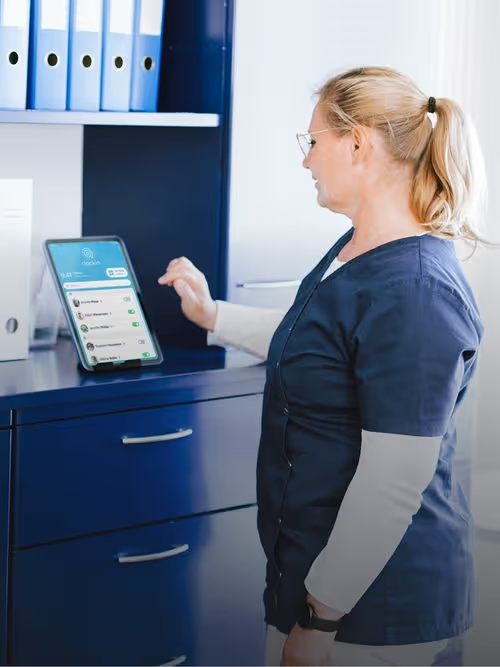
  • Also as a crew device or tablet terminal
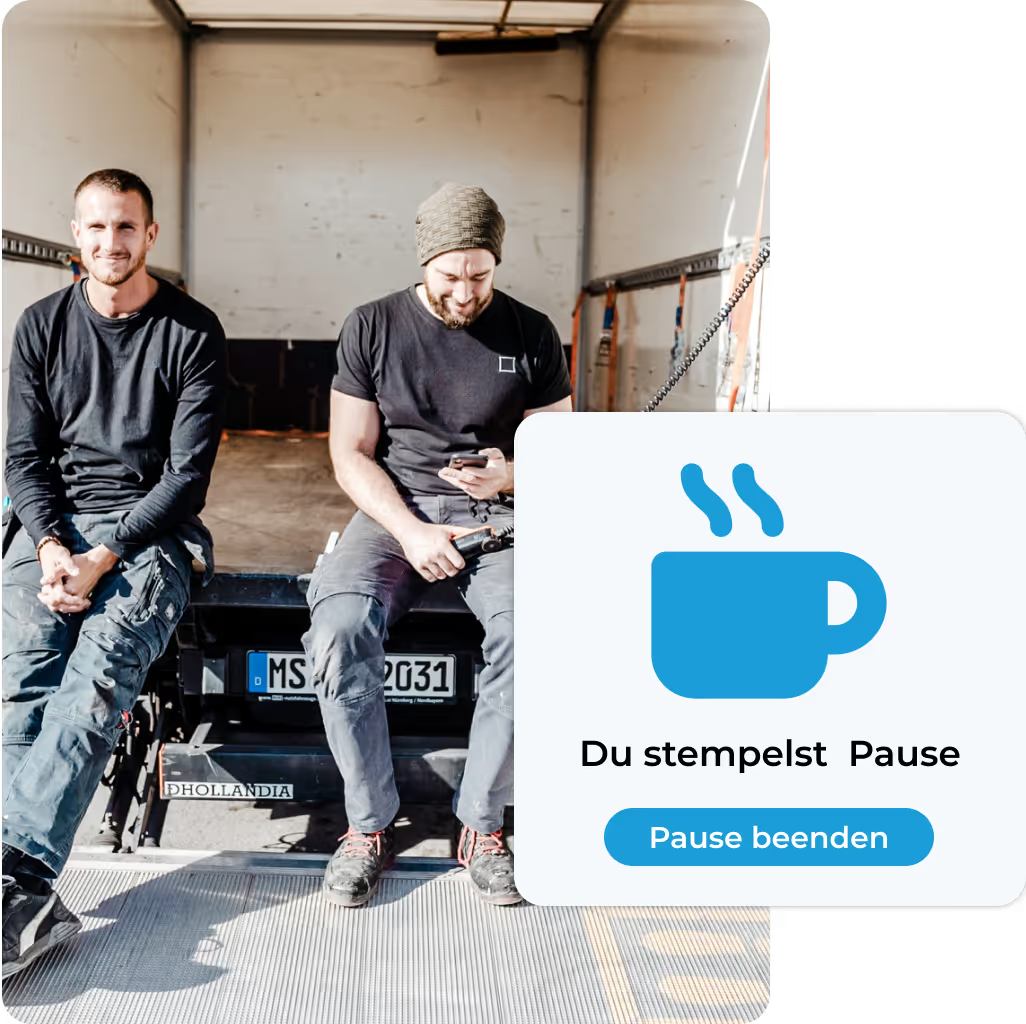
Mockup clockin App "Du stempelst Pause" mit Bild von zwei Männern, die auf der Ladefläche eines LKWs sitzen
Mockup clockin Analyse mit Bild von Lachendem Mann am Schreibtisch

Keep the overview from your desk

In our Office Center you can view the recorded hours at any time, so you always have the full picture. At the end of the month you can export finished timesheets here with a single click.
  • DATEV integration for smooth payroll accounting
  • Stress-free corrections of clocked hours
  • Checklists, photos and notes right in the project file.

Jetzt unverbindlich 14 Tage testen – ohne automatisches Abo

clockin ist in nur 15 Minuten startklar
Mobile project documentation
Document your customer projects with our digital project file: checklists, photos, notes, signatures and much more, available digitally from anywhere.
Digital absence management
With clockin your employees can submit sick leave notifications and vacation requests digitally, with no fuss. Handling them takes you only a few seconds.
Analytics, corrections and reporting
Analyse the recorded data for a better overview and more efficient planning. Plan resources better and react faster.
Discover our integrations
Increase your company's productivity with smart integrations to other providers such as Lexware Office, DATEV or SAP.

Industries

For those who work with their hands.

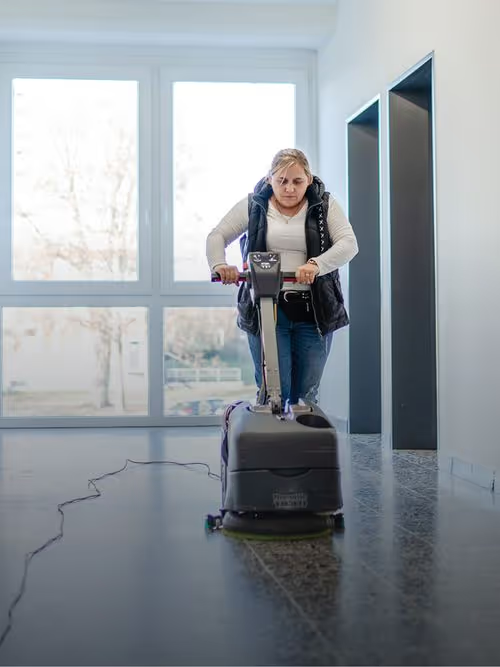
On the construction site, in nursing, or behind the counter. If you don't spend your day at a desk, you need a tool that works wherever you're getting the job done.

FAQ

What is a time clock app – and how does it differ from a traditional punch clock?

A time clock app is the digital successor to the traditional punch clock. Where people used to clock in on paper or with chip cards, time tracking in clockin works simply via smartphone or tablet.
Start and end times, breaks and project hours are recorded and stored automatically – with no paperwork and no extra hardware.

Which settings is the time clock app particularly well suited to?

clockin is especially practical for:

  • Entrance areas of workshops, warehouses or offices (via tablet terminal)
  • Mobile jobs at customer sites (via smartphone)
  • Reception areas or break rooms
  • Teams without a desk of their own, for example in manufacturing or service

You decide yourself whether the app is used individually on each phone or as a shared terminal for everyone. That gives you maximum flexibility – with no expensive hardware.

How do employees clock in and out with the app?

It is straightforward: employees open the app (or the shared tablet), select their name, enter their personal PIN or scan their individual QR code. Then they choose whether to clock in, clock out or start a break – done.

Can I use the time clock app without permanent Wi-Fi?

Yes, that is no problem. The clockin app also works offline – on the job site, for example, or in buildings with poor reception. As soon as there is a connection again, the clocked hours are synchronised automatically.

What are the advantages of the time clock app over conventional hardware?
  • No installation costs or maintenance
  • No hardware lock-in – works on any smartphone or tablet
  • Easy to extend (e.g. project time tracking, checklists)
  • Live overview and reporting in real time
  • Legally compliant and GDPR-compliant

Another advantage: you can see at any time and from anywhere who is working, on a break or already at the end of their shift – ideal for distributed teams.

Can I manage different locations or branches with the app?

Yes. With clockin you can manage any number of locations – a central workshop, several branches or external job sites.
In the admin area you can see at a glance which employees are working where, and where they clocked in. That makes coordination easier – for larger teams too.

Can I also track project hours or services with the time clock app?

Yes! With an upgrade you can do more than pure time tracking:

  • Select projects and jobs
  • Document activities
  • Attach photos and notes
  • Collect customer signatures
  • Work through checklists

👉 Learn more about project time tracking with clockin

Is clockin available as an app for Android and iOS?

Yes, the clockin app works on Android smartphones and tablets as well as on iPhones and iPads. You will find the app in the Google Play Store and the Apple App Store.

Are there customer stories from other companies using the time clock app?

Yes. Many of our customers have switched from manual timesheets or chip cards to clockin.
They report considerably less effort, fewer mistakes and better team coordination.
👉 Read the stories: clockin customer stories