Expert
Stay on top of every job with the digital project file
Store documents, information and progress centrally – clearly laid out, in chronological order and always to hand.






.svg)

Store documents, information and progress centrally – clearly laid out, in chronological order and always to hand.


With clockin a digital project file is created automatically for every project. Here you can store documents, record customer communication and capture progress. All data is ordered chronologically, so you always have the current project status in view.

On the job site or in the office – with the digital project file everyone on the team has access to the current project data. Notes, documentation and changes are visible to everyone straight away, so everyone is always up to date.
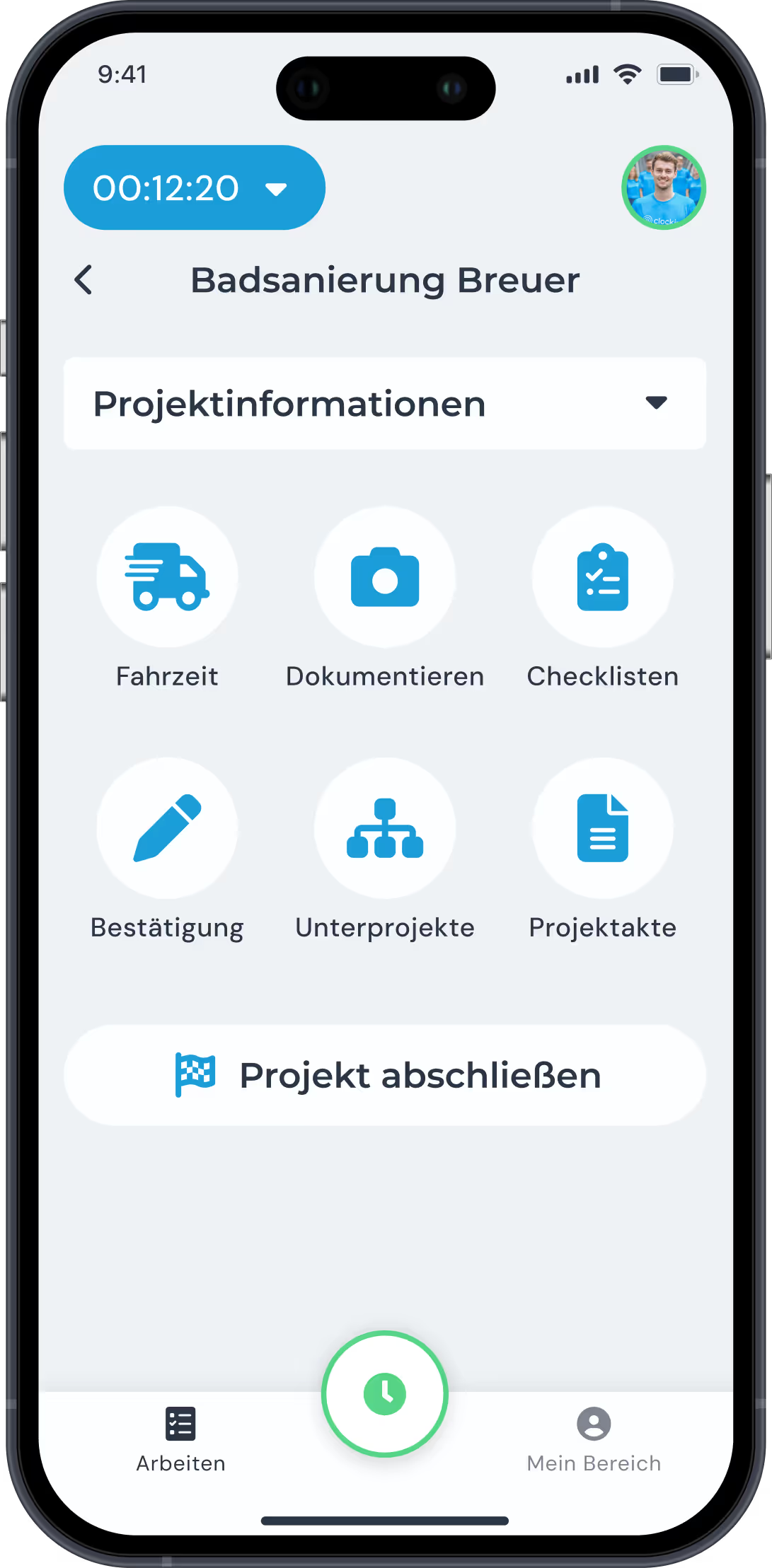

Keep your customers up to date! Export the project file as a PDF or create a view-only link that lets customers see the current progress of their project. You decide which content should be visible – for transparent, professional customer communication.

With clockin you go digital with your time tracking in no time. Start your free trial, set everything up yourself or use our service – within a few hours the paperwork is behind you and you track working hours simply via the app!


The project file brings together all the information on a job – for example working hours, photos, notes, checklists and documents. Everything is collected automatically and presented in a structured way.
Among other things: hours, team members, project locations, documentation photos, completed checklists, notes and even invoicing data – all centrally in one place.
You keep an overview of ongoing and completed projects at all times, can respond quickly to queries – and save a lot of time on follow-up work.
Yes. All authorized users can add content – for example notes, photos or checklists. The result is one complete, shared record.
Yes. You can export project files as a PDF or send them straight to customers, colleagues or the accounts team – ideal for job handovers, proof of work or invoices.
For as long as you want. clockin stores the data in the cloud in line with the GDPR – you have access at any time, even after a project is finished.
All entries are saved offline and synchronized automatically as soon as there is a signal again. The project file stays up to date – even without a connection.
Because all hours and services are recorded per project, you can see at the touch of a button what is billable – and pass it straight to DATEV or Lexware.
Definitely. Even on smaller jobs you get clean documentation – and you do not have to hunt for information when questions come up.
Yes. You can link standard checklists or recurring tasks to projects, for example – saving yourself duplicate work.