


Starter

GPS time tracking in real time

Know where the work is happening – automatically and transparently. Record working hours straight from the app, including the location, with clockin's optional GPS time tracking.

You can try clockin free for 14 days, with no payment details required.
Portrait von Paula MenninghausPorträtfoto eines lachenden jungen Mannes als Kundenstimme-AvatarPortrait eines Mannes mit BasecapPortrait einer lachenden Frau
4.9
412+ Bewertungen auf OMR
Mehr Sicherheit & Überblick durch GPS-Tracking in der clockin AppMehr Sicherheit & Überblick durch GPS-Tracking in der clockin App
Datev Marktplatz Schnittstellen Partner
Lexware Technologie-Partner
OMR Leader Badge

Deine Vorteile

Job sites at a glance
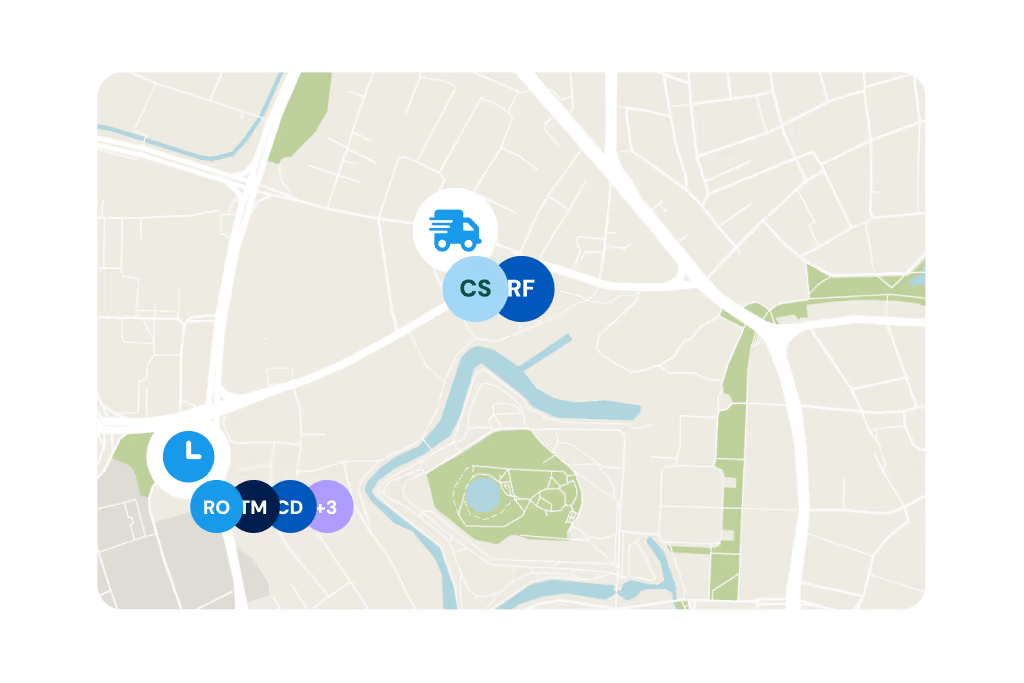
Capture every location live and automatically
Secure proof for customers
Prove where and when work was done, at any time
Simplify planning
Direct and coordinate teams flexibly

Highlights of GPS time tracking

Location captured when the shift starts

When the GPS function is switched on, the location is recorded automatically as people clock in – with no extra effort for your team. That gives you a reliable picture of whether jobs are going ahead as planned.
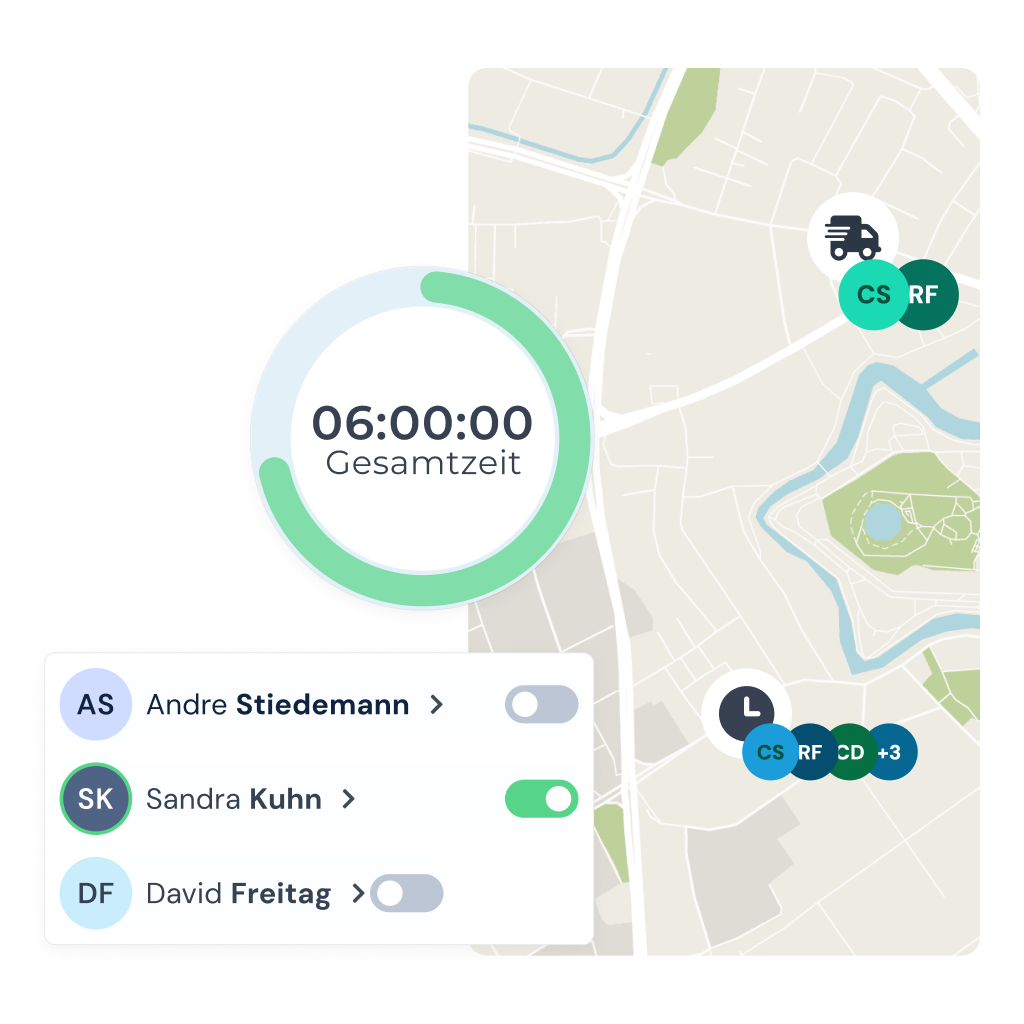
  • Reliable overview of job sites in real time
  • No extra effort for teams
  • Location data only when the option is switched on

Proof of work for customers at the touch of a button

Whether in a discussion with a customer or for internal records: with the recorded location data you can show at any time when and where the work was done.

  • GPS timestamp when a project starts
  • Complete documentation for quotes & billing
  • Queries can be settled in no time

Digital project file

Project information always at hand

With clockin your employees always have the important project details to hand. From the office you can assign plans, work steps and documents directly to projects - all digital, all straightforward.

  • Send project details straight to the phone
  • Manage work steps and plans centrally
  • Never lose information again
Mit der clockin Projektdokumentation immer den Überblick über alle Abläufe behaltenMit der clockin Projektdokumentation immer den Überblick über alle Abläufe behalten

Invoice for the hours actually worked

Automatic invoicing with Lexware Office

Connect clockin to Lexware Office and create invoices automatically from the project hours recorded – with no extra work.

  • Turn hours into invoices automatically
  • No more entering data twice
  • Bill faster and with fewer mistakes
Lexware Logo

Weitere Funktionen

Alles, was dein Betrieb braucht, an einem Ort.

Digital time tracking via app and web

  • Clock in, clock out & breaks
  • Travel time, business errands & more
  • On the smartphone and tablet app or in your PC browser

Project time tracking

  • Record project start, breaks & end of shift
  • Real-time overview of all project hours
  • Via app or in the browser – available anywhere

Mobile project documentation

  • Time tracking on projects and activities
  • Mobile project files with checklists, photos and notes
  • Collect signatures and digital customer sign-offs

Simple digital employee file

  • Store contract data in a legally compliant way
  • Document staff development & agreements
  • Secure document upload to GDPR standards

Manage absences

  • Online absence management
  • Request vacation, sick leave and more via the app
  • Simple approval workflow in the dashboard

Personal employee self-service

  • Meet your transparency obligations as an employer
  • Self-service area for employees
  • View working hours, manage corrections & requests

Analytics, corrections and reporting

  • Comprehensive employee analyses and, where needed, project analyses
  • Straightforward correction options
  • Automatically generated hours reports

Digital checklists

  • Structure your workflows & avoid mistakes
  • Capture photos, entries & signatures on the spot
  • All checklists digital and available at any time

Digital customer sign-off

  • Collect signatures right in the app – on site with the customer
  • Sign-off saved to the project automatically
  • Send it straight to the customer by email if you want

Work schedules

  • Plan fixed or flexible working hours easily
  • Calculate overtime & absences automatically
  • Adjust working hours individually – with no extra effort

Customer management

  • Manage all customer data centrally and clearly
  • Linked directly to projects & appointments
  • No duplicate work thanks to smart data transfer

Invoicing

  • Turn project hours into invoices automatically
  • Pull in customer data directly – no double entry
  • Bill in a few clicks with Lexware, sevdesk, weclapp & co.

Digital project file

  • All project data secure & in chronological order in one place
  • Documents, hours & communication always at hand
  • Share with customers easily by link or PDF

GPS time tracking

  • Capture every location live and automatically
  • Prove work location and hours at any time
  • Plan and coordinate assignments flexibly
Add-On

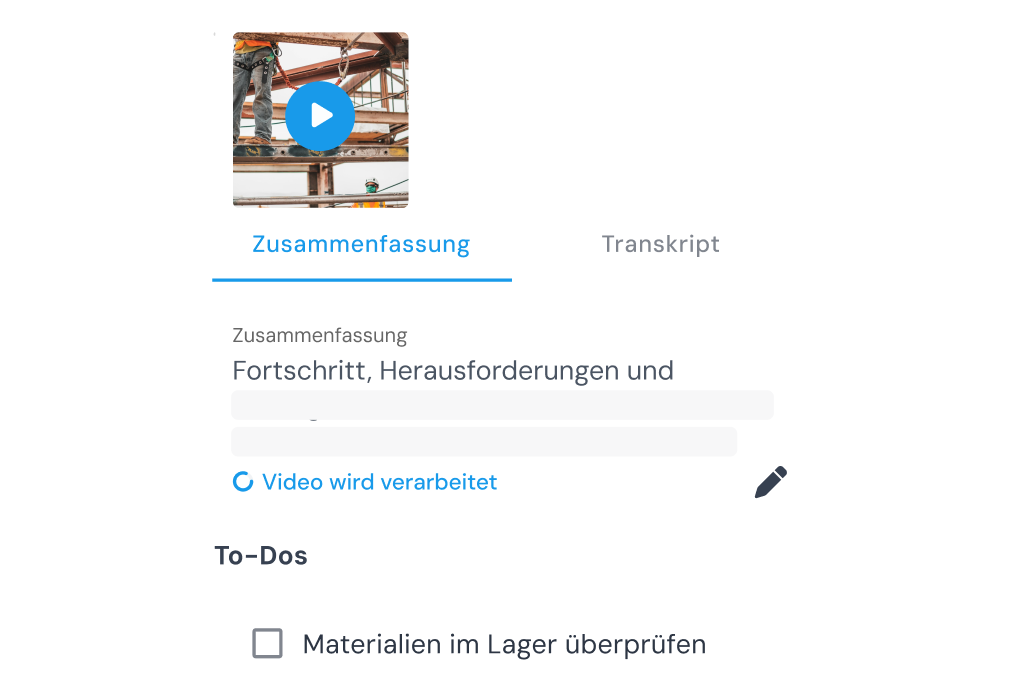
Video documentation

  • Create records and reports automatically from videos
  • Automatic to-do lists
  • Automatic translation into German
Add-On

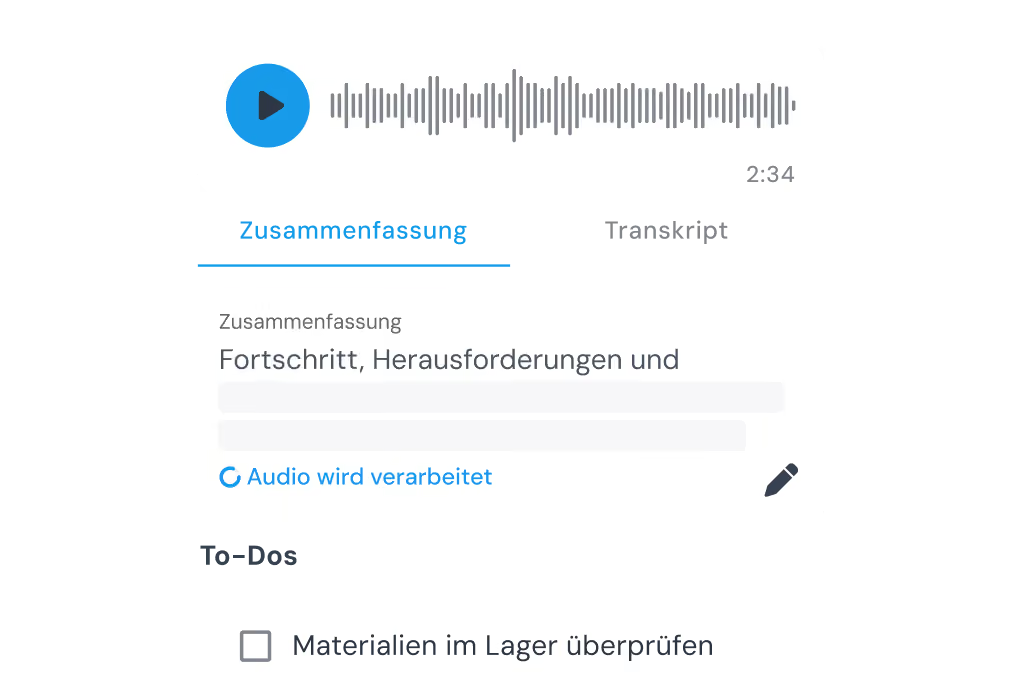
Call notes

  • Create records automatically from audio tracks
  • Capture spontaneous ideas right away
  • Automatic to-do lists
Add-On

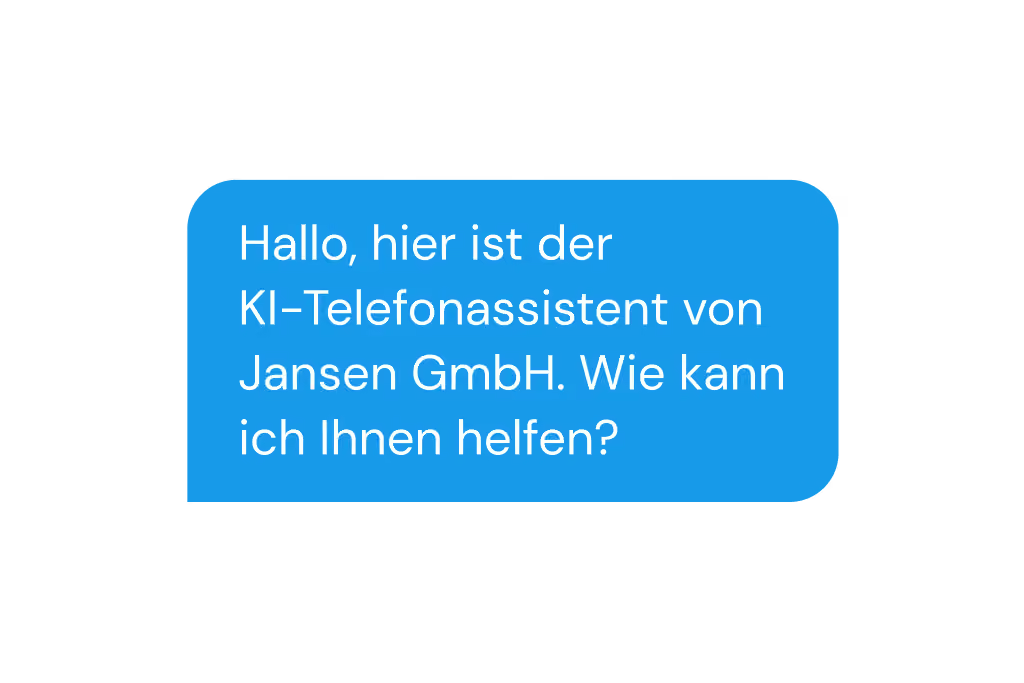
AI phone assistant

  • Be reachable 24/7 and stop missing jobs
  • All the information at a glance, straight away
  • Calls sorted automatically by urgency
Add-On

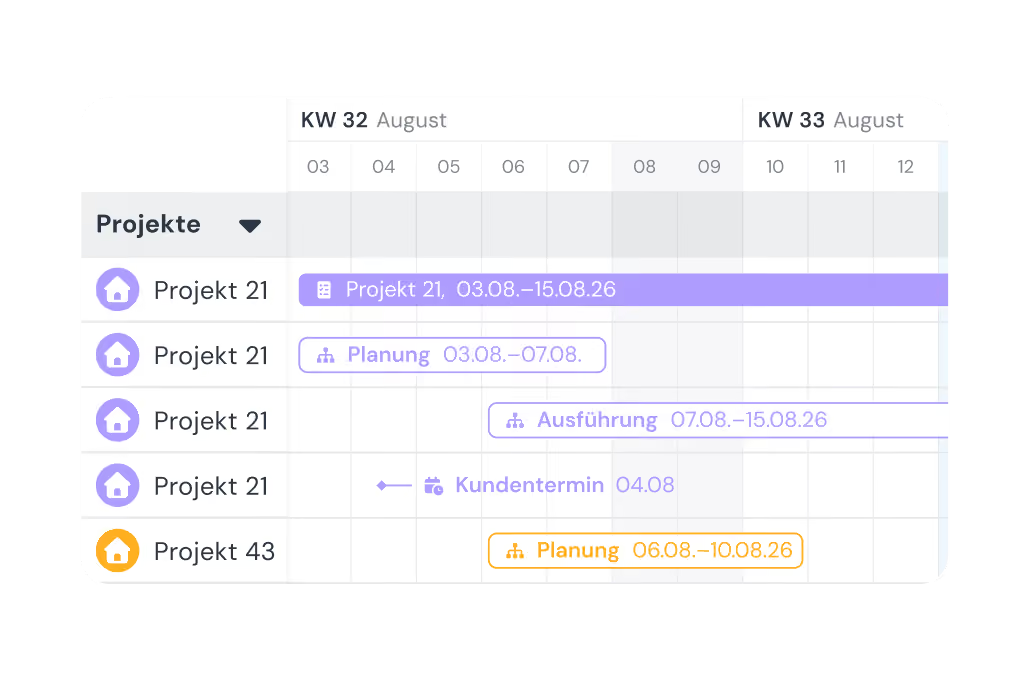
Shift planning

  • Build schedules intuitively with drag-and-drop and employee self-service
  • Live updates for your team through the clockin app
  • Automatic planned vs. actual comparison as you build the schedule
Add-On

Shift planning

  • Build schedules intuitively with drag-and-drop and employee self-service
  • Live updates for your team through the clockin app
  • Automatic planned vs. actual comparison as you build the schedule

Lexware Office

  • Bill project hours with one click
  • Import customers and projects straight from Lexware Office
  • No duplicate record-keeping

In nur 3 Schritten startklar mit clockin!

With clockin your time tracking goes digital in no time. Start your free trial, set everything up yourself or use our service – within a few hours the paperwork is behind you and you record working hours simply from the app!

Start your free trial
Register for free and get going straight away.
Set up
Set it up yourself or use our setup service.
Start tracking time
Download the app, onboard your team, done!

FAQ

We have collected and answered the most common questions about GPS time tracking.
How is data protection ensured with GPS time tracking?

Protecting your data and your employees' data is our top priority. GPS data is used solely for time tracking, stored in a GDPR-compliant way and not used for any other purpose. Employees must consent to its use in advance. This is usually done in the employment contract or through a works agreement.

When exactly does clockin record the location?

The German Occupational Safety Act sets narrow limits on determining the position of employees. In particular, employees should not feel under pressure or subject to constant monitoring. clockin therefore does not track employees permanently. You are free to decide whether you want to use the GPS function, in agreement with your employees and works council, or not. Technically, a GPS point can be recorded whenever an employee or a crew switches activity. Journeys in a company vehicle are a different matter: because the vehicle is a costly company asset, in certain cases it may be permissible to record its location at shorter intervals.

Important legal note:
clockin does not provide legal advice here. The information provided is not binding and can vary from company to company and from country to country. We therefore expressly recommend having the use of clockin, and the extent of that use, reviewed by a qualified lawyer.

Do my employees need special devices for GPS time tracking?

No, GPS time tracking works on any standard smartphone with the GPS function switched on. clockin is an app-based solution that needs no additional devices or investment. That saves money and makes the rollout easier.

Can I switch the GPS function on or off later?

Yes, the GPS function is flexible: you can decide at any time for which employees, projects or activities GPS should be recorded. It is important to agree this with your team or works council. That is the only way to stay on the right side of the law and to keep its use fair and transparent.

How does GPS time tracking help me with customer queries?

With GPS time tracking you can show exactly when and where your team worked if there is a complaint or a query. That builds trust with the customer and often saves drawn-out discussions. The data serves as objective proof, for billing or reports, for example.

What happens to the GPS data and where is it stored?

The GPS data recorded is used solely for time tracking and project documentation. It is processed in a GDPR-compliant way and stored securely. Access by third parties is ruled out.

Important legal note: 
clockin does not provide legal advice here. The information provided is not binding and can vary from company to company and from country to country. We therefore expressly recommend having the use of clockin, and the extent of that use, reviewed by a qualified lawyer.

Which industries benefit most from GPS time tracking?

GPS time tracking is especially practical for mobile teams with changing job sites, for example commercial cleaning, the skilled trades, landscaping and gardening, construction, building maintenance services or care work. Some of our customers also use GPS time tracking for safety, so they can trace where their employees are in the event of an accident.

Jetzt unverbindlich 14 Tage testen – ohne automatisches Abo

clockin ist in nur 15 Minuten startklar