Time tracking with Sage Active
Connect clockin to Sage Active with ease
Record project hours, transfer them automatically to Sage Active and create invoices with one click.
Record project hours, transfer them automatically to Sage Active and create invoices with one click.


Sage Active is cloud-based accounting software built specifically for small and medium-sized businesses. With the integration you can import customers into clockin directly from Sage Active and transfer recorded working hours seamlessly to Sage Active for fast, error-free billing – that saves time, simplifies your accounting and keeps data flowing smoothly.
clockin and Sage Active make handovers in your job workflow smooth.

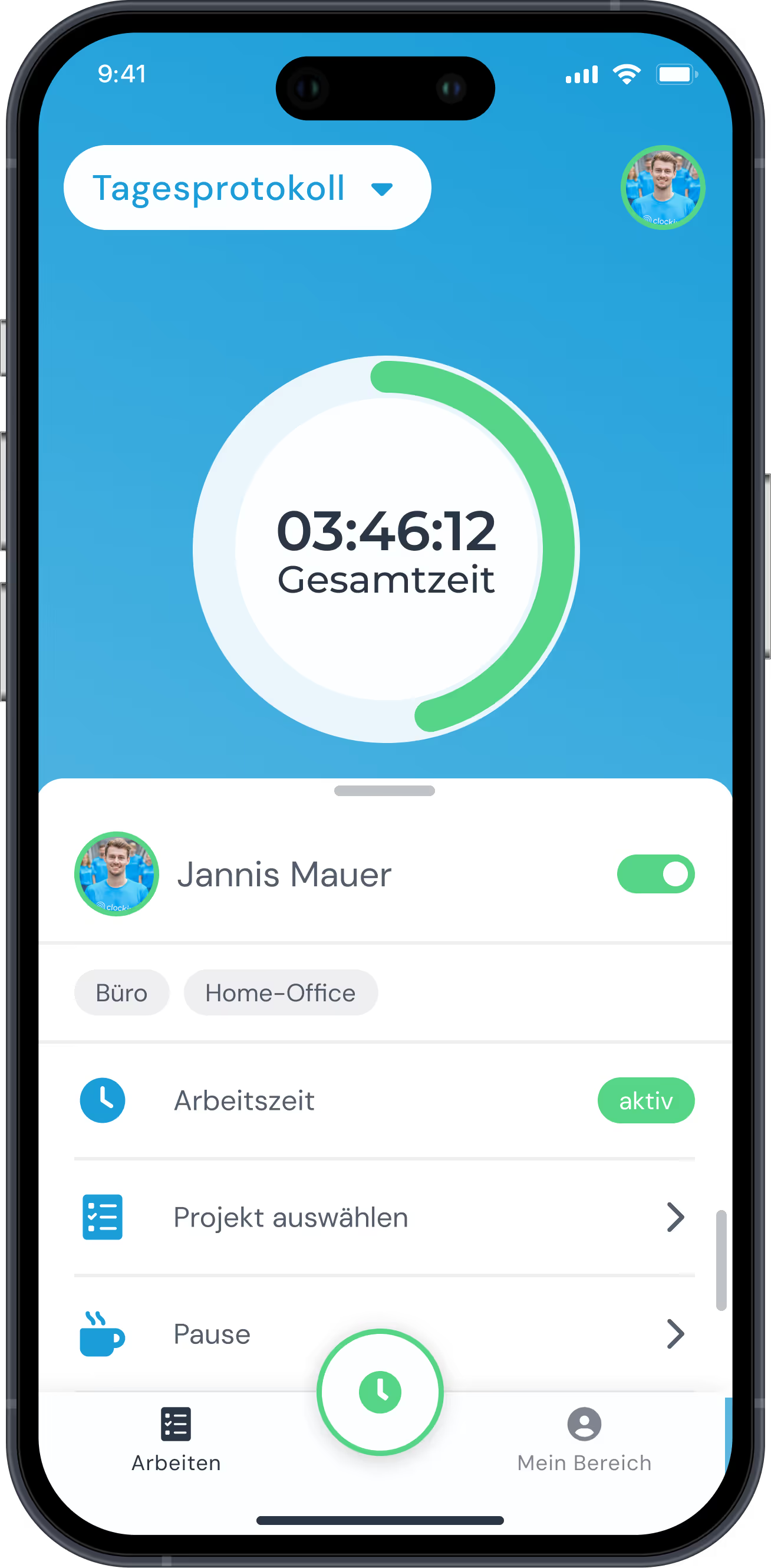
With clockin your employees record project hours with one click in the app. On a smartphone, PC or tablet. The clockin app works anywhere, at any time, and is fully offline-capable. We built the app to be so simple that everyone understands it right away.

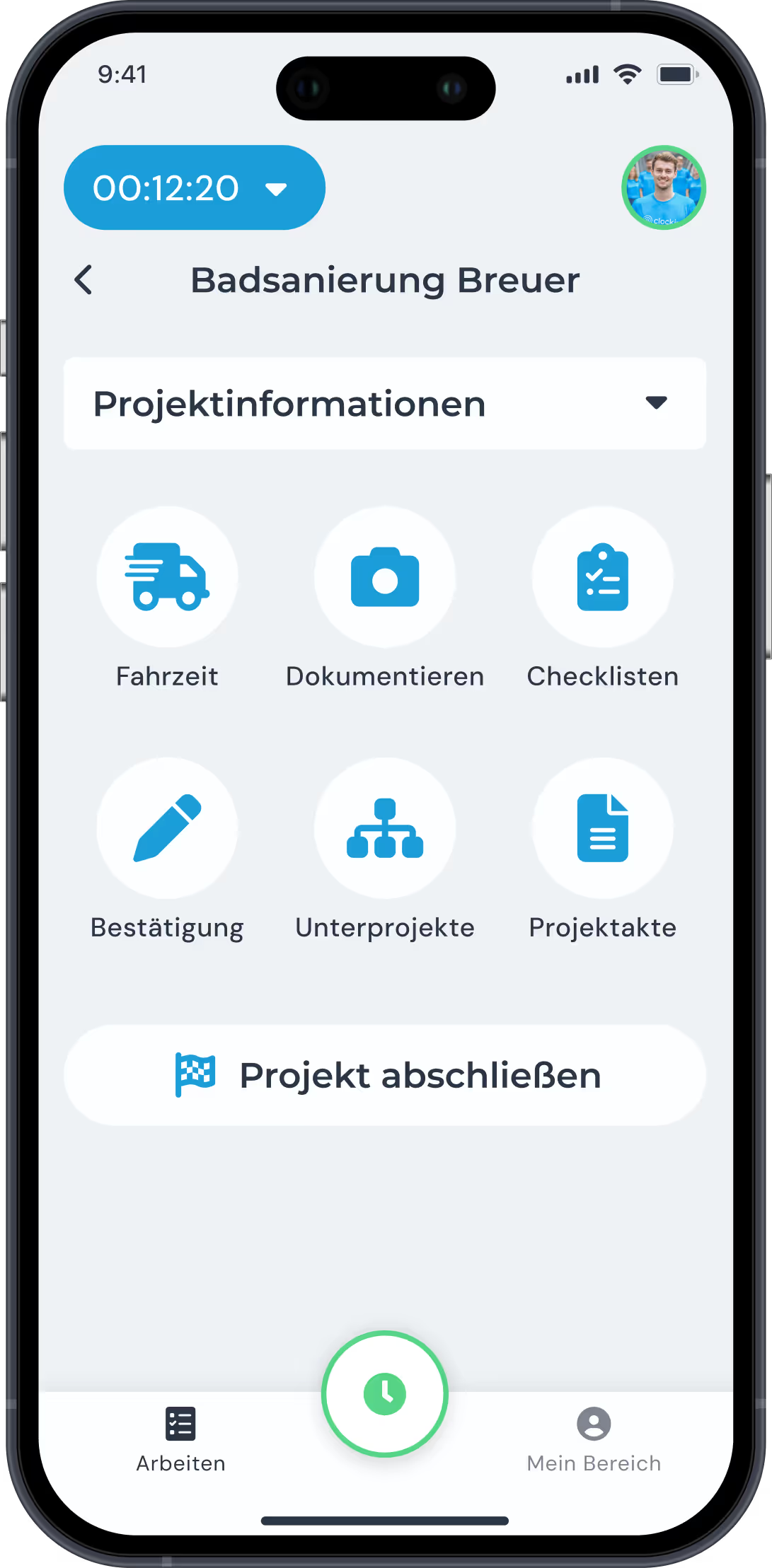
With clockin you record not only working hours but the specific activities within a project. Via the Sage Active integration you can turn the recorded hours straight into invoices ready to bill – with no manual effort at all.

With clockin you can follow project status live from your desk. You see at a glance which employee is working on which project, and you are notified automatically when the estimated target hours are exceeded.

Photos, sketches and notes are saved directly in the relevant project file and are available to you in real time. With the export function you can export project histories as a PDF and share them with your customers.
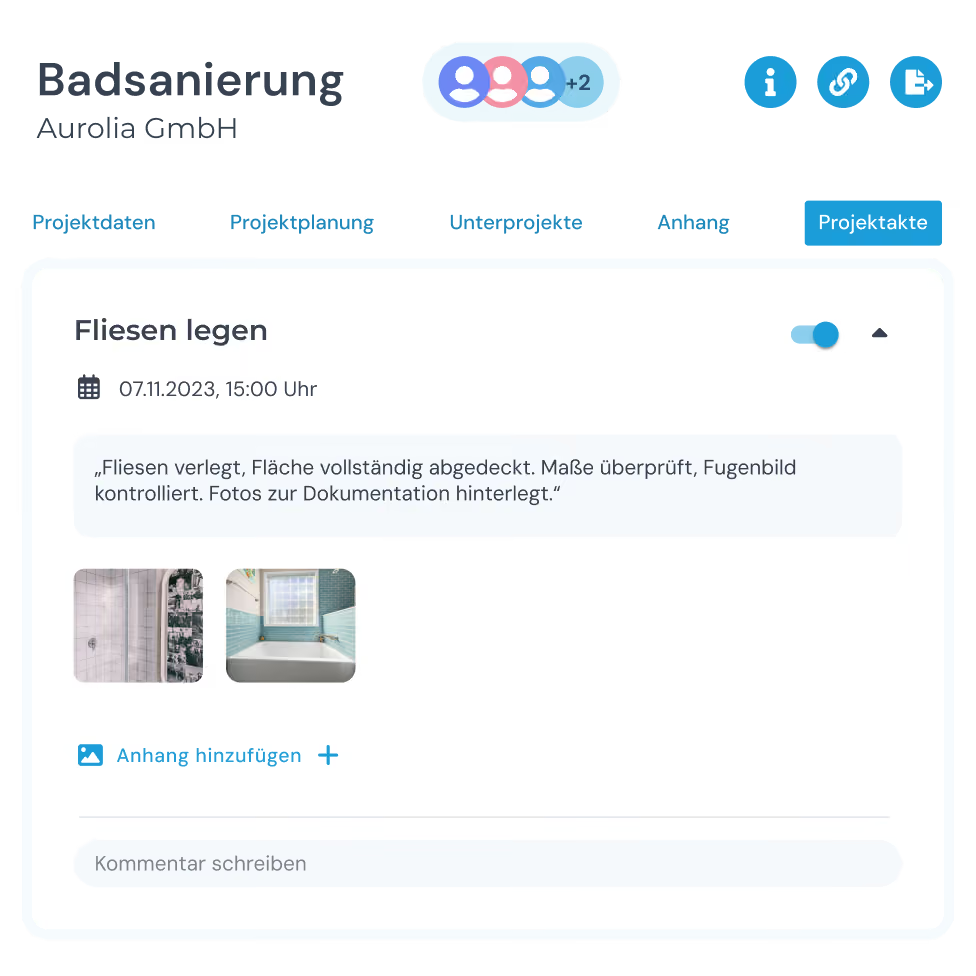
clockin is built together with tradespeople and people who do the work. You can tell on every screen.
The integration is built for Sage Active, the cloud-based accounting software for small and medium-sized businesses. With clockin you transfer recorded project hours directly into your Sage Active account.
You record working and project hours in the app and move them via the Sage Active integration straight into invoices ready to bill. You keep an eye on project status throughout.
The integration is included in the "Project time tracking" plan and above. With it you transfer your recorded project hours directly into Sage Active invoices ready to bill.
You connect clockin and Sage Active in a few seconds, directly in the integration settings of your clockin account.
Yes, you import your customers from Sage Active into clockin's Office Center in a few clicks. That way you don't create them twice. Learn more here