Photo documentation for the job site

Document job sites in full with photo documentation

Take photos, assign them to a project, done. clockin saves your photo documentation straight to the right job – clear proof from the job site without the paperwork chaos.


14 Tage kostenlos testen, ohne Angabe von Zahlungsmitteln
  • 4.9
    412+ reviews on OMR
  • Made in Germany
    GDPR & CJEU compliant
  • From €8.99 / month / user
    Fair packages, flexibly adjustable
OMR Leader BadgeTrusted - Zeiterfassung Testsieger mit Note 1.1
trusted 06/2026Datev Marktplatz Schnittstellen Partner

Your benefits

Photos in the right place straight away
No sorting by hand – clockin assigns your photos to the matching project automatically.
Complete proof at the touch of a button
Show defects, progress or sign-offs visually – available at any time.
No signal? No problem.
Take photos on the job site; they sync automatically as soon as there is a connection again.

Photo documentation highlights

Photos, sketches and notes

Capture everything that happens on site

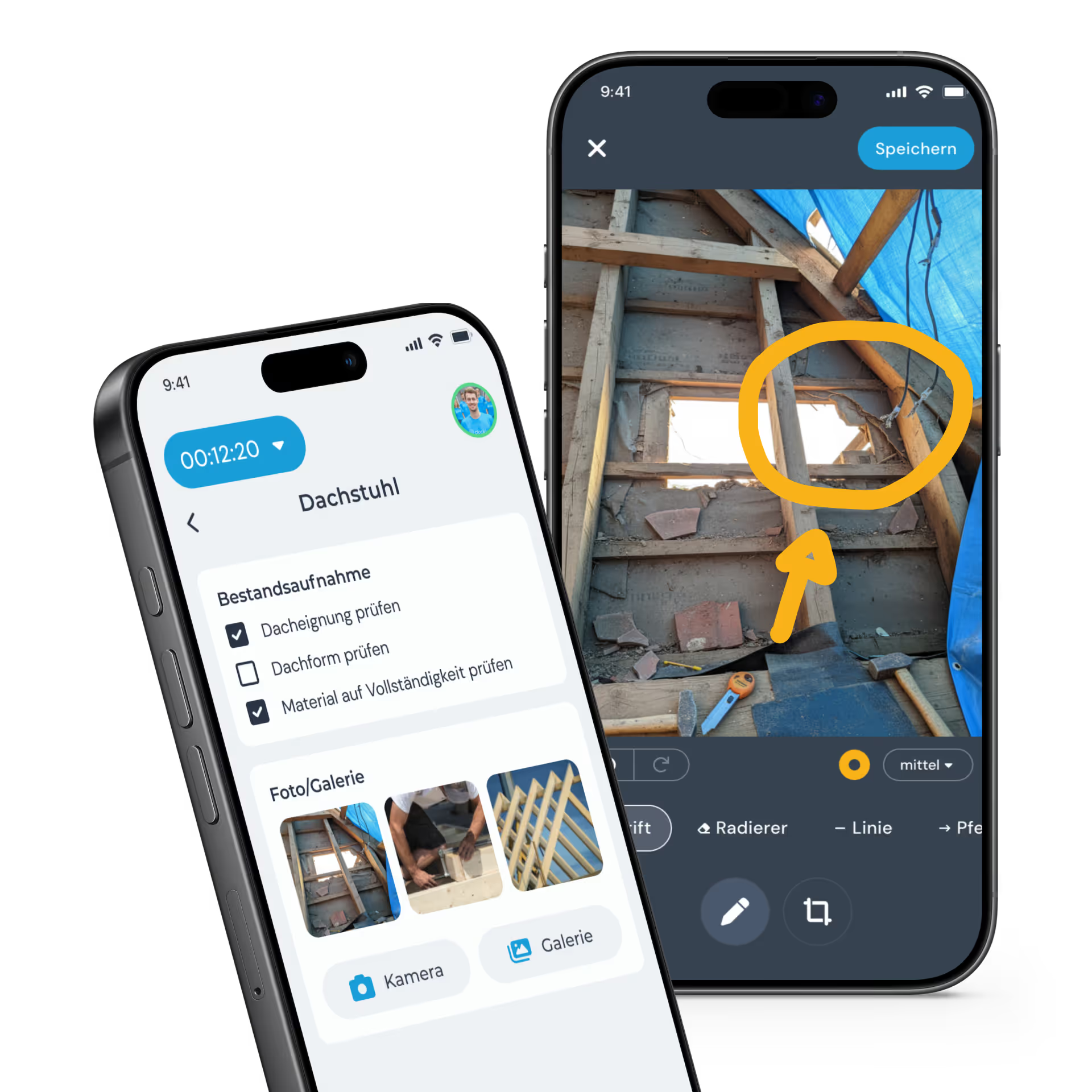
Project progress, a defect or the condition at handover: with clockin you document it by photo, add sketches and record notes – all collected on the right job. Your team and your office see straight away what is going on at the job site.
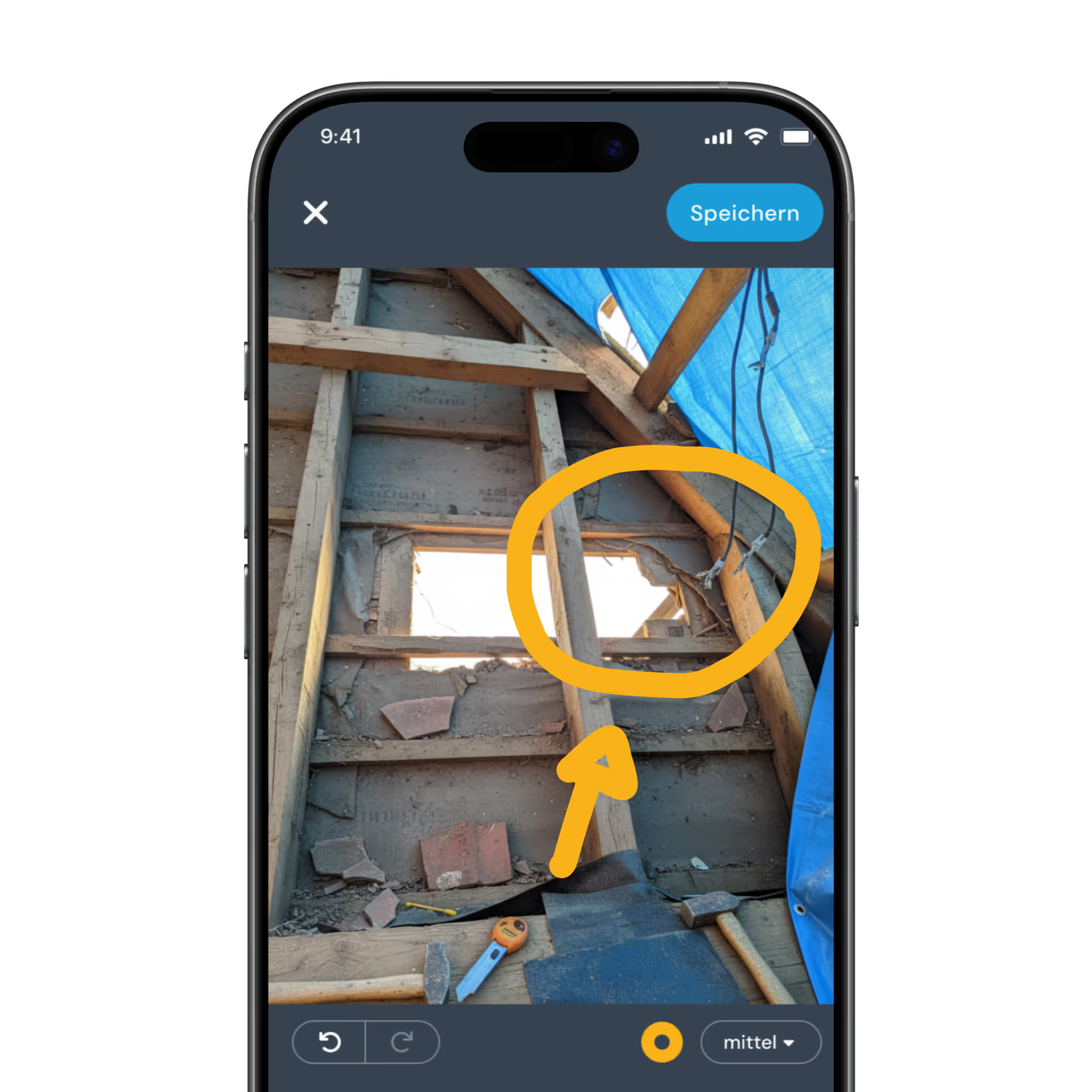
  • Take photos straight from the job
  • Add sketches and notes for more context
  • Visible to every team member immediately
Mit der clockin Projektdokumentation immer den Überblick über alle Abläufe behalten

Digital project file

One central place for all your documentation

clockin creates a digital project file for every job automatically. All photos and documentation are collected there – structured, searchable and still available once the project is finished. You can share the file with customers directly as a PDF export or a read-only link.
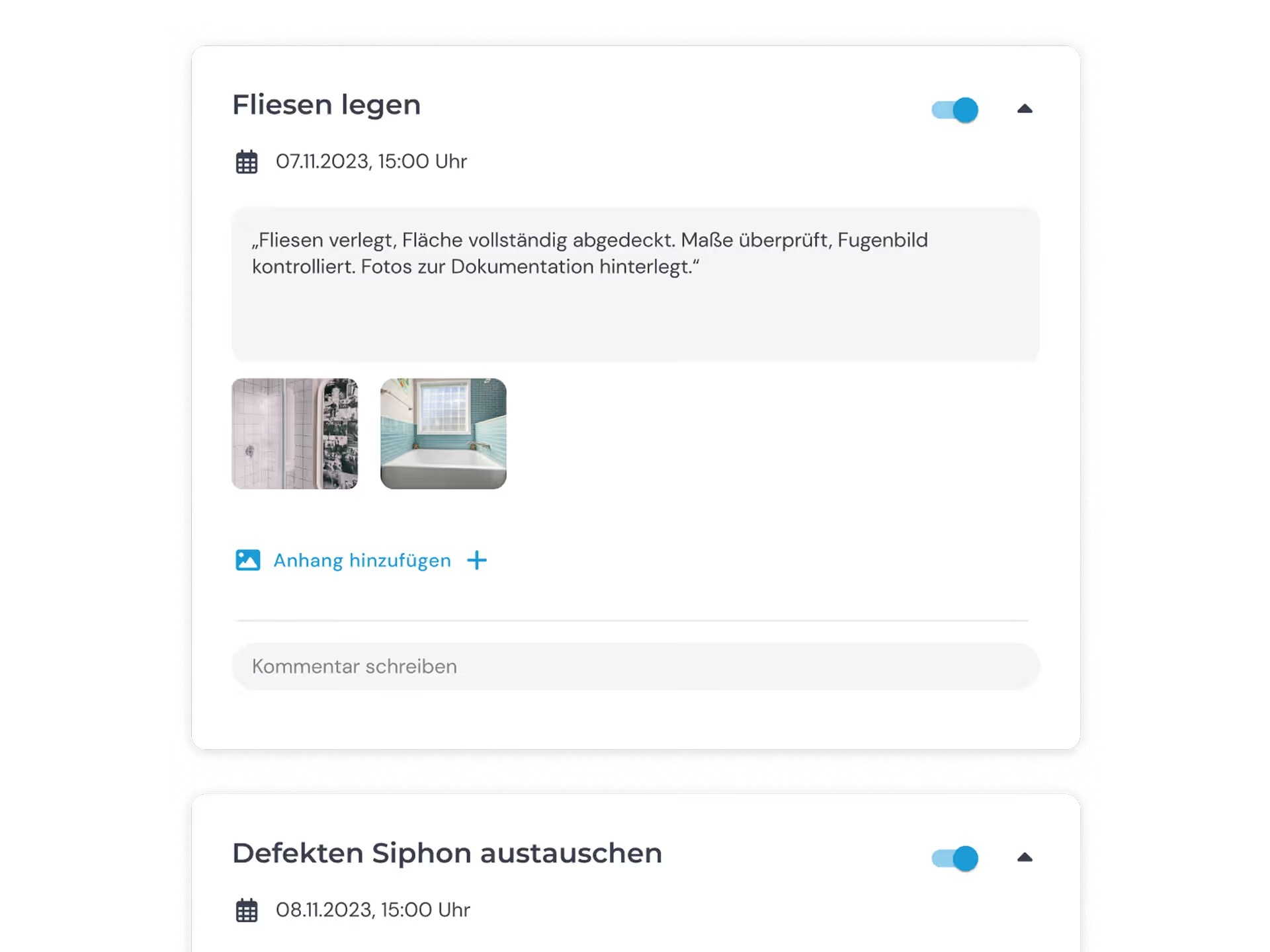
  • All photos and documentation filed automatically
  • A chronological overview of the whole project
  • Export as a PDF or share with customers via a read-only link

Digital checklists

So nothing gets forgotten in the documentation

Checklists let you set out binding procedures. You decide where a photo is mandatory – and clockin makes sure it is actually taken before the task can be ticked off. That way the documentation is complete without you having to chase anyone.

  • Photo upload can be made a mandatory field in checklists
  • Consistent procedures for the whole team
  • Every completed checklist lands in the project file

Weitere Funktionen

Alles, was dein Betrieb braucht, an einem Ort.

Im Paket Team Expert warten zusätzliche Funktionen, die euren Alltag einfacher machen – und das schon ab 8,99 € pro Nutzer pro Monat.

Digital time tracking via app and web

  • Clock in, clock out & breaks
  • Travel time, business errands & more
  • On the smartphone and tablet app or in your PC browser

Project time tracking

  • Record project start, breaks & end of shift
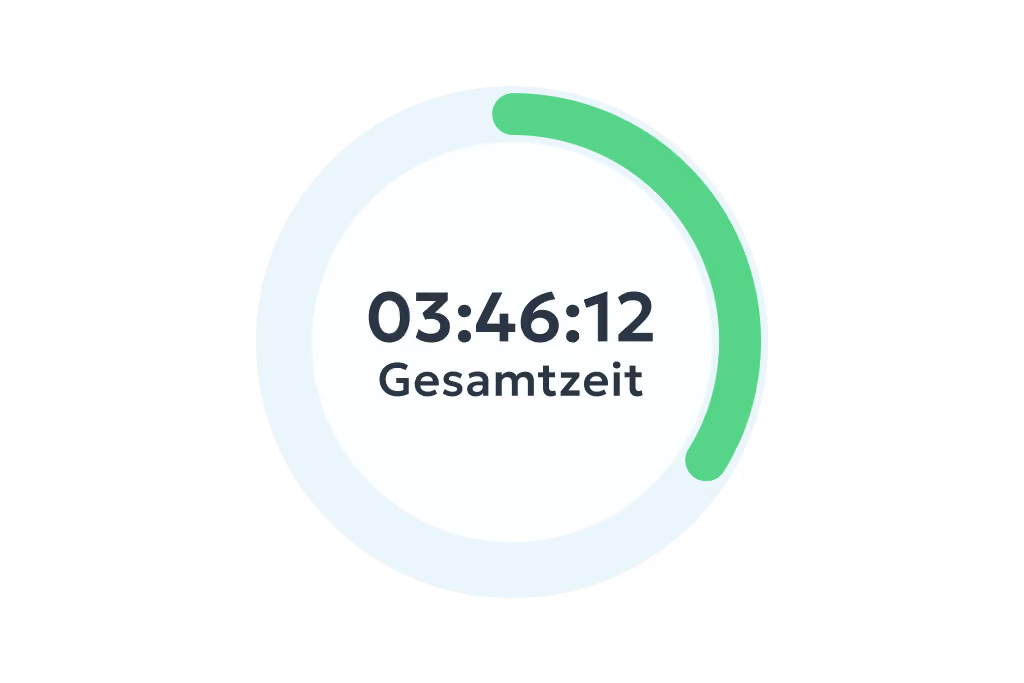
  • Real-time overview of all project hours
  • Via app or in the browser – available anywhere

Mobile project documentation

  • Time tracking on projects and activities
  • Mobile project files with checklists, photos and notes
  • Collect signatures and digital customer sign-offs

Simple digital employee file

  • Store contract data in a legally compliant way
  • Document staff development & agreements
  • Secure document upload to GDPR standards

Manage absences

  • Online absence management
  • Request vacation, sick leave and more via the app
  • Simple approval workflow in the dashboard

Personal employee self-service

  • Meet your transparency obligations as an employer
  • Self-service area for employees
  • View working hours, manage corrections & requests

Analytics, corrections and reporting

  • Comprehensive employee analyses and, where needed, project analyses
  • Straightforward correction options
  • Automatically generated hours reports

Digital checklists

  • Structure your workflows & avoid mistakes
  • Capture photos, entries & signatures on the spot
  • All checklists digital and available at any time

Digital customer sign-off

  • Collect signatures right in the app – on site with the customer
  • Sign-off saved to the project automatically
  • Send it straight to the customer by email if you want

Work schedules

  • Plan fixed or flexible working hours easily
  • Calculate overtime & absences automatically
  • Adjust working hours individually – with no extra effort

Customer management

  • Manage all customer data centrally and clearly
  • Linked directly to projects & appointments
  • No duplicate work thanks to smart data transfer

Invoicing

  • Turn project hours into invoices automatically
  • Pull in customer data directly – no double entry
  • Bill in a few clicks with Lexware, sevdesk, weclapp & co.

Digital project file

  • All project data secure & in chronological order in one place
  • Documents, hours & communication always at hand
  • Share with customers easily by link or PDF

GPS time tracking

  • Capture every location live and automatically
  • Prove work location and hours at any time
  • Plan and coordinate assignments flexibly
Add-On

Video documentation

  • Create records and reports automatically from videos
  • Automatic to-do lists
  • Automatic translation into German
Add-On

Call notes

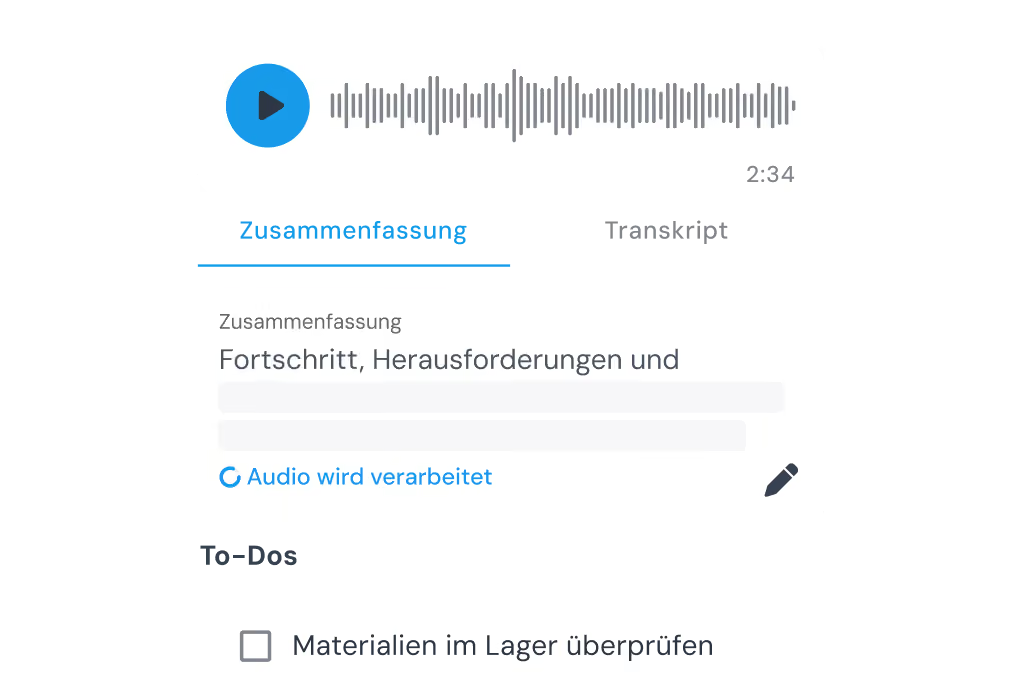
  • Create records automatically from audio tracks
  • Capture spontaneous ideas right away
  • Automatic to-do lists
Add-On

AI phone assistant

  • Be reachable 24/7 and stop missing jobs
  • All the information at a glance, straight away
  • Calls sorted automatically by urgency
Add-On

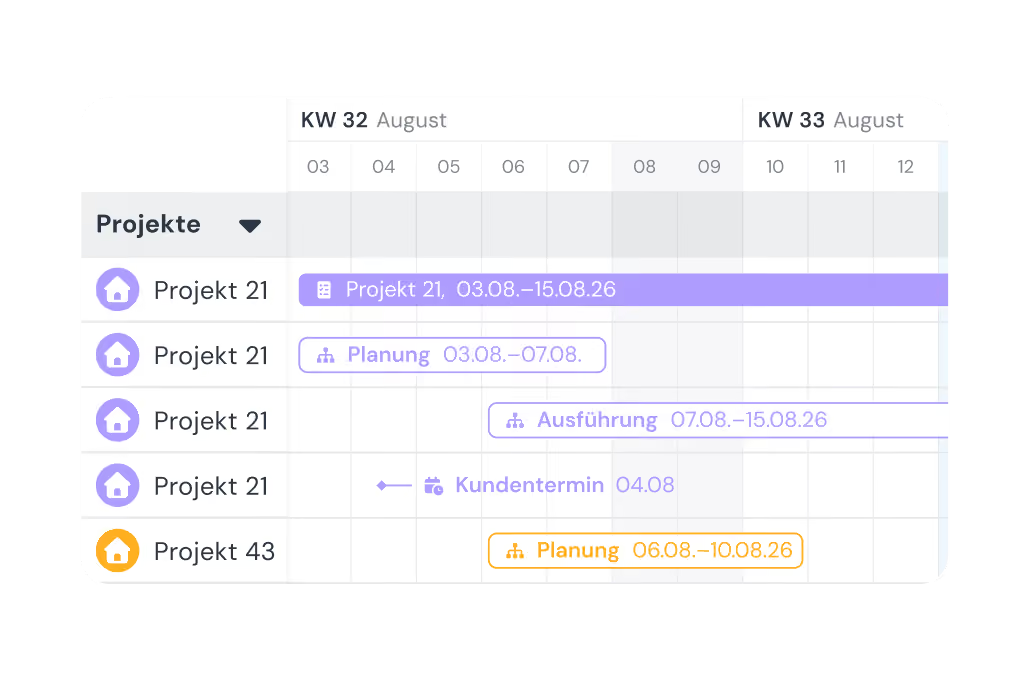
Shift planning

  • Build schedules intuitively with drag-and-drop and employee self-service
  • Live updates for your team through the clockin app
  • Automatic planned vs. actual comparison as you build the schedule
Add-On

Shift planning

  • Build schedules intuitively with drag-and-drop and employee self-service
  • Live updates for your team through the clockin app
  • Automatic planned vs. actual comparison as you build the schedule

Lexware Office

  • Bill project hours with one click
  • Import customers and projects straight from Lexware Office
  • No duplicate record-keeping

Your add-on

One step further: AI video documentation

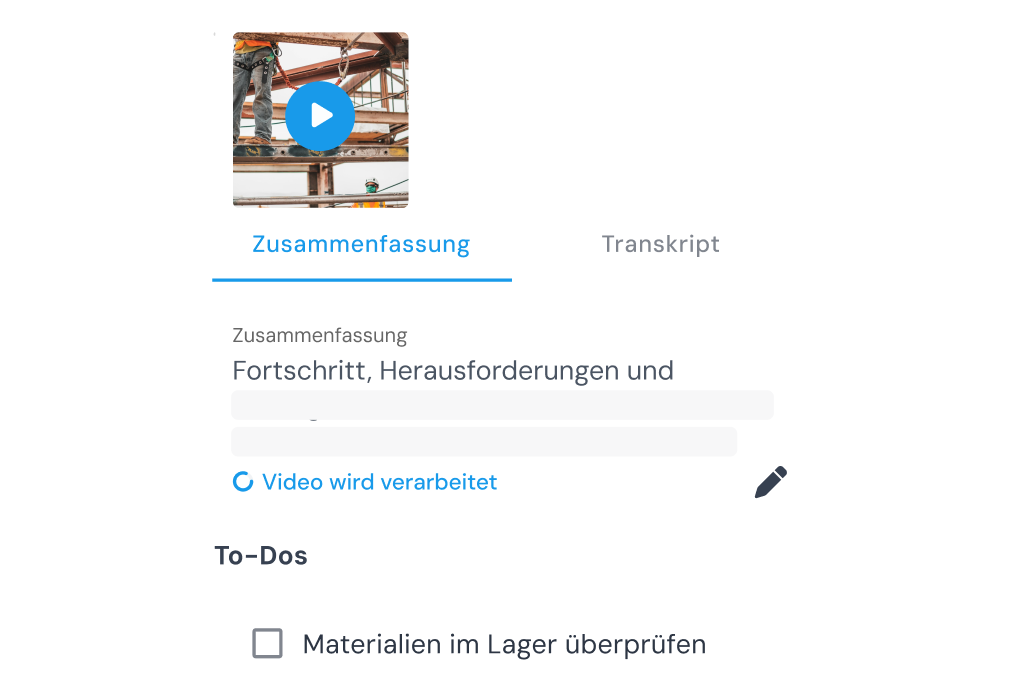
Just film what you see – clockin turns it into a summary, a transcript and to-dos automatically. No typing, no forms.


Add-On
AI

Video documentation

  • Create records and reports automatically from videos
  • Automatic to-do lists
  • Automatic translation into German
More on video documentation

3 steps to going paperless

01

Start trial

No payment details required, no automatic subscription.
02

Set up in minutes

Set it up yourself and enjoy full access to all features for 14 days.
03

Get started right away

Track your project hours with a simple click.

FAQ

Wir haben für dich die häufigsten Fragen zur Funktion der digitalen Projektakte gesammelt und beantwortet.
How do I take photos in clockin?

You simply open the relevant project in the clockin app and take a photo of the job site. The image is assigned to the project automatically and is immediately visible to every authorised team member.

Can I make photos a mandatory field in checklists?

Yes. When you create a checklist you can set photo uploads as a mandatory field. That way you make sure your team really documents the work instead of just clicking through.

Does photo documentation work offline as well?

Yes. Like every clockin feature, photo documentation can be used offline. Photos are stored locally and synced automatically as soon as there is a connection again.

Can customers see my photos?

Indirectly, yes. You can export the project file or construction file as a PDF or create a read-only link – and decide yourself which content is visible. Customers get no direct access to your clockin account.

How long are photos stored for?

For as long as you want. clockin stores all data in the cloud in line with the GDPR – you have access at any time, even after the project is finished.

Which industries benefit most from photo documentation?

Anywhere the condition on site has to be documented: skilled trades, construction, plumbing and HVAC, commercial cleaning, building maintenance services, landscaping and gardening. In short: anyone who currently forwards photos by WhatsApp.

Jetzt unverbindlich 14 Tage testen – ohne automatisches Abo

clockin ist in nur 15 Minuten startklar