JOB SITE DOCUMENTATION SOFTWARE & APP

From the first photo to final acceptance

Record every step on the job site right where you are. Photos, notes, working hours and signatures land automatically on the right job. There is nothing left to type up in the evening.
  • GDPR
  • from €8.99
  • 100 % Made in Germany
14 Tage kostenlos testen, ohne Angabe von Zahlungsmitteln
  • 4.9
    412+ reviews on OMR
  • Made in Germany
    GDPR & CJEU compliant
  • From €3.59 / month / user
    Fair packages, flexibly adjustable
OMR Leader BadgeTrusted - Zeiterfassung Testsieger mit Note 1.1
trusted 06/2026Datev Marktplatz Schnittstellen Partner

Deine Vorteile

Everything on the job instead of in five folders
Photo, note, hours, signature – you attach it all straight to the job site you are standing on. No more searching.
Proof when it matters
When the client asks six months later why the wall was chased out, you open up that day and show them the photo with the date on it.
Three buttons, that is all
Take a photo, add a note, tick it off. Your team learns the app on the drive to the first job site.
Arrive
Record
Finish

How a day on site runs: starting at the job site

Your team starts the clock right on site – one tap in the app. The hours are attached to the right project straight away. Nothing has to be added later in the evening.

Record where things stand while you are still in front of it

The cable runs differently than on the plan. The client wants the socket 30 centimetres further left. Take a photo, add two sentences – the change is attached to the job before you carry on working.

No more typing up

Stop the clock, done. The day is documented before the van pulls away. Back in the office, photos, hours and notes for the job are all in one place – without anyone typing up a paper slip.

Job site documentation highlights

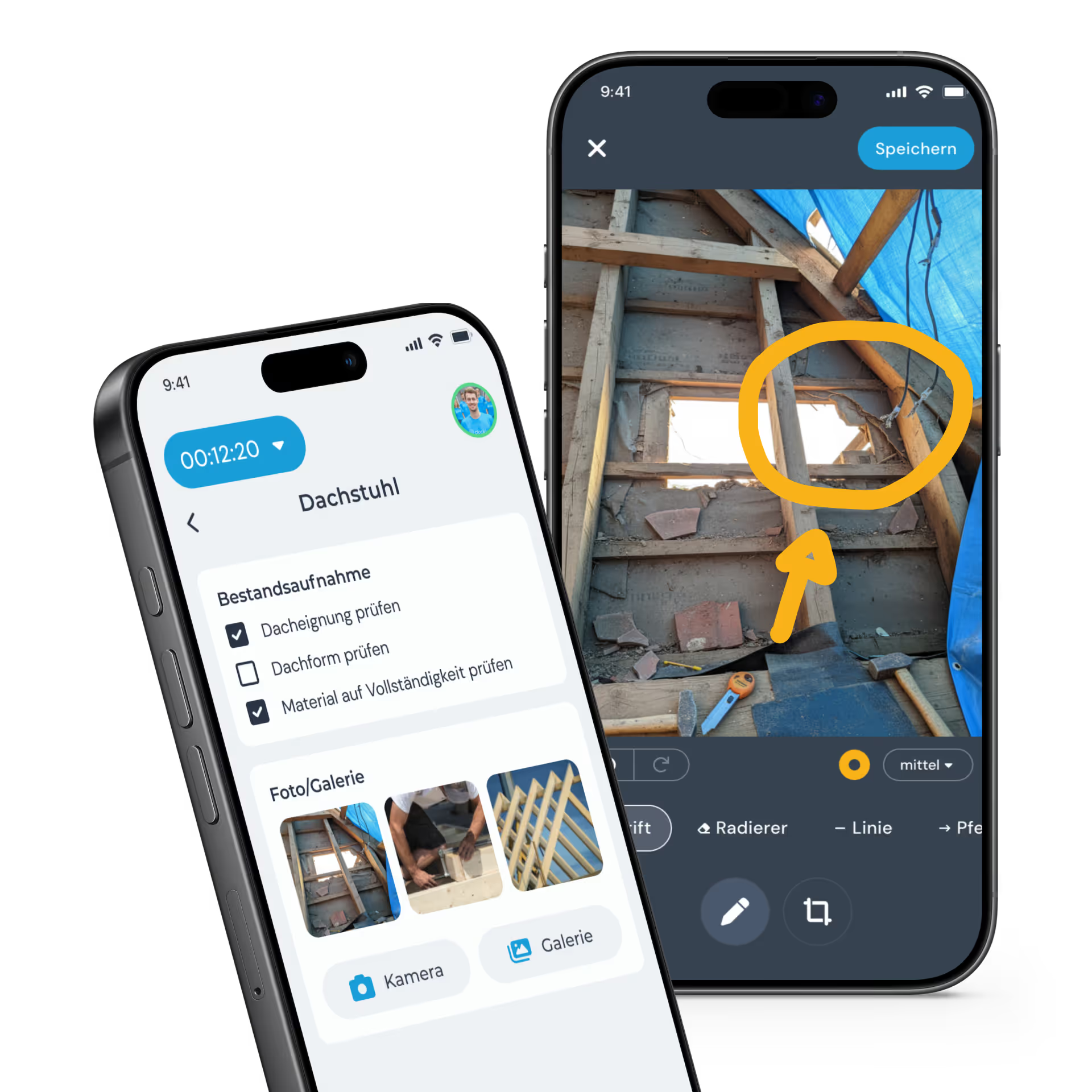
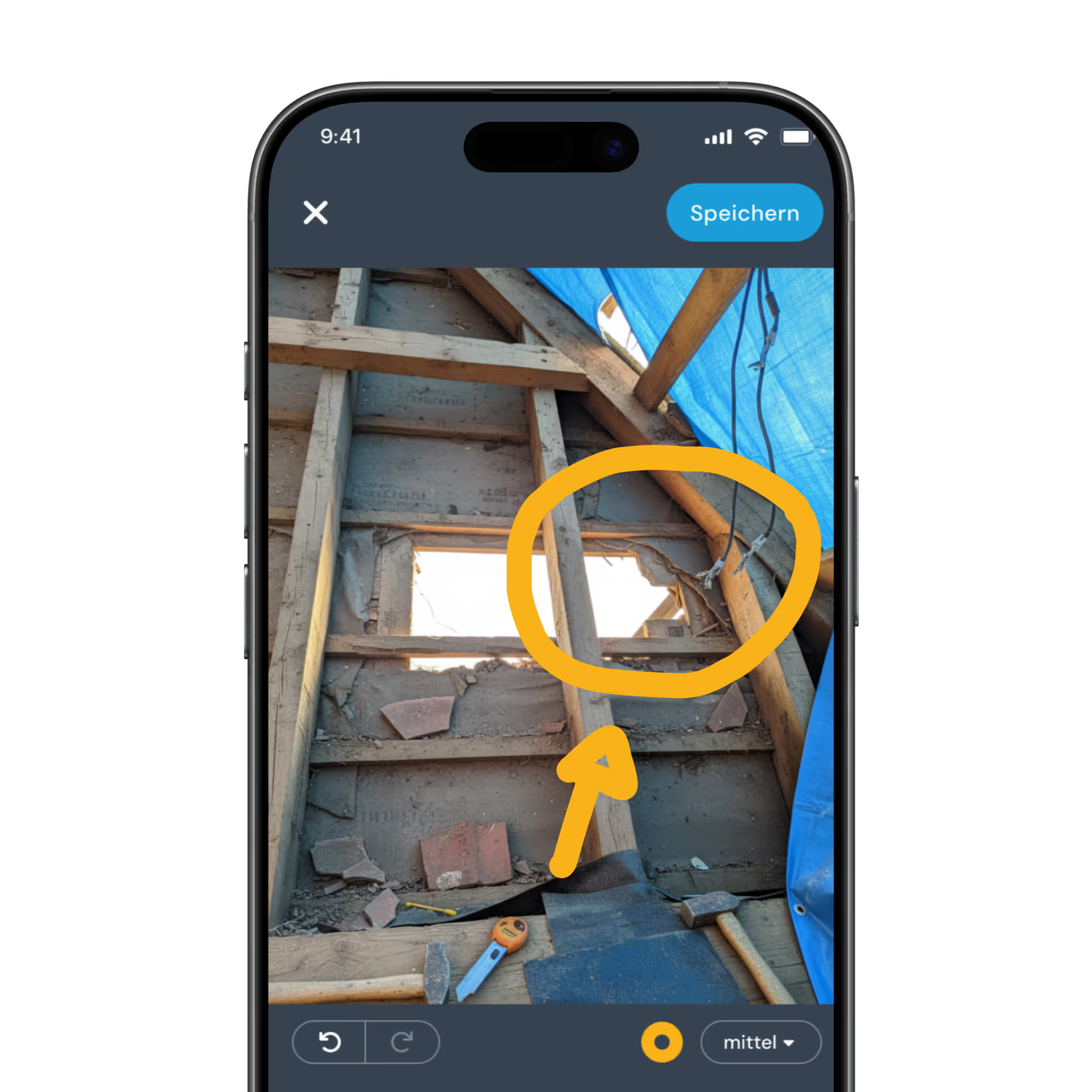
Zwei Smartphones mit der Bau-Dokumentations-App clockin, die eine Checkliste und markierte Fotos eines Dachstuhls anzeigen.

Photos and notes

The photo lands straight on the job

You take the photo in clockin from inside the job, add a note, done. Every picture is attached to the job site you are standing on – with a date, and no sorting.
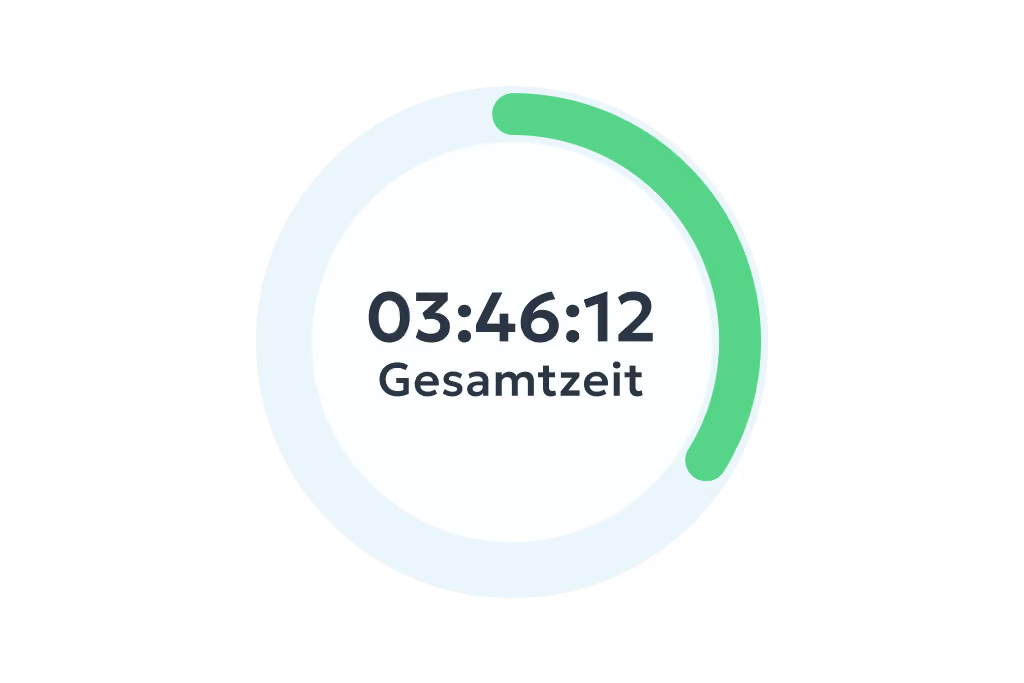
Smartphone-Bildschirm zeigt die Projektzeiterfassungs-App clockin mit einem Timer von 3 Stunden 46 Minuten, Nutzerprofil Jannis Mauer, aktive Arbeitszeit und Auswahlmöglichkeiten für Projekte, Pause und Fahrzeit; daneben zwei aktive Projekte Badsanierung und Wartung Klimaanlage mit Details zu Datum, Uhrzeit und Auftraggeber.

Project hours

Hours stay attached to the job site

You book every hour straight onto the job. In job costing you then see planned and actual side by side. So you know not just what was done, but also how long it took.
Benutzeroberfläche mit Qualitätssicherung, Fortschritt, Fotogalerie und Kontrollkästchen für Untergrundreinigung.

Checklists

Everyone on the job site works the same way

You create your own templates – safety briefing, job site handover, defects list. Mandatory fields make sure no step is forgotten. They get filled in on site, not in the office in the evening.
Formular mit Name, Ort Münster, Datum 01.04.2025 und Unterschrift M. Müller zum Abschicken.

Signatures

The client signs on site

You get additional services, handovers and acceptances confirmed right on the phone. The signature stays stored with the job – no more paper slips in the footwell of the van.

Weitere Funktionen

Alles, was dein Betrieb braucht, an einem Ort.

Im Paket Team Expert warten zusätzliche Funktionen, die euren Alltag einfacher machen – und das schon ab 8,99 € pro Nutzer pro Monat.

Digital time tracking via app and web

  • Clock in, clock out & breaks
  • Travel time, business errands & more
  • On the smartphone and tablet app or in your PC browser

Project time tracking

  • Record project start, breaks & end of shift
  • Real-time overview of all project hours
  • Via app or in the browser – available anywhere

Simple digital employee file

  • Store contract data in a legally compliant way
  • Document staff development & agreements
  • Secure document upload to GDPR standards

Manage absences

  • Online absence management
  • Request vacation, sick leave and more via the app
  • Simple approval workflow in the dashboard

Personal employee self-service

  • Meet your transparency obligations as an employer
  • Self-service area for employees
  • View working hours, manage corrections & requests

Analytics, corrections and reporting

  • Comprehensive employee analyses and, where needed, project analyses
  • Straightforward correction options
  • Automatically generated hours reports

Digital checklists

  • Structure your workflows & avoid mistakes
  • Capture photos, entries & signatures on the spot
  • All checklists digital and available at any time

Digital customer sign-off

  • Collect signatures right in the app – on site with the customer
  • Sign-off saved to the project automatically
  • Send it straight to the customer by email if you want

Work schedules

  • Plan fixed or flexible working hours easily
  • Calculate overtime & absences automatically
  • Adjust working hours individually – with no extra effort

Customer management

  • Manage all customer data centrally and clearly
  • Linked directly to projects & appointments
  • No duplicate work thanks to smart data transfer

Invoicing

  • Turn project hours into invoices automatically
  • Pull in customer data directly – no double entry
  • Bill in a few clicks with Lexware, sevdesk, weclapp & co.

Digital project file

  • All project data secure & in chronological order in one place
  • Documents, hours & communication always at hand
  • Share with customers easily by link or PDF

GPS time tracking

  • Capture every location live and automatically
  • Prove work location and hours at any time
  • Plan and coordinate assignments flexibly

Lexware Office

  • Bill project hours with one click
  • Import customers and projects straight from Lexware Office
  • No duplicate record-keeping

3 steps to going paperless

01

Start trial

No payment details required, no automatic subscription.
02

Set up in minutes

Set it up yourself and enjoy full access to all features for 14 days.
03

Get started right away

Track your project hours with a simple click.

Pay only for what you need –
with a contract term that suits you.

Spare bis zu 10 % bei einer Laufzeit von 24 Monaten
Team

Starter

Out of the paperwork chaos. Your first step into digitalization.

3.59 €
per month / user, billed every 2 years*
  • Mobile and on-site time tracking
  • DATEV export for hours reports
  • Manage calendar & absences
  • Custom branding

*Alle Preise zzgl. gesetzl. MwSt. + Plattform-Pauschale (10€/Monat) bei unter 5 Nutzern

FAQ

We have collected and answered the most common questions about the job site documentation feature for you.
What do I need in order to document a job site with clockin?

A smartphone is enough. You set the job site up as a job, your team downloads the clockin app and records photos, notes and hours right on site from day one.

Do the photos land on the right job automatically?

Yes. You take the photo in clockin from inside the job, and the picture is then attached to that job site. It does not sit in your phone gallery and does not have to be filed anywhere.

Can I analyse working hours and documentation together?

Yes. With project time tracking you book every hour onto the job site. In job costing you then see planned and actual side by side – effort and documentation for the same job.
Can the client sign right on the job site?
Yes. You get additional services, handovers or acceptances signed on the phone in clockin. The signature stays stored with the job.
Does the documentation work without a signal on the job site?
Yes. The clockin app keeps working without an internet connection. You record photos, notes and hours in a dead spot, and they are transferred automatically as soon as there is a signal again.

Document the job site where it actually happens

OMR Badge Leader in "Time Tracking Software" Q1/25