Time tracking for mid-sized companies
More than just time tracking!
Time tracking, shift schedules and documentation for mid-sized companies with mobile teams — in one place instead of five different tools.
.png)



 4.9412+ reviews on OMR
 Made in GermanyGDPR-compliant, meets EU time tracking ruling
- From €3.59 / month / userFair plans, easy to adjust


Challenges in small and medium-sized businesses
The bigger the team, the more ways there are to record working hours – and the less they fit together. Part of the team still writes hours down on paper, another part uses an app that connects to nothing. Vacation requests may have a tool of their own, and for payroll the office or HR department ends up merging everything by hand. That costs time, produces errors and makes working time tracking unnecessarily complicated.
The solution
clockin: one system for your whole team
clockin brings time tracking, shift schedules, documentation and administration together in one system – whether your team works in the office, on the road or directly at the customer's site. Instead of several half-solutions, you get one that fits your entire company.
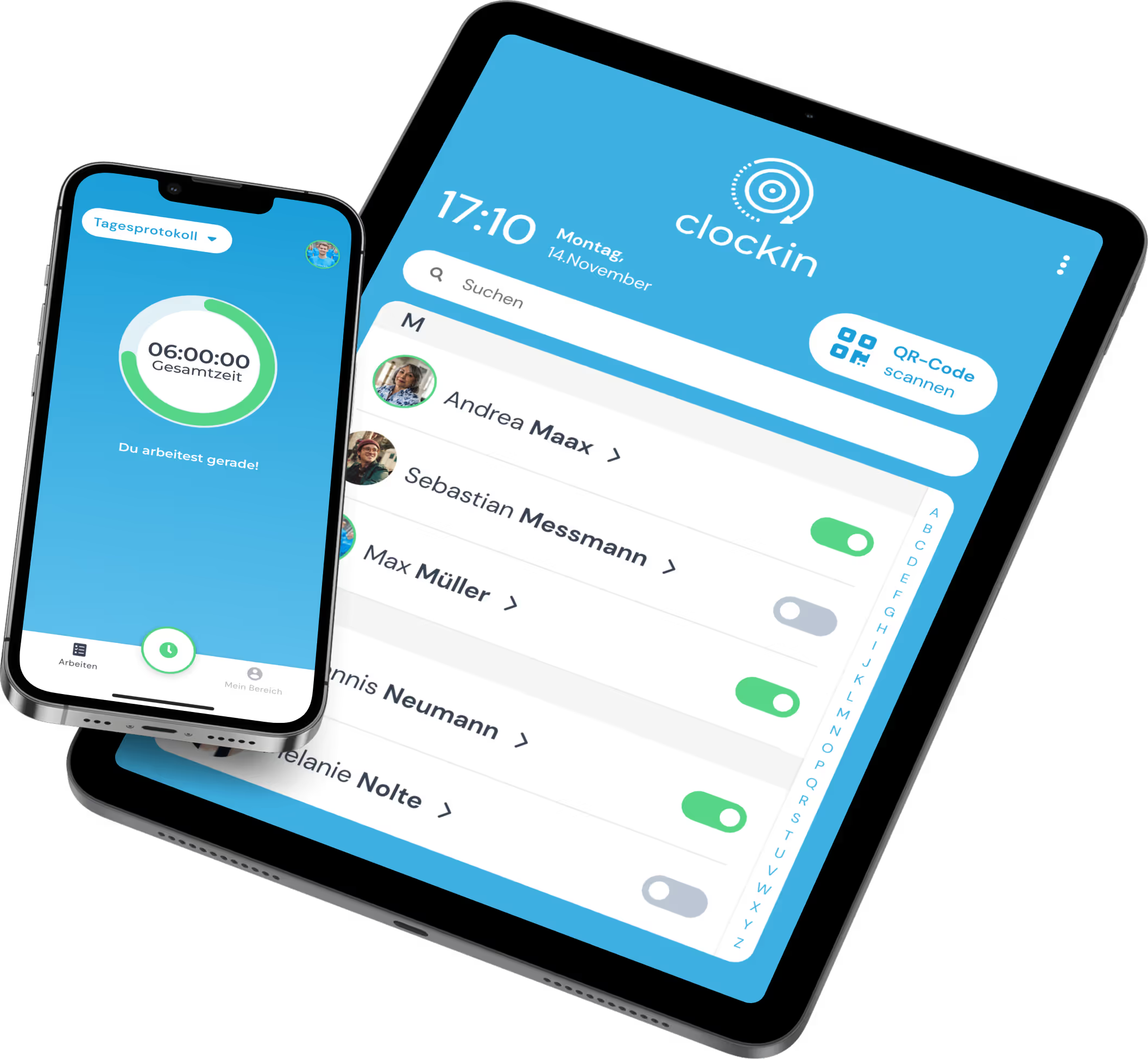
Time tracking, wherever the work happens
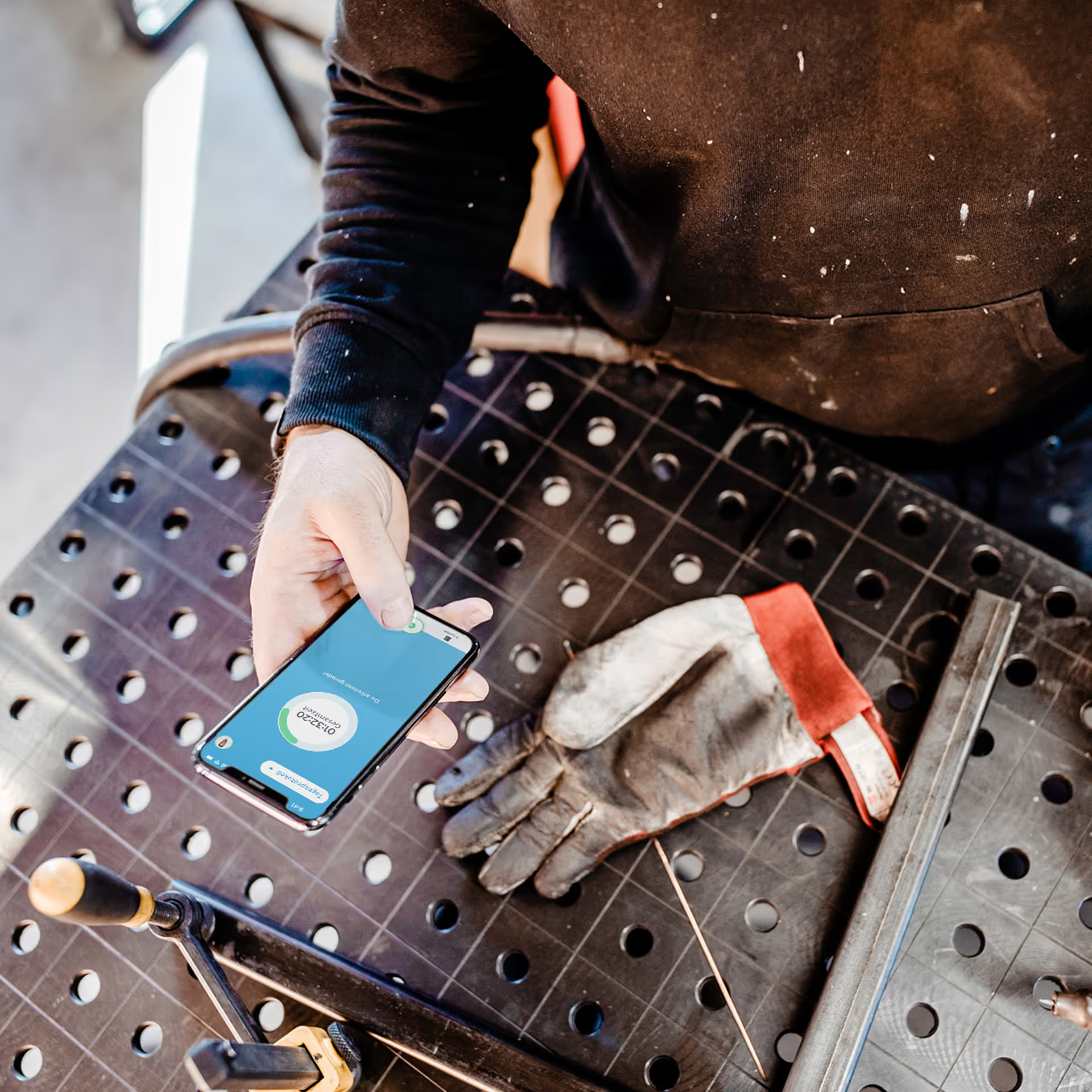
Whether in the office, on the road or directly at the customer's site – working hours are recorded the same way everywhere: by smartphone, tablet terminal or browser. With individual work schedules, core and flexible hours can be set differently for each employee, so different working time models run side by side. When someone works on a project or job, the time is booked straight onto it – including subprojects. The result is a single, clean set of data instead of several parallel lists.
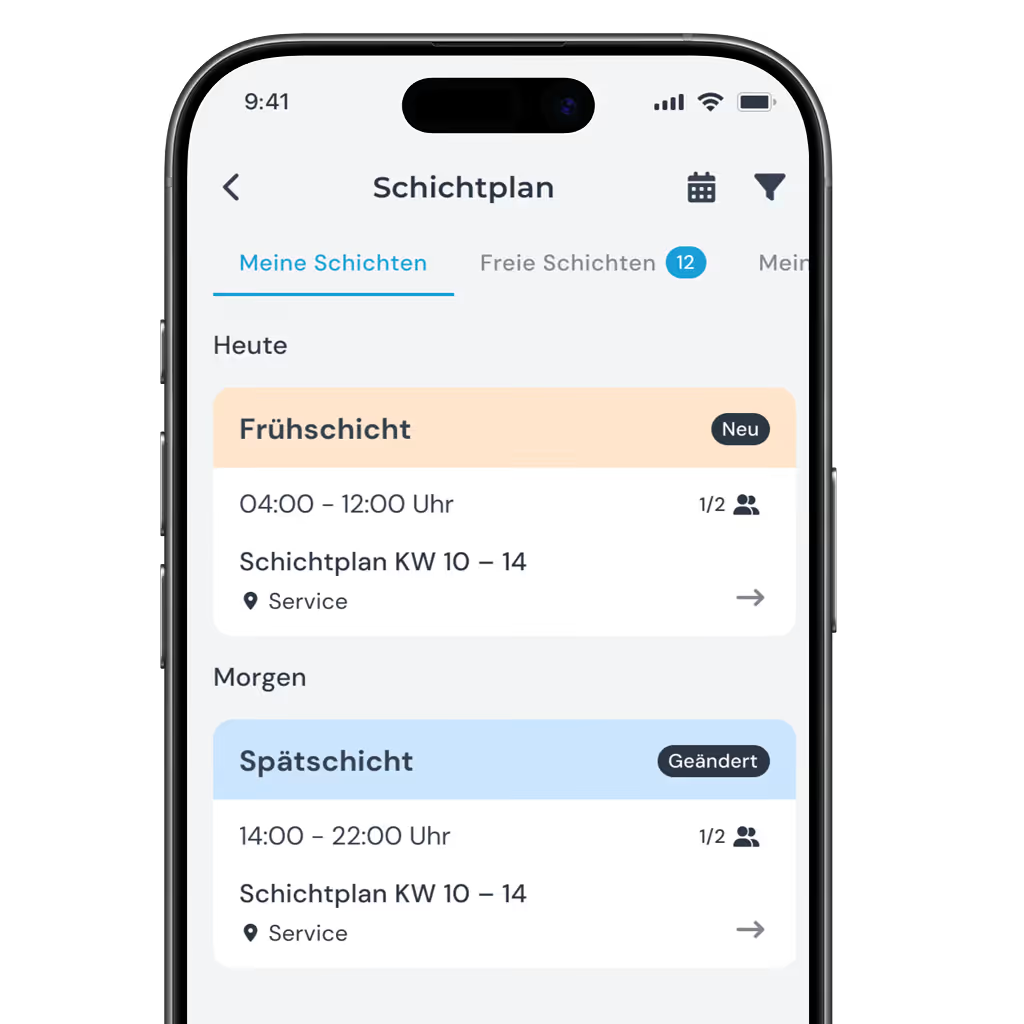
A shift schedule everyone sees immediately
Instead of maintaining shifts in Excel and passing changes on by hand, the shift schedule is created centrally and is immediately visible to the whole team. Shift preferences or last-minute changes arrive directly in the app – without a detour through the office. That cuts down on questions and makes sure everyone has the same, up-to-date plan in front of them.
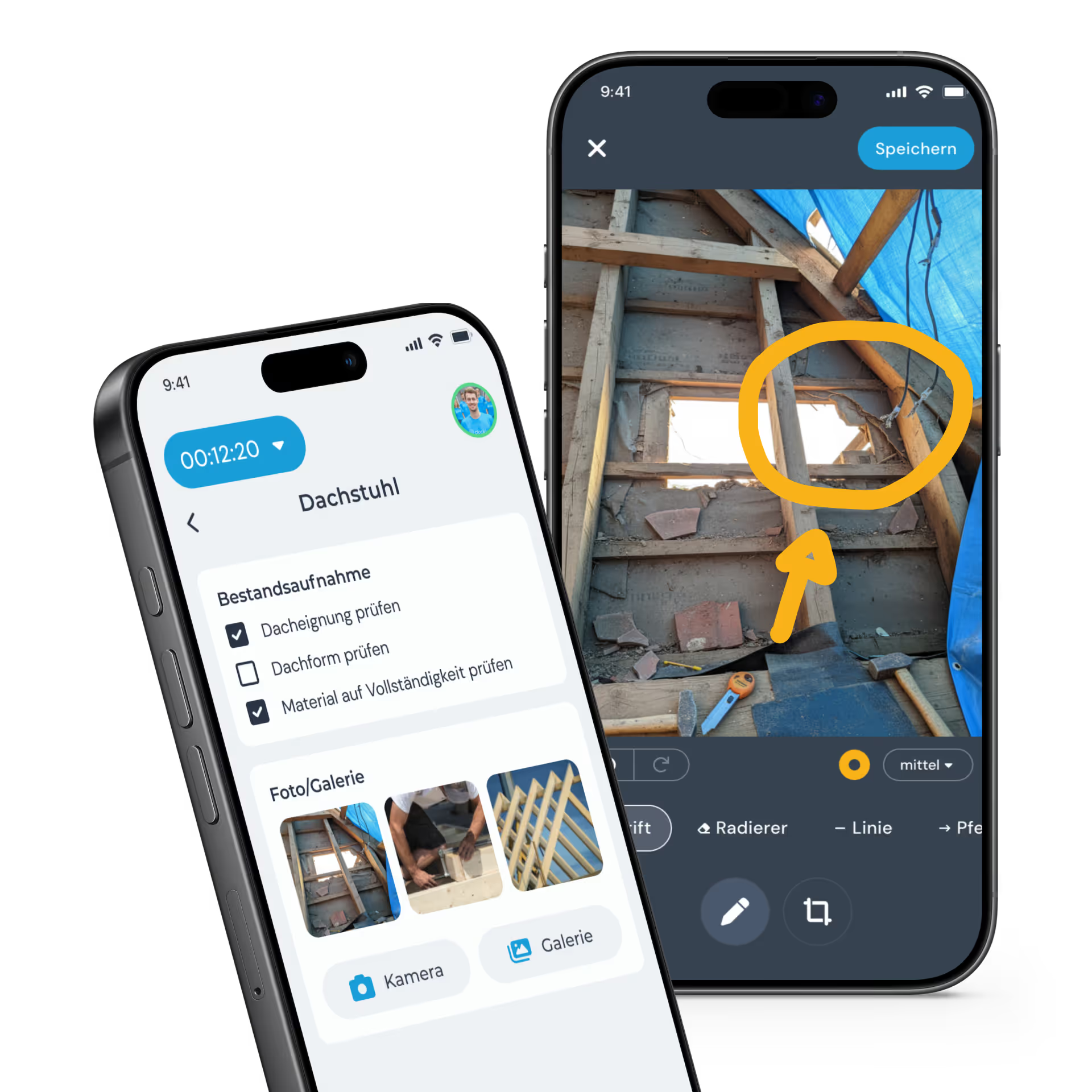
What happens out on the job arrives digitally
Checklists and forms keep processes consistent, digital signatures confirm results directly on site, and photos and notes land automatically in the digital file instead of in private chats. Calls become part of the system too: when someone rings, the AI phone assistant takes the call and summarizes it automatically. Nothing gets lost in scribbled notes or forgotten callbacks.
Administration without the rework
Absences, employee files and employee self-service run in one system instead of being spread across several extra tools. For payroll, you export the data directly to DATEV, Lexware Office, SAP or Sage – with no manual merging beforehand. Reports show the current status at any time, instead of only becoming visible at month-end.

The benefits
For every level of your company
clockin brings more than a system for time tracking – it brings a clear benefit for every role in your company: from management to the team on site.
.avif)
An overview without constantly chasing
As management, you don't have to ask each team individually how things stand – all the relevant data comes together in one place. Legally compliant documentation lowers the liability risk that automatically grows with the number of employees. That keeps your strategic view intact without having to check operational details.
Payroll without the Excel marathon
Before payroll, there are no more timesheets to type up and no lists to merge from different tools – the data is already complete and ready to export. That lowers the error rate and considerably reduces queries to the team. What used to take days is now done in a fraction of the time.
.avif)

Your team in view – even from a distance
Approvals for absences or overtime can be granted directly in the app, and shift schedule changes reach the team straight away. Team and site managers can see at any time who is working on what, without calling or asking around. That creates an overview even when the team isn't working in the same place.
Less paperwork, more time
The app is explained in a few minutes – without training and no matter how tech-savvy someone is. Your own working time account, vacation entitlement and overtime are visible at any time, without asking the office. That turns daily time tracking into a footnote rather than a chore.


Request custom pricing
Special rates for companies with more than 50 employees
As a company with more than 50 employees, you get special rates on clockin pricing. Request your custom quote now.
FAQ
How does clockin handle different teams and ways of working within the same company?
clockin can be configured individually for different teams — with their own work schedules, shift schedules and permissions. That way one system fits very different processes within your company.
How does clockin support flexible working time models such as flextime or shift work?
With work schedules you can set core and flexible working hours, define break rules and receive automatic alerts when there are deviations. That makes it easy to map different working time models.
Which integrations does clockin offer for connecting to existing systems?
clockin has integrations with DATEV, Lexware and other payroll accounting tools. Custom connections (e.g. SAP, Navision) are possible via API. Learn more here.
Can clockin be used by employees without a smartphone?
Yes. clockin offers alternative ways to record time via on-site terminals or the PC browser, so employees without a smartphone can track their hours too.
Try it out for yourself!


14 days
now