



.svg)


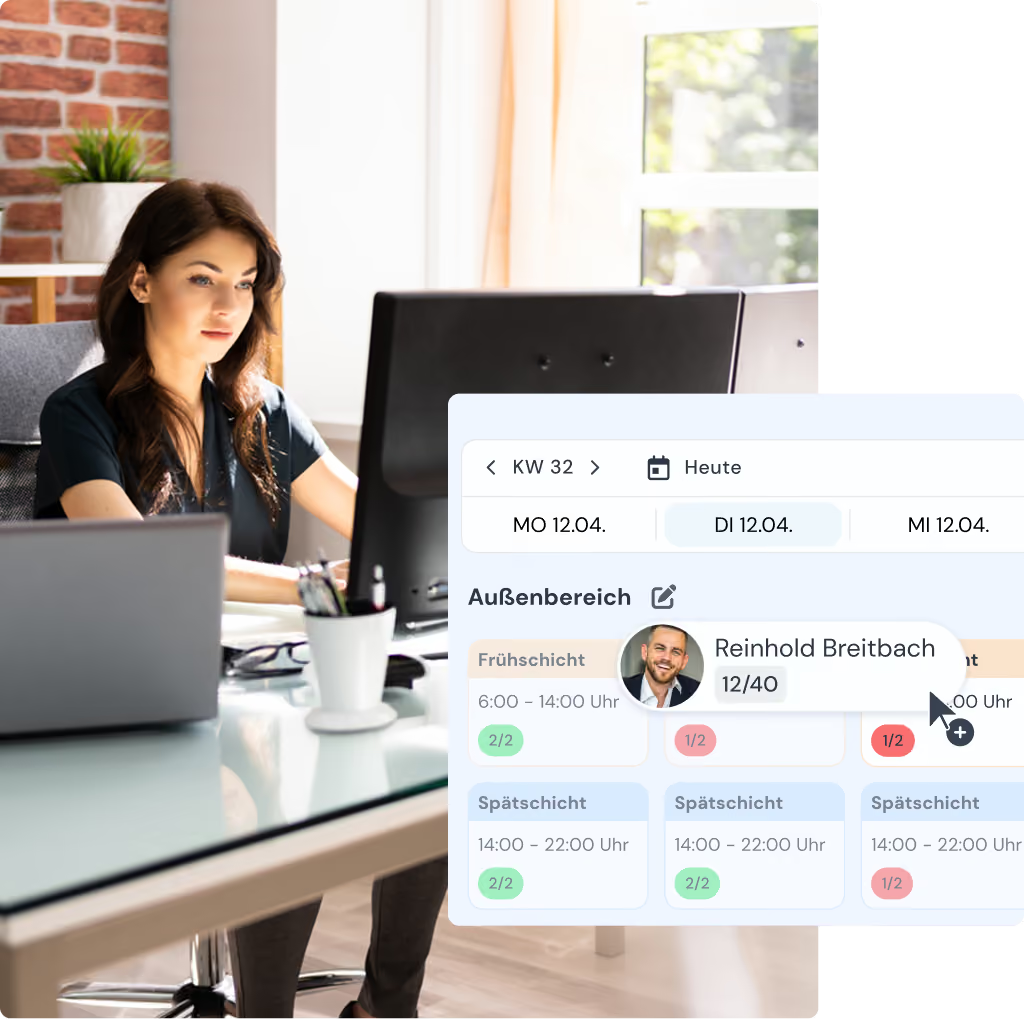
With clockin you plan your workforce straight in the browser – clearly laid out, flexible, and in minutes instead of hours. Who is available, which absences are booked and how many hours are already scheduled: you see it all at a glance. Shifts can be filled by drag and drop – clockin warns you automatically about conflicts before they arise.

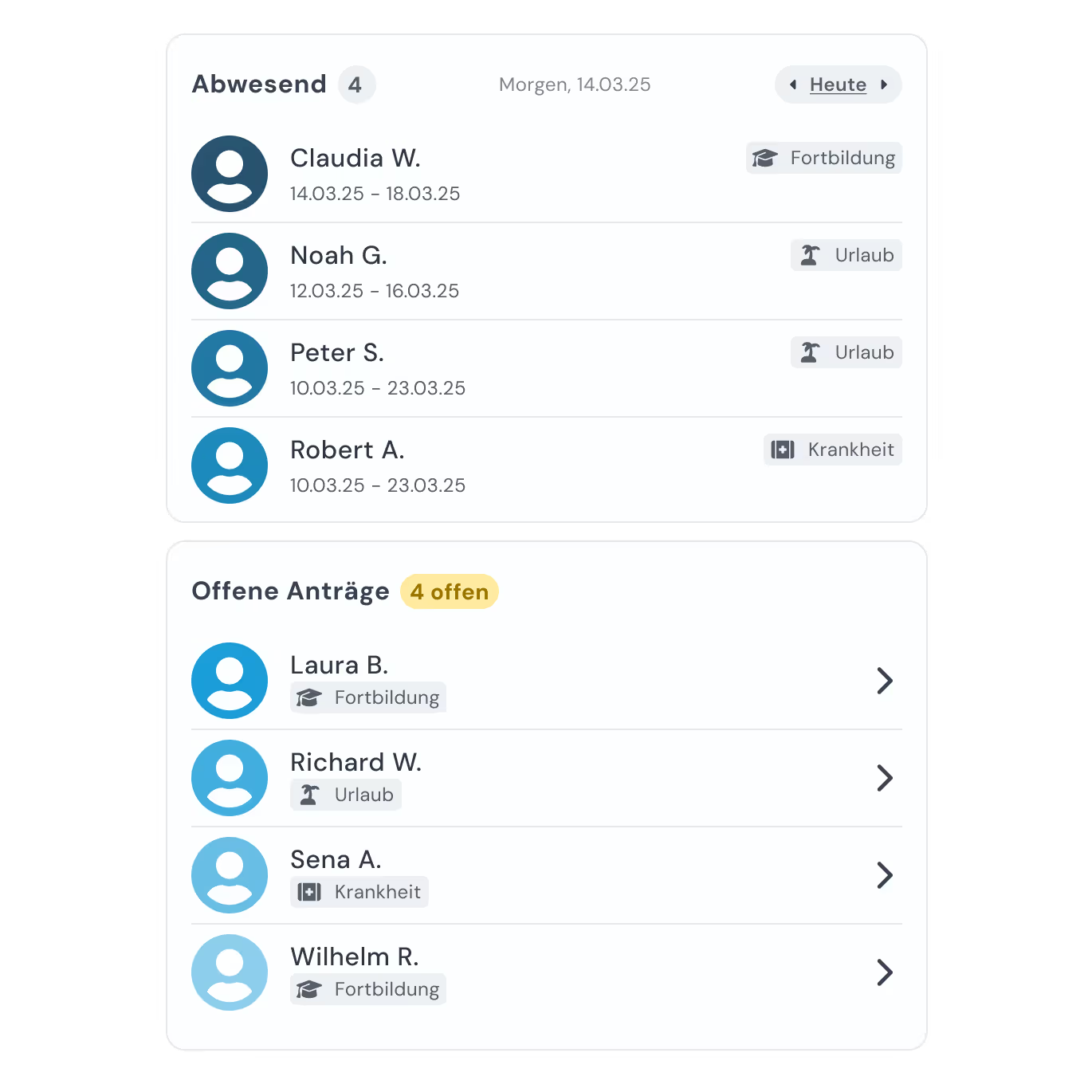
Sick leave notifications, vacation requests, approved absences – all of it feeds into your scheduling automatically. You see straight away who is genuinely available on which day.

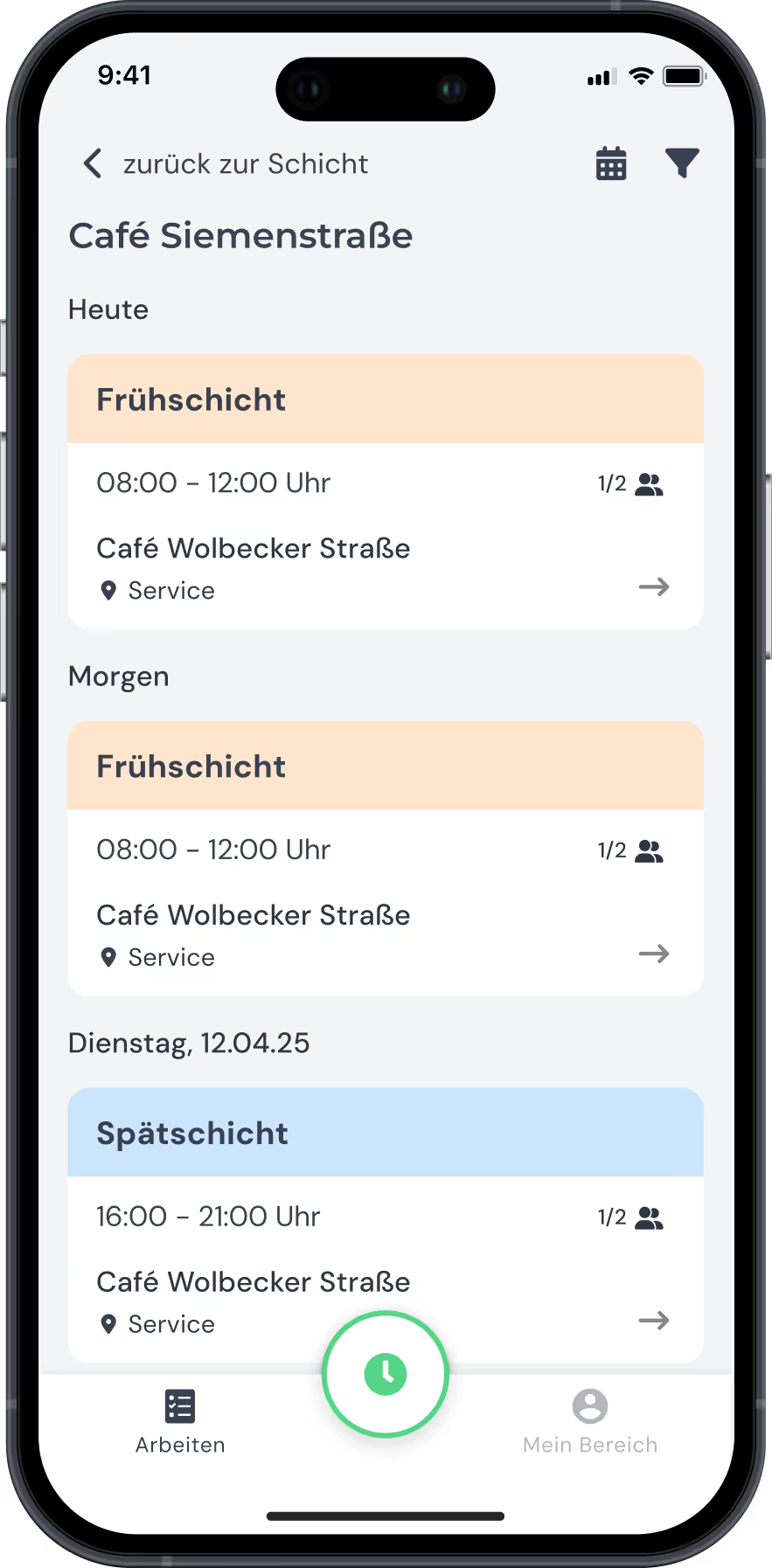
In the clockin app every employee sees their personal schedule – any time, from anywhere. If an assignment changes or a new one is added, the notification lands on their phone immediately.
With clockin you schedule your workforce digitally – no chaos, no paper slips, no more queries.


clockin grows with your needs. Add exactly the features you need – as flexible add-ons, fully integrated and ready to use right away.
*All prices exclude VAT.
.avif)
In care, staffing decides the quality of care. With clockin you schedule your workforce so that shifts are covered without gaps, absences are accounted for immediately and your team always knows when it is needed.
.avif)
Peak times, changing opening hours, part-time staff – in retail, scheduling has to be fast and flexible. With clockin you can see who is available when and adjust your schedule in minutes – no chaos, no paperwork chaos.
Shift planning describes creating and filling specific shifts. Workforce scheduling is the broader term: who is deployed when, where and for which task – taking availability, absences and working hours into account? clockin brings both together in one solution.
Approved vacation, sick days and other absences are visible directly in the schedule. You can see at once who is genuinely available on a given day – and you are warned automatically if you try to schedule an absent employee.
Yes. Every employee sees their personal schedule in the clockin app – any time, from anywhere. Changes are sent through as a push notification immediately.
Yes, you can schedule locations, branches or areas separately and assign employees accordingly. Everyone sees only the schedule relevant to them – and you keep the overall picture.
Yes. While you schedule, clockin warns you about double bookings, absences and exceeded hours. When you fill open shifts, rest periods and hour allowances feed into every suggestion. They are not a hard limit, though: if it does not add up, the conflict is flagged and you decide.
Yes. With the planned vs. actual comparison in clockin, your schedule becomes the basis for time tracking. Differences between planned and actual work show up immediately and are ready for review.
Only the information required for working time tracking, such as time stamps, location (optional) and user details. The data is processed in line with the GDPR.






.avif)