






.avif)
.svg)
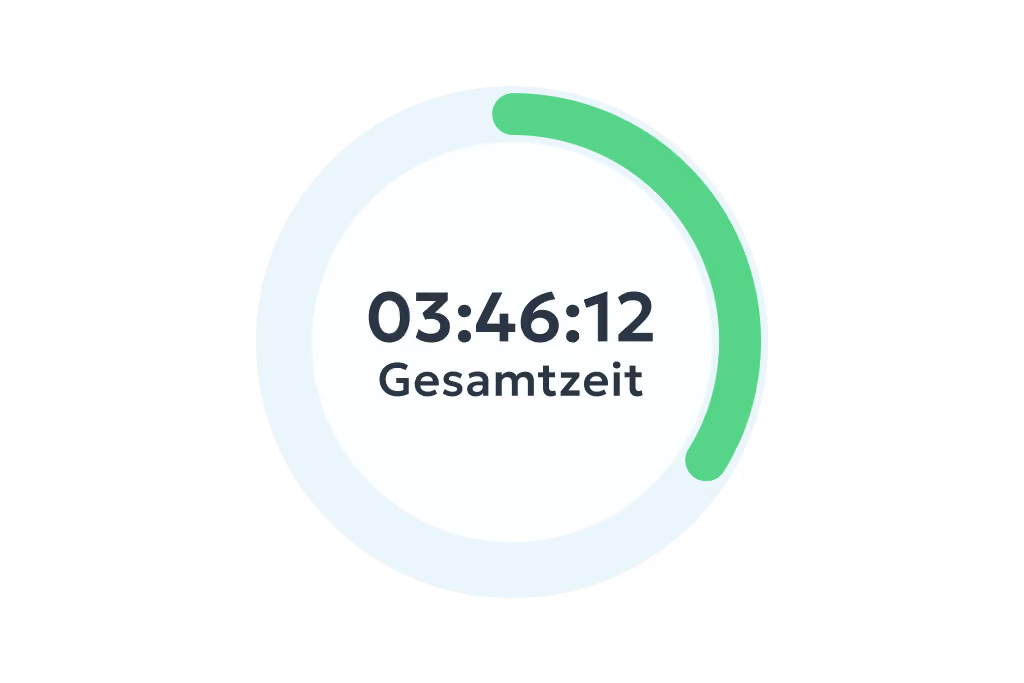
Digital time tracking via app and web
- Clock in, clock out & breaks
- Travel time, business errands & more
- On the smartphone and tablet app or in your PC browser


You assign shifts to your team and clockin keeps track of availability, leave and overtime in the background. You spot gaps before they become a problem – and soon clockin will even find the right people for you.
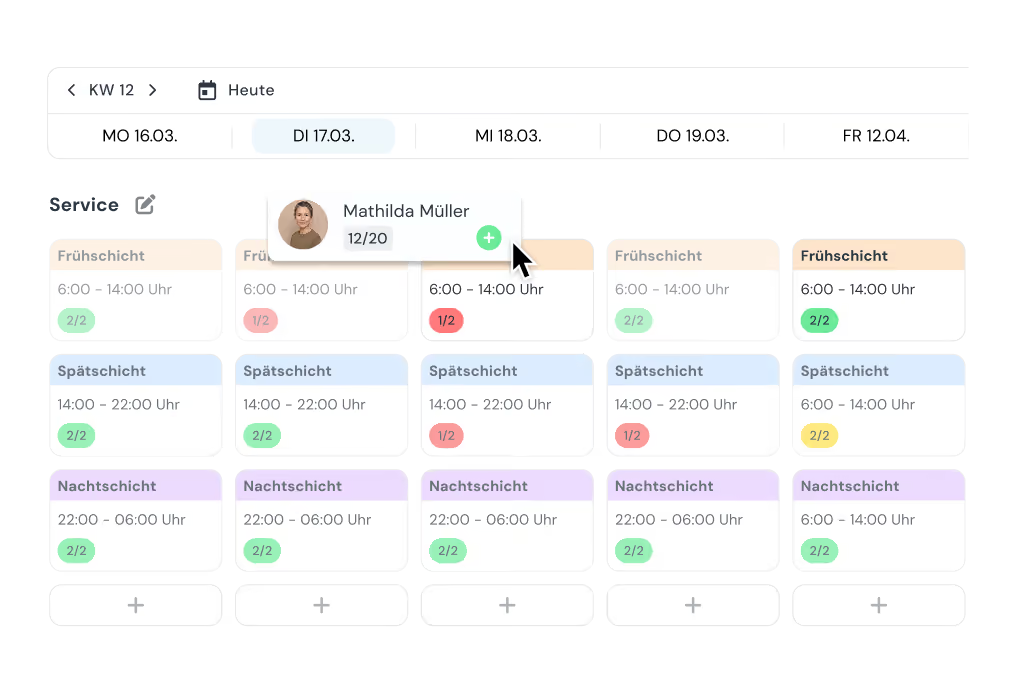

Your team no longer has to drop by the office to check the schedule. Who is on shift when, and who they are working with, is right there in the clockin app – visible to everyone, always up to date.


Sickness, a swap, an emergency: situations like these are part of day-to-day work in care, hospitality and the skilled trades. With clockin you adjust your shift schedule in seconds and your team finds out immediately via the app. Nobody has to chase people on the phone any more.
.avif)

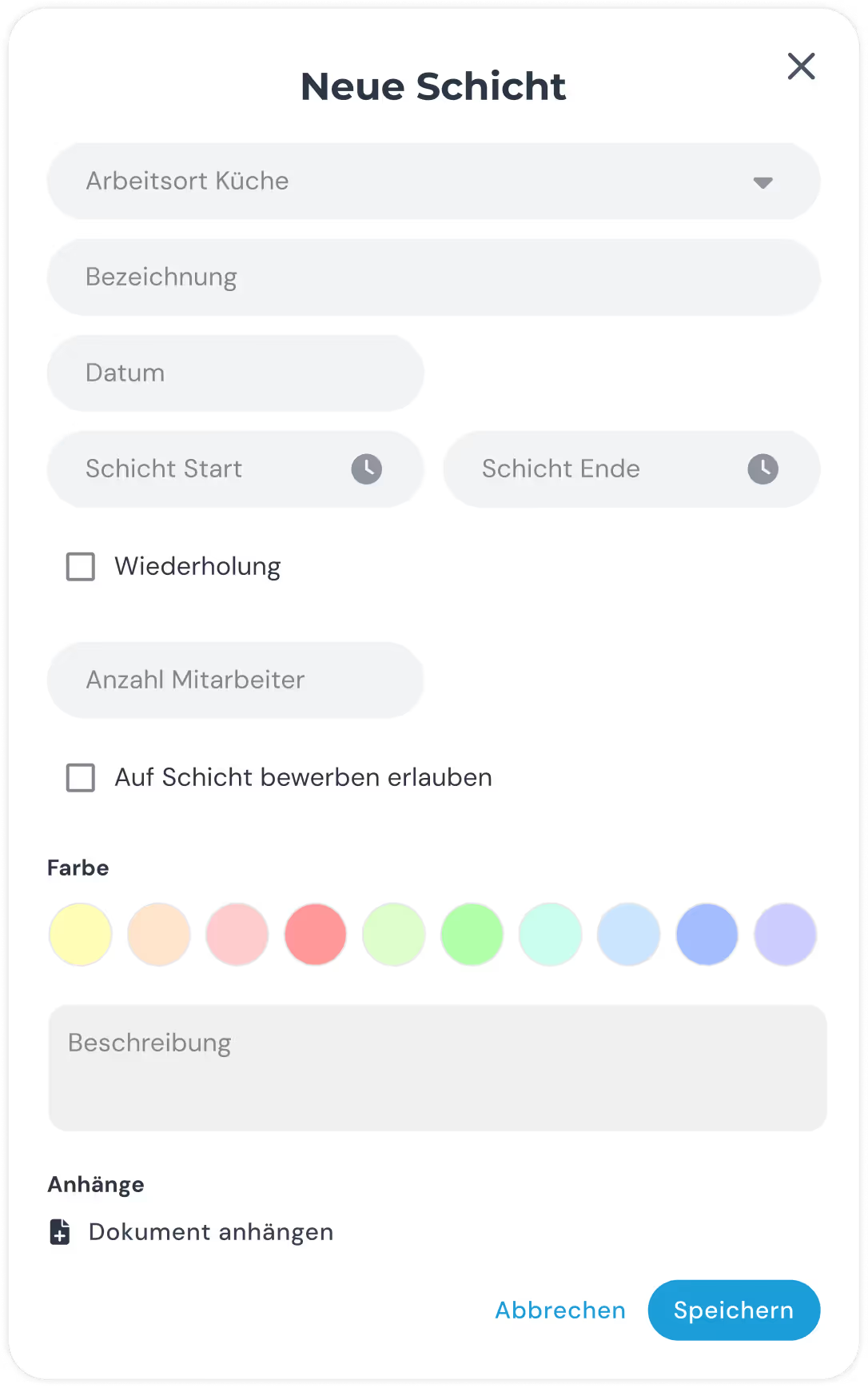
Store detailed shift descriptions, handover notes or safety instructions directly on the shift. That way your employees know immediately what matters when a shift changes over. Use shift information to make sure routine tasks (cleaning schedules, documentation and so on) actually get done.
clockin grows with your needs. Add exactly the features you need – as flexible add-ons, fully integrated and ready to use right away.
*All prices exclude VAT.
Plan shifts, record actual hours, use the planned vs. actual comparison – all in clockin. The perfect basis for payroll and cost control.



Yes, your employees see their shifts directly in the clockin app – any time and from anywhere. You can also adjust the schedule after publishing. Changes are applied immediately and your team is automatically notified through the app.
Yes, the shift scheduling software is built on clockin's digital time tracking. Your team clocks their hours in the same app that holds the shift schedule. That gives you the plan and the hours actually worked in one piece of software – with no duplicated work and no switching between systems.
Absolutely. clockin is made for businesses where everyone mucks in – whether that is five employees, fifty or more.
Yes, absolutely. clockin was developed together with businesses from a wide range of industries – from the small café to the home care service. Shift scheduling is intuitive, easy to understand and ready to use without any training. That means it adapts flexibly to any industry.
Yes, you can plan locations, branches or areas separately and assign your employees to the relevant location. That way everyone only sees the schedule that is relevant to them – and you still keep the overall picture.
Yes! You decide how much flexibility you give your team. In the settings, admins can let employees apply for open shifts. You can also allow them to request to give up their own shifts. You always keep full control: only once you confirm the request with a click is the schedule updated automatically and the team informed. That makes your planning more flexible without you losing the overview.
Yes, that is the aim. The current schedule sits digitally in the app and is visible to everyone. If you want, you can also export or print a schedule – but for day-to-day work you no longer need a wall planner or an Excel printout.
Yes, you can try clockin with shift scheduling free of charge and with no obligation – no automatic subscription. During the free trial you can take your time testing the shift scheduling software together with time tracking. If you then decide on clockin, you can carry straight on with the data you have already set up.
Duty roster software and shift scheduling software usually offer the same features. Both kinds of software, clockin included, let you create schedules in which employees are assigned to a particular activity or a particular location for a set period. clockin makes no distinction between a shift and a duty.