Time tracking app for iOS

Track working hours the easy way

With the clockin time tracking app for iOS you take working time tracking to the next level. Whether in the office, on the road or on the job site – clockin puts an end to complicated processes.

  • Real-time overview of your business
  • Automatic timesheets
  • An end to paperwork chaos

Why you'll love clockin

Simple team management
Keep track of all your employees' working hours and projects at any time - and react faster and more efficiently.
Offline functionality
Record working hours even without an internet connection - ideal when you are on the road, on job sites or in areas with poor reception.
Intuitive to use
The app is optimised specifically for iOS, so you can get started right away without lengthy training - simple, fast and easy to use.

Germany's most popular time tracking solution

Einfach, schnell und ohne Schnickschnack – das ist clockin. Entwickelt mit Nutzern aus der Praxis und von Kunden mit Bestnoten bewertet.

OMR Leader Badge
OMR Badge Top Rated in "Time Tracking Software" Q1/25
Aktuelle OMR Bewertung

Clock in with a single tap

With the clockin app, working time tracking runs automatically - whether in the office, working from home, on the job site or out on a business errand

  • Dead simple to use
  • Clear, uncluttered app design
  • Goodbye paperwork chaos – full efficiency on your iPhone.
clockin Stechuhr: Browserzeiterfassung, Tablet-Terminal, clockin Appclockin Stechuhr: Browserzeiterfassung, Tablet-Terminal, clockin App

Submit requests in the app and manage them on the desktop

With clockin you manage absences such as vacation, sick leave or business trips digitally and without the stress. Requests are submitted in the app and managed in the Office Center

  • View absences at any time - transparent for everyone
  • Submit vacation requests and sick leave notifications easily in the app
  • Automatic syncing with no paperwork and no delay

Document projects digitally

clockin is more than just a time tracking app – with the digital project file you document customer projects simply and professionally.

  • All the important data in your pocket
  • Effortless syncing with the office
  • Mobile project file with checklists, photos and notes
Mockup clockin "Projektakte", "Projektstatus" und Fotonotiz-Funktion in der clockin AppMockup clockin "Projektakte", "Projektstatus" und Fotonotiz-Funktion in der clockin App

Jetzt unverbindlich 14 Tage testen – ohne automatisches Abo

clockin ist in nur 15 Minuten startklar

Your personal Office Center

Get the overview of your business back

Run your business from your desk

In the clockin Office Center, everything you record comes together in real time. It is your personal cockpit for keeping an eye on your business, analysing working hours and monitoring projects.

Automatic DATEV export of hours reports
At the end of the month, export your employees' timesheets with no hassle, or send them straight to your payroll accounting via the DATEV integration.
Live overview of all employees
You always have an overview of overtime and negative hours and can step in before it becomes a problem. clockin also alerts you when your employees do not observe the legally required rest periods.
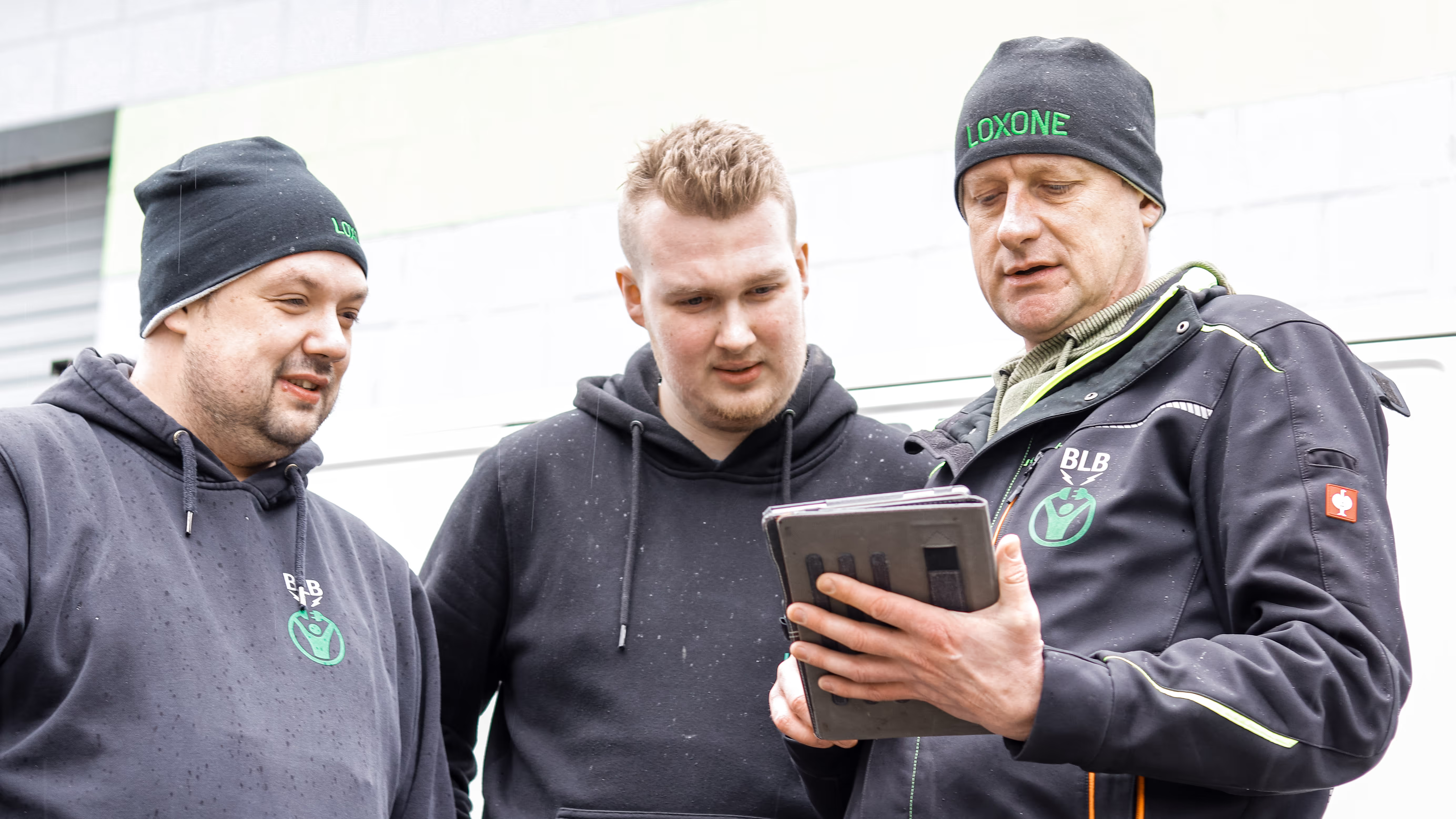
Drei Männer schauen in ein Tablet
Working with an eye on the future in electrical contracting

Christoph Lüken told us what clockin adds to his electrical contracting business, which work the tool takes off his hands and why he would recommend clockin without hesitation.

Assuring quality in facility management

Oliver Budde explains how clockin helps to assure quality and keep on top of special rules without the stress.

Bauarbeiter besprechen gemeinsam Pläne auf einer Baustelle
Cleaner work on the job site

Frank Vorwerk describes how clockin did away with more than just the paper timesheet at his construction company. The clockin app also saves him a lot of time on administrative tasks.  

Creating transparency in medical practices

At the Mersmann dental practice, clockin is not just a tool for digital time tracking but also an important step into the future of the healthcare sector.

FAQ

What does the time tracking app cost?

clockin pricing depends on the number of licences and the features you want. Find out more here about clockin's different cost options.

Is clockin a free iOS app for time tracking?

You can try clockin free for 14 days. clockin is not a completely free iOS app. We do offer various pricing models that vary depending on the number of licences and the features you want. Find out more here about the prices and options, to work out which model best suits your needs.

Which iOS version does the clockin app need?

Your iPhone and iPad should be running at least iOS 15.4 or newer to use the clockin app.

Is the clockin time tracking app available in the App Store for iPhone and iPad?

Yes! You can download the clockin app from the Apple App Store – free of charge and with no hidden in-app purchases. The app is optimised for all iOS versions from iOS 15.4 onwards and runs smoothly and reliably on both iPhones and iPads.

Does the app work offline too – on the job site or in a warehouse with no reception, for example?

Yes. The clockin app for iOS works offline as well. Your employees can record working hours or project information – even without Wi-Fi or a mobile signal.
As soon as there is a connection again, the data is synced automatically. That way no entries are lost.

Can iOS users record project hours and photos with clockin too?

Yes. On an iPhone or iPad you can record project hours linked to a customer, photos for documentation and digital signatures directly in the app.Ideal for tradespeople, service teams or site managers who are out and about and want to record everything digitally on the spot.

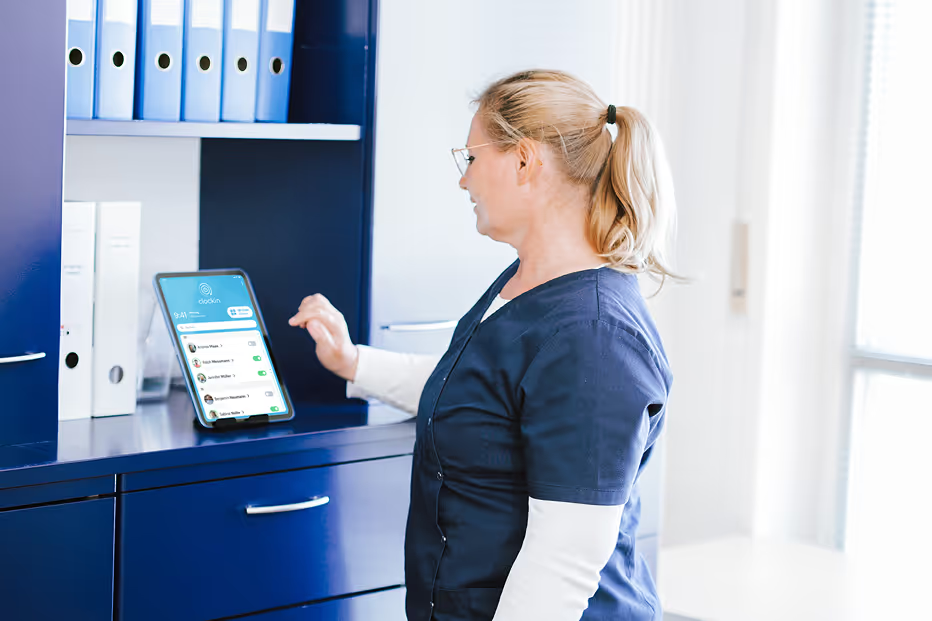
Can I use the app in landscape mode on the iPad – as a clocking terminal, for example?

Yes, the clockin app supports both portrait and landscape mode – ideal for use as a tablet terminal in the office, at reception or in the warehouse.You could mount an iPad on the wall, set it up on a stand or place it at the workbench. Employees clock in and out by QR code, PIN or by tapping their name.