Time tracking for installation work
All your installation work data in one place – track hours, document progress and pull it up on your phone at any time.
- GDPR-compliant
- 100% Made in Germany
- Compliant with the EU time tracking ruling





.avif)
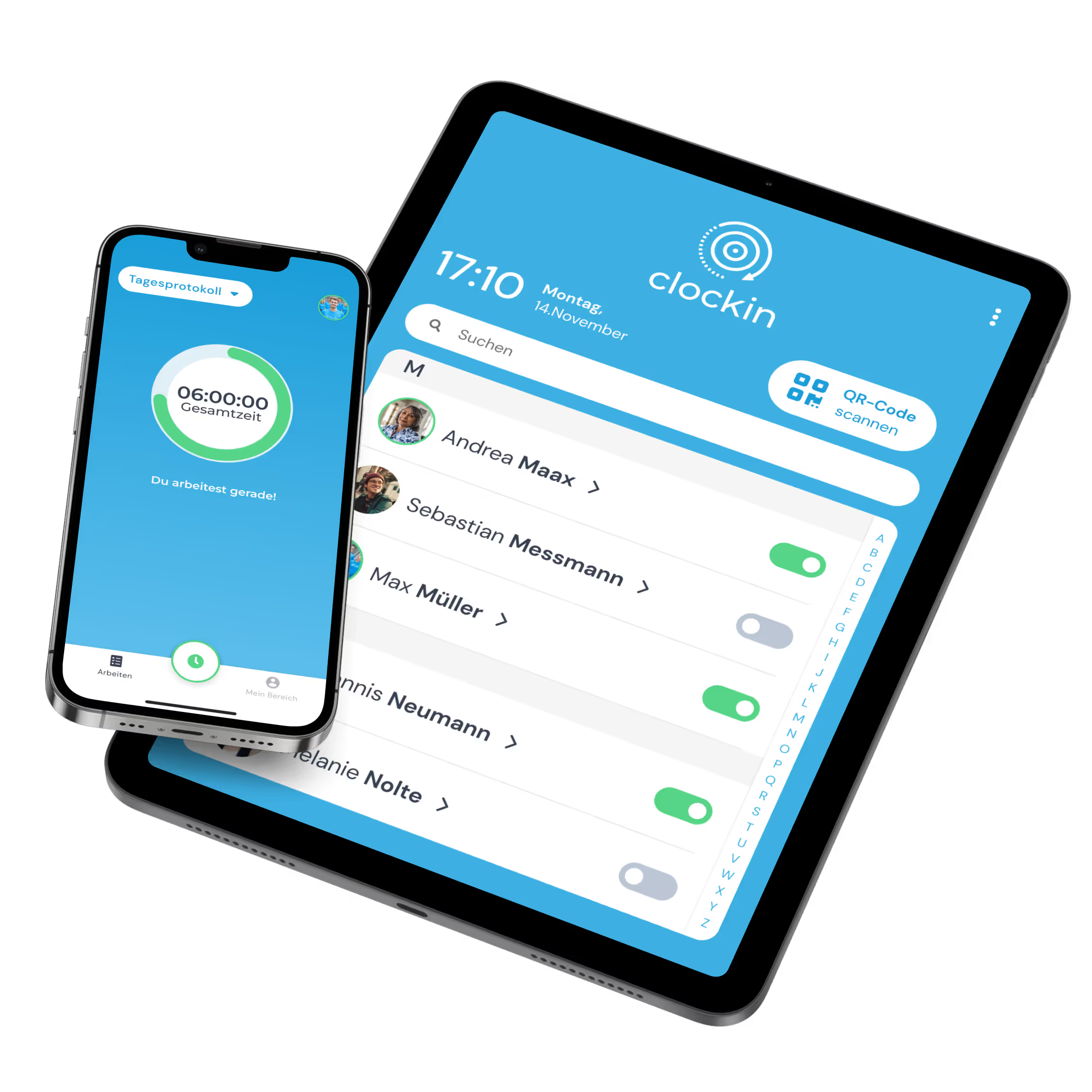
All your installation work data in one place – track hours, document progress and pull it up on your phone at any time.




Your installation crew clocks working time, breaks and travel time right on site. clockin needs no training and works reliably out in the field.


Your service technicians pick the job directly in the app. Hours land on the right project automatically.
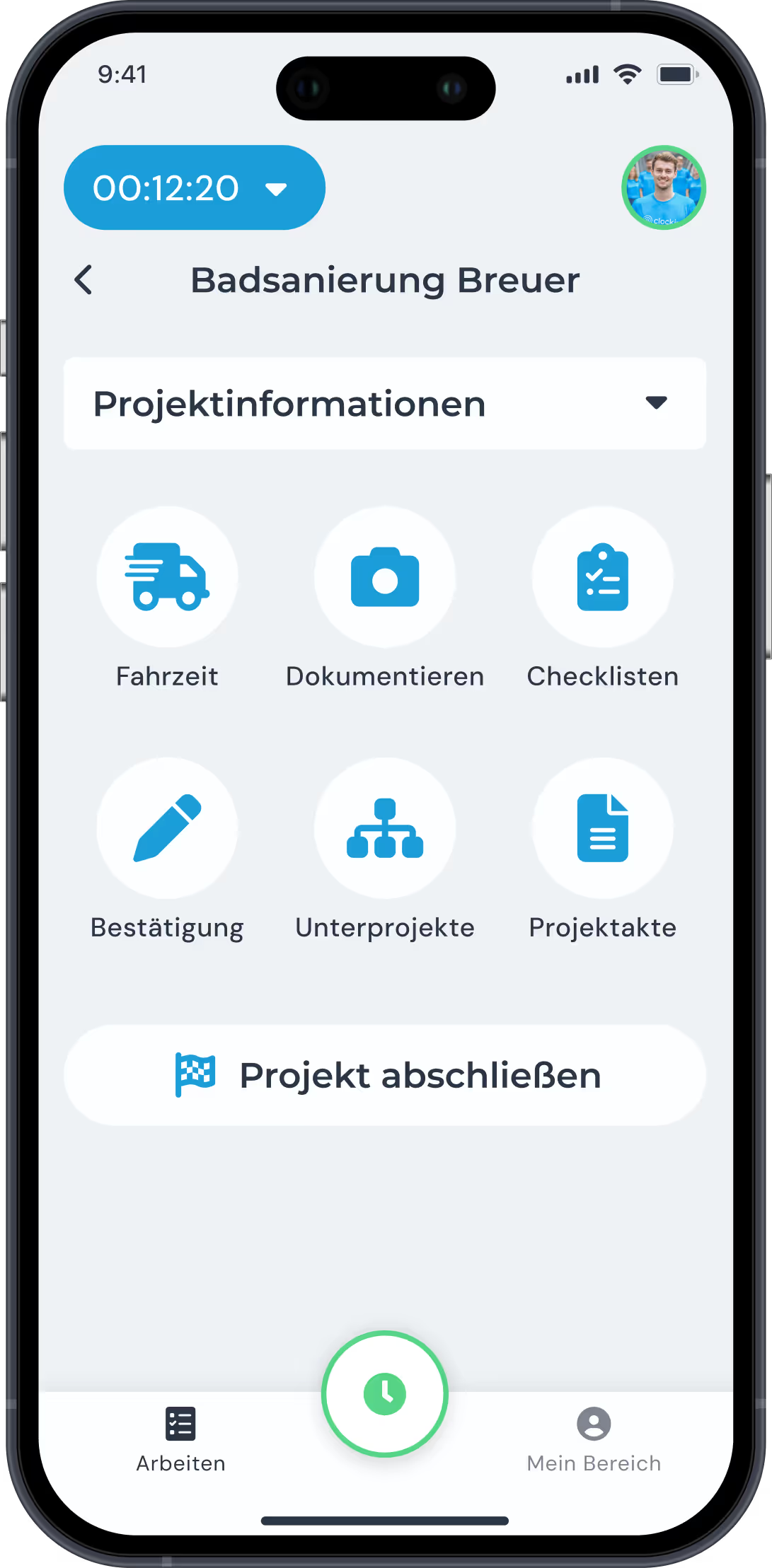
Photos, notes and videos land straight in the project file. AI video documentation automatically creates a report and a to-do list.


Tracked installation hours are billed directly. The Lexware Office integration makes it possible with no extra effort.


No long setup process. No IT effort. You start today and your team clocks in tomorrow.


In the clockin app or in your browser you can open project documentation directly and record key details of your installation jobs – hours, notes, photos or completed tasks, for example.
Very little. The app is built to be intuitive – a few minutes of introduction is usually enough. Ideal for service technicians who have no patience for complicated technology.
Tracked hours are linked to projects automatically. At the push of a button you can see how much working time each job cost – and quote the next one based on real figures.
Yes, all recorded information can be shared with team members – so everyone is up to date, whether in the office or on the job site.
Yes. You can bring external people on board easily, give them limited access and keep their hours cleanly separate from your own team's.
The app lets you allow retroactive corrections, depending on permissions. You can also set up automatic reminders.
Yes. clockin links installation hours to specific projects. That way you know exactly how much time went into which job site or which customer.
No. The app also works offline. All data is synchronized automatically as soon as there is a connection again – ideal for job sites with no signal.
Each person tracks their own hours in the app – or optionally on a shared device at the site using a QR code. That way you can always keep track of every team member.
Yes. Employees can record start and end times and breaks – as well as travel time between job sites. The result is complete documentation.