clocki assistant

Tell clocki what needs doing, and it's done

clocki is your AI assistant. It knows your customers, employees and projects, and it handles whatever you ask.

No payment details required. No automatic subscription.
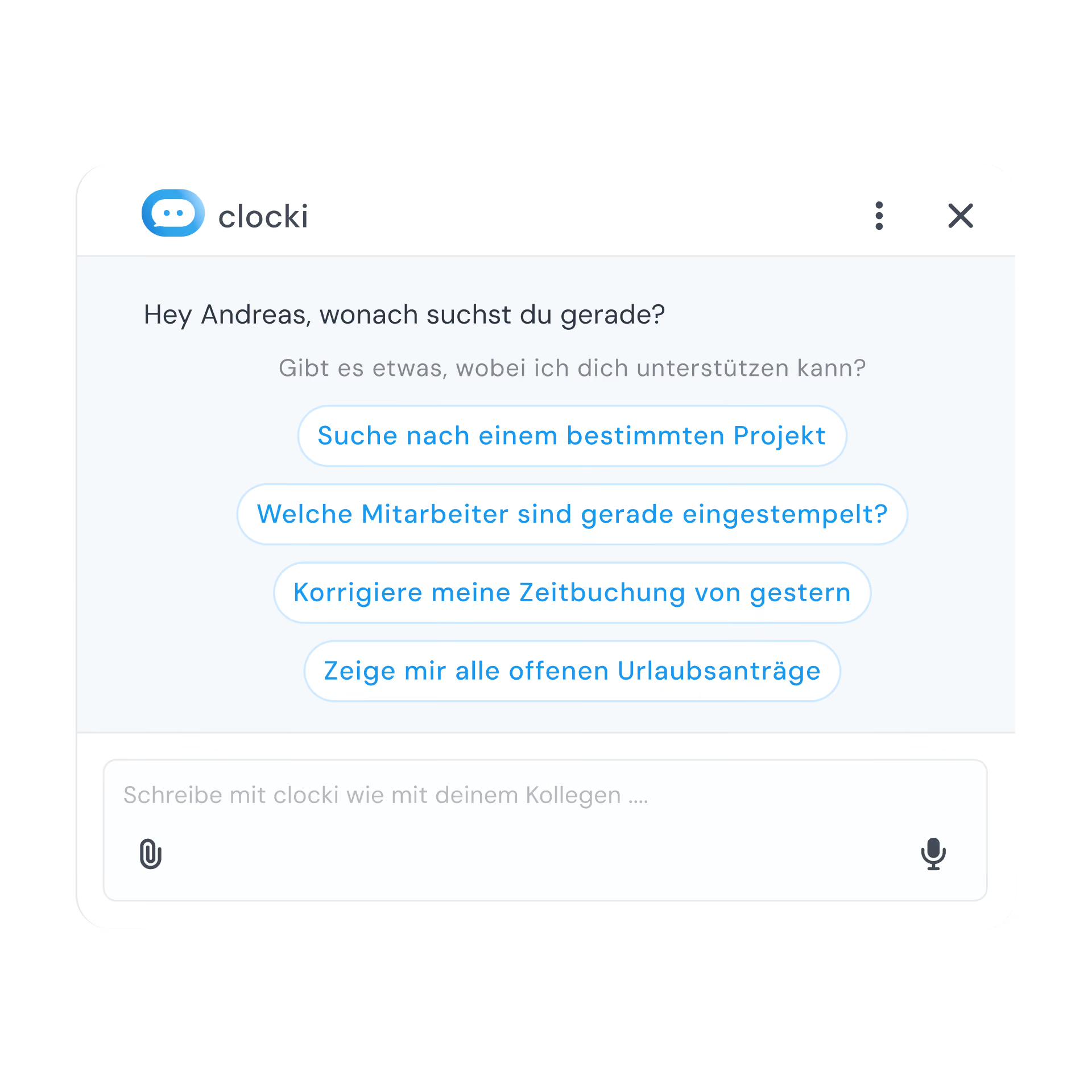
clocki chat in clockin with suggestions like “Which employees are clocked in right now?” and “Fix my time entry from yesterday”
  • 4.9
    412+ reviews on OMR
  • Made in Germany
    Compliant with GDPR and the EU working-time recording ruling
  • Cost-effective
    Fair plans, easy to adjust
OMR Leader BadgeTrusted - Zeiterfassung Testsieger mit Note 1.1
trusted 06/2026Datev Marktplatz Schnittstellen Partner

Your benefits

Why teams love clockin

  • Ask instead of search
    Just ask clocki instead of clicking through menus.
  • Knows your business
    clocki answers with your real data on employees, customers and projects.
  • Done by message
    One sentence is enough, and clocki does the rest.

Highlights: how clocki pitches in at your business

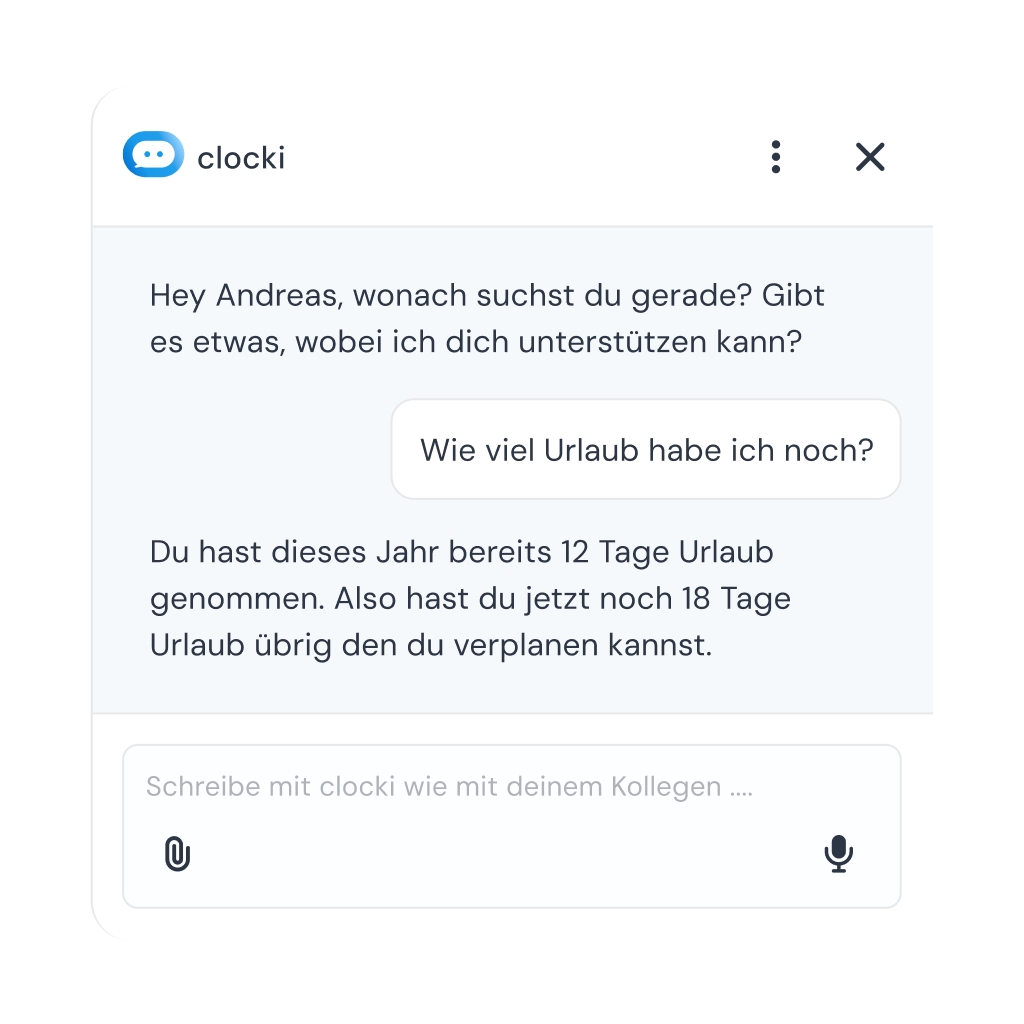
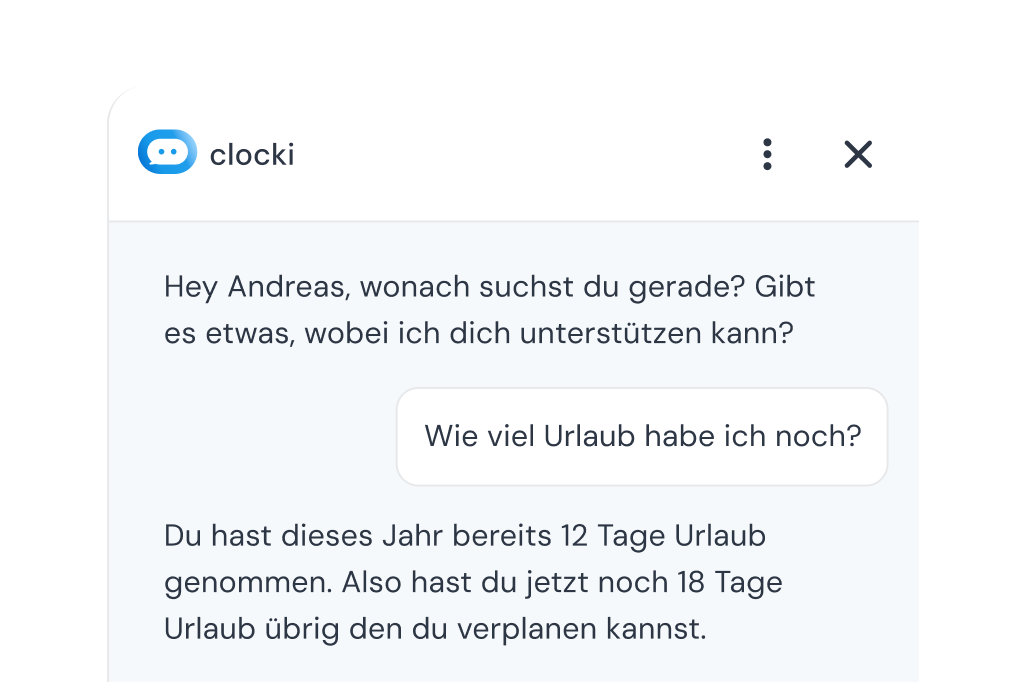
clocki chat: asked “How much vacation do I have left?”, clocki replies with the exact number of days leftclocki chat: asked “How much vacation do I have left?”, clocki replies with the exact number of days left

Answers

Instant answers from your business

  • Ask about employees, projects and customers
  • Get the answer right in the chat, based on your real business data
  • No more clicking around and searching
clocki chat: after the message “Add the new employee Tim Becker”, clocki confirms the employee has been addedclocki chat: after the message “Add the new employee Tim Becker”, clocki confirms the employee has been added

Actions

One sentence, and clocki gets it done

  • Correct times, add or approve time off
  • Add or update employees and projects
  • Nothing happens without your OK – clocki asks before every change

More features

Everything your business needs, in one place.

Time tracking

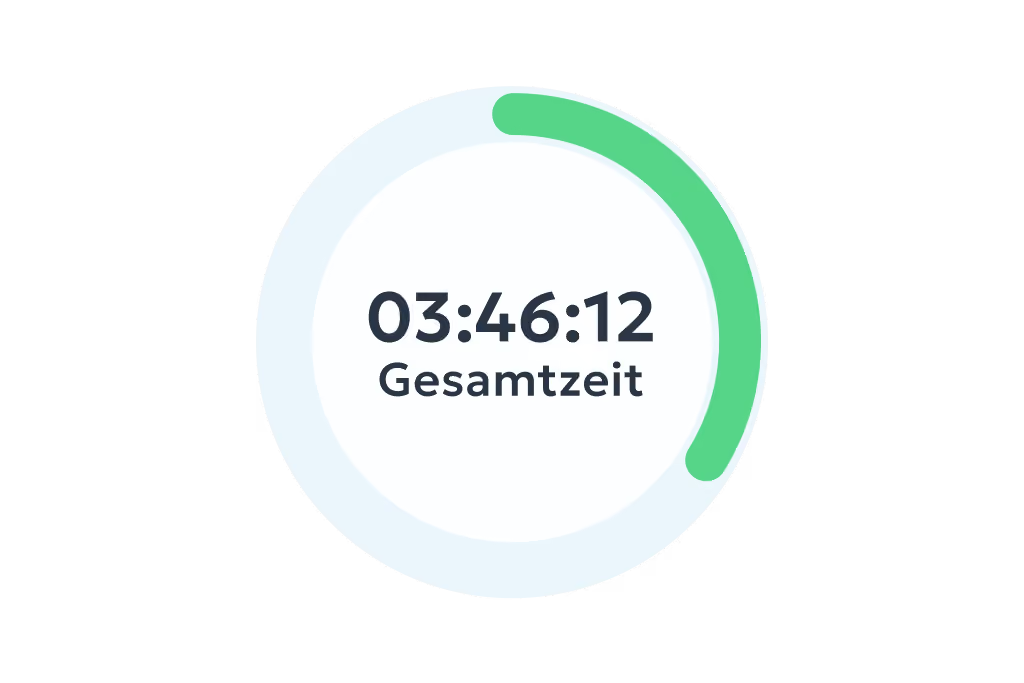
  • Clock in, clock out & breaks
  • Travel time, business errands & more
  • On the smartphone and tablet app or in your PC browser

Time off

  • Online absence management
  • Request vacation, sick leave and more via the app
  • Simple approval workflow in the dashboard

Employee self-service

  • Meet your transparency obligations as an employer
  • Self-service area for employees
  • View working hours, manage corrections & requests

Project time tracking

  • Record project start, breaks & end of shift
  • Real-time overview of all project hours
  • Via app or in the browser – available anywhere
Add-On

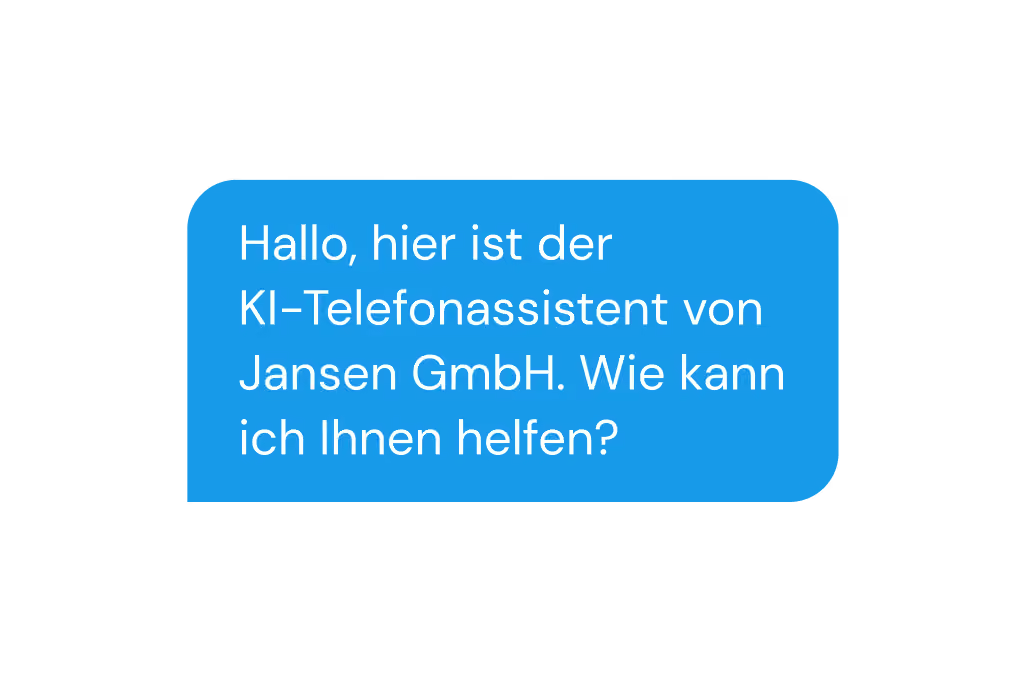
Phone assistant

  • Be reachable 24/7 and stop missing jobs
  • All the information at a glance, straight away
  • Calls sorted automatically by urgency

3 steps to going paperless

01

Start your free trial

No payment details required, no automatic subscription.
02

Set up in minutes

Set it up yourself and enjoy full access to all features for 14 days.
03

Get started right away

Track your project hours with a simple click.

FAQ

Frequently asked questions

What is the AI assistant clocki?

clocki is the AI assistant in clockin. You write to it in the chat, and it answers your questions or gets tasks done for you. clocki knows your employees, customers and projects, explains clockin features and makes changes directly – for example correcting times or logging vacation.

What can I ask the AI assistant?

You can ask clocki anything about your business and about clockin. For example: “Who's on vacation this week?”, “How much overtime does Max have?” or “How do I create a shift?” clocki answers with your real data or walks you through how something works, step by step.

Which tasks can clocki handle for me?

clocki handles the tasks you give it by message: it corrects times, adds or approves time off, and adds or updates employees and projects. Before clocki changes anything, it asks you – nothing happens without your OK.

Where can I use the AI assistant clocki?

You'll find clocki in the chat in the Office Center on your computer and in the clockin app on your phone. So you can message it from the office just as easily as on the go.

Can my employees use clocki too?

Yes, as long as you turn it on in the permissions. Your employees can then ask clocki about their hours, their remaining vacation days or how a feature in the app works. Everyone only gets the information they have access to.
Try it out for yourself!

Enjoy 14 days of full access, no strings attached and risk-free.
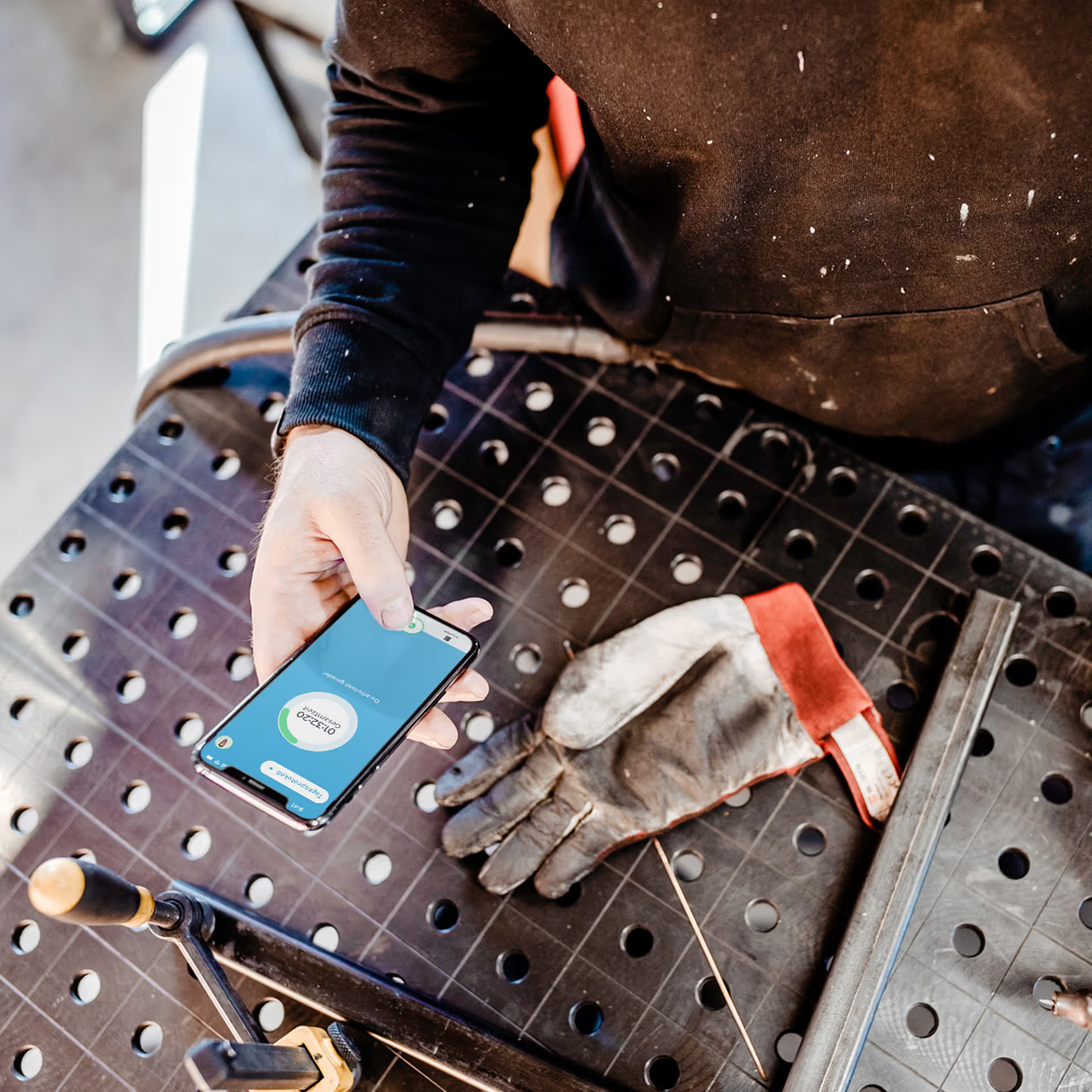
Person holding a smartphone with the display visible on a workbench next to a dirty work glove.
Try it free for
14 days